Remitly Uruguay: Send Funds Securely
A secure international remittance isn’t defined by how quickly you tap Send. It depends on accurate recipient data, the right payout method, and a final review of the full quote. The Remitly Uruguay route can support family payments a...
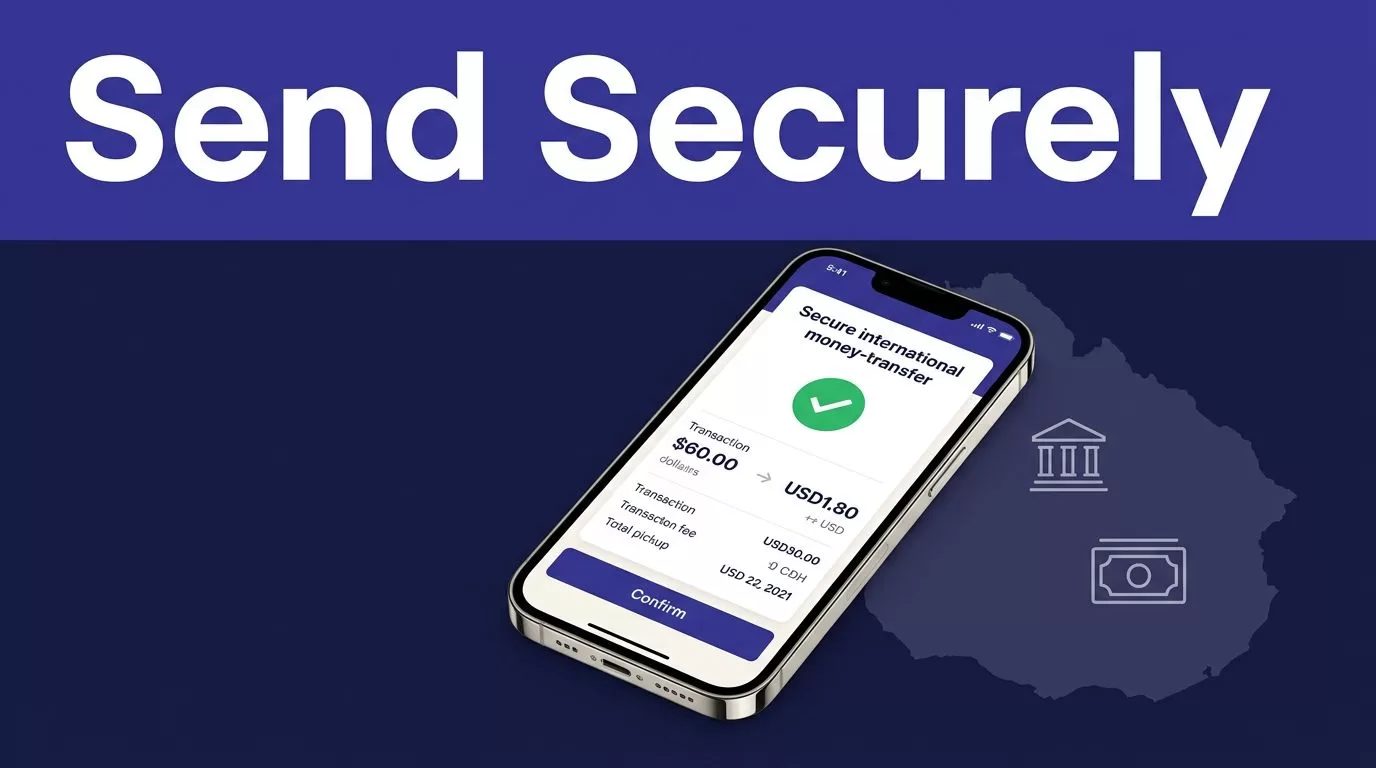
A secure international remittance isn’t defined by how quickly you tap Send. It depends on accurate recipient data, the right payout method, and a final review of the full quote.
The Remitly Uruguay route can support family payments and personal transfers, but available options depend on your sending country, transfer amount, payment method, recipient location, and current compliance checks. Use official Remitly access, verify every payout detail, and treat each displayed fee and delivery estimate as transaction-specific. Start by checking the route.
What the Remitly Uruguay route supports
Remitly’s U.S.-to-Uruguay page currently lists bank deposit and cash pickup as delivery options. A sender in Canada, the United Kingdom, or another country may see a different selection. Check the route shown in your own account before promising a recipient how or when the money will arrive.
See the current Remitly transfer options for Uruguay before entering payment details.
Choose bank deposit or cash pickup
Bank deposit sends the money to the recipient’s supported account. You need the correct bank information, along with the recipient’s legal name and other details requested during checkout.
Cash pickup uses a participating provider and location. The recipient’s name must match their government ID exactly. A small spelling difference can delay collection or require a correction.
Remitly’s U.S. provider listing includes institutions such as Banco República, Banco Santander, BBVA, HSBC, Banco Itaú, Scotiabank, Red Pagos, and More Money Transfer. Availability can change by route and location, so use the current Uruguay provider list rather than relying on an old transfer.
Confirm who needs a Remitly account
The sender must create and use a Remitly account. The recipient generally doesn’t need a Remitly account to receive the funds. They still need to follow the requirements of the selected bank or cash pickup provider.
Don’t create an account for the recipient. Don’t ask the recipient to share their Remitly login. You only need the information required for the selected payout method.
How to send funds via Remitly to Uruguay
Use a controlled process. Enter the information once, verify it against the recipient’s current records, then review the final quote before approving payment.
1. Open the official Remitly app or website
Start with the official Remitly website or the official mobile app. Type the site address yourself when possible. Avoid links in unexpected emails, social media messages, text messages, and advertisements that redirect through unfamiliar domains.
Create your account with your own email address. Use a unique password that you don’t reuse for banking, email, or social media. Complete any identity or account verification Remitly requests.
2. Add the recipient carefully
Enter the recipient’s legal name exactly as it appears on their government ID. Don’t use a nickname, shortened name, missing middle name, or a different order of names.
Add the recipient’s current phone number and address if Remitly requests them. For bank deposits, copy the account information from a current bank record or have the recipient read it back to you. Don’t rely on an old screenshot.
Before continuing, check:
- The recipient’s full legal name and spelling.
- The bank name and account details, if using a deposit.
- The payout provider and cash pickup location.
- The recipient’s phone number and other required contact details.
3. Select the payout and funding method
Choose bank deposit or cash pickup based on what the recipient can use. Then select a payment method available in your sending country.
Remitly may show different delivery speeds. Faster delivery can affect the fee or exchange rate. A displayed arrival estimate is not a guarantee. Payment processing, transaction review, provider availability, weekends, holidays, and system issues can change the result.

Review the full transfer cost
The exchange rate is only one part of the transaction. A lower fee doesn’t always produce the highest payout if the exchange rate is weaker.
Review the quote immediately before you confirm. Remitly’s USD to UYU exchange-rate page can provide an initial reference, but the checkout quote is the figure that applies to your specific transfer.
| Detail | What to check |
|---|---|
| Transfer fee | The current fee for your amount, route, payment method, and delivery speed |
| Exchange rate | The rate used to convert the sending currency into Uruguayan pesos |
| Total charged | The complete amount removed from your payment method |
| Recipient payout | The exact amount the recipient should receive |
| Delivery method | Bank deposit or the selected cash pickup provider |
| Arrival estimate | The current expected delivery window, not a guarantee |
Compare the recipient payout
Run the transfer with the exact amount you plan to send. Record the total charged and the amount the recipient receives. If you compare another service, use the same sending amount, destination currency, payout method, and funding method.
The recipient payout is more useful than a headline rate. A promotion may apply only to new customers, a limited amount, or a specific route. It may also change the fee calculation. Read the conditions inside the transfer flow.
Recheck the quote before payment
Don’t use yesterday’s estimate. Reopen the transfer and confirm the amount again when you’re ready to send. Currency pricing and transfer fees can change.
Stop if the final quote differs from your expectation. Check whether the amount, payment method, delivery speed, promotion, or payout option changed. Approve the payment only when the total charged and recipient payout make sense.
Protect your Remitly Uruguay account
Account security continues after you submit the transfer. A safe process protects both the money and the credentials used to access the account.
For local payment-system context, the Banco Central del Uruguay payment-system information describes the central bank’s role in payment infrastructure and system security parameters. It doesn’t replace checking the current Remitly route, provider terms, or account requirements.
Use official access every time
Don’t download modified apps or enter your password on a page reached through an unexpected message. Check the domain before signing in. If an email asks you to resolve an urgent problem, open Remitly directly instead of using its link.
Remitly’s fraud and scam resources warn users to treat suspicious messages and requests seriously. Use the official account area to review transfer status and account activity.
Protect passwords and verification codes
Enable the account security features available in your Remitly account, including two-step verification if it is offered to you. Keep your email account protected because it can help reset access to Remitly.
Never share your password, payment-card details, identity documents, or verification codes with a caller, message sender, or anyone claiming to be support. A person who has your code may be trying to take control of the account.
Don’t send money to an unknown individual because they promise a job, prize, investment return, rental property, emergency, or account recovery. Urgency is a reason to pause, not a reason to skip verification.
Stop when the request feels wrong
Ask the recipient to confirm their identity through a channel you already trust. Don’t rely only on a new phone number or social media account. If someone pressures you to change the recipient, use a different payout method, or send a second transfer, stop until you understand the request.
If you suspect fraud, stop communicating with the requester. Contact Remitly through its official Help Center, then contact your bank or card provider about the payment. Report the incident to local law enforcement when appropriate. Don’t assume a completed transfer can be reversed.
Track the transfer and keep a record
A confirmation screen proves that Remitly accepted the transaction. It doesn’t always prove that the recipient collected cash or received a bank deposit.
Save the receipt
Keep the confirmation number and transfer date. Record the amount sent, fee, exchange rate, recipient payout, delivery method, provider, and estimated arrival. Store the receipt with any family budget, invoice, or personal payment record connected to the transfer.
Track the status in the Remitly app or on Remitly.com. Ask the recipient to confirm the actual amount received and the date of receipt. This gives you a reliable record without assuming the next transfer will use the same price or delivery time.
Resolve errors before sending again
If the recipient reports a missing payment, check the transfer status first. Confirm the payout method, provider, recipient name, bank details, and any identification requirement. Don’t send a replacement transfer until Remitly or the payout provider explains the status.
Contact support through the official channel if the transfer is delayed, cancelled, rejected, or marked complete when the recipient can’t access the funds. Keep screenshots and the receipt, but remove unnecessary personal information before sharing them.
Final checks for Remitly Uruguay
The safest Remitly Uruguay transfer follows a short approval process: use the official app or website, enter the recipient’s legal name exactly, confirm the payout details, review the full fee and recipient amount, and protect every account credential and verification code.
Don’t guarantee a delivery time, exchange rate, fee, or payout option based on a previous transfer. These details vary by sender country, amount, payment method, destination, provider, and current regulations. Verify Remitly’s current terms directly before each transfer.
