How to Send Money to Poland With Remitly Safely
If you need to send money to Poland, Remitly gives you a direct process for setting the amount, choosing delivery, adding the recipient, and tracking the transfer. The important part is not speed alone. You need to verify the route, final c...
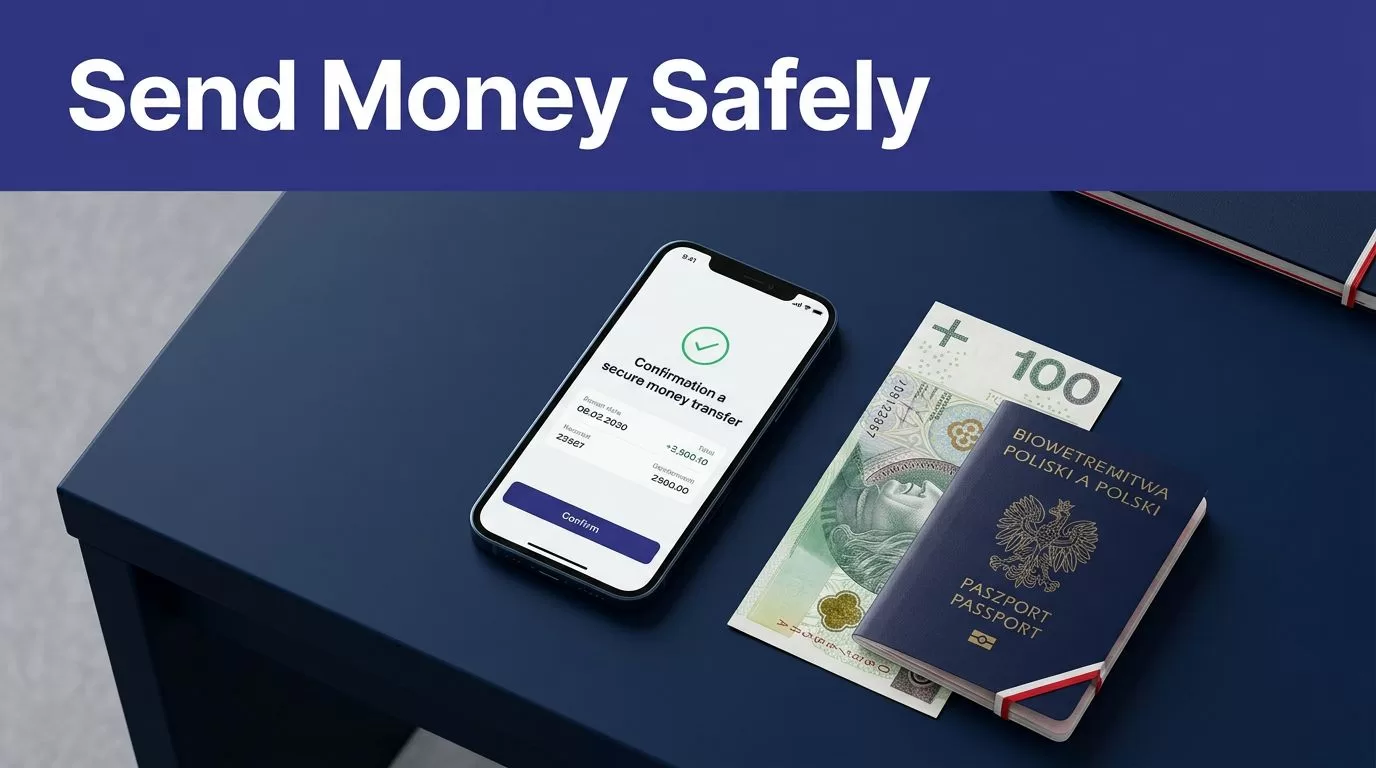
If you need to send money to Poland, Remitly gives you a direct process for setting the amount, choosing delivery, adding the recipient, and tracking the transfer. The important part is not speed alone. You need to verify the route, final cost, recipient details, and payment screen before approving anything.
Fees, exchange rates, limits, delivery times, and payout methods can change. They can also vary by sending country, transfer amount, payment method, recipient location, and delivery option. Use the live quote in the official Remitly app or website as your decision point.
Start with the official Remitly route
Use the official app or website
Open Remitly through Remitly.com or download the app from the official Apple App Store or Google Play. Check the publisher name before installing. Avoid APK files, shared download links, and advertisements that redirect to unfamiliar websites.
Create your account or sign in through the official service. Don’t enter your Remitly password on a page reached through an unexpected email, text message, or social media message.
The website and mobile app provide the transfer setup, payment review, status tracking, and receipt history. Remitly’s first-time international transfer guidance also recommends checking the cost and delivery details before sending.
Select Poland and the correct sending currency
Choose Poland as the destination country. Then enter the currency and amount you want to send.
A U.S. sender will normally review a USD-to-PLN quote. A sender in another country may see a different currency pair and different pricing. Don’t use a rate shown for Germany, the United Kingdom, or another sending country as your own estimate.
The receiving currency should be clear before you continue. Confirm that the recipient’s payout is shown in Polish zloty, or PLN, if that is what the recipient expects.
How to send money to Poland in Remitly
The transfer flow is simple, but each field affects the final payment. Treat the setup like a financial form, not a quick message.
Enter the amount and delivery option
Enter either the amount you want to send or the amount the recipient should receive. Remitly will calculate the other figure using the current exchange rate, fee, and selected delivery method.
Available Poland delivery methods may include:
| Delivery method | Common use | Information to check |
|---|---|---|
| Bank deposit | The recipient has an eligible Polish bank account | Bank name and account details |
| Debit card deposit | The recipient has a supported debit card | Card eligibility and payout amount |
| Cash pickup | The recipient needs funds without a bank deposit | Pickup provider, location, and ID rules |
Availability depends on the recipient’s location and the live route. A named provider such as PKO Bank Polski may appear when that route is supported. Don’t select a method based only on the first option displayed.
If the recipient needs the money quickly, compare the available delivery speeds. If timing is flexible, check whether an Economy option lowers the total cost.
Add the recipient’s details exactly
Enter the recipient’s full legal name as it appears on their government-issued identification. Don’t use a nickname, shortened name, or different spelling for a cash pickup transfer.
Depending on the payout method, Remitly may request the recipient’s address, phone number, bank name, account information, or pickup details. Ask the recipient to confirm these details before you submit the payment.
A wrong bank account number can create a correction problem. A small name mismatch can delay cash collection. Review every character on the confirmation screen.
For a business contact, verify the payment details through a known communication channel. Don’t rely on a new bank account number sent only by email. Use your existing contact record or call a trusted number before approving a high-value transfer.
Review the complete quote before paying
The fee is only one part of the transfer cost. The exchange rate determines how much PLN the recipient receives, so review the full calculation.
Check the fee, exchange rate, and payout
Before payment, confirm these values:
- The amount charged to your payment method.
- The transfer fee.
- The exchange rate applied to your amount.
- The exact amount the recipient receives in PLN.
- The selected delivery method.
- The estimated delivery time.
Remitly’s USD-to-PLN rate page shows that pricing can depend on the amount, payment method, and delivery option. The page has also displayed route-specific examples such as $0.99 for Economy and $2.99 for Express transfers from USD to PLN. These figures can change and may not apply to your account or transaction.
Promotional rates can have eligibility rules, transfer caps, and expiry conditions. A welcome rate may apply only to the first transfer or a limited amount. Read the conditions shown in your account.
The recipient’s final PLN payout is more useful than a low headline fee. Compare the total you pay with the exact amount received.

Photo by Karola G
Check limits and delivery estimates
Remitly limits can apply across 24 hours, 30 days, and 180 days. Your limits may depend on your location, the recipient’s location, payout partner, transfer amount, account history, and other checks.
If the amount exceeds your current limit, the service may request more information or provide an option to request a higher limit. Don’t split a large payment into multiple transfers without checking the applicable rules and total cost.
Delivery estimates are route-specific. Funding method, payout method, weekends, holidays, compliance reviews, and partner processing can affect timing. An estimate is not a guaranteed arrival time.
If the recipient needs funds for rent, payroll, tuition, or an urgent bill, leave enough time for review or processing delays. Don’t promise a fixed arrival time until the transfer is marked complete.
Choose the right payout method in Poland
The recipient’s situation should determine the delivery method. A bank deposit may be the easiest option for someone with an eligible account. Cash pickup may be more practical for someone who needs access without a bank transfer.
Use a bank or debit card deposit when supported
Ask the recipient for the details required by the selected payout method. Use the account holder’s legal name and confirm the bank information before entering it into Remitly.
Bank deposit reduces the need for the recipient to visit a pickup location. It also creates a clear record for family support or business reconciliation. Still, an incorrect account number can delay the payment or require support intervention.
Debit card deposit availability is also route-specific. Check whether the recipient’s card and location qualify. Review the payout amount after selecting the card option because the quote may differ from a bank deposit.
For business payments, save the Remitly receipt with the invoice, purchase order, or payment approval record. Record the transaction ID, amount sent, PLN amount received, and completion date.
Use cash pickup with matching identification
Cash pickup can work when the recipient doesn’t use a supported bank account. Select the available payout provider and location shown in the transfer flow.
Give the recipient the exact transfer details. The recipient may need a valid government-issued ID and information that matches the transfer record. Ask which identification document they plan to use before payment.
Don’t send a cash pickup transfer to a location the recipient can’t reach. Check provider hours and local pickup requirements when those details are displayed.
If you entered the wrong name or pickup information, contact Remitly support before the recipient attempts collection. A correction may delay the transfer.
Protect your Remitly account and payment
No money transfer method is completely risk-free. Basic account controls reduce avoidable problems.
Protect login, card, and verification information
Use a unique password for Remitly. Store it in a trusted password manager instead of a notes app, email draft, or shared document. Keep payment card details private and use a secure device and connection.
Never share a verification code, multi-factor authentication code, PIN, password, or security answer. Remitly and your bank won’t need these details through an unsolicited message or phone call.
Review the sender, web address, and message before responding. A scammer may claim that a transfer is blocked and request a code to release it. Stop the conversation and open the official app yourself.
Remitly’s Trust & Safety Center provides guidance on common scams and account protection. Its safety guidance also states that legitimate businesses don’t ask customers to share authentication codes.
Treat urgent payment requests as a control failure
A request that creates panic deserves a separate verification step. This includes messages claiming to be from a family member, employee, supplier, landlord, or government office.
Call the person using a number already saved in your contacts. Don’t use the number included in the suspicious message. For a business payment, require a second approver when the recipient account, amount, or payment purpose changes.
Don’t send money to a stranger because they promise a prize, job, investment return, immigration service, or emergency solution. If someone pressures you to bypass normal verification, stop the transfer.
Review Remitly’s money transfer scam guidance before sending funds to a new recipient.
Track the transfer after confirmation
A confirmation screen means Remitly accepted the transaction. It doesn’t always mean the recipient has collected cash or received the bank deposit.
Save the receipt and monitor status
Store the confirmation number, date, amount sent, fee, exchange rate, recipient payout, delivery method, and estimated arrival time. Keep a screenshot or download the receipt if the service provides that option.
Track the transfer through the official app or website. Ask the recipient to confirm the actual amount received and the completion time.
If the status changes to delayed, pending review, failed, or canceled, check the transaction record first. Don’t create a second transfer until you understand what happened. A duplicate payment can create a larger reconciliation problem.
Contact Remitly through its official support process if the transfer needs investigation. Provide the transaction number and keep related receipts and messages.
Keep a trusted payment record
For regular family support, record the date and amount of each completed transfer. For business contacts, match the receipt to the accounting entry and invoice.
A previous transfer can help you verify future recipient details, but it doesn’t lock in the same fee, exchange rate, limit, or delivery time. Reopen the app and review the live quote each time.
Conclusion
To send money to Poland securely through Remitly, use the official website or app, select the correct route, and enter the recipient’s details exactly. Review the PLN payout, exchange rate, fee, payment total, delivery method, limits, and arrival estimate before approving the transfer.
Protect your login and payment information. Never share verification codes. Track the completed transaction and save the receipt. The safest process is not the fastest-looking one. It’s the process that verifies every important field before the money leaves your account.
