How I Build a Notion SOP Library for Small Teams
How many times have you hunted for the same checklist in Slack, email, or a half-forgotten folder? That search costs more time than the task itself. When I build a Notion SOP library for a small team, I want one home for repeat work, clear...

How many times have you hunted for the same checklist in Slack, email, or a half-forgotten folder? That search costs more time than the task itself.
When I build a Notion SOP library for a small team, I want one home for repeat work, clear ownership, and easy updates. The system should feel calm, not heavy.
I also want it to grow with the team. That means I start with a simple structure, then add only what helps people finish work faster.
Start with one clean SOP database
I keep the first version lean. If a field does not help someone act, I leave it out.
| Field | Why I use it |
|---|---|
| Process name | Keeps the title clear and searchable |
| Owner | Shows who is responsible |
| Department | Lets me sort by team |
| Status | Shows draft, active, or archived |
| Last reviewed date | Flags stale SOPs |
| Frequency | Tells me when to review next |
| Tools used | Lists the apps or systems involved |
| Related SOPs | Connects linked workflows |
That set gives me a useful map without extra noise. If I want a second reference point, Flowster’s explanation of an SOP library shows the same basic idea from another angle.
If a process can’t be found in 10 seconds, it might as well not exist.
I keep each SOP as one page inside the database. That way, search, filters, and views all work from the same source.

A simple database keeps the first version easy to scan.
Organize SOPs by function, not by memory
I sort SOPs by department first. Sales, operations, marketing, finance, and support each get their own lane. That keeps the library easy to scan, even when it grows.
Then I create saved views for different jobs. A manager needs a different lens than a frontline teammate.
I usually start with four views:
- Active SOPs, so the team sees only current processes.
- Drafts, so unfinished pages stay easy to find.
- Reviews due soon, so stale docs surface before they go old.
- By department, so each group can stay inside its own work.
I also like a board view by status. It gives me a quick read on what still needs writing, editing, or review.
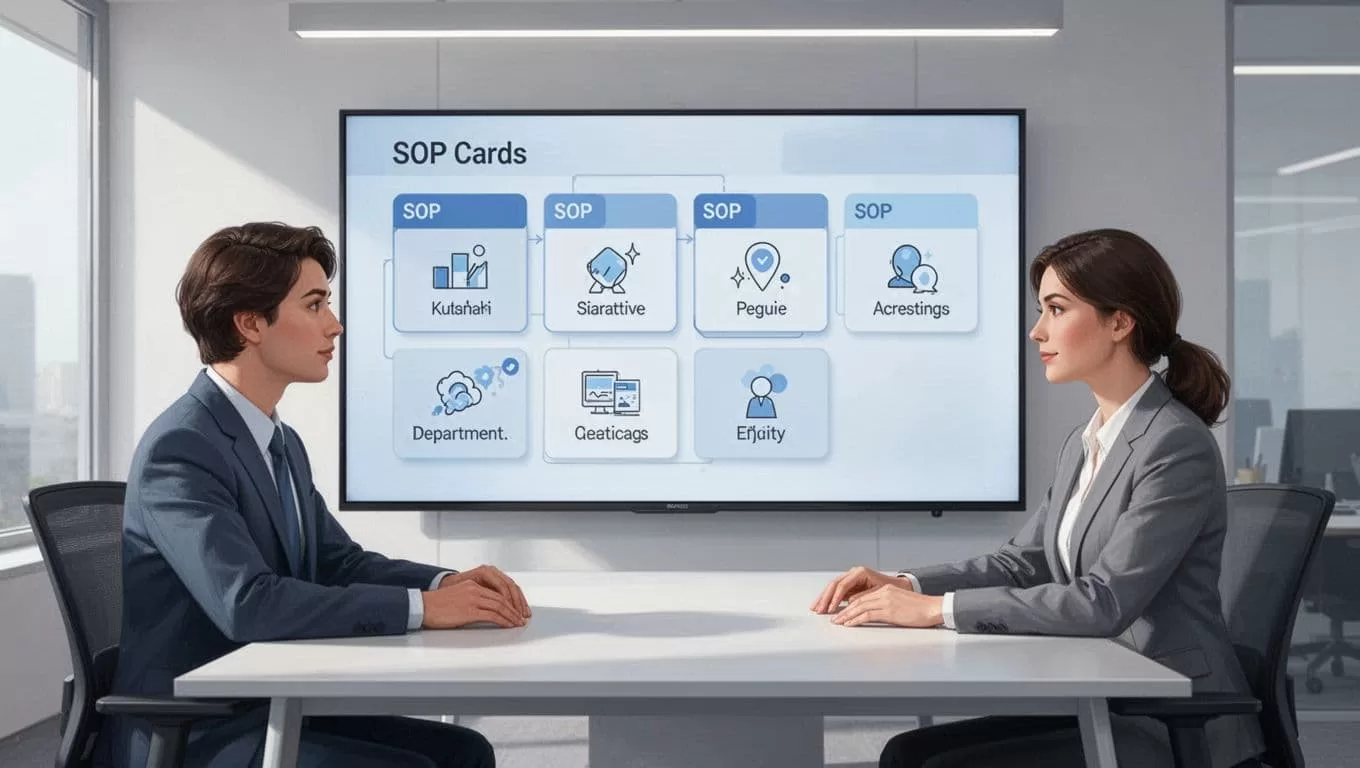
A board view makes it easier to spot drafts and stale SOPs.
For a practical example of how a Notion setup can be shaped from the start, I like this Notion SOP template for teams. It reinforces the same rule I follow, keep the structure simple enough that people can use it without a long explanation.
Write templates people can finish
I never start with a blank page. A blank page invites vague writing.
Instead, I build one SOP template and reuse it for every process. That gives the team a pattern. It also saves time when new SOPs need to be added fast.
My template usually asks for six things:
- The purpose and the expected result.
- When the SOP should be used.
- The exact steps in order.
- The tools, logins, or files needed.
- Common mistakes or edge cases.
- The review note and related SOP links.
I keep each section short. Long blocks of text get skipped, especially by busy teams. A few clean steps work better than a wall of explanation.
I also leave room for screenshots, short clips, or examples when they help. If a process changes often, I add a note that says who should update the page and when.
The best template feels like a guide, not a form.
Keep ownership and review dates visible
I assign one owner to every SOP. A committee sounds safe, but it usually means nobody acts.
That owner is responsible for updates, questions, and reviews. I pair that with a last reviewed date and a frequency field. Monthly, quarterly, or twice a year all work, as long as the team can follow the rhythm.
Status matters too. I keep mine simple, usually Draft, Active, Needs Review, and Archived. Those labels tell me what needs attention at a glance.
When I want a process to stay current, I connect it to the team’s real work. For supporting files, I often keep source documents in Google Workspace shared drives setup for small teams. Notion holds the procedure, while shared drives hold the files that back it up.
That split matters. Notion is great for structure and search. Still, it has limits. I don’t force it to do strict approval chains, heavy audit logs, or complex permission rules. For a small team, a light setup usually works better than a polished system nobody maintains.
Keep the library light enough to use
The fastest way to kill an SOP library is to make it feel like homework. If every page needs too many fields, people stop adding them.
I keep the setup light when the team is small and the process count is modest. One database, a few useful views, and a short template often do the job. That is enough for most teams that want clarity, not bureaucracy.
I also review the library itself. If a section gets used all the time, I keep it. If nobody opens it, I remove it or merge it into another page. A good library is alive, but not noisy.
A small team does not need a giant process museum. It needs a place where repeat work lives, stays named, and gets updated before it causes trouble.
When I build it that way, the SOP library stops being a document graveyard. It becomes the quiet system behind smoother handoffs and fewer “where is that file?” moments.
