How I Centralize Client Relationship Management in Recruit CRM
Client relationship management gets messy fast when notes live in inboxes, calls sit in phones, and handoffs happen in chat threads. I want one place where I can see who owns the account, what was promised, and when the next follow-up is du...
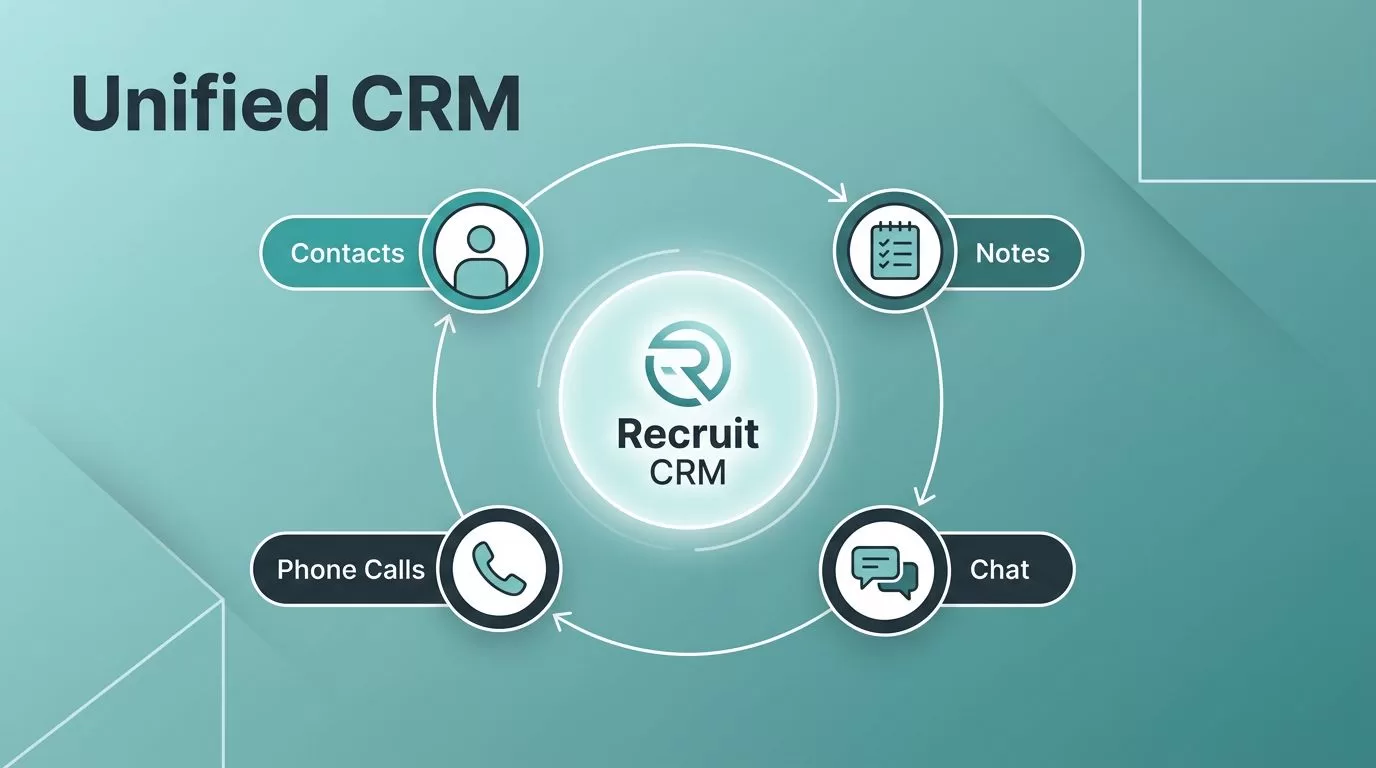
Client relationship management gets messy fast when notes live in inboxes, calls sit in phones, and handoffs happen in chat threads. I want one place where I can see who owns the account, what was promised, and when the next follow-up is due.
That is why I look at Recruit CRM as a control room for client work, not just a contact list. When the same record holds the client story, my team wastes less time searching and spends more time moving roles forward.
Why one client record changes daily agency work
In a staffing firm, the same client can touch several people at once. One recruiter sends candidates, another updates the hiring manager, and an account lead checks in on the open req. If each person keeps separate notes, the account history fractures.
A central record keeps the story in one place. That gives me a clean view of what happened, what changed, and what still needs attention.
When I review Recruit CRM’s feature walkthrough, I see the pieces that matter most for agency work, client submissions, call logging, and shared records tied to the same system. That matters because every extra tab adds friction.
A well-run client record usually needs four things:
- the latest contact details
- the full activity trail
- clear ownership
- a next step that no one can miss
That sounds simple, but it changes how fast my team can answer a client. It also cuts down on “who said what?” conversations, which eat time and damage trust.
Build a complete company and contact map
I start by organizing companies and contacts before I think about outreach. If a client has a parent company, a regional branch, and several hiring managers, I want all of that connected. Otherwise, the account looks bigger or smaller than it really is.
Recruit CRM’s customer relationship management collection shows how contact stages and company relationships fit into that structure. That is useful when I need to track whether a lead is warm, active, or quiet.
I also like keeping people attached to the right company record, even when roles change. Hiring managers move jobs. Procurement contacts leave. A clean company map helps me keep the relationship alive instead of starting over.
When I build this out, I think in layers:
- the company record holds the business context
- the contact record holds the person and role
- the stage shows where the account sits
- the owner shows who is responsible now
That view makes client relationship management much easier to share across the team. It also keeps data from spreading across spreadsheets and inboxes.
Keep communication, notes, and history attached to the same profile

The biggest win for me is having communication history on the profile itself. If a client asks about a shortlist three days later, I do not want to dig through old emails to rebuild the thread.
Recruit CRM’s help article on emailing candidates and contacts explains how related emails can sit under the right record. That keeps context close to the work. I can see what was sent, when it went out, and who replied.
I use that setup for more than email. Calls, meeting notes, and follow-up tasks all belong in the same history. That way, if someone else on my team opens the profile, they can pick up the conversation without asking me for a recap.
Managing client communications in Recruit CRM works best when the activity trail is easy to scan. One glance should tell me the last touchpoint, the current issue, and the next move.
Use reminders and ownership to stop handoff mistakes
Follow-up problems usually start with ownership gaps. A recruiter thinks the account manager sent the update. The account manager thinks the recruiter handled it. Meanwhile, the client waits.
That is why I want reminders linked to a real owner. Recruit CRM’s workflow setup guide is useful here because it shows how repeatable actions can run from clear triggers. I use that idea to keep tasks from drifting.
The help center article on creating tasks in Recruit CRM also makes this practical. I can assign work to one person, add collaborators when needed, and keep the task tied to the contact, company, or deal.
A reminder only works when the right person sees it before the client asks.
I also like having calendar sync in the mix. Meetings show up where people already work, so nobody misses a call because it lived in a separate tool. That matters in staffing, where one missed update can stall a placement.
The benefit is simple. Ownership becomes visible, follow-ups happen on time, and the client sees a team that is coordinated instead of scattered.
Read reporting as client health, not just numbers
Reporting is where centralized client relationship management starts to pay off in a visible way. I do not want dashboards that only count activity. I want reports that tell me which accounts are moving, which ones are stalling, and where follow-up is slipping.
Recruit CRM’s reporting tools, along with its client submission and analytics features, give me a way to watch account health, team activity, and deal progress in one place. That helps me spot patterns before they turn into missed placements.
I pay close attention to a few signals:
- response time on active clients
- open deals that sit too long in one stage
- activity levels by recruiter or account owner
- repeated follow-ups without movement
Those numbers help me coach the team and protect client relationships. If one account has weak touchpoints, I can step in early. If another recruiter is handling updates well, I can copy that process across the group.
Conclusion
When I centralize client relationship management in Recruit CRM, I get fewer blind spots and faster handoffs. Every note, call, reminder, and report points back to the same account history, so the team works from one source of truth.
That changes the client experience too. Follow-ups feel sharper, updates feel consistent, and ownership is clear from the first touch to the final placement.
