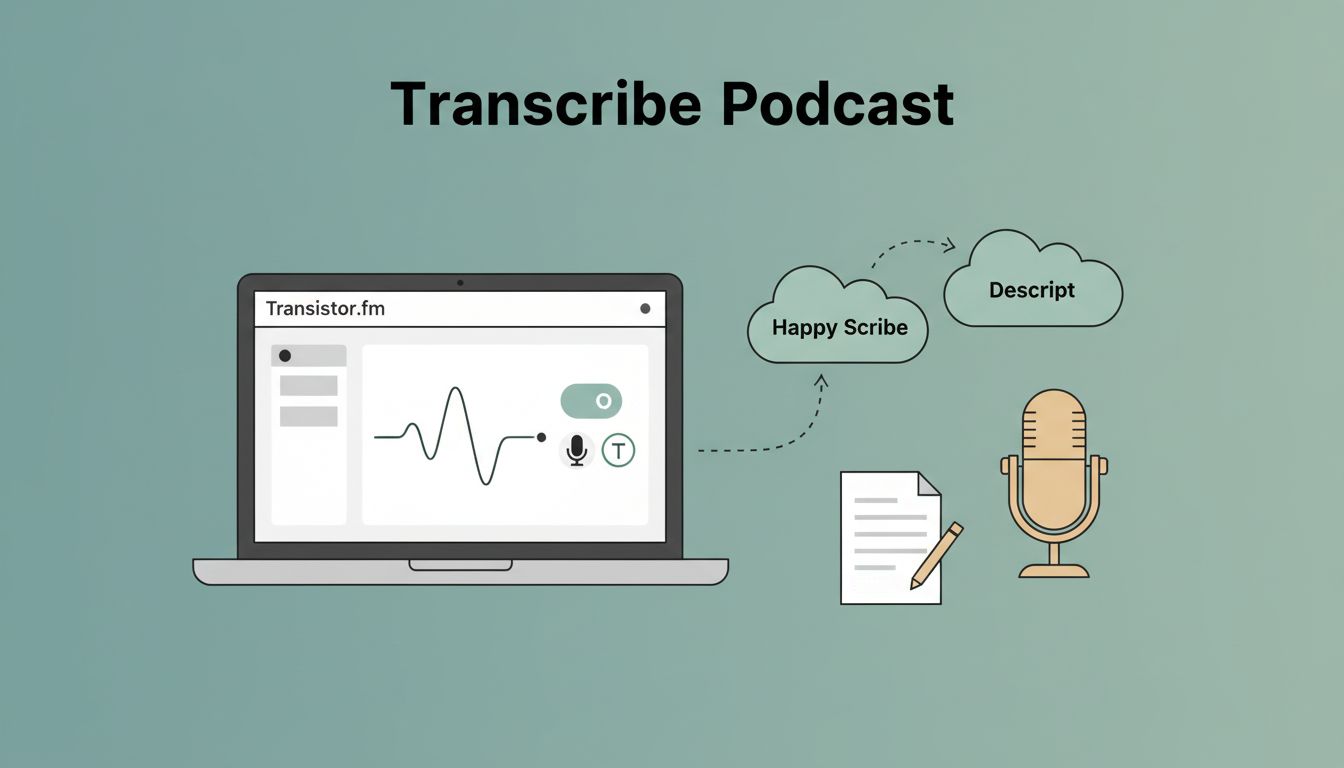
You publish a podcast episode on Transistor.fm. Listeners tune in. But what about those who prefer reading? Or search engines that ignore audio? Transistor podcast transcription solves that. It boosts accessibility and helps your show rank higher.
I started transcribing my episodes manually. It took hours. Now I connect tools directly to Transistor.fm. Native features handle basics. Third-party options add power. Automation keeps everything synced. Follow my steps to set it up.
Start with Transistor.fm’s Built-in AI Transcription
Transistor.fm offers AI transcription right in the dashboard. You upload audio. It converts speech to text in minutes. I enable it for quick drafts.
First, check your plan. The add-on costs $5 monthly for 300 minutes or $20 for 1,200 minutes. New accounts get 60 free credits for one hour. Go to your show settings. Click the AI transcription tab. Select an episode. Hit transcribe.
The tool detects speakers. It outputs TXT, SRT, VTT, JSON, or HTML. Edit errors in the built-in editor. Change a speaker name once. It updates everywhere. Supports 50+ languages too.

Accuracy isn’t perfect. Fix homophones or accents manually. Still, it’s cheaper than humans. For details, see Transistor’s AI transcription page. I use this for short episodes under five hours.
Limits hit fast on busy shows. That’s when third-party tools step in.
Pick Third-Party Transcription Services That Fit
Descript and Riverside.fm integrate best with Transistor.fm. Otter.ai works via exports or automation.
Descript lets you edit audio by tweaking text. Record or import. Export as MP3. Upload to Transistor.fm dashboard. Or use their direct link for seamless transfer. I love it for polished shows.
Riverside.fm records remotely. Edit transcripts there. Click the Transistor button under Preview and Share. It sends audio straight over. No downloads needed.
Otter.ai shines for meetings turned podcasts. Upload audio. Get real-time text. Export clean files for Transistor.fm.
| Tool | Direct Integration | Best For | Cost Starter |
|---|---|---|---|
| Descript | Yes | Editing by text | $12/month |
| Riverside | Yes | Remote recording | $19/month |
| Otter.ai | No (use Zapier) | Quick notes to pods | $10/month |
This table matches my tests. Descript wins for creativity. Check Transistor integrations for updates. Pair with my Transistor.fm Opus Clip setup for clips from transcripts.
Choose based on workflow. All improve SEO with searchable text.
Automate Connections Using No-Code Platforms
Manual uploads waste time. Zapier or Make.com bridge Transistor.fm to tools. I set zaps for new episodes.
In Zapier, trigger on “New Episode in Transistor.fm.” Action: Send RSS link to Otter.ai or Descript. Otter transcribes. Zap uploads text back. Make.com mirrors this with visual flows.
Steps for a basic zap:
- Log into Zapier. Pick Transistor.fm trigger.
- Select your show. Test with a draft episode.
- Add Otter.ai action: “Transcribe Audio.”
- Map episode URL. Pull MP3 via RSS.
- Final step: Update Transistor.fm episode with transcript link.
Test thoroughly. Free tiers limit zaps to 100 tasks monthly.
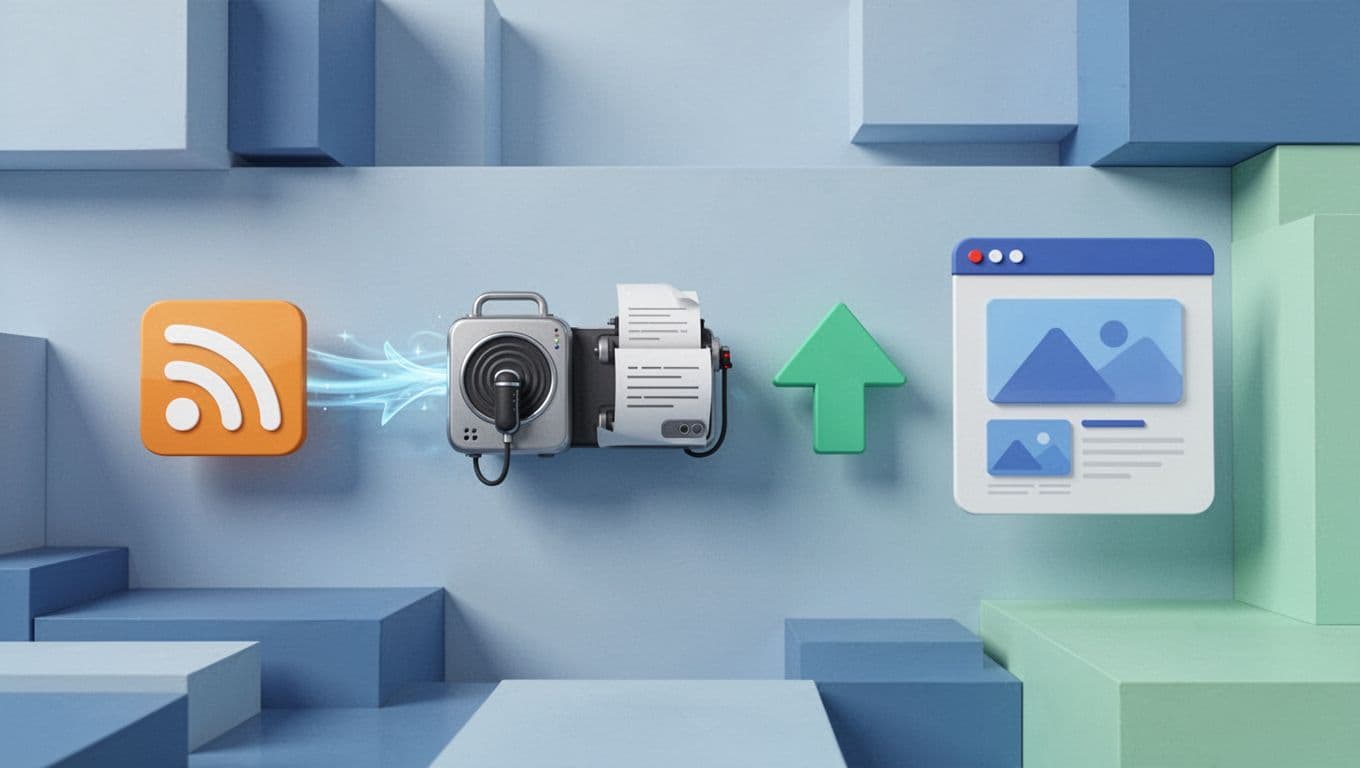
This flow runs on autopilot. New episode drops. Transcript appears. Listeners get text fast. For upload guides, read Transistor’s transcript changelog.
Publish and Sync Transcripts to Your Episodes
Upload transcripts per episode. In Transistor.fm, open the episode. Find the transcript section. Paste TXT or SRT. Publish. It adds RSS tags for apps like Apple Podcasts.
Transcripts show on your hosted site. Readers follow along. Search engines index them for better discovery.
Keep sync simple. Generate text post-upload. Edit in Transistor editor. Re-publish for updates.
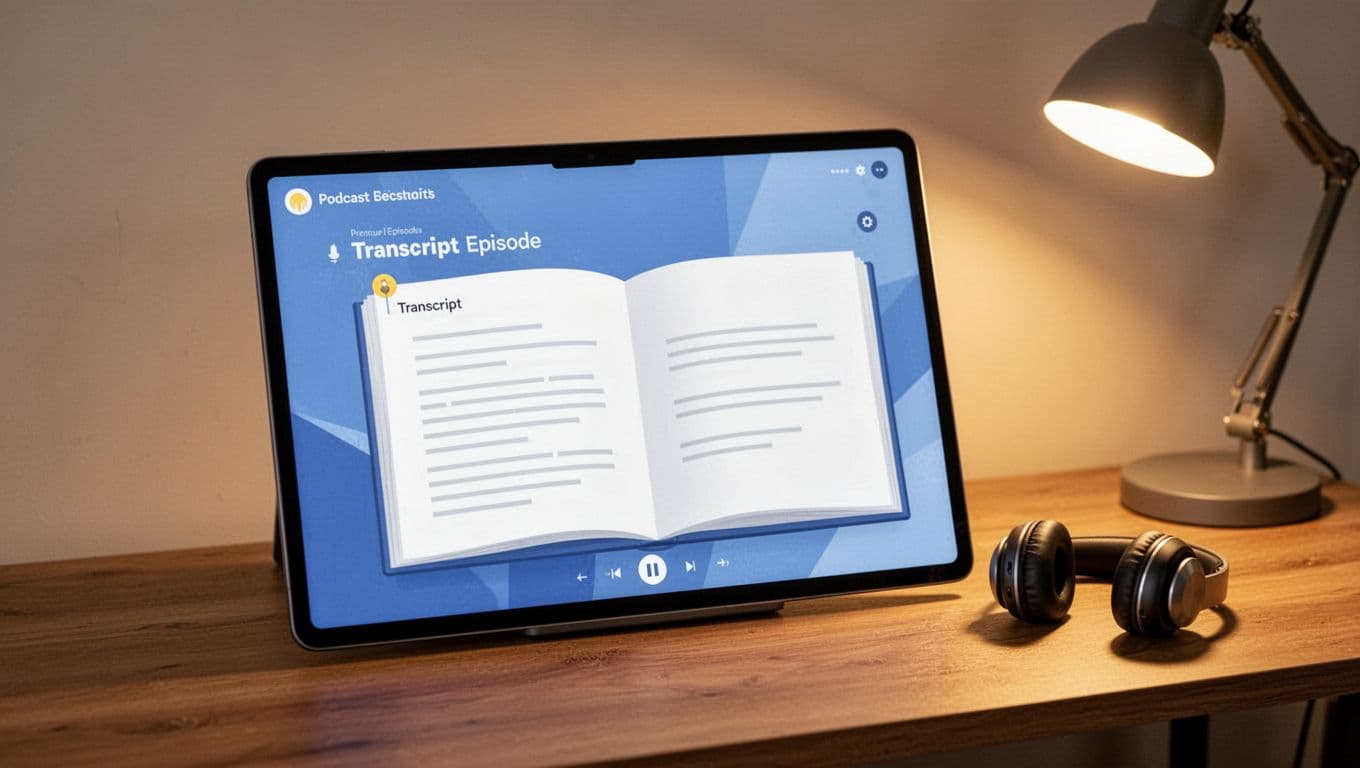
Accessibility rises. Deaf listeners engage. SEO climbs with keyword-rich text.
Fix Sync, RSS, and Formatting Glitches
Issues pop up. RSS won’t update? Check podcast ID in Zapier. Test the zap with a short clip.
Formatting off? Export SRT from Descript. Avoid Word docs. They break tags.
Failed imports? Verify file size under limits. Transistor caps uploads. For Zapier delays, run manual tests. Logs show API errors.
Speaker mismatches? Edit once in dashboard. It propagates. Video podcasts lag on HLS feeds. Stick to audio first.
Contact support if stuck. Most fixes take minutes.
Wrapping Up Transistor.fm Transcription Wins
Transistor podcast transcription mixes native AI with smart integrations. Start simple in-dashboard. Scale with Descript or zaps. Your episodes gain reach through text.
SEO and accessibility pay off long-term. Listeners stay longer. Searches find you easier. Set one flow today. Watch downloads grow.