How I Auto Publish Podcast Episodes with Transistor.fm
I remember the grind of manual uploads. Each episode meant copying links to Spotify, Apple Podcasts, and YouTube. Hours vanished. Then I found Transistor.fm auto publish. It pushes new episodes everywhere with one click. You upload once. Pl...
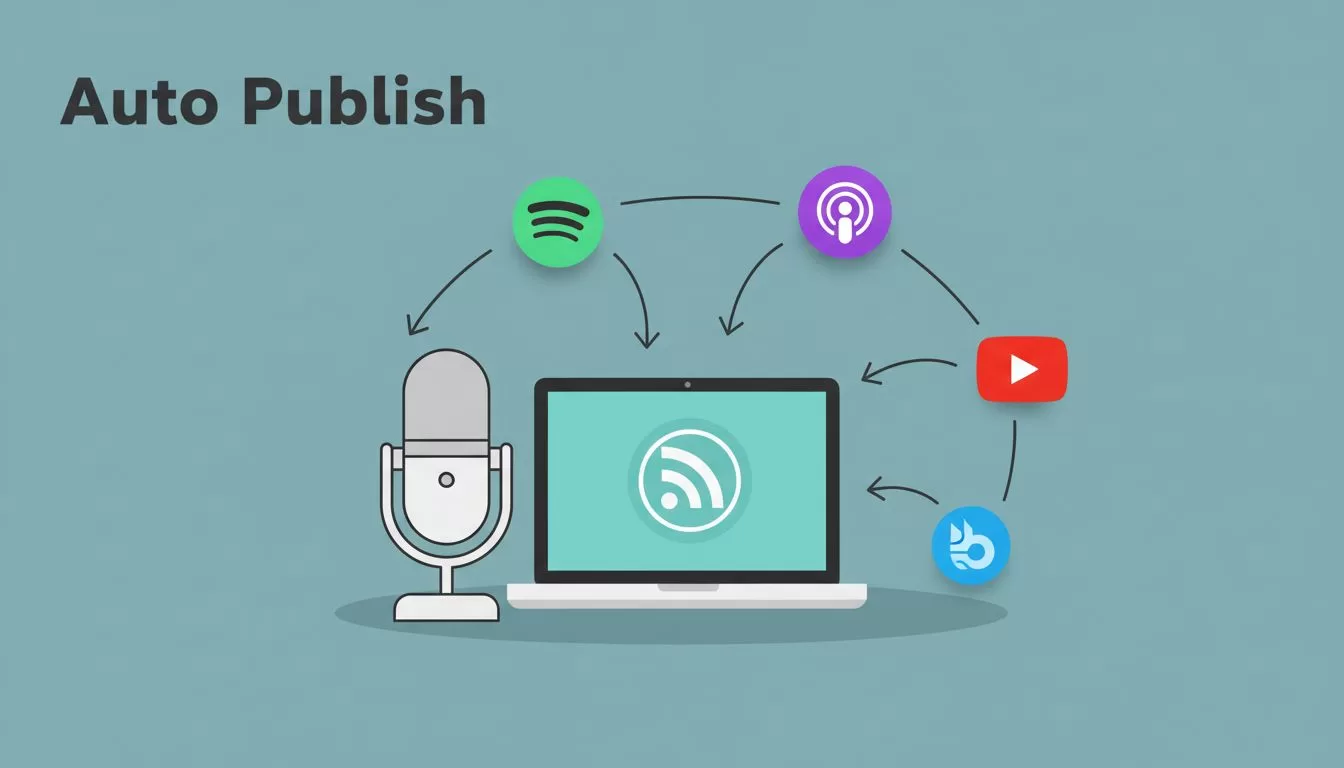
I remember the grind of manual uploads. Each episode meant copying links to Spotify, Apple Podcasts, and YouTube. Hours vanished. Then I found Transistor.fm auto publish. It pushes new episodes everywhere with one click.
You upload once. Platforms grab the rest through RSS feeds. No more chasing directories. This setup saves me two hours per episode. In 2026, it handles video too, though still in beta.
Ready to cut the busywork? I walk you through my exact process.
Prerequisites for Transistor.fm Auto Publish
Start with a Transistor.fm account. I use the Professional plan. It unlocks auto-posting to YouTube and Bluesky. Free tiers miss these features.
Prepare your podcast files. Export audio as MP3 at 128 kbps and 44.1 kHz. For video, use MP4 under 250 MB. I record in Riverside.fm. It transfers files directly to Transistor.
Submit your RSS feed once to directories. Apple Podcasts and Spotify pull updates automatically after that. Check Transistor’s distribution guide for the full list.
Link email tools like ConvertKit or Mailchimp. They notify subscribers on new drops. I connect mine in show settings. Test everything with a trailer episode first.
Setting Up Auto Publish in Transistor.fm
Log into your dashboard. Pick a show. Go to settings, then integrations.
Connect YouTube. Paste your channel ID. Choose a category like Education. Upload a background image. Transistor converts audio to video with that image. See their YouTube feature page for details.
Enable Bluesky next. It posts episode links automatically. Toggle video podcasting if you use it. Beta means some apps like Pocket Casts get HLS streams.
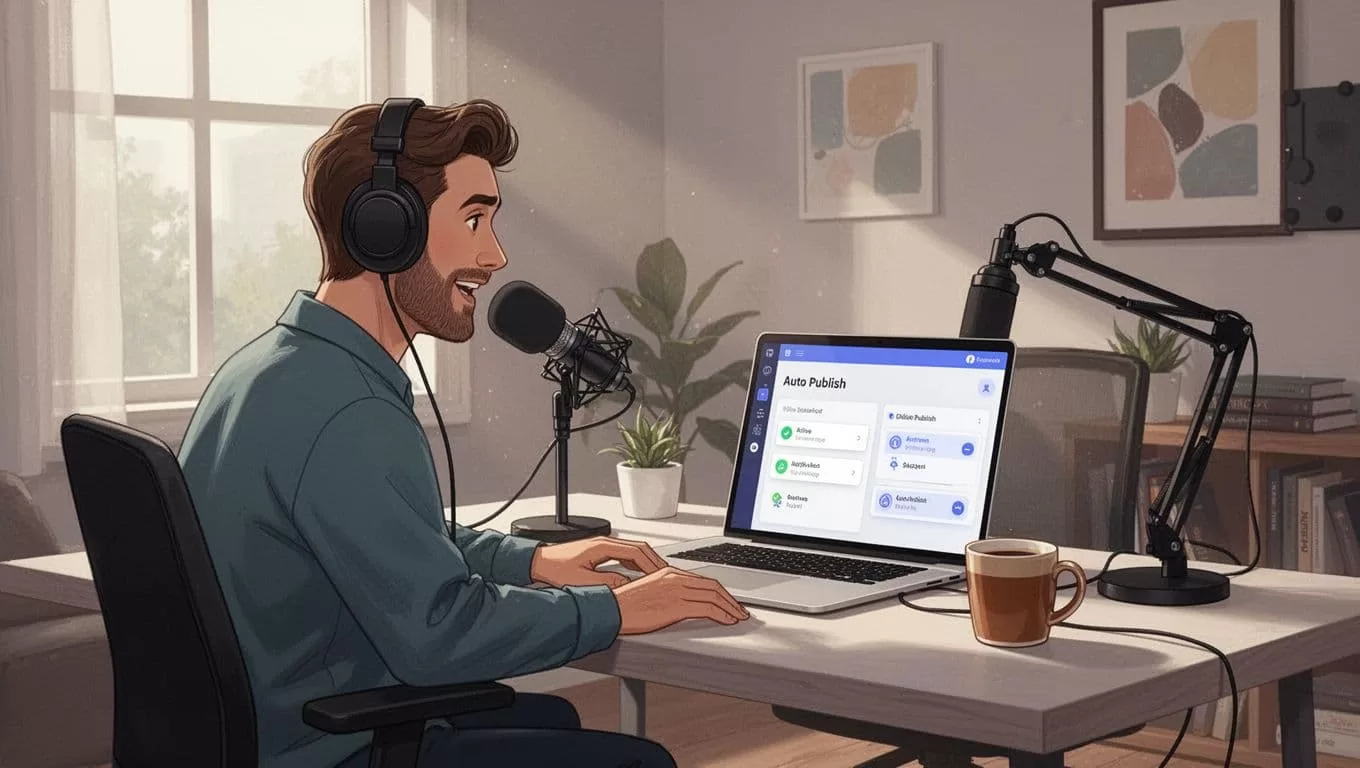
Save changes. Publish a test episode. Watch it hit platforms in minutes. I set this up last month. Zero glitches.
Step-by-Step: Upload and Auto Publish an Episode
I follow these steps every week.
First, upload your file. Drag MP3 or MP4 to the episodes tab. Add title, description, and notes. Include chapters for better playback.
Second, hit publish. RSS updates instantly. Directories fetch it within hours. YouTube videos land in your podcast playlist.
Third, check notifications. Email subscribers get alerts. Bluesky shares go live.
For extras, use Zapier. Trigger on new episodes. Send Slack pings or RSS shares. My flow notifies my team.
Test often. Publish a short episode. Verify on Spotify and YouTube. Adjust if feeds lag.
How Auto Publishing Works
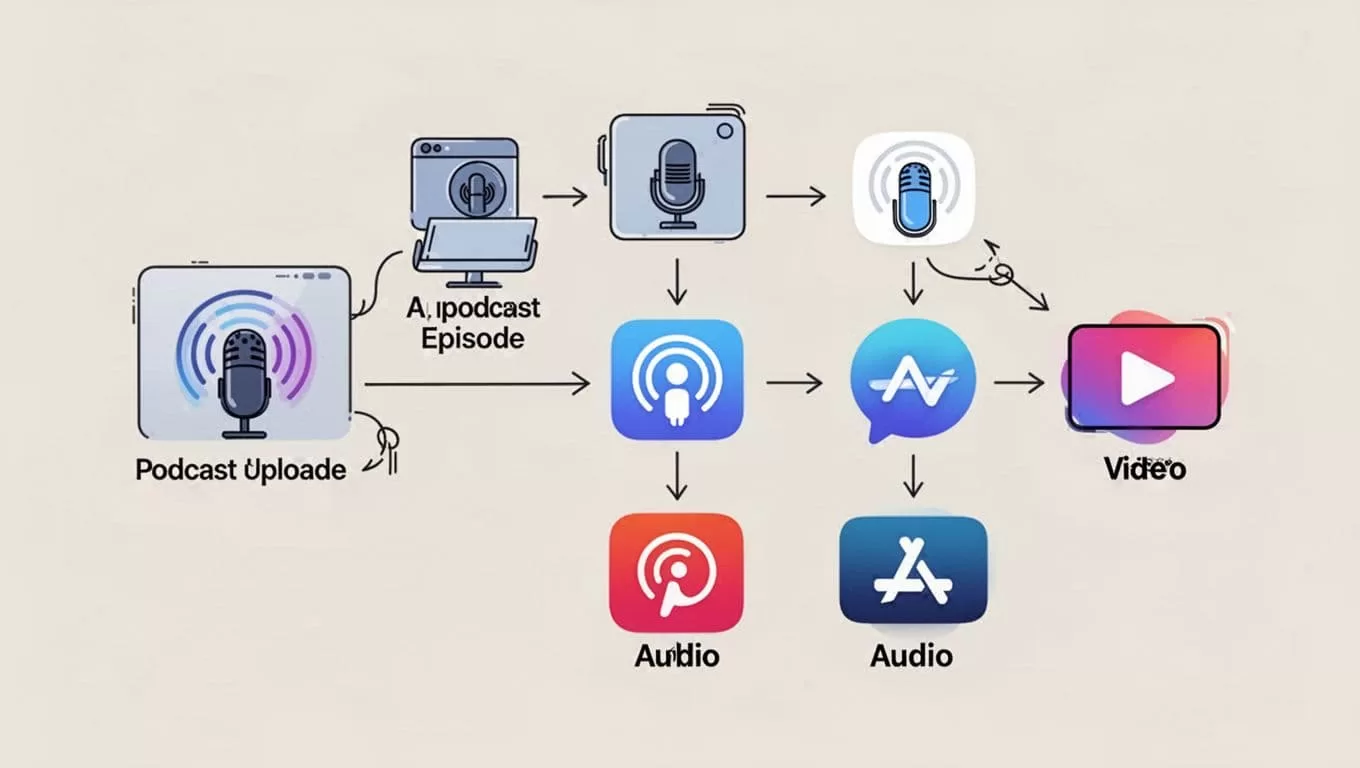
Upload triggers everything. Transistor adds the episode to your RSS feed. Platforms poll that feed. They grab MP3 links, titles, and art.
Video works differently. Transistor streams HLS for apps. It pulls audio from video files. No re-uploads needed.
Bluesky and YouTube connect directly. No RSS there. Emails fire via integrations.
Limitations exist. Twitter stopped in February 2025. Spotify video sits on the roadmap. Private podcasts need extra Spotify tweaks.
Monitoring Your Auto Published Episodes
I check analytics daily. Transistor tracks downloads across platforms. See spikes from auto-posts.
Use the dashboard. Filter by episode. Spot listener growth.

Notifications confirm success. Emails or app alerts ping on publishes.
Troubleshoot delays. Clear caches on directories. Re-submit RSS if stuck. Avoid duplicates by unpublishing first.
Common Pitfalls and Fixes
Duplicates happen if you republish. Delete the old version first.
Broken embeds? Check file sizes. Compress videos over 250 MB.
Integrations fail sometimes. Reconnect accounts. Test with dummy data.
For clips, export to tools like Opus. I detail my Transistor Opus integration setup elsewhere. It grabs new episodes via RSS.
Video beta glitches. Stick to audio if issues arise.
Real-World Use Cases and Best Practices
Solo creators save time. Upload weekly. Auto-distribute to 10 platforms.
Teams use it for client shows. One dashboard rules all.
Best practices: Batch uploads. Generate art automatically. Pair with Zapier for custom alerts. Track in one place.
Keep descriptions punchy. They pull into feeds.
Scale with Pro plan. Unlimited storage fits growth.
Conclusion
Transistor.fm auto publish freed my schedule. One upload reaches everywhere. Listeners find episodes fast.
Stick to these steps. Test setups. Watch your audience grow. I publish three shows this way now. You can too.
