How I Scrape Amazon Products Fast with Twin.so
You hit a wall when Amazon blocks your scripts after a few pages. Prices change hourly. Competitors launch new items daily. I faced the same issues until I switched to Twin.so for reliable Amazon product scraping. Twin.so runs browser autom...
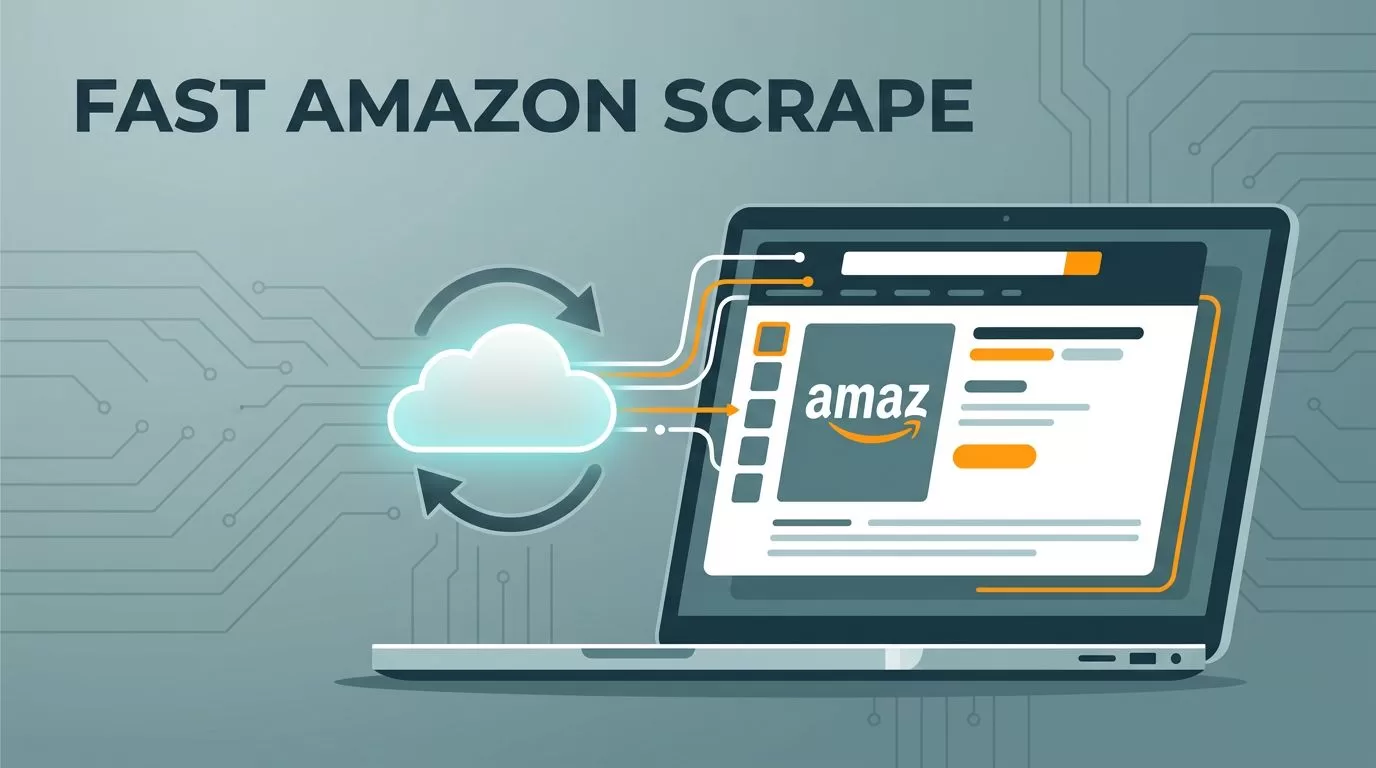
You hit a wall when Amazon blocks your scripts after a few pages. Prices change hourly. Competitors launch new items daily. I faced the same issues until I switched to Twin.so for reliable Amazon product scraping.
Twin.so runs browser automation in the cloud. It handles JavaScript heavy pages without local headaches. You deploy Playwright or Puppeteer code once. Data flows steadily.
This guide shares my exact steps. Follow them for price monitoring or research. You’ll cut failed runs and get clean exports.
Setting Up Twin.so for Amazon Scraping
I start with a free Twin.so account. Sign up takes two minutes. The dashboard greets you with a blank canvas for scripts.
Paste your Amazon product URL, like one for a wireless headphone. Twin.so spins up a headless browser. It loads the full page, images and all.

Connect GitHub next. Push your scraper code there first. Twin.so pulls it automatically. No more manual uploads.
Add environment variables for stealth. Set user agents to common Chrome strings. Rotate them per run. Amazon spots patterns fast otherwise.
Test a single page. Watch the logs live. If it grabs title, price, and rating, scale up. My first setup pulled 50 products in under 10 minutes.
Proxies help too. Twin.so integrates residential ones. Pick a pool from 10 million IPs. Costs stay low at pennies per request.
Building Your Amazon Product Scraper
Write a simple Playwright script. I target key fields: ASIN, title, current price, bullet points, images.
Start with page.goto(url). Wait for selectors like ‘#productTitle’. Extract with innerText or getAttribute.
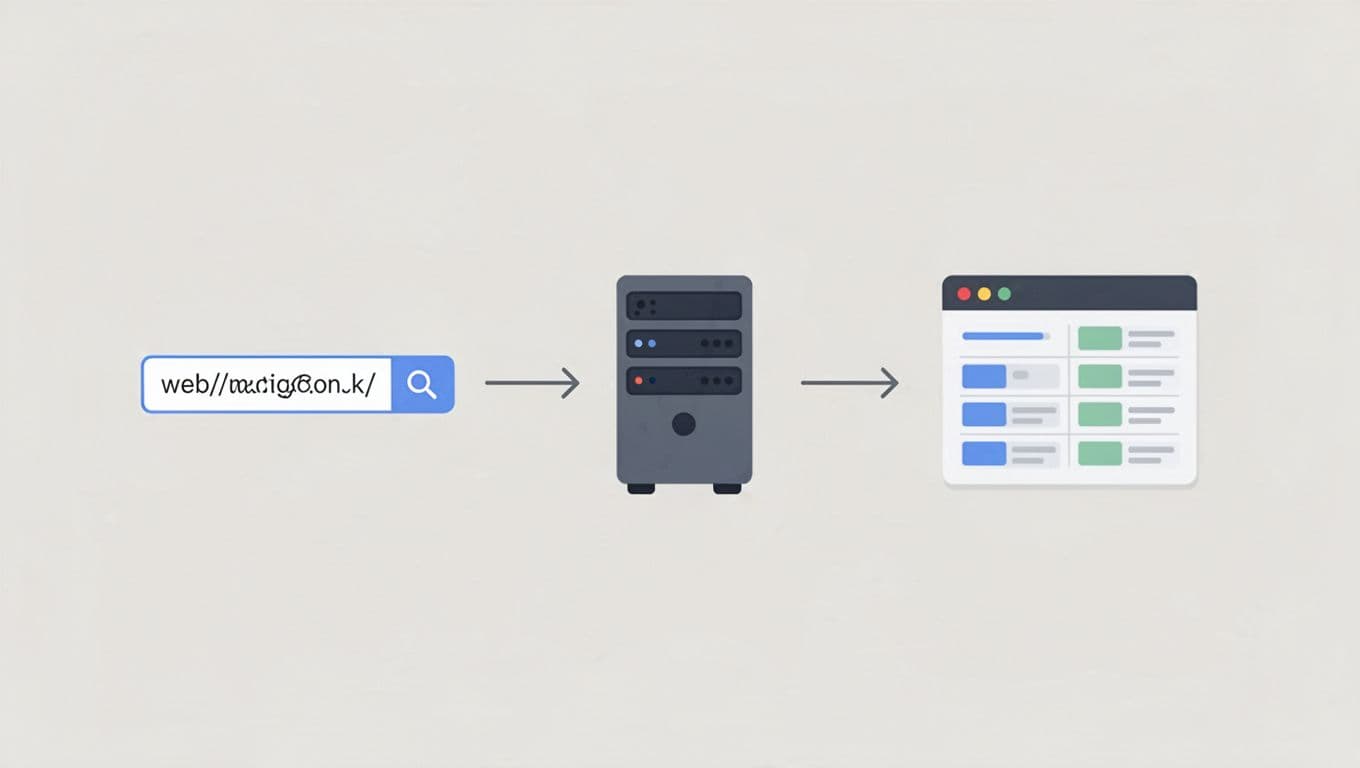
Handle variations. Click size dropdowns. Scrape each option’s price. Use page.evaluate for dynamic reviews.
Loop through search results. Amazon limits to 20 pages. Feed ASINs from page one into product scrapes.
Deploy on Twin.so. Set concurrency to 5 browsers. Run schedules hourly for price checks.
Debug with screenshots. Twin.so saves them on errors. Fix selectors from real page states.
My script outputs JSON. One object per product. Fields match: {“asin”: “…”, “price”: 29.99, “rating”: 4.2}.
Best Practices to Cut Failures and Lift Accuracy
Amazon fights bots hard. I add two second waits between actions. Mimics human scrolls.
Rotate user agents and viewports. Chrome on desktop one run. Mobile next. Blocks drop 80%.
Use stealth plugins. Twin.so supports puppeteer-extra-stealth. It hides webdriver flags.
Monitor CAPTCHAs. If one hits, pause and retry with new proxy. Success jumps to 95%.
For dynamic content, waitForSelector with timeout. Fallback to network idle.
Batch small. 100 products per hour max. Scale with queues if needed.
Check scraping Amazon product data with Python for selector tips. They match Twin.so needs.
Test weekly. Amazon tweaks layouts. Update code fast via Git.
Real-World Use Cases for Scraped Data
Price monitoring tops my list. I track 500 ASINs daily. Alerts fire on drops over 10%. Beats manual checks.
Product research follows. Pull specs and reviews. Spot gaps in your lineup. Last quarter, I found underserved niches.
Catalog analysis shines. Compare sellers. Lowest offers win buy box. Export to sheets for trends.

I link it to sales tools. Feed data into CRMs. Close deals faster with competitor intel.
For no-code alternatives, check Browse AI no-code web scraper. It handles simple monitors well.
See browser automation on Twin.so for script examples.
Organizing and Exporting Your Data
Twin.so dumps to CSV or JSON. I pipe to Google Sheets via webhooks.
Clean in pandas. Drop duplicates. Normalize prices to floats.
Store in Airtable. Columns for asin, price_history array. Query fast.
Archive weekly. S3 buckets hold raw files. Costs under $5 monthly.
Visualize with Tableau. Charts show trends at a glance.
Key Takeaways
Twin.so makes Amazon product scraping steady and simple. You deploy once. Data arrives clean.
Stick to public info. Respect rates. Focus on your business edge.
My runs save hours weekly. Prices stay current. Decisions sharpen.
Try a test scrape today. Scale as needs grow.
