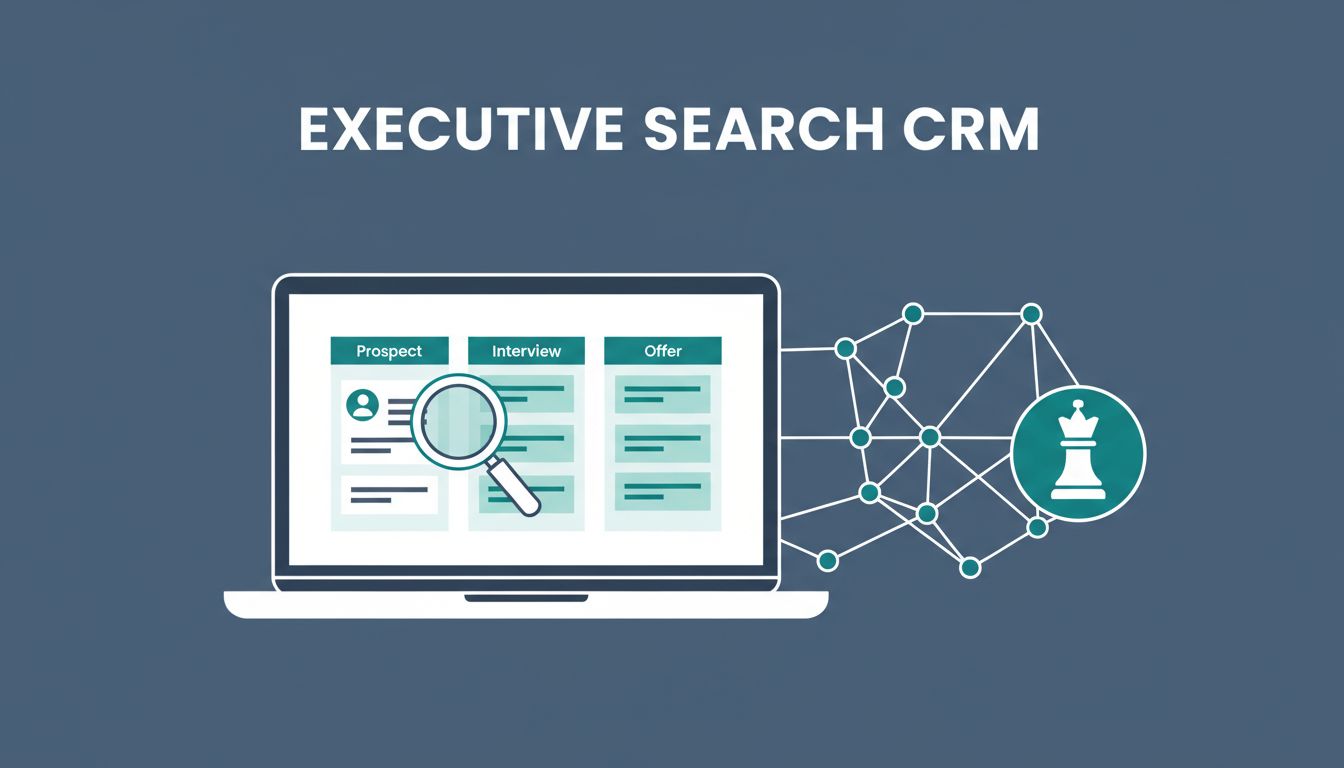
Executive search demands precision. You chase top talent for C-suite roles, juggle retained clients, and track long cycles that stretch months. One wrong tool, and chaos ensues: scattered notes, missed follow-ups, lost deals.
I faced this in my agency days. Recruit CRM changed everything. It lets you craft a custom executive search CRM tailored for high-touch workflows. In this guide, I share exactly how I set it up for client development, mapping, sourcing, and more.
Follow these steps, and you’ll streamline your process.
Why Recruit CRM Beats Generic Tools for Retained Search
Recruit CRM stands out for executive firms. It handles complex retained assignments better than off-the-shelf CRMs. You get AI sourcing, custom fields, and client portals right out of the box.
I started with its Kanban boards. They mimic your search flow: from mandate intake to placement. No more spreadsheets. Instead, everything lives in one place.
Custom fields track specifics like compensation bands or board approvals. For example, add “Retainer Fee” or “Search Exclusivity” to client records. This keeps details front and center.
Agencies love it too. Check the Recruit CRM features overview for the full list. As a result, my team cut admin time by half.
Plus, it scales. Role-based access means partners see high-level views while researchers dive into candidates.
Set Up Client Pipelines for Retained Search
Start with pipelines. I created separate ones for clients and candidates. This separates development from active searches.
Go to Pipelines > New Pipeline. Name it “Retained Clients.” Add stages: Prospect, Pitch, Retained, Active Search, Closed Won.
For candidates, build “Executive Pipeline”: Sourced, Mapped, Contacted, Assessed, Submitted, Interviewed, Offered, Placed.
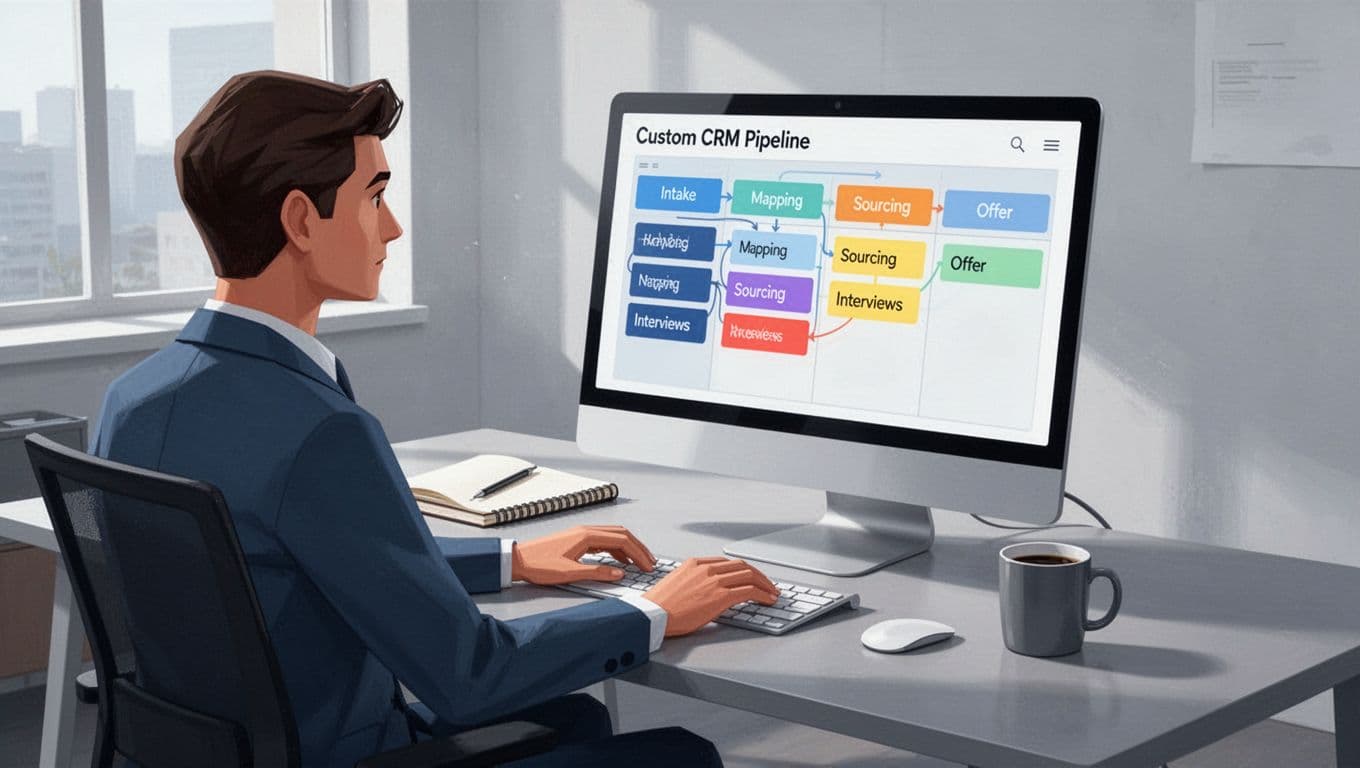
Drag candidates between stages easily. Assign tasks like “Map Targets at XYZ Corp.” Custom fields shine here: “Target Companies,” “Flight Risk,” “Notice Period.”
Link client and candidate records. One click shows all assignments per client. Therefore, reporting becomes simple.
I added automations early. When a client hits “Retained,” it triggers a contract template email.
Map Targets and Manage Candidate Relationships
Target company mapping needs depth. Recruit CRM’s candidate database handles it.
Bulk import prospects from LinkedIn via Chrome extension. Enrich with AI: skills, past roles, connections.
Create custom fields: “Successor Potential,” “Reporting Line,” “Comp History.” Tag by industry or function, like “Tech CFO.”
For relationships, use activities. Log calls, emails, notes. AI transcribes calls automatically.
I built a view for “Passive Executives.” Filter by criteria, then sequence outreach. Meanwhile, nurture non-responders with drip campaigns.
Stakeholder collaboration fits naturally. Share candidate shortlists via portals. Clients comment in real time.
See Recruit CRM’s retained search guide for workflow tips. This setup turned my database into a goldmine.
Automate Workflows for Efficiency
Automations save hours in long searches. Recruit CRM’s no-code builder makes it straightforward.
Set up sequences: Email 1 (intro), LinkedIn connect, SMS nudge. Triggers fire on stage changes.
For interviews, sync calendars. Auto-send invites, reminders, feedback forms.

I automated post-submission: Notify partners, update pipelines, log feedback. When offers go out, generate NDAs.
Bulk actions speed things up. Update 50 candidates’ status in seconds.
Handle placements too. Auto-archive winners, trigger thank-yous for runners-up.
These flows cut no-shows by 30% in my tests. Focus shifts to strategy.
Track Interviews and Collaborate Seamlessly
Interviews demand coordination. Recruit CRM centralizes it.
Schedule via integrated calendars. Assign interviewers, track prep notes.
Feedback loops work fast. Forms collect scores on fit, culture, skills. Aggregate into reports.
Partners access shared views. No more email chains.
For multi-stage loops, add substages: “1st Interview,” “Panel,” “Final.” Tasks remind you of reference checks.
Post-placement, set follow-ups. Quarterly check-ins prevent early churn.
Build Dashboards for Search Insights
Data drives decisions. Custom dashboards give clarity.
Create widgets: Pipeline velocity, win rates by sector, source effectiveness.
Filter by assignment or recruiter. Export for board meetings.

I track “Time to Submit” and “Placement Ratio.” Alerts ping on stalls.
Role-based dashboards keep sensitive data secure. Juniors see basics; execs get full metrics.
Advanced reports compare quarters. Spot trends, like better sourcing from networks.
Wrap Up with Post-Placement Success
Post-placement matters. I set recurring tasks: 30-day check, 6-month review.
Update records with outcomes. This builds your talent pool for future searches.
Your executive search CRM now hums. Placements rise, clients stay loyal.
Ready to build yours? Start a Recruit CRM trial today. What workflow will you automate first?