Monitor Server Uptime Automatically in Twin.so
A server can fail in seconds, and the first sign is often a flood of complaints. I want server uptime monitoring to catch that failure before a customer sends the screenshot. When I wait for support tickets, I lose time and trust at the sam...
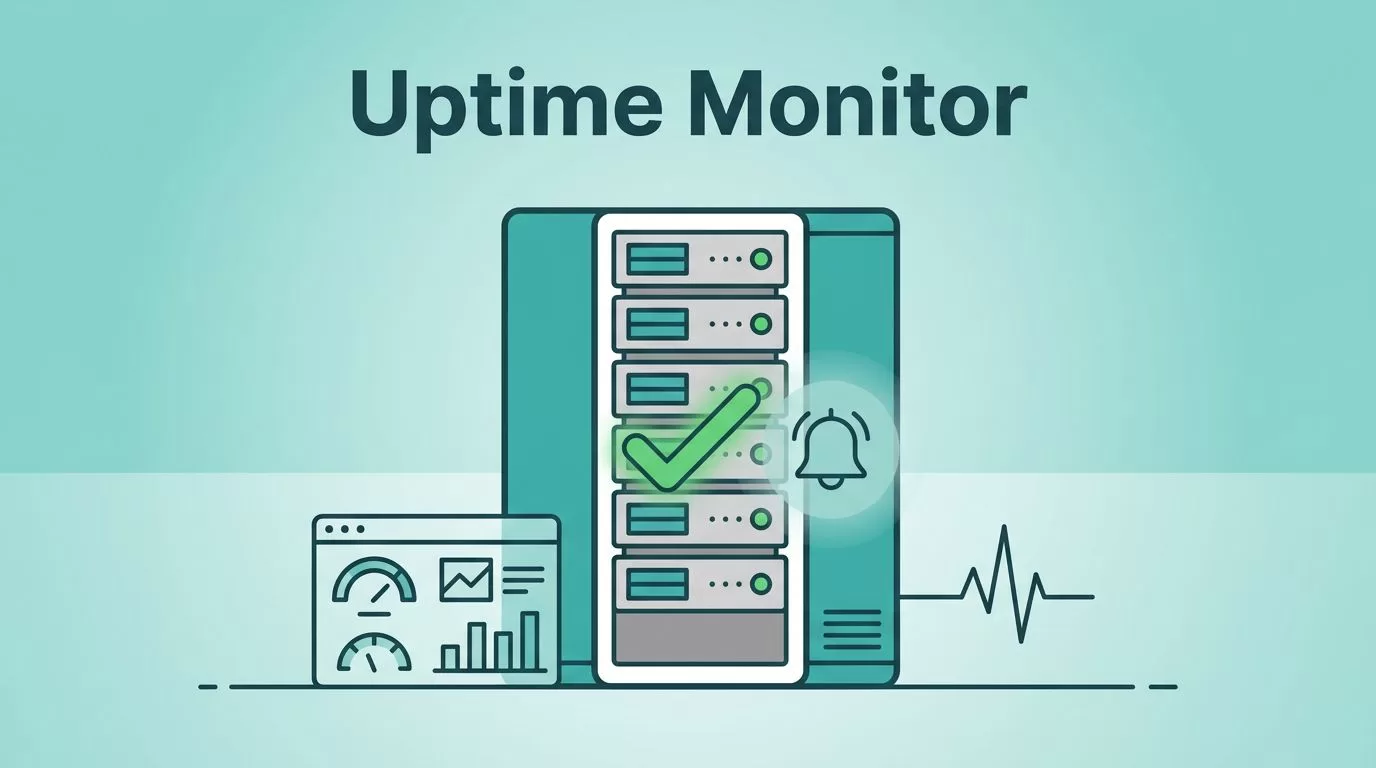
A server can fail in seconds, and the first sign is often a flood of complaints. I want server uptime monitoring to catch that failure before a customer sends the screenshot.
When I wait for support tickets, I lose time and trust at the same time. Twin.so gives me a way to watch the right endpoint, get a clear alert, and keep my response simple.
I do not need a huge setup to start. I need one monitor, one alert path, and a plan for what happens next.
Why I automate uptime checks instead of watching dashboards
I have seen too many teams stare at a dashboard and still miss the moment that matters. A graph can look calm while a checkout page is down or an API keeps timing out.
Automated checks give me a cleaner signal. They tell me when a service stops responding, when a page slows down, or when a health endpoint breaks.
That matters because downtime spreads fast. A broken login page turns into lost sessions. A dead API turns into failed workflows. A silent server problem turns into a long morning.
I want alerts that wake me up for real failures, not for a single shaky ping.
How I set up server uptime monitoring in Twin.so
I start with the exact thing I care about most. That might be a public homepage, a /health endpoint, or a private service page that should always load.

Then I build the monitor in a simple order:
- I choose the endpoint I want Twin.so to check. I keep it specific. A homepage is fine for public visibility, but an API health route is better for service checks.
- I set the check interval and failure threshold. I prefer a pace that matches the business impact. A customer-facing app needs faster checks than a low-traffic internal tool.
- I connect the alert path. Email is enough for small teams. If I need faster response, I route alerts into the place where my team already works.
- I test the alert before I trust it. I want to see the message, the timing, and the details that help me act.
That last step matters more than people expect. A monitor is only useful when the alert lands in the right place and says something clear.
If Twin.so is watching the right endpoint, I can treat every missed check like a real signal instead of a guess.
Alerts that help me react, not panic
I do not want a wall of noise. I want alerts that match the kind of problem I am facing.
| Scenario | What I watch | What I want the alert to tell me | My next move |
|---|---|---|---|
| Full outage | Main site or health endpoint | The service failed more than once | I check logs, hosting, and recent deploys |
| Slow response | Login page or API route | Response time is rising | I inspect load, database pressure, and cache health |
| Partial break | One important page or workflow | The page loads badly or returns an error | I isolate the broken layer |
| Planned maintenance | The same monitor during a known window | The alert should pause or stay quiet | I resume checks after the work is done |
That setup keeps the alert stream useful. I do not need every tiny wobble. I need the difference between a blip and a real incident.
When I also care about the page users see, I pair uptime checks with visual monitoring for server and site tracking. That helps when the server is live but the page content, login form, or status screen changes in a bad way.
Common monitoring setups I use in practice
I treat each service a little differently. A public website needs one kind of watch, while an internal tool needs another.
For a customer site, I monitor the home page and the top conversion pages. If those fail, I know the problem hits revenue fast.
For an API, I use a lightweight health route. That gives me a cleaner signal than checking a full front end that may fail for unrelated reasons.
For a background job or internal service, I focus on whether the endpoint returns on time. If the service should finish a task every few minutes, I want to know when it stalls.
For a launch day or high-traffic event, I tighten the interval and watch the alert channel closely. That gives me faster feedback when traffic spikes or deploys cause trouble.
I also keep one eye on false alarms. A monitor that fires too often starts to feel like a fire alarm with a weak battery. After a while, nobody listens.
How I keep Twin.so alerts useful over time
I review alerts after each incident. If the same check keeps failing for harmless reasons, I adjust the threshold or the target.
I also separate real uptime issues from maintenance. If I know a deploy is coming, I plan the window and keep the alert stream clean.
Another habit helps a lot. I write down the first action I take after an alert lands. That might be checking logs, restarting a service, or confirming that the issue is outside my stack.
Small habits make the monitor better. A well-tuned alert saves time. A bad one wastes it.
Conclusion
I do not need perfect visibility to keep a server healthy. I need a monitor that catches failure early, sends the right alert, and fits the way I work.
Twin.so makes that setup practical when I start with the right endpoint and keep the signal clean. Once the monitor is in place, server uptime monitoring stops being a chore and starts working like a quiet guard at the door.
When the next outage happens, I want Twin.so to tell me first.
