Sell Digital Products Profitably With MemberSpace
Most people make digital products harder to sell than they need to. I can turn a PDF, a template pack, or a private resource library into a paid offer faster when the checkout, delivery, and access rules all live in one place. That matters...
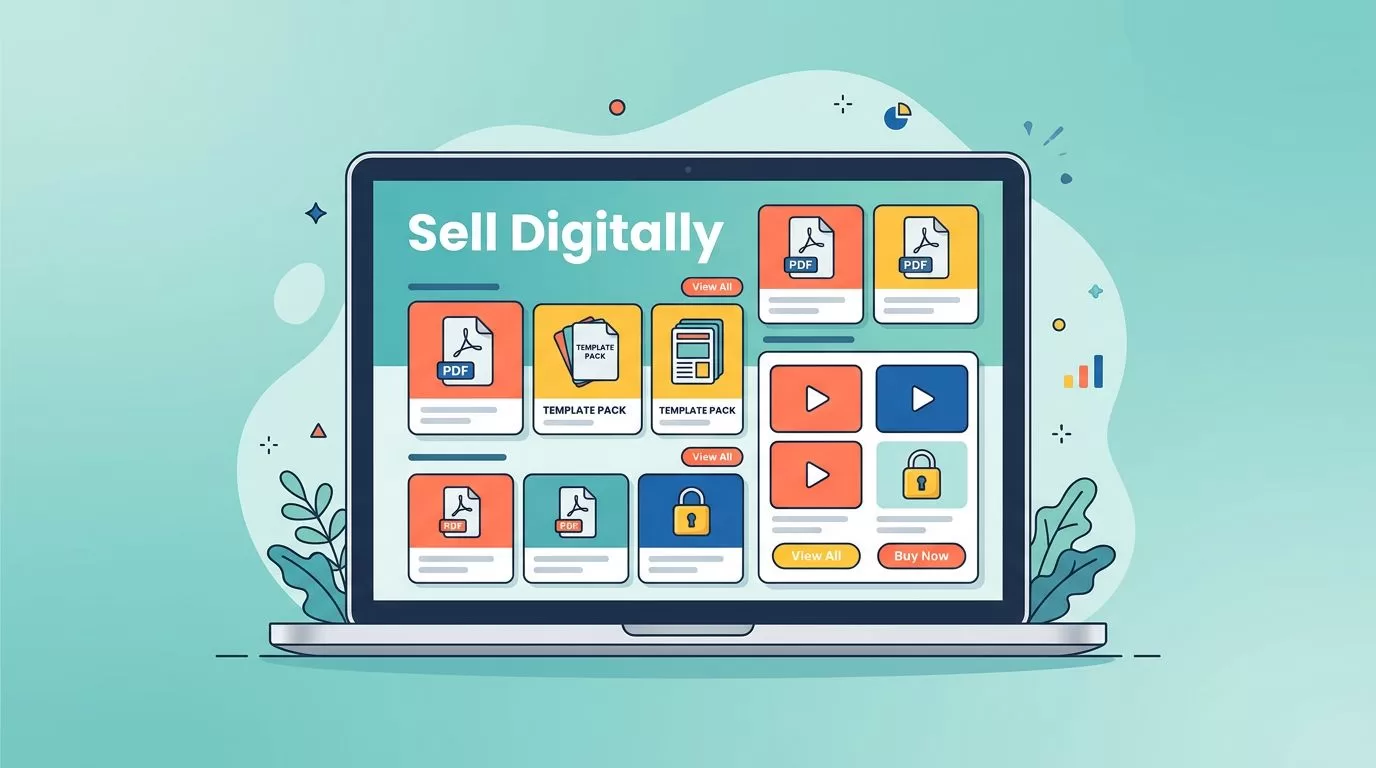
Most people make digital products harder to sell than they need to. I can turn a PDF, a template pack, or a private resource library into a paid offer faster when the checkout, delivery, and access rules all live in one place.
That matters because buyers do not pay for file dumps. They pay for a clear result, a clean buying path, and instant access. MemberSpace fits that job well when I already have an audience and want to sell without rebuilding my whole site.
Start with products people can use right away
I get the best results when I sell something that solves one sharp problem. A workbook can sell, but a workbook plus a short video walkthrough usually sells better because it feels complete. The same goes for a template pack, a swipe file, a private lesson, or a gated library.
MemberSpace supports PDFs, videos, audio files, images, links, and protected pages, so I can package almost any useful asset. MemberSpace’s digital downloads page shows the core idea well, protect the page, collect payment, and deliver access automatically.
For creators, coaches, and educators, the strongest products usually fall into a few buckets. I like:
- A fast-win download, such as a checklist, script pack, or planner.
- A bundled kit, such as a template plus examples and a short tutorial.
- A member library, such as ongoing lessons, updated assets, or monthly drops.
- A premium package, such as a course vault or a paid resource archive.
I do not start with all of them. I start with one offer that has a clear before and after. That keeps the page focused and helps me learn what people actually want.
Build the storefront around one clear offer
I keep the first product page simple. I explain what the product is, who it helps, what is inside, and what happens after payment. That is enough for most buyers. If I make them guess, they leave.
MemberSpace now works on Squarespace, WordPress, or a simple site it generates for me if I do not have a site yet. In 2026, that matters more than ever because I can test an idea before I commit to a bigger rebuild. MemberSpace’s step-by-step guide for selling without a website matches that lean setup well.
When I do have an existing site, I protect the product page itself. That keeps the preview public and the actual download, lesson, or vault behind the paywall. It also lets me share a single product link from email, social posts, or a podcast description.
I also like that MemberSpace connects directly to Stripe. I do not need to stitch together a separate checkout stack just to get paid. My Stripe and MemberSpace setup guide is the reference I use when I want the payment flow to stay clean and easy to test.
Price for profit, not for politeness
I think about pricing in terms of offer shape, not file count. A short guide with real value can sell better than a huge bundle if the buyer gets one concrete win. On the other hand, a bundle can raise average order value fast when it solves the whole problem.
Here is the pricing structure I use most often.
| Offer shape | What I sell | Best fit | Profit angle |
|---|---|---|---|
| One-time download | Ebook, checklist, template pack | Fast first purchase | Easy entry point |
| Bundle | Core asset plus walkthrough video and bonus files | Higher-value transformation | Raises average order value |
| Subscription | Monthly library, updates, or fresh resources | Ongoing value | Builds recurring revenue |
| Payment plan | Course, premium vault, or larger bundle | Higher price point | Lowers purchase friction |
My MemberSpace pricing guide helps me compare plan costs against margin before I lock in a price. I use that kind of check because the platform fee, payment processing, and content upkeep all matter.
I make the most money when the first offer is easy to understand and the next offer feels natural.
That is why I usually build a ladder. I start with a smaller offer, then add a bundle or membership when people want more depth. A simple download can open the door. A better package can lift the basket. A recurring library can keep the revenue moving.
Turn one sale into recurring revenue
Recurring revenue comes from content that needs updates. If the buyer wants fresh templates, new lessons, regular audits, or monthly coaching material, a subscription makes sense. If the content is frozen in time, I keep it as a one-time purchase.
My monthly subscription setup guide helps when I want to turn a content library into a steady revenue stream. I use monthly access for things like:
- A private resource vault with new files each month.
- A member-only archive of past trainings.
- A template club with fresh releases.
- A coaching library with replays, worksheets, and bonus Q&A.
That model works well because each renewal gives me another chance to add value. I am not chasing one-off sales every week. I am building a body of work that keeps paying when people stay subscribed.
I also look for simple ways to increase average order value. A few that work well:
- Add an implementation checklist to the main product.
- Bundle the finished example with the editable source file.
- Offer a premium version with an extra walkthrough video.
- Include an annual plan with one bonus month or a private resource drop.
Those small additions can change a $29 sale into a much better one. The buyer feels more supported, and I get more room to cover acquisition costs.
Keep checkout short and access automatic
The best digital product systems feel quiet after the sale. Stripe collects the payment, MemberSpace unlocks access, and the customer gets what they paid for without waiting on me. That is the whole point.
I care a lot about this part because manual delivery breaks under pressure. If I have to email files by hand, resend passwords, or approve access one customer at a time, the store stops scaling. MemberSpace removes that bottleneck.
When I set up the flow, I check three things first. The checkout must work on mobile. The customer must know exactly what they are buying. The access email must arrive fast and make sense.
MemberSpace can also handle direct product links, which helps when I sell from Instagram, TikTok, LinkedIn, YouTube, podcasts, or email. That matters if I want to turn attention into sales without sending people through a maze of pages.
If I do not have a website yet, I still have a path. I can create a simple product page, share the link, and start selling. That is often enough for the first launch.
If the checkout takes longer than a minute, I lose buyers before the file ever opens.
I also test the flow like a customer would. I buy the product, confirm the receipt, open the access page, and verify that the file or gated content is easy to find. That small test catches most problems before the public sees them.
Common mistakes that cut into margin
I see the same mistakes again and again, and they all cost money.
First, people pack too much into one offer. The page gets crowded, the buyer gets lost, and the value becomes hard to explain.
Second, they price a subscription for content that never changes. That creates churn because the monthly bill outpaces the monthly value.
Third, they ignore their own margins. Stripe fees, refunds, support time, and content updates all affect profit, so I check those before I celebrate a sale.
Fourth, they skip a clean preview. A short sample, a screenshot, or a brief summary helps the buyer decide faster.
Finally, they treat the first version like the final one. I get better results when I launch small, watch what sells, and refine the offer based on real behavior instead of guesses.
Conclusion
I sell digital products profitably with MemberSpace when I keep the system simple. One clear offer, one clean checkout, and one automatic handoff are enough to get started.
After that, I build upward. I bundle the pieces that raise average order value, then I turn the content that updates into recurring revenue. That is how a single product page becomes a reliable sales channel.
MemberSpace works best when I treat it like a business engine, not just a paywall. The product gets the attention, the pricing gets the margin, and the automation keeps the whole thing moving.
