Automate Your LinkedIn Feed With Someli
Your LinkedIn feed can contain useful market insight, hiring advice, customer research, and industry news. It can also contain recycled posts, engagement bait, and topics you never asked to see. Someli helps you apply personal rules to that...
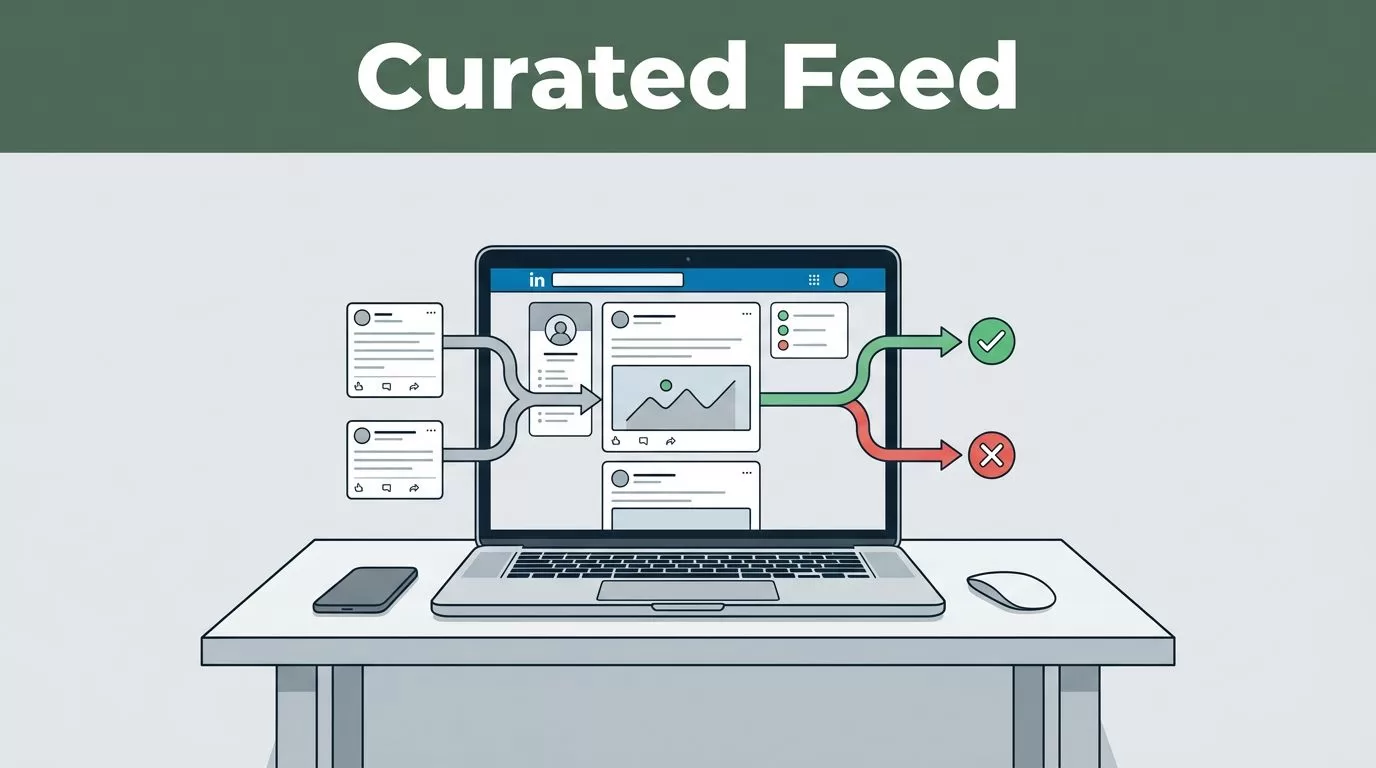
Your LinkedIn feed can contain useful market insight, hiring advice, customer research, and industry news. It can also contain recycled posts, engagement bait, and topics you never asked to see. Someli helps you apply personal rules to that stream, so your feed reflects your work instead of LinkedIn’s default mix.
The goal isn’t to automate likes, comments, follows, or messages. The goal is to reduce noise before it takes your attention. Start with a narrow set of interests, test the results, and adjust the rules as your priorities change.
Key Takeaways
- Someli works best as a feed-curation layer, not an engagement bot.
- Start with positive topics and trusted creators before adding large blocklists.
- Build separate workflows for business research, marketing, hiring, or content creation.
- Review permissions, data handling, and LinkedIn compatibility before connecting an account.
- Keep LinkedIn activity manual unless a tool clearly uses an approved integration.
What Someli Changes in Your LinkedIn Feed
LinkedIn’s standard feed tries to balance posts from people you follow, recommended content, sponsored updates, and engagement signals. That model works for broad discovery. It doesn’t always match your current job.
A founder researching enterprise sales needs a different feed from a creator studying audience questions. A marketing analyst may want demand-generation examples and customer research. A recruiter may care more about hiring trends, technical communities, and workforce changes.
Someli gives you a way to define those priorities. You can use the available topic, keyword, creator, and filtering controls to reduce posts that don’t match your work. The exact controls can change as the product develops, so check the current Someli interface before building a large rule set.
Think of the tool as a filter placed between your attention and your feed. It doesn’t need to replace LinkedIn. It needs to help you see more of what matters and less of what doesn’t.
That distinction matters. Feed automation should mean automated selection, not automated behavior. A tool that hides irrelevant posts is different from one that scrapes profiles, sends connection requests, or comments on your behalf.
LinkedIn already provides basic controls such as unfollowing people, muting conversations, and marking posts as irrelevant. The LinkedIn Help center documents those native options. Someli becomes more useful when you want a repeatable system instead of making the same choice one post at a time.
Start with one question: what should your LinkedIn feed help you do this month? Choose one answer before adding filters. “Find better prospects” is more useful than “show me business content.”
How to Set Up Someli Without Overfiltering
A good setup takes less time when you define the result first. Don’t begin by blocking every phrase you dislike. Build a small working system and improve it after you see real posts.
1. Set your feed objective
Write down the main job of your feed. Use a clear outcome such as:
- Find qualified prospects in healthcare software.
- Monitor product marketing discussions.
- Track hiring signals for engineering roles.
- Collect ideas for weekly creator posts.
Your objective gives every rule a purpose. If a filter doesn’t support that objective, leave it out.
2. Start with positive topics
Add the subjects you want to see more often. Use terms that people in your field actually use. For example, a B2B marketer might start with “customer research,” “product marketing,” “sales enablement,” “pricing,” and “case study.”
Avoid adding 30 keywords on the first day. Broad words create noise. “Marketing” can match almost anything. “B2B positioning” gives Someli a more useful signal.
Include names of trusted creators, companies, publications, and communities when the product supports creator or source preferences. These rules help you find high-value posts without relying only on topic words.
3. Add negative filters carefully
Negative filters can remove repeated content, but they can also hide useful posts. A keyword such as “AI” may remove low-quality commentary. It may also hide an important product update or research report.
Use narrow phrases before single words. Block “giveaway” or “engagement pod” before blocking “growth.” Review what disappears after each change.
4. Test the feed for several sessions
Open LinkedIn at different times and review the results. Check whether the feed contains enough variety. A useful feed should support discovery, not become a closed list of familiar opinions.
If Someli offers preview, pause, or rule-management controls, use them during testing. Keep a short record of filters that produce poor results. Remove one rule at a time so you know which change affected the feed.
5. Create a weekly review
Your priorities change. A founder may focus on fundraising in one quarter and hiring in the next. A creator may shift from audience research to distribution experiments.
Review your Someli rules once a week. Remove stale topics, add new terms, and check whether blocked phrases are too broad. A small rule set is easier to maintain than a long list created during a single cleanup session.
The best automated feed is not the one with the most rules. It’s the one that keeps the right information visible with minimal maintenance.
Practical Someli Workflows for Different Goals
The same feed tool can support different professional tasks. The rules should change with the task.
Founder and operator workflow
Use Someli to monitor customer problems, market changes, hiring signals, and conversations in your target industry. Add keywords tied to buyer pain rather than only company categories.
For a software founder, useful terms may include “implementation cost,” “data migration,” “security review,” “vendor evaluation,” and “procurement.” Add relevant customer roles and industry publications. Suppress broad motivational content and repeated promotional posts if they consume too much space.
Review this feed before sales calls and product meetings. You may find objections, terminology, and competitor references that don’t appear in formal reports.
Marketing analyst workflow
Build a feed around positioning, demand generation, attribution, customer research, content distribution, and product launches. Add credible analysts, marketers, and companies with strong public case studies.
Keep competitor content visible when you use LinkedIn for market research. Blocking every competitor removes useful information about pricing language, product releases, and customer response.
Use separate browser bookmarks or saved views if Someli supports them. One view can support research. Another can support daily industry monitoring. This prevents one feed from trying to serve every purpose.
Creator workflow
Creators need source material, not endless creator advice. Prioritize audience questions, industry discussions, editorial ideas, and posts from people who work with the audience you want to reach.
Add terms that appear in customer comments and professional discussions. Watch for recurring questions. Those questions can become post topics, newsletter sections, or video scripts.
Reduce content built around generic personal branding if it doesn’t help your subject area. Keep enough variety to avoid copying the same opinions as everyone else.
Recruiter and job seeker workflow
Use terms tied to target roles, technical skills, hiring practices, and the industries you want to enter. Include professional associations, specialist recruiters, and leaders who share useful hiring information.
Avoid relying on titles alone. “Product manager” is broad. A combination such as “B2B SaaS product manager,” “roadmap planning,” and “customer discovery” produces a more focused feed.
The goal is not to automate outreach. Use the filtered feed to identify relevant people and conversations, then review profiles and send any messages yourself.
LinkedIn Policy, Privacy, and Account Safety
Feed curation and LinkedIn activity automation are different risk categories. You need to know which one Someli performs before connecting an account.
LinkedIn’s User Agreement restricts unauthorized scraping, automated access, data copying, and the use of bots or browser tools that perform actions on the service. The agreement can change, so read the current version before deployment.
Don’t use a tool to automate likes, comments, follows, connection requests, messages, profile visits, or data exports unless LinkedIn clearly permits that activity through an approved integration. These actions can trigger account restrictions and can damage your professional reputation.
Before installing Someli, check the permissions it requests. A browser extension that can read LinkedIn pages may access feed content, profile information, or other data displayed in your browser. Read the product’s privacy policy and look for clear answers about storage, retention, deletion, third-party processors, and account access.
Use these safeguards:
- Never give a third-party tool your LinkedIn password.
- Prefer official sign-in or a supported authorization method.
- Turn on two-step verification for your LinkedIn account.
- Install the extension from a trusted source and check the publisher.
- Use a separate browser profile when testing a new extension.
- Remove access and uninstall the tool if its behavior changes.
- Don’t expose private client, employee, or customer information through copied feed data.
LinkedIn’s Privacy Policy explains how LinkedIn handles personal data. Someli has its own obligations and practices, so review both documents.
A safe deployment starts with limited access and manual observation. If a product asks for permissions that don’t match simple feed filtering, stop and investigate before continuing.
Make Your Automated Feed Useful Over Time
The first version of your feed will be imperfect. That doesn’t mean the system failed. Feed preferences need adjustment because your work changes and LinkedIn content changes with it.
Track three signals during the first week: relevance, variety, and time saved. Relevance tells you whether the posts match your objective. Variety tells you whether the filters are too strict. Time saved tells you whether Someli is reducing manual cleanup.
If the feed feels empty, remove broad negative filters first. If it still contains too much noise, add trusted creators and narrow positive phrases. Don’t solve every problem with another block rule.
Keep your personal and professional objectives separate where possible. A feed for prospect research may not be the right feed for creative ideas. Separate views make the system easier to operate and easier to change.
Conclusion
A useful LinkedIn feed doesn’t need to show everything. It needs to show enough relevant information for the work in front of you. Someli can help you automate that selection with personal rules while keeping professional actions under your control.
Start with one objective, a small set of topics, and a few trusted sources. Review the results each week. Better feed automation means less cleanup, not less judgment.
