Deploy AI Social Media Templates on Someli Fast
Social media production slows down when every post starts with a blank page. You need copy, visuals, platform formats, approvals, and publishing details before a campaign can go live. AI social media templates reduce that repeated work. Som...
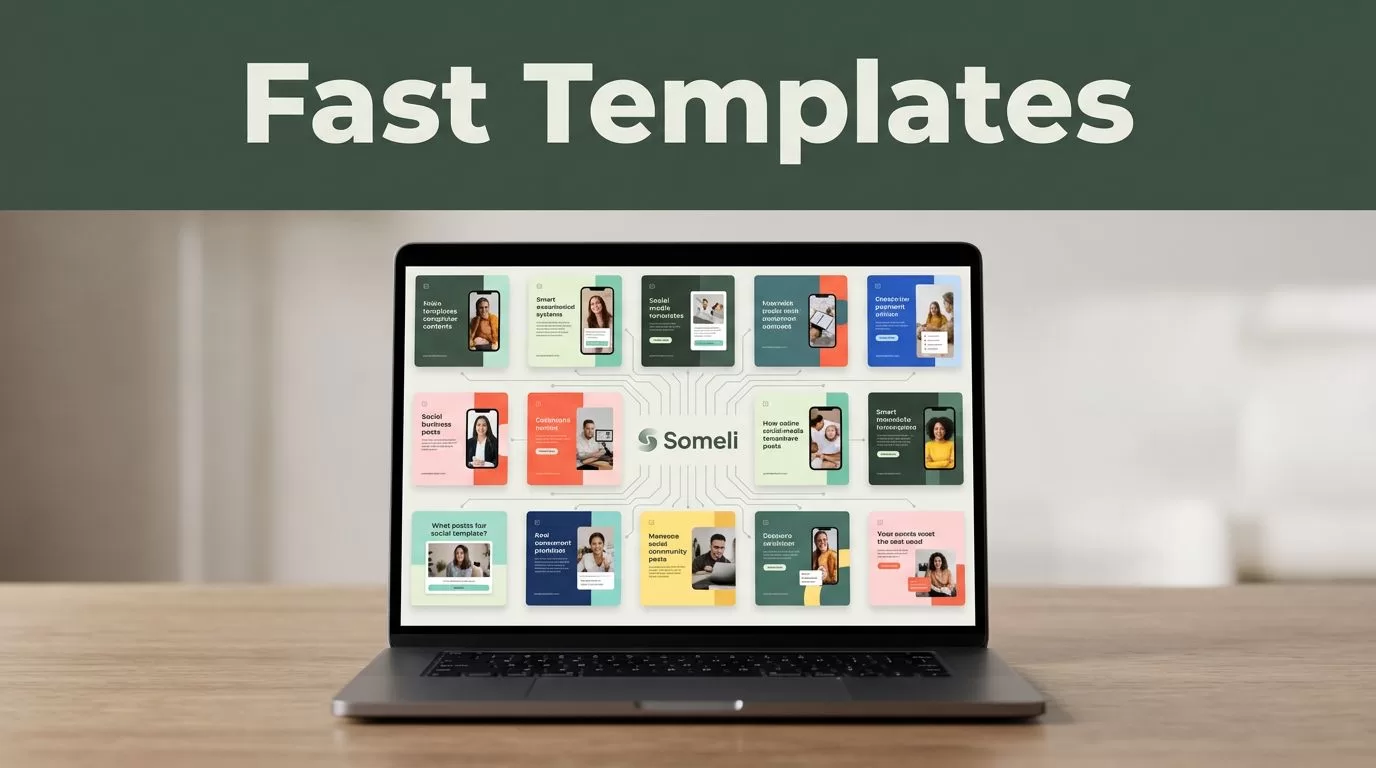
Social media production slows down when every post starts with a blank page. You need copy, visuals, platform formats, approvals, and publishing details before a campaign can go live.
AI social media templates reduce that repeated work. Someli can help you turn a campaign brief into reusable post structures, but speed only matters when the output is accurate and on-brand.
The best process is simple: define the campaign, build the template, generate variations, review every asset, then publish the approved content.
Key Takeaways
- Build templates around a clear campaign goal, audience, channel, and call to action.
- Use reusable variables so one Someli template can support multiple posts.
- Review AI-generated copy, visuals, claims, links, and brand details before publishing.
- Create separate versions for platforms with different formats and audience expectations.
- Treat instant deployment as faster production, not automatic approval.
What AI Social Media Templates Do in Someli
A social media template gives AI a fixed structure to follow. Instead of asking for a new post without context, you define the content type, message, tone, format, and required fields.
A basic template might include:
- Campaign name
- Target audience
- Platform
- Post objective
- Main message
- Offer or event details
- Visual direction
- Call to action
- Link or destination
- Words or claims to avoid
The template becomes a repeatable production unit. You can use it for product announcements, educational posts, customer stories, event reminders, or promotional campaigns.
In Someli, start with the campaign outcome rather than a vague request such as “Create a post for my business.” A better instruction states what the audience should understand and do next.
For example:
Create a LinkedIn post for operations managers at small software companies. Explain how a centralized reporting dashboard reduces manual spreadsheet updates. Use a direct, practical tone. Include one clear call to action to request a product demonstration. Do not invent customer results, pricing, or technical features.
This prompt gives the system boundaries. It also gives you a post that is easier to review.
Deployment has three parts. First, Someli generates the content and visual direction. Second, your team checks the result. Third, the approved asset moves to publishing or handoff. The exact controls can vary by Someli workspace, so follow the options available in your account rather than assuming every plan has the same publishing tools.
The main advantage is repeatability. A campaign manager can update the offer, audience, date, or product name without rebuilding the entire content structure.
Build a Reusable Template Before You Generate
The first version should be a master template. Do not begin by producing 20 posts. Build one controlled example, review it, and improve the structure before creating variations.
Use this setup process in Someli:
- Choose one campaign objective. Select awareness, traffic, lead generation, education, event registration, or another defined outcome. One template should not try to cover every goal.
- Set the audience. Include role, industry, customer stage, and problem. “Small-business owners” is broad. “Local service businesses that need more quote requests” gives the model better direction.
- Define the channel. A LinkedIn thought-leadership post needs a different structure from an Instagram product graphic or a short Facebook announcement.
- Add the source facts. Include approved product details, dates, prices, URLs, service areas, and legal wording. AI should not guess these details.
- Set the output format. Ask for a headline, primary copy, short caption, visual concept, alt text, and call to action when those fields support your workflow.
- Create variables. Use replaceable fields for items such as
[product name],[customer problem],[offer],[deadline], and[landing page]. Keep the variable names clear so another team member can update them without explanation. - Generate one test asset. Review the output before you create a batch. A weak master template creates weak variations at a higher speed.
A useful template prompt looks like this:
Create five social posts for [campaign name]. Audience: [audience]. Objective: [objective]. Platform: [platform]. Core message: [message]. Approved facts: [facts]. Tone: clear, direct, and useful. Each post needs a short hook, two supporting points, one call to action, and a visual direction. Do not add unsupported statistics, testimonials, product claims, or discounts.
Keep instructions short enough to maintain consistency. Add restrictions when accuracy matters. Tell Someli what it must not create, not only what it should create.
Brand controls can also improve consistency. If your Someli workspace supports brand settings, add approved colors, fonts, logos, tone rules, and visual references. If it doesn’t offer those controls, place the same information inside the template prompt and maintain a separate brand reference document.
Use a naming system that makes templates easy to find. For example, LinkedIn_ProductEducation_Operations_v1 is clearer than Template 4. Store the approved prompt and the last review date with the template.
Deploy Campaign Variations Without Rebuilding Each Post
After the master template passes review, create variations around one message. Change the hook, example, visual treatment, or call to action. Keep the campaign facts stable.
A local accounting firm could use one educational template with these variables:
Create a three-post campaign for small-business owners preparing quarterly records. Post one explains the records to collect. Post two lists common documentation gaps. Post three invites readers to schedule a records review. Keep the advice practical. Don’t claim tax savings or guaranteed results.
This structure creates a short campaign without asking AI to invent a new strategy for every post.
A product launch needs tighter controls:
Create launch posts for [product name]. Use only the approved features listed below. Mention the launch date as [date]. Direct readers to [URL]. Create one LinkedIn post, one Instagram caption, and one Facebook post. Keep the core message consistent, but adjust the opening and call to action for each platform. Do not mention availability outside the listed regions.
An event campaign can use a similar pattern:
Create four posts for [event name]. Include [date], [location or meeting format], and [registration URL]. Write one announcement, one speaker-focused post, one reminder, and one final registration post. Use an informative tone. Do not create speaker credentials that aren’t provided.
These prompts are useful because they define the content sequence. They also limit the details AI can change.
Before publishing, compare the generated versions side by side. Check whether the same offer has different wording, whether dates remain consistent, and whether each platform receives the right format. A campaign can look polished while sending people to the wrong page.
If your workflow uses another publishing tool, confirm its platform connections and approval settings. Meta Business Suite provides publishing and management tools for Facebook and Instagram. LinkedIn also maintains post image and video guidance, which can help your team check creative files before upload.
The deployment target should be clear for every asset. Some content may publish directly through Someli. Other content may need export, approval, and scheduling in a separate system. Record that handoff in the campaign process.
Review AI Copy, Visuals, and Brand Consistency
Fast generation doesn’t remove the review step. It makes review more important because errors can spread across multiple posts in minutes.
Start with factual accuracy. Check every number, date, product feature, customer reference, price, location, and URL. AI can produce confident copy that includes details you never supplied.
Then check the message. The post should make one clear point. Remove extra claims, repeated benefits, vague promises, and calls to action that don’t match the campaign objective.
Review the visual output separately. Check the logo, colors, typography, image subject, crop, and contrast. Make sure a product image shows the correct version. Confirm that any person, location, or result shown in the creative is approved for use.
Pay attention to accessibility. Review text contrast, image descriptions, caption readability, and the amount of text placed inside an image. Keep important information in the post copy as well, not only in the graphic.
Use this short approval check:
- The copy uses approved facts and names.
- The visual follows the current brand rules.
- The call to action matches the destination page.
- The link works and uses the correct tracking parameters.
- The asset fits the selected platform.
- The post doesn’t make unsupported promises.
- A person has approved the final version.
AI can prepare the first draft quickly. Your team still owns the claim, the image, and the customer experience.
Brand consistency also requires regular template maintenance. Update old offers, remove retired products, and revise tone rules when your messaging changes. A template with outdated inputs can keep producing outdated content long after the campaign ends.
For promotional content involving endorsements or creators, review disclosure requirements before publishing. The FTC’s social media disclosure guidance explains when sponsored relationships and material connections need clear disclosure.
Create a Fast Someli Production Routine
A reliable deployment routine keeps speed from creating rework. Assign one owner for the prompt, one reviewer for factual accuracy, and one final publisher when your team size allows it.
Use a small pilot first. Generate three to five assets with the template. Record the corrections your reviewer makes. Then update the prompt before producing the full campaign.
Store the approved version separately from the draft. Add a version number and a change note. This prevents teams from editing a working template without knowing what changed.
Track results after publishing, but don’t change the template based on one weak post. Review performance across several assets. Look for repeated issues such as unclear hooks, weak calls to action, poor visual crops, or mismatched audience language.
The routine can be compact:
- Brief the campaign.
- Select the Someli template.
- Replace the approved variables.
- Generate a small batch.
- Review copy and visuals.
- Approve or revise the template.
- Export, schedule, or publish.
- Record performance and corrections.
This process lets a small marketing team move quickly without turning the social feed into an unreviewed AI output stream.
Conclusion
Someli can reduce the time required to create and deploy social content when you build templates around clear inputs and repeatable campaign goals. The fastest workflow is not “generate and publish.” It is generate, review, approve, and reuse.
Start with one campaign and one master template. Check every claim, visual, link, and brand element before deployment. Once the structure works, create controlled variations and let the template handle the repetitive production work.
