If you’re searching for 4K video editing online, Transistor.fm can help with the podcast publishing layer, but it doesn’t replace a video editor. You need a separate platform to cut footage, mix audio, add captions, and export the final 4K file.
Transistor.fm is built for podcast hosting, RSS feeds, analytics, and audio distribution. The clean workflow is simple: edit the video elsewhere, export a separate audio file, then use Transistor.fm for the podcast episode.
Key Takeaways
- Transistor.fm is an audio podcast hosting platform, not a 4K video editor.
- Edit, caption, review, and export video in a separate editing platform.
- Create one 4K video master and one podcast audio file.
- Upload the audio to Transistor.fm and publish the video through a supported video platform.
- Confirm every platform’s current file, codec, resolution, and size limits before publishing.
Separate 4K Editing From Podcast Hosting
Transistor.fm handles the publishing system around your podcast. It can store podcast audio, create an RSS feed, provide analytics, and support the information attached to each episode. Your podcast app listings depend on that feed and its metadata.
It doesn’t provide a browser-based video timeline. You won’t use Transistor.fm to trim camera angles, remove pauses, balance dialogue, correct color, generate captions, or export a 3840 x 2160 video.
As of July 2026, Transistor’s standard public workflow remains audio-first. An MP4, MOV, or MKV video master shouldn’t be treated as a Transistor episode file. Use the Transistor support center to confirm current audio upload requirements for your account.
| Workflow task | Suitable tool | Output |
|---|---|---|
| Cut camera footage | Online or desktop video editor | Edited video timeline |
| Mix dialogue | Video editor or audio tool | Clean audio track |
| Export 4K video | Video editor | 3840 x 2160 video file |
| Host podcast audio | Transistor.fm | Episode file and RSS feed |
| Publish video | YouTube or another video platform | Online video episode |
This separation prevents a common mistake. Teams finish a large 4K file, then discover their podcast host only needs the audio track. You can still use one recording session for both formats. You simply create different deliverables at the end.
Treat Transistor.fm as the audio publishing system. Treat your editor and video platform as separate parts of the production system. The Transistor podcast hosting platform can then manage the audio side without being responsible for video processing.
Build an Online 4K Video Editing Workflow
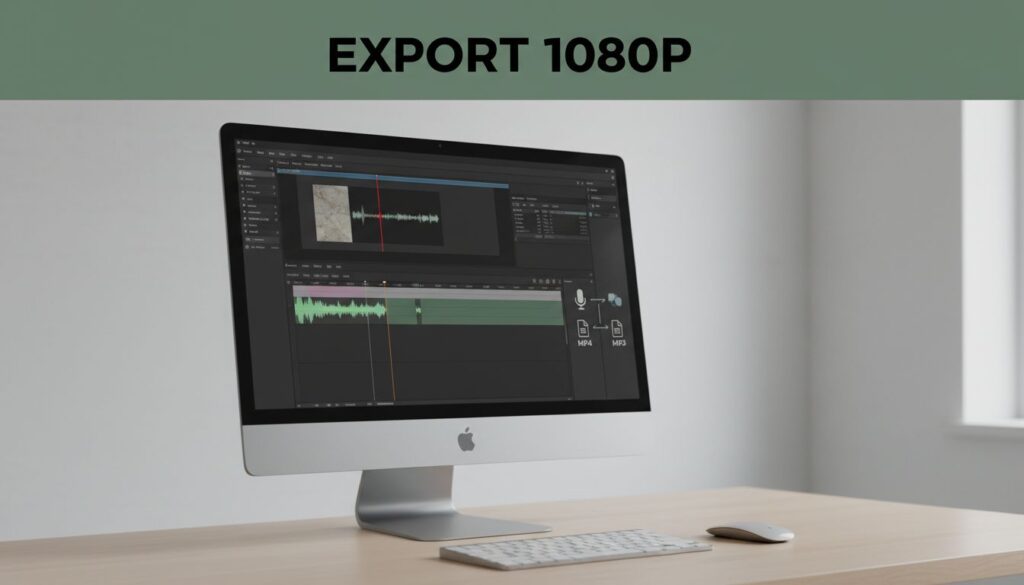
You can edit in a browser or use a desktop editor with cloud storage. Tools such as Descript, Riverside, VEED, Adobe Premiere, and DaVinci Resolve can fit different production requirements. Don’t assume every plan supports 4K export. Check the export settings before you select a platform.
A practical workflow has five steps:
- Organize the source files. Store camera footage, screen recordings, separate audio, graphics, and music in named folders. Keep the original camera files unchanged. Use a project folder for working files and a separate folder for exports.
- Create proxy files when playback is slow. A proxy is a smaller temporary copy of a high-resolution video. The editor uses the proxy during playback, then reconnects the original 4K file for export. This reduces browser lag and makes remote editing more reliable.
- Edit the picture and sound together. Remove dead space, repeated answers, long pauses, and technical errors. Keep important visual details on screen long enough to understand. Match the external microphone recording with the camera footage before you make detailed cuts.
- Review the complete episode. Check speaker names, lower-thirds, screen recordings, transitions, captions, and music levels. Watch the export on a laptop and a phone. A title that looks readable on a large monitor may be too small on a mobile screen.
- Export separate files. Create a video master for your video destination and an audio file for Transistor.fm. Don’t extract low-quality audio from a compressed social clip. Export the podcast audio directly from the edited timeline.
Set the project to 3840 x 2160 when the source footage is 4K UHD. Keep the original frame rate unless you have a clear reason to change it. A 30 fps source should normally remain 30 fps throughout editing and export.
Online editors also need a stable upload connection. A 30-minute multi-camera recording can contain several gigabytes of source material. Uploading all files at once can slow the team down and create duplicate versions. Upload only the required camera angles when the platform supports selective media management.
Export the Right Files for Each Destination
A 4K video master and a podcast audio file have different jobs. Build both outputs into your delivery checklist.
For video, use the resolution and codec required by the destination. MP4 with H.264 video is a widely accepted choice for online publishing. H.265 can reduce file size, but some services and editing tools handle it less reliably. Keep a high-quality master in your storage system before creating smaller versions.
For audio, MP3 is the conservative choice for spoken-word podcast distribution. Export stereo audio at a sensible bitrate, such as 128 or 192 kbps, unless your production needs a different setting. Keep speech clear and avoid aggressive noise reduction that makes voices sound metallic.
Podcast loudness also needs attention. A common target for stereo spoken-word programs is around -16 LUFS integrated, with true peaks below 0 dBTP. Your editor may display different meters, so check its loudness documentation before applying a preset.
Use this delivery structure:
| File | Recommended purpose | Important check |
|---|---|---|
| 4K video master | Archive and video publishing | 3840 x 2160, correct frame rate |
| Web video export | YouTube or another video service | Accepted container and codec |
| Podcast audio | Transistor.fm episode | MP3 or another accepted audio format |
| Caption file | Accessibility and search | Correct speaker timing and spelling |
| Thumbnail image | Video platform listing | Readable at small sizes |
YouTube publishes recommended upload encoding settings, including guidance for resolution, frame rate, bitrate, and audio. Use those settings as a starting point, then compare them with the current requirements of your chosen video platform.
Don’t judge quality by resolution alone. A 4K file with clipped dialogue, incorrect captions, or poor lighting still produces a weak episode. Clean speech and accurate information matter more than forcing every project into a higher export setting.
Publish the Audio Episode Through Transistor.fm
After the video edit is approved, export the podcast audio and upload it to Transistor.fm. Add the episode title, description, artwork, season information, episode number, and any required author details.
Write the description for a listener who won’t watch the video. Include the main subject, guests, useful resources, and timestamps when they improve navigation. Add a link to the full video if the video version lives on YouTube or another platform.
Transistor.fm then provides the podcast publishing layer. Your RSS feed carries the episode information to podcast directories and apps that use that feed. Check the finished episode in the Transistor player before sharing it publicly.
Keep the audio and video titles aligned. If the video is called “How to Audit SaaS Access,” don’t publish the audio as “Episode 42” without context. Consistent titles help listeners connect both versions.
The video upload happens separately. Use YouTube, Spotify for Creators, or another service that supports your video podcast plan. Each service can set different limits for resolution, file size, captions, thumbnails, and monetization. Verify those requirements before exporting a final file.
Don’t claim that Transistor.fm hosts the 4K video when the video is hosted elsewhere. Use accurate links in the show notes. That keeps the listener experience clear and gives your team a reliable record of where each asset lives.
Reduce Rework With a Fixed Delivery Checklist
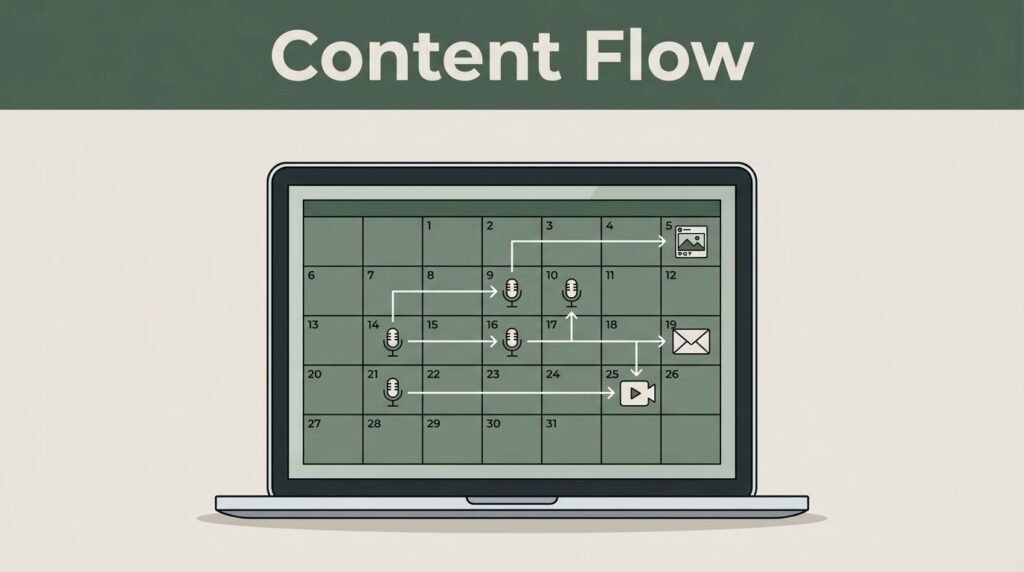
A repeatable checklist prevents small errors across weekly episodes. Use the same folder names, file names, metadata fields, and review steps for every production.
A useful file naming system looks like this:
showname_ep042_video_4k_v03.mp4showname_ep042_audio_v03.mp3showname_ep042_captions_v03.vttshowname_ep042_thumbnail_v02.png
Keep version numbers in every export. Don’t overwrite the approved file with a new revision. Store the final video, podcast audio, caption file, thumbnail, and show notes together.
Before publishing, confirm these items:
- The video opens without missing media.
- The first and last seconds are clean.
- Dialogue is understandable on small speakers.
- Captions match the spoken words.
- The podcast audio has no accidental silence or camera noise.
- The Transistor episode has the correct title and description.
- The video description links to the podcast version.
- The podcast description links to the video version.
If you need a separate editor, DaVinci Resolve is one option to evaluate. Its availability, storage setup, and export workflow differ from browser-based services. Choose based on your team’s editing requirements, not on the assumption that every tool supports the same 4K files.
What Transistor.fm Can and Cannot Replace
Transistor.fm can replace a dedicated audio podcast host. It cannot replace your video editor, captioning process, cloud review system, or video publishing platform.
You still need a way to:
- Edit multi-camera footage.
- Create proxies for large files.
- Mix and measure audio.
- Export 4K video.
- Generate or review captions.
- Store large video masters.
- Publish the final video online.
This division can reduce software waste. Your editor handles production. Transistor.fm handles podcast audio and RSS publishing. The video platform handles video playback and video-specific distribution.
Before choosing an online editor, confirm four details: 4K source upload, 4K export, maximum project size, and team review controls. Also check whether captions are included in your plan or billed separately. These limits often matter more than the editor’s feature list.
Conclusion
Transistor.fm fits into a 4K video podcast workflow as the audio hosting and RSS publishing layer. It doesn’t edit, export, or standardly host your 4K video master.
Use a separate editor for the video, export a clean podcast audio file, and publish each asset through the platform designed for it. That approach keeps file formats correct, reduces rework, and gives listeners a consistent episode wherever they watch or listen.