How Speechify’s Dyslexia Reading Tools Changed My Daily Reads
Imagine staring at a page of text that blurs into nonsense, no matter how hard you try. That’s the frustration many face with dyslexia. You want to absorb books, emails, or reports, but letters jumble and focus slips away. I’ve...
Imagine staring at a page of text that blurs into nonsense, no matter how hard you try. That’s the frustration many face with dyslexia. You want to absorb books, emails, or reports, but letters jumble and focus slips away.
I’ve tested plenty of apps over the years. Speechify stands out among dyslexia reading tools because it turns text into clear audio while keeping your eyes on track. It fits right into busy workdays or study sessions. In this post, I share how I adopted it and why it boosts comprehension without the hype.
Why Dyslexia Reading Tools Like Speechify Fit Modern Workflows
Dyslexia affects how your brain processes written words. Reading takes extra effort, and fatigue sets in fast. Tools like Speechify step in with text-to-speech that reads aloud in natural voices.
I first tried it during long reports at work. Instead of decoding every line, I listened while following along. This dual approach sharpened my grasp of details. Speechify supports over 1,000 voices in 60 languages, so you pick what sounds right.
Adjust speeds from 0.5x to 5x help too. Slow it down for tough sections; speed up for reviews. As a result, I finished dense PDFs quicker. Parents tell me their kids use it for homework. It builds confidence without replacing practice.
Educators integrate it into lessons. Students follow highlighted text, which reduces skipping. For adults in business, it handles emails and docs seamlessly across devices. Cloud sync means no lost progress.
Key Features That Help With Dyslexia
Speechify goes beyond basic audio. Word-by-word highlighting keeps your place as it speaks. This simple trick fights common mix-ups like reversed letters or lost lines.
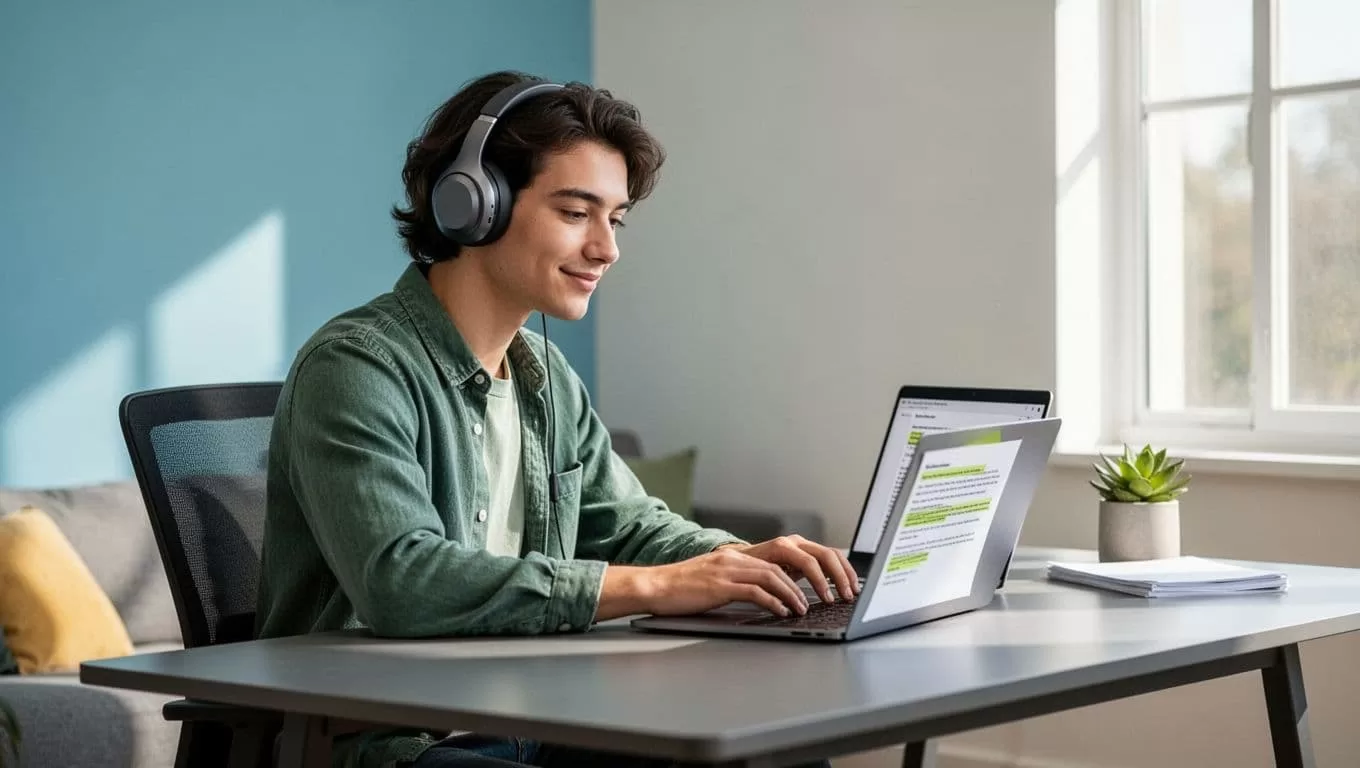
In my setup, I tweak background colors and font sizes for comfort. Bright text strains eyes less now. OCR scans paper docs with your phone camera. Snap a textbook page; it converts to readable audio instantly.
Voice typing lets you dictate notes. It cuts fillers like “um” and fixes grammar on the fly. Listen back to check. Multimodal AI answers questions about your doc, like summaries or definitions, all spoken.
For deeper tips on classroom use, check how teachers support students with dyslexia. These features sync on web, Chrome extension, iOS, Android, and desktop. No more app-switching mid-task.
Use Cases That Make Adoption Worth It
Parents often start with school books. I helped a friend whose teen struggled with history texts. Speechify read chapters aloud; the kid took notes easier. Comprehension jumped because audio reinforced visuals.
Educators assign it for assignments. One teacher shared how it leveled the field in group reads. Students with dyslexia joined discussions confidently. Meanwhile, adults like me use it for professional growth.
During a recent project, I scanned contracts and listened while commuting. Focus stayed sharp. Voice typing sped up my emails. It handles Google Docs or web pages via extension.
Business teams benefit too. Sales reps review pitches hands-free. Operations folks process reports faster. Speechify’s dyslexia page outlines student wins, but pros see gains in productivity.
Effectiveness varies, though. Pair it with routines that suit you. Some prefer natural voices; others slower speeds. Test a few docs first.
Practical Tips for Adoption Across Groups
Start small to build habits. Download the free version and upload a familiar PDF. Play with speeds until it clicks.

Parents, involve kids in setup. Let them choose voices; it feels personal. Scan homework sheets for instant audio. Educators, demo in class. Show the Chrome extension on shared screens.
For adults, integrate into workflows. Use it for emails during walks. Dictate replies voice-first. Sync ensures phone-to-laptop flow.
Watch battery on mobile scans. Premium unlocks more voices, but free covers basics. Track progress; note what boosts focus most. Explore text-to-speech for struggling readers for more ideas.
Handling Limits and Maximizing Gains
No tool fixes everything. Audio might not suit fiction lovers who crave inner voices. Distractions arise in noisy spots, so headphones help.
Cost adds up for premium, around $140 yearly. Free tier limits scans. Still, it pays off in time saved. I offset by ditching print subs.
Customize ruthlessly. If voices grate, swap them. Combine with breaks to avoid overload. Results build over weeks, not days.
Speechify shines because it adapts. For dyslexia-specific apps, see their dedicated reading tools post.
Dyslexia reading tools like Speechify eased my text battles and sharpened work focus. You gain comprehension and speed when audio pairs with visuals. Start with a trial today; pick one doc and listen. How might it fit your routine? Test it and see the shift.
(Word count: 982)
