Rewardful Affiliate Asset Library: Build It to Get Used
An affiliate who has to ask for a logo, a screenshot, and a referral link usually doesn’t publish anything. The delay is small. The lost promotion adds up. An affiliate asset library gives partners one approved place to find what they...

An affiliate who has to ask for a logo, a screenshot, and a referral link usually doesn’t publish anything. The delay is small. The lost promotion adds up.
An affiliate asset library gives partners one approved place to find what they need. For SaaS teams using Rewardful, it also cuts repeated support work and reduces off-brand claims.
Build the library before you recruit at scale. Give every asset an owner, a clear use case, and a review date.
BUILD AN AFFILIATE ASSET LIBRARY IN REWARDFUL
Your library is not a folder full of old marketing files. It is the working kit an affiliate uses to write a post, record a video, send an email, or add a recommendation to an existing page.
Start with the promotion paths you want affiliates to use. Most first programs need three:
- A review or comparison page that links to your product.
- An email recommendation sent to an owned list.
- A social post, video description, or community post.
Build assets for those paths first. Don’t upload every file your company has produced. A large, unstructured library creates the same problem as a scattered Google Drive.
Rewardful’s asset-creation guidance recommends giving affiliates access to brand materials, product screenshots, and useful promotional resources. Treat that guidance as the minimum.
Create one source of approved material
Keep the original working files in your internal repository. Rewardful should contain the finished assets an affiliate can use without editing.
Each asset needs a simple record:
- Asset name and version number.
- Asset owner.
- Date published and date reviewed.
- Intended channel, such as email, blog, or social.
- Any claim, audience, or geography restriction.
Use names people can scan. product-screenshot-dashboard-2026-09 is useful. final-new-2.png is not.
Published library items can be visible to affiliates across campaigns. Don’t place campaign-only rates, private launch plans, or partner-specific terms in a universal asset.
INCLUDE THE MATERIALS AFFILIATES ACTUALLY NEED
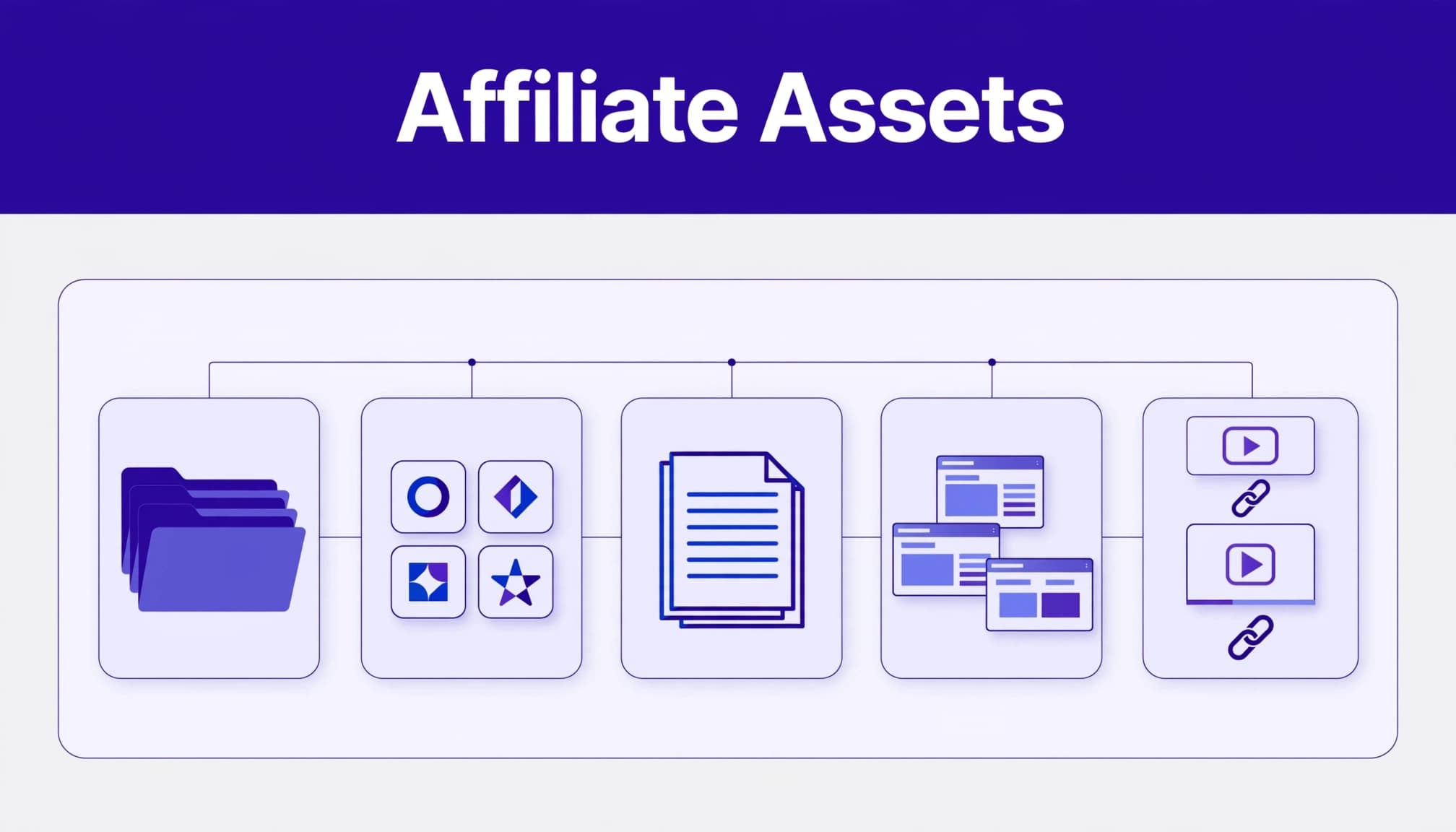
A new affiliate should be able to publish a basic promotion in one session. That means copy, visuals, product context, and link instructions must sit together.

Give them approved copy, not vague talking points
Create short text assets for common placements. Affiliates should not need to interpret your product positioning from a sales page.
Include:
- A 50-word product description for directories and short posts.
- A 150-word description for review pages and newsletters.
- Three to five approved value statements.
- A list of claims they must not make.
- A current pricing statement, only if your pricing is public and stable.
- A short founder or company background paragraph.
Add email templates that partners can adapt. Give each template a subject line, opening paragraph, product explanation, and call to action. Keep placeholders obvious, such as [Audience problem] or [Personal result].
Social copy needs less structure. Provide a few post options for LinkedIn, X, and community forums. Each should use a different angle. One can focus on time saved. Another can focus on a problem the product solves. Don’t force every affiliate to publish identical copy.
Add logos, screenshots, videos, and product proof
Use current logo files in light and dark versions. State whether resizing, recoloring, or cropping is allowed. Include PNG files for quick use. Keep SVG originals in your internal brand folder if you don’t want partners editing them.
Publish screenshots that show real product screens. Remove customer names, private data, test records, and outdated pricing. Add a one-line caption that states what each image shows.
Rewardful’s current Assets Library supports files, links, and text snippets. Product information lists JPG, PNG, and PDF uploads with a 25 MB file limit. Use links for hosted videos, demo recordings, case studies, and your public media kit.
For product descriptions, include proof sources. Link to a current feature page, integration page, security page, or public changelog. An affiliate can then check a claim before repeating it.
MAKE REFERRAL-LINK INSTRUCTIONS IMPOSSIBLE TO MISS
The referral link is the asset that pays the commission. Treat it with the same care as your payment setup.
Tell every affiliate to copy their unique link from their Rewardful portal. Don’t ask them to construct a URL by hand. A missing token or wrong destination can create traffic you cannot attribute.
Publish a one-page link guide
Your link guide should state:
- Where the affiliate finds their personal referral URL in Rewardful.
- Which landing page they should use for each promotion type.
- Whether deep links are allowed in your program.
- How to use an approved coupon code, if you offer one.
- Which traffic sources your terms permit.
- Who to contact when a link, coupon, or dashboard result looks wrong.
Add a screenshot of the portal with sensitive details removed. A 30-second walkthrough video also helps first-time affiliates.
Campaign settings control how referrals are tracked and rewarded. Check Rewardful’s campaign settings overview before you publish instructions. Features and workflows can change, so update the guide when you change campaigns, tracking rules, rewards, or destination pages.
Test links before an affiliate uses them
Click every published destination from desktop and mobile. Confirm the page loads, the offer matches the copy, and the URL points to the intended product path.
Don’t create fake purchases to test attribution. That can create bad records and breach your own program rules. Instead, record the live test click, date, device, campaign, destination URL, and expected reporting result.
When an affiliate reports a tracking problem, request the content URL, affiliate ID, referral link, campaign, date range, and a screenshot. A message that says “my commission is missing” gives your team almost nothing to investigate.
PUBLISH THE LIBRARY THROUGH REWARDFUL
Rewardful gives affiliates a self-service portal for links and program information. The asset workflow should match that self-service model.
Use drafts before you publish
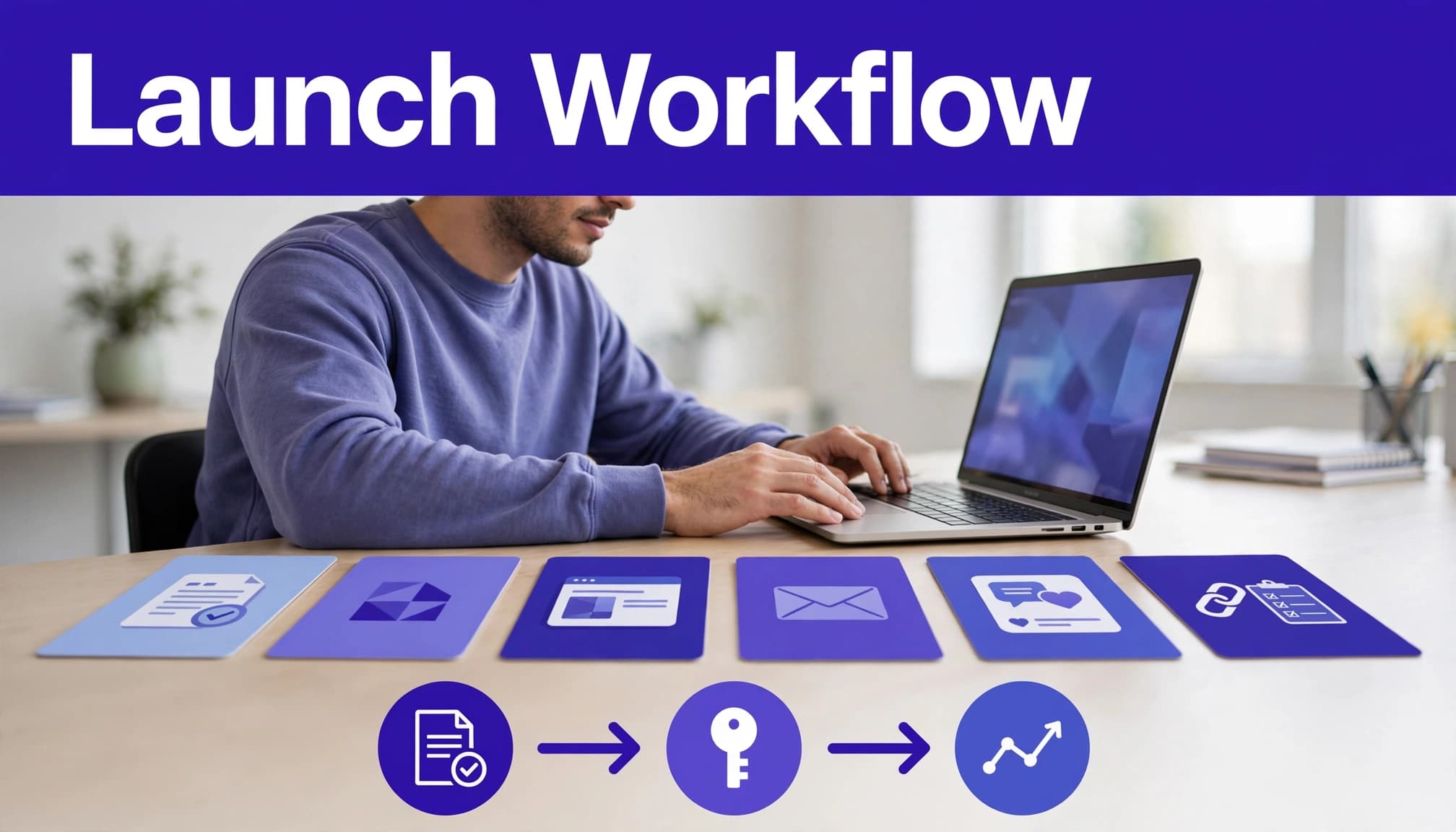
Open the Assets area and add each item as a File, Link, or Text asset. Use File for approved images and PDFs. Use Link for hosted videos, public case studies, and current product pages. Use Text for copy blocks and templates.
Save new items as drafts first. A second person should check the copy, links, screenshots, and legal wording. Then publish the approved version.
A simple review rule prevents most errors:
- Marketing checks tone, product details, and brand use.
- Product checks feature claims and screenshots.
- Legal or compliance checks claims, disclosures, incentives, and restricted markets.
- The affiliate manager checks link instructions and campaign fit.
An asset library does not replace program terms, legal review, or affiliate disclosure requirements. Partners still need clear terms. They also need to disclose paid or commission-based relationships where applicable.
Keep destination pages ready for affiliate traffic
An affiliate link cannot fix a weak landing page. The page needs one clear promise, proof, a working sign-up path, and a message that matches the asset.
Use Rewardful’s landing page guidance when you set the promotion destination. Keep the affiliate’s copy and landing-page headline aligned. If the post promises a free trial, don’t send visitors to a generic homepage with no visible trial path.
If you run separate campaigns for creators, agencies, or customers, document the difference. Rewardful can group affiliates by campaign and reward structure. Your library should state which material applies to which group.
ONBOARD AFFILIATES INTO THE LIBRARY
Don’t send a new partner a portal link and expect results. Send a short welcome sequence with a defined first task.
On day one, ask the affiliate to log in, find their link, and choose one promotional path. On day three, send the most useful copy block and screenshot pack. On day seven, ask what blocked publication.
Give each partner a practical starting point
New affiliates often stall because they have too many choices. Give them one default recommendation.
For example, a B2B SaaS affiliate might receive:
- A 150-word newsletter template.
- One product screenshot.
- Their unique referral link.
- A product page URL.
- A disclosure reminder.
- A suggested publish deadline.
Experienced partners can use the wider library. Beginners need a small bundle that gets them live.
If you need help setting campaign rules, onboarding, and a controlled asset workflow, Book A Call.
MEASURE RESULTS AND KEEP AN AUDIT TRAIL
Downloads and link clicks are useful signals. They are not the final result.
Track which asset bundle each affiliate received. Then review referral clicks, sign-ups, approved commissions, reversals, and paid commissions by campaign and partner. Keep pending commissions separate from approved commissions.
Use a fixed operating record
Your Rewardful dashboard is the current operating view. Your spreadsheet or database is the historical record.
Create one row for each affiliate, campaign, asset version, and review period. Store the referral URL, promotion channel, asset bundle, clicks, approved commissions, reversals, payout status, and review notes.
Don’t overwrite an old commission when a refund or reversal occurs. Add an adjustment record with the date, amount, reason, and source. You will need that history when an affiliate asks about a later payout.
Rewardful’s custom rewards documentation notes that the affiliate portal displays monetary commissions. If you offer non-monetary rewards, build a separate customer-facing explanation and keep its terms clear.
IMPLEMENTATION CHECKLIST
Use this list before you invite the first affiliate:
- Define three promotion paths your program will support.
- Prepare approved copy for short, medium, email, and social placements.
- Upload current logos, screenshots, PDFs, and hosted video links.
- Create a referral-link guide with portal steps and test instructions.
- Set asset owners, version names, and review dates.
- Save assets as drafts and complete marketing, product, and legal review.
- Publish only material every eligible affiliate can see.
- Test landing pages and referral destinations on desktop and mobile.
- Send a welcome message with one recommended first promotion.
- Review clicks, approved commissions, reversals, and asset versions each month.
KEY TAKEAWAYS
- One approved library is better than scattered folders, old email threads, and one-off requests.
- Affiliates need usable copy, visuals, product proof, and clear referral-link instructions.
- Published assets need owners, dates, and version history.
- Clicks show interest. Approved commissions show whether the promotion path works.
- Legal review, program terms, and disclosure duties still apply.
FINAL THOUGHTS
A useful affiliate asset library removes the small delays that stop partners from publishing. It gives them approved material, a working link, and a clear first action.
Keep the library current. Review what partners use. Fix the assets tied to weak conversion paths before you add more affiliates.
FAQ
Can I store every affiliate resource inside Rewardful?
Use Rewardful for the finished materials affiliates need most. Upload approved images and PDFs, save reusable text, and add links to hosted videos or public documents. Keep editable source files and confidential planning documents in your internal system.
Can different campaigns have different assets?
Plan carefully. Published assets may be available across campaigns, so don’t upload partner-specific rates or restricted offers as universal resources. Use tailored onboarding messages, campaign instructions, or access-controlled external pages when content must stay limited.
Does an asset library handle affiliate disclosures and legal terms?
No. The library helps affiliates promote your product consistently. It does not replace program terms, required disclosures, privacy review, trademark rules, or legal approval for claims and incentives.

