Best Reels Generator for Transistor.fm: Why Opus Tops My List
You host podcasts on Transistor.fm. You pour hours into episodes. Yet your social media sits quiet. Short clips could change that. They pull listeners from Reels to full shows. I faced this too. Manual editing ate my time. Then I tested too...

You host podcasts on Transistor.fm. You pour hours into episodes. Yet your social media sits quiet. Short clips could change that. They pull listeners from Reels to full shows.
I faced this too. Manual editing ate my time. Then I tested tools. Opus Clip became my go-to best reels generator for Transistor.fm. It turns audio into viral shorts fast. Let me show you why it fits your workflow.
Why Podcasters on Transistor.fm Need a Reels Generator
Podcasts thrive on clips now. Instagram Reels and YouTube Shorts drive 70% of views for many shows. Transistor.fm gives clean hosting. It lacks built-in clip makers though.
You want tools that spot hooks. They add captions. They boost shares. A good generator saves days of work. I pick based on podcast fit. Speaker detection matters most. It grabs guest quotes right.
Caption quality comes next. Animated text holds attention. Virality scores help too. They predict hits. Branding keeps your style consistent. Export options seal it. MP4s for all platforms.
Opus checks these boxes. Others fall short on audio handling. Your Transistor episodes deserve better.
Streamlining Your Workflow with Transistor.fm
Transistor.fm makes exports simple. I grab episodes as MP4s with artwork. No direct Opus link exists yet. The manual step takes seconds.
First, log into Transistor. Select an episode. Hit export. Choose video format. Add your cover art. Download the file. Upload straight to Opus.
This flow feels smooth. I process a 30-minute show in under five minutes total. Opus AI scans for peaks. It suggests 10 clips. Pick and tweak.
Zapier bridges gaps if you scale. Auto-send files from Transistor. Still, hands-on works fine for most.

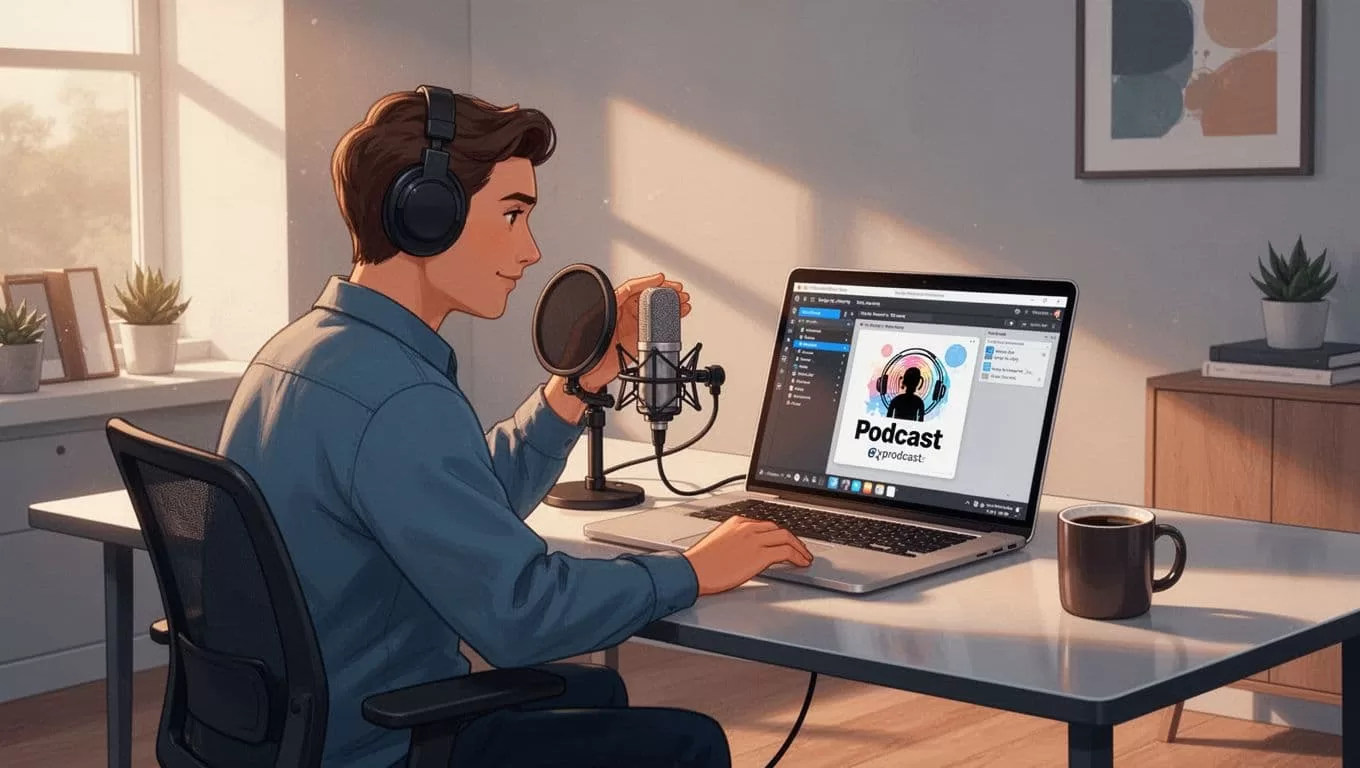
Opus handles Transistor’s HLS video beta well. Audio-only? It adds static visuals. Result: polished Reels ready to post.
Key Features That Make Opus the Best Reels Generator
Opus shines on podcast content. AI finds hook moments. It detects speakers automatically. No more hunting timestamps.
Captions pop with 10 styles. Animations draw eyes. I regenerate them to match my voice. Custom SRT uploads fix transcription slips. Perfect for accents or jargon.
Virality tools score clips. High ones get emojis and shares predicted. Branding templates lock in logos. Colors stay yours across posts.
Mobile app lets me clip on the go. Paste Transistor links. Edit from phone. Bulk schedule to YouTube or X. Pro plans handle volume.
For Transistor users, speaker detection stands out. Guests get highlighted. Clips feel dynamic.
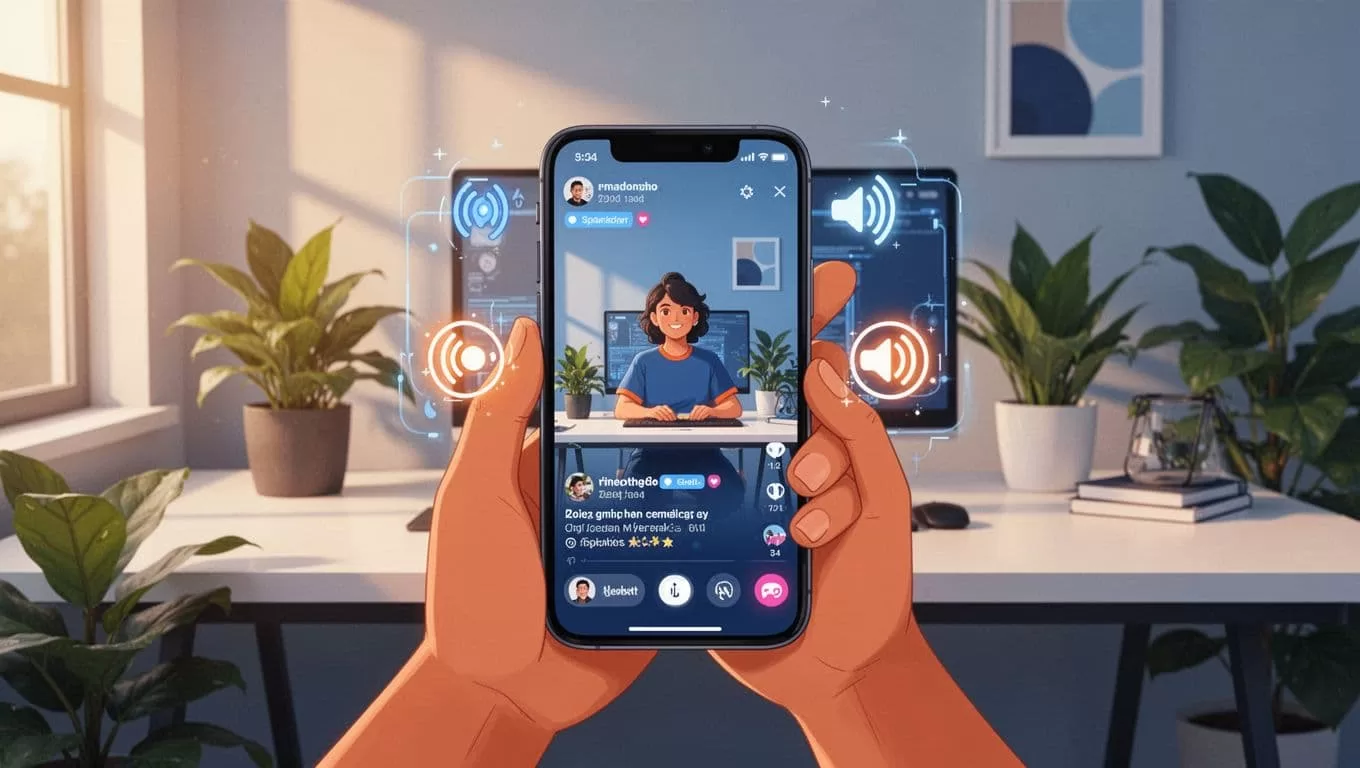
Export formats cover all. MP4 for Reels. Square for feeds. It posts directly sometimes. Editing control stays high. Trim, reorder, add B-roll.
See Opus Clip’s latest features for April 2026 updates. They keep improving.
Opus vs. Other Reels Generators
I compared Opus to rivals. StreamYard suits live streams. Opus beats it on long podcasts. Deeper analysis finds better hooks.
Descript edits audio great. Clips lack virality focus. Opus adds social smarts.
Here’s a quick breakdown:
| Tool | Speaker Detection | Caption Styles | Podcast Export Ease | Virality Score |
|---|---|---|---|---|
| Opus | Excellent | 10+ animated | Manual MP4 simple | Yes |
| StreamYard | Good | Basic | Live-focused | No |
| Descript | Strong | Customizable | Audio-first | Limited |
Opus wins for Transistor workflows. Check this AI clip guide for more options.
Others cost more per minute. Opus credits stretch far.
Actionable Tips for Transistor.fm Users
Start small. Export one episode. Upload to Opus free tier. Review 3 clips. Post and track views.
Brand early. Set templates once. Reuse forever. Test caption styles. Bold works for tips.
Watch credits. Pro unlocks bulk. Free limits test runs. For teams, Enterprise adds collab.
Shortfalls? No auto-Transistor pull. Manual upload bugs some. Audio visuals stay basic without video feeds.
Still, gains outweigh. My clips doubled downloads last month.
Opus delivers as the best reels generator for us. It fits Transistor.fm like a glove. Test it on your next episode. Watch engagement climb. What clips will you make first?

