How I Built a Telegram Bot with Twin.so
Ever felt buried under repetitive tasks like answering customer queries or scheduling reminders? I did too, until I built a Telegram bot that handles them automatically. Twin.so changed everything for me. This no-code platform lets you crea...


Ever felt buried under repetitive tasks like answering customer queries or scheduling reminders? I did too, until I built a Telegram bot that handles them automatically. Twin.so changed everything for me. This no-code platform lets you create smart AI agents that run 24/7.
You get bots that chat naturally, pull data from apps, and even browse websites. No programming skills required. I set mine up in under 10 minutes. Let’s walk through how you can do the same.
Why Twin.so Excels at Telegram Bot Building
Twin.so builds autonomous AI agents through simple chats. You describe your goal, like “answer questions about my products via Telegram,” and it creates the bot. It connects to over 5,000 apps, handles webhooks for new messages, and runs tasks without your input.
I chose it for Telegram bots because traditional coding takes hours. Here, agents self-adjust based on feedback. They work for sales teams summarizing leads or ops folks automating reports. Check Twin’s Telegram bot use cases for real examples.
Bots shine when you need quick responses or integrations. Mine checks emails and replies in Telegram. Perfect for businesses tired of manual work.
Prerequisites to Get Started
You need a free Twin.so account. Sign up at twin.so; they offer a trial with credits. Grab a Telegram bot token next.
Open Telegram, search for @BotFather. Send /newbot, pick a name, and get your token. Save it securely. That’s it. No servers or code editors.
I also linked my Google Workspace for data pulls. Twin handles OAuth smoothly.
Setting Up Your First Twin.so Agent
Log into your Twin dashboard. Click “Create Agent” or chat “Build me a Telegram bot.”
The agent asks your bot’s purpose. I said, “Respond to queries about shipping times and track orders.” It suggests tools like web search or APIs.

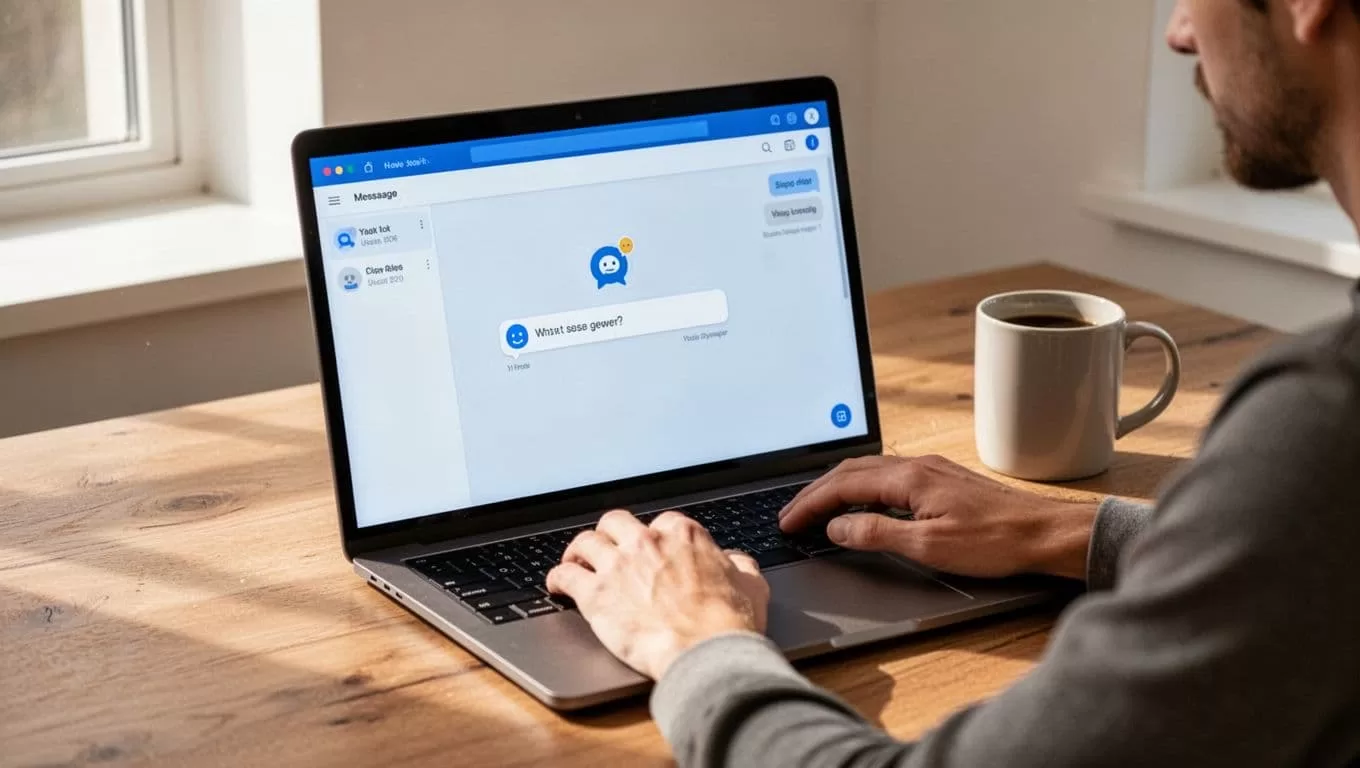
Pick a template or start blank. Twin adds browser automation if no API exists. For my bot, it set up data extraction from my site.
Configure triggers. Select “Telegram message” as the event. Paste your bot token when prompted. Test with a sample message like “What’s my order status?”
The agent deploys instantly. It remembers conversations for context. I added a schedule to send daily summaries.
Follow Twin’s quickstart guide for event-driven setups like email-to-Telegram flows.
Linking Data Sources and Customizing Responses
Now connect extras. Go to integrations. Link Slack for team alerts or HubSpot for CRM data.
I added a knowledge base with my FAQs. Upload PDFs or connect Google Drive. The bot pulls facts accurately.
Customize replies in natural language. Tell it, “Keep answers under 100 words and end with a call to action.” Test iterations live.
For advanced tasks, enable web browsing. My bot scrapes shipping sites now. Set environment variables like API keys in the settings panel. Twin secures them.
Use the feedback loop. If a response flops, say “Make it friendlier.” It learns fast.
Testing Your Telegram Bot
Search your bot in Telegram. Send “Help” or a test query.
Watch it respond. Mine said, “Enter your order ID for status.” Perfect.

Troubleshoot with Twin’s logs. Check message history for errors. Send varied inputs: questions, commands, edge cases.
Invite testers via Telegram groups. Track usage in the dashboard. Adjust prompts if replies wander.
Pro tip: Use webhooks over polling for speed. Twin sets this automatically.
Handling Common Errors and Fixes
Bots fail sometimes. Token errors top the list. Double-check @BotFather paste; no extra spaces.
If no responses, verify triggers. Ensure “Telegram” channel activates.
Credit limits hit during heavy use. Upgrade plans start cheap with more runs. See Twin’s pricing page.
Integration glitches? Reconnect OAuth. For browser blocks, add user-agent tweaks in agent instructions.
I fixed a context loss by enabling memory tab. Now it recalls users across chats.
Deployment Options for Production
Your bot lives once deployed. Twin hosts it 24/7. Share via Telegram links.
Scale with teams. Add collaborators for edits. Publish to Twin’s marketplace for passive income.
Monitor runs in analytics. Set alerts for failures. For high volume, pro plans add priority.
Backup configs by exporting agents. I run mine alongside n8n workflows for complex chains.
Conclusion
Building a Telegram bot with Twin.so freed hours weekly for me. You describe, connect, and launch; it handles the rest.
Focus on business wins like faster support or automated insights. Start small, iterate, and watch it grow. Your first bot waits just minutes away.

