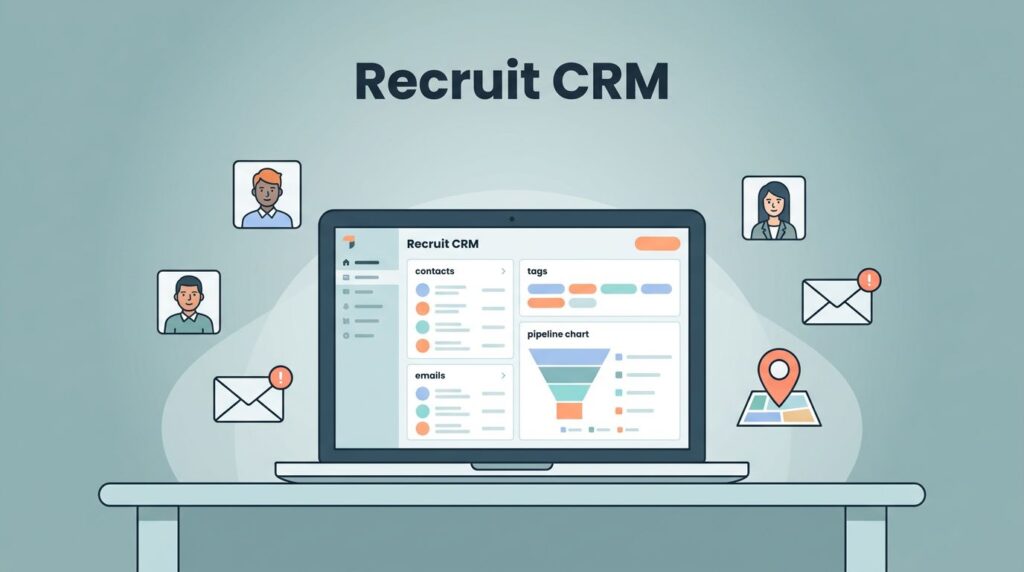
You know that moment when a promising candidate slips through the cracks? It happens because pipelines get messy fast. As a recruiter juggling dozens of roles, I faced scattered spreadsheets and endless emails. Candidate pipeline tracking turned chaotic until I streamlined it in Recruit CRM.
Recruit CRM changed that for me. It offers clear views of every stage, from sourcing to offer. You gain visibility without extra tools. Let’s walk through how I set it up and keep it running smooth.
Setting Up Your Pipeline Stages
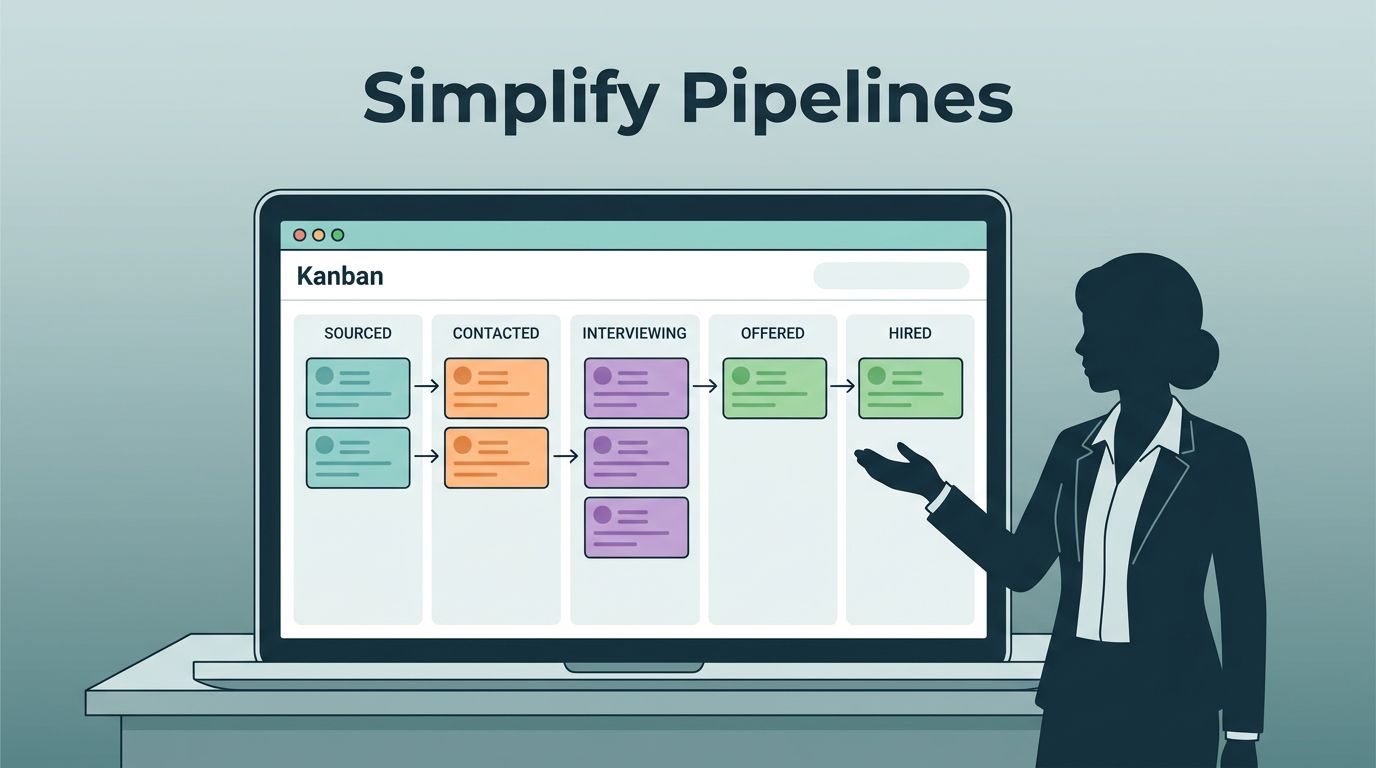
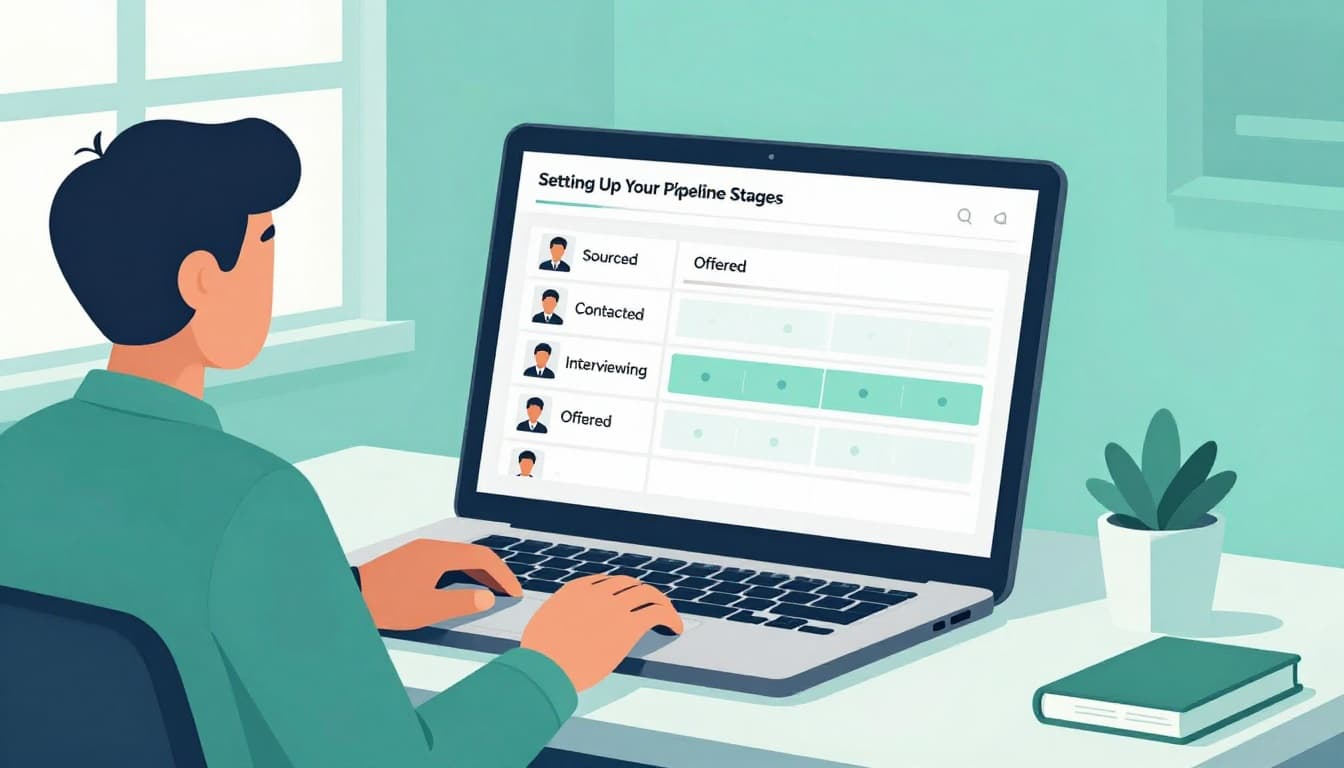
I start with custom stages that match my workflow. Recruit CRM lets you build a Kanban board tailored to your process. Think sourced, contacted, interviewing, offered, and hired. Each column holds candidates with notes and tasks.
First, I log in and head to settings. There, I drag and drop stages to fit agency needs. For contract staffing, I add “placement confirmed.” This setup prevents confusion. Teams see exactly where everyone stands.
Custom fields help too. I tag skills or salary expectations right on the card. As a result, quick scans reveal fits or gaps. No more digging through profiles.
In practice, this board acts like a living map. I moved a developer from “interviewing” to “offered” last week with one click. Updates sync across the team instantly. Besides, automation rules nudge stagnant cards. For example, if no activity in seven days, it flags for follow-up.
Pipeline stages also integrate with job boards. New leads drop straight into “sourced.” This keeps data fresh and accurate. I cut setup time by half. Now, my agency fills roles faster because everyone pulls from the same view.
Tracking Stage Changes in Real Time
Real-time updates keep me ahead. Recruit CRM logs every move automatically. When I shift a candidate, it timestamps the change and notes why.
I assign owners to stages too. So, if interviewing stalls, the right person gets pinged. Email alerts confirm shifts. This reduces errors from manual logs.
Moreover, activity feeds show history at a glance. Click a card, and you see calls, emails, and notes. I spotted a forgotten interview reschedule this way. Quick fix, saved the hire.
Teams collaborate without meetings. Shared pipelines mean junior recruiters update seniors on progress. In short, visibility builds trust and speed.
For high-volume hiring, filters sort by stage or recruiter. I check “contacted” daily for follow-ups. Data accuracy improves because duplicates merge easily. No lost gems in the pile.
Spotting and Fixing Pipeline Bottlenecks
Bottlenecks kill momentum. I use Recruit CRM dashboards to spot them quick. Funnel charts show drop-offs, like too many in “sourced” but few advancing.
Last month, interviews piled up. The chart highlighted it clear. So, I dug into reasons: client delays. We adjusted by prepping feedback loops.

Filters help pinpoint issues. Sort by stage velocity, and slow spots glow. Then, tasks assign fixes, like “call client today.” Progress tracks in real time.
For deeper tips on building a strong recruitment pipeline, check that guide. It aligns with what I do here.
After fixes, flow smooths. Hires increase because we act fast. Agencies I advise see 20% better conversion. Simple views make big differences.
Improving Team Follow-Up with Pipeline Data
Follow-up wins deals. Pipeline data reminds me who needs a nudge. Recruit CRM schedules tasks tied to stages.
I set rules: after “contacted,” task a LinkedIn note in two days. Overdue items turn red. So, nothing sits.
Team sharing boosts this. Dashboards show everyone’s pipeline. Seniors spot gaps and coach. For instance, I reviewed a teammate’s stalled offers. Joint calls closed them.
Automation handles routine pings. Email sequences fire based on stage. Candidates feel pursued without spam. Response rates climb as a result.
In my Recruit CRM setup for streamlined candidate pipeline tracking, this cuts no-shows. Teams close faster with less effort.
Generating Reports for Pipeline Health
Reports measure success. Recruit CRM pulls data into charts and exports. I run weekly views on fill rates and time-to-hire.
Custom reports track metrics like stage conversion. Bar graphs compare recruiters. Top performers share tricks.

Export to PDF for clients. They love seeing progress. One agency client renewed because reports proved value.
Velocity metrics predict delays. If offers slow, we ramp sourcing. Health stays strong.
Set alerts for drops below benchmarks. Proactive tweaks keep pipelines humming.
Pipeline tracking simplifies my days. Recruit CRM gives clear data without fuss. Stages update easy, bottlenecks vanish quick, and reports guide teams.
Try tweaking your setup today. What bottleneck bugs you most? Share in comments, and let’s compare notes.