Build a Custom Partner Portal With Rewardful
A generic affiliate dashboard gets the job done. A custom partner portal gives you control over the data, branding, permissions, and workflow your partners actually see. Rewardful can remain the system that tracks referrals, creates commiss...

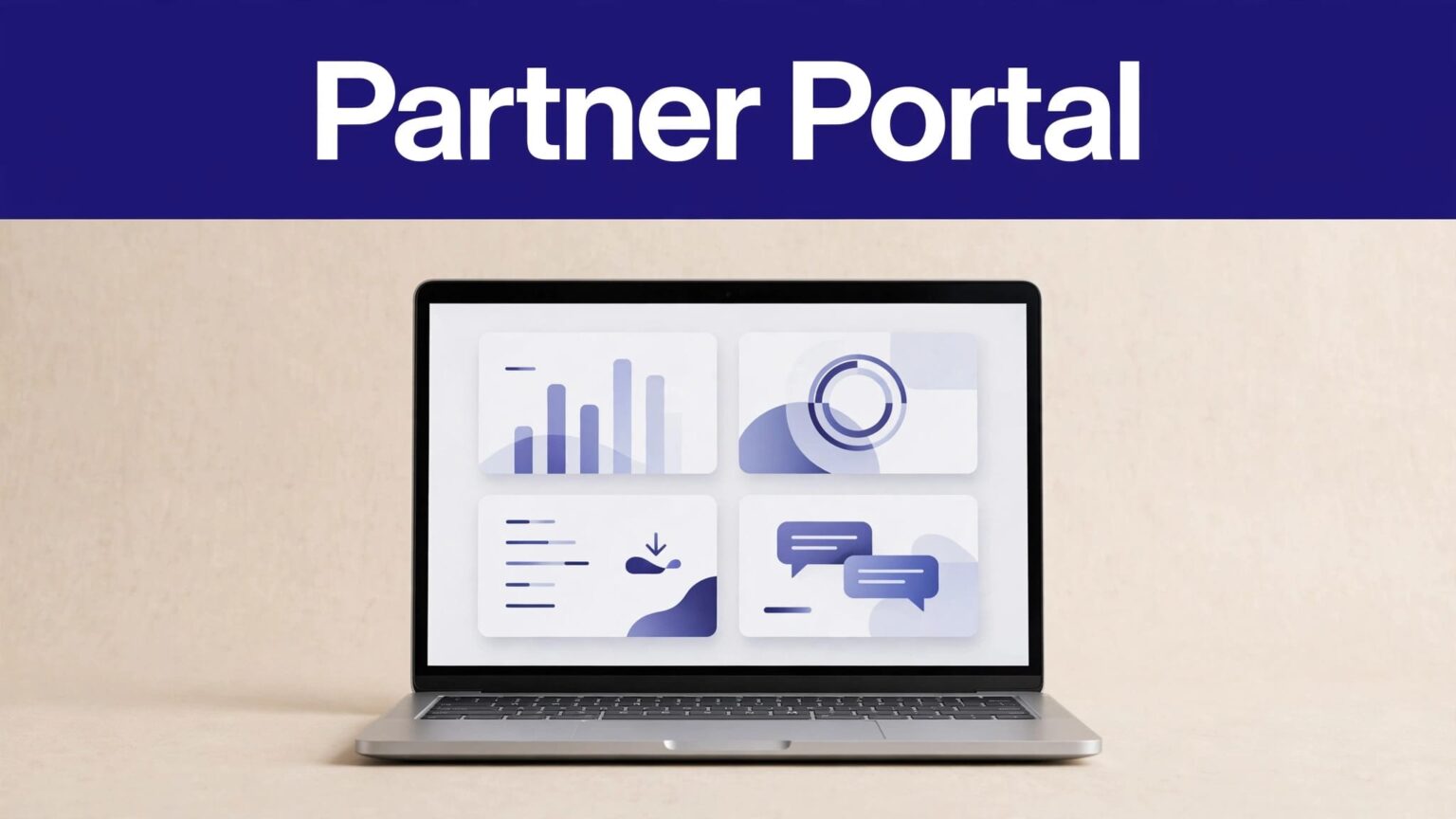
A generic affiliate dashboard gets the job done. A custom partner portal gives you control over the data, branding, permissions, and workflow your partners actually see.
Rewardful can remain the system that tracks referrals, creates commissions, and manages payout activity. Your portal becomes the branded layer around that system. It gives partners one place to find links, review approved earnings, download assets, and get support without exposing your internal Rewardful account.
Build the portal around reliable records first. Design comes after the data path works.
DEFINE WHAT YOUR CUSTOM PARTNER PORTAL OWNS
Your portal should not try to replace Rewardful’s attribution engine or billing connection. Rewardful tracks referral activity and commission events. Your application reads approved data, adds your business context, and gives each partner a controlled view.
Start by deciding what partners need without asking your operations team for help.
Show the records partners ask for most
A useful portal usually includes five areas:
- A home page with clicks, referred customers, pending commissions, due commissions, and paid totals.
- A links page where partners copy their referral URL and campaign-specific links.
- A commissions page with the sale date, customer plan or product, amount, status, and any adjustment.
- A payouts page with payout status, payout date, amount, currency, and payment reference where available.
- A resources page with approved brand assets, offer terms, launch notes, and support contact details.
Keep private operating data out of the portal. A partner doesn’t need to see your full customer list, internal revenue, fraud flags, other affiliates, or staff notes.
A commission record is not cash. Your portal must keep pending, due, paid, and voided amounts separate.
Build for partner questions, not dashboard vanity metrics
Clicks can help a partner assess placement. They don’t prove program health. A $0 click total is not a payout problem. A pending commission is not an approved obligation.
Give partners a status definition beside their earnings table. Use plain language:
| Status | What the partner sees |
|---|---|
| Pending | Rewardful created the commission, but it has not reached the payout stage. |
| Due | The commission is eligible for the next payout process. |
| Paid | Your payout process marked the commission as paid. |
| Voided | The commission no longer qualifies, often after a refund, cancellation, or review. |
This reduces support tickets and stops partners from forecasting money that can still reverse.


CONFIRM REWARDFUL ACCESS AND BILLING PREREQUISITES
Do this before your developer starts building screens. Product access, API access, available integrations, and payout options can change.
Rewardful’s API is built to manage account resources such as affiliates, commissions, payouts, referrals, campaigns, and webhooks. Confirm your account has the API access and features your portal needs. Also confirm the live documentation for your plan before you promise a portal feature to partners.
Check your source systems
Rewardful is closely tied to Stripe billing workflows. It uses billing events to detect new customers, paid invoices, refunds, upgrades, downgrades, and cancellations.
If your checkout uses Paddle Classic, review Rewardful’s current Paddle Classic integration setup before you map portal data. Don’t assume a Stripe-based data model matches another billing setup.
Write down these program rules before launch:
- The commission rate and whether it applies to gross revenue, collected revenue, or a fixed reward.
- The attribution model and cookie period.
- Whether rewards recur and how many invoices qualify.
- The refund and chargeback treatment.
- The minimum payout amount, payment timing, currency, and partner payment method.
- The traffic types you prohibit, including self-referrals, coupon leakage, trademark bidding, and fake signups.
Partners need rules they can price into their work. A percentage alone is not enough.
DESIGN THE PARTNER DATA MODEL FIRST
Don’t call Rewardful every time a partner opens a page. That creates slow pages, rate-limit risk, and inconsistent screens during an event update.
Instead, create a read model in your application database. Rewardful remains the source for referral and commission events. Your database holds the current partner-facing copy of those records.
Use stable IDs across every record
Store your own internal partner ID alongside the Rewardful affiliate ID. Then attach that ID to portal users, links, commission records, payout records, support cases, and audit events.
A practical commission table includes:
| Field | Why you need it |
|---|---|
| Rewardful commission ID | Prevents duplicates and supports reconciliation. |
| Rewardful affiliate ID | Restricts the record to the correct partner. |
| State | Displays pending, due, paid, or voided correctly. |
| Amount and currency | Supports totals and payout checks. |
| Referral or customer reference | Connects the commission to its source without exposing sensitive data. |
| Event timestamp | Helps explain when the record changed. |
| Source event ID | Makes webhook processing idempotent. |
| Adjustment reason | Preserves context after refunds or reversals. |
Avoid showing raw Stripe customer IDs, email addresses, payment details, or internal account notes. A partner needs enough information to understand an earning, not enough to identify your customer.
Keep the portal view simple
Use a total card for each commission state. Make the default date range the current month, then allow partners to select a custom period.
On the commission table, show a short customer reference such as “Business plan subscription” or “Annual plan purchase.” If your program needs more detail, use a masked internal reference. Never expose a customer’s full name or email by default.
A good custom partner portal makes each row explainable. If a partner sees a void, they should see the reason category allowed by your terms, such as refund, cancellation, duplicate referral, or policy review.
CONNECT YOUR APPLICATION TO REWARDFUL SAFELY
Rewardful documents HTTP Basic Auth with the API Secret as the username and no password. Keep that secret on your server. Never place it in browser JavaScript, a mobile app bundle, a public repository, or a client-side environment variable.
Your front end should call your own authenticated application endpoints. Your server then requests the Rewardful API and returns only the fields that partner can access.
Use this request path
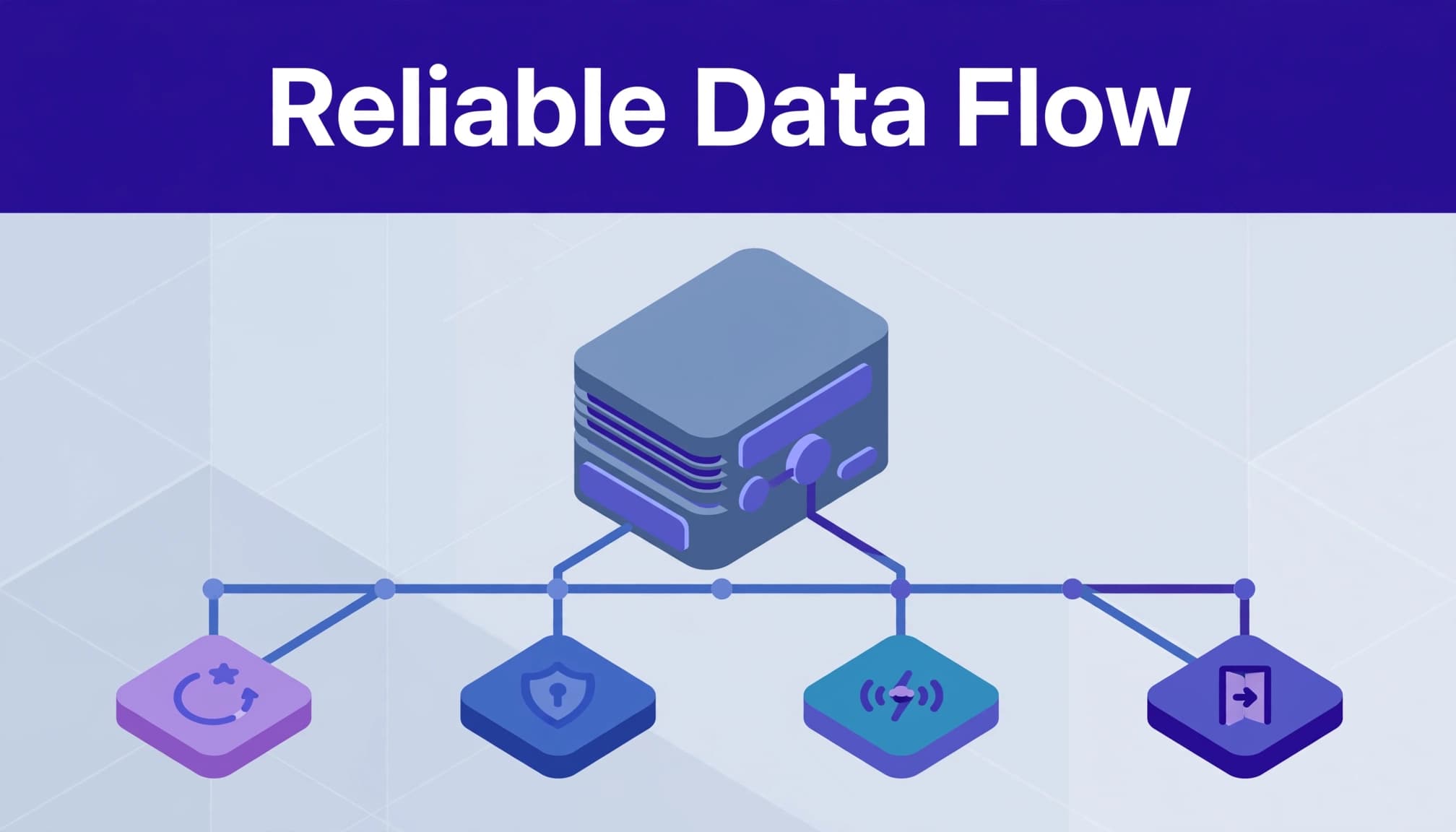
The safe data flow is simple:
- A partner signs in to your portal.
- Your application creates a session tied to one internal partner ID.
- The portal requests
/partner/commissionsfrom your own backend. - Your backend checks the session and partner ID.
- Your backend reads the local commission table or fetches approved Rewardful data when needed.
- Your backend returns only that partner’s records.
Do not accept an affiliate ID from the browser and trust it. A user could replace the ID and attempt to load another partner’s commissions.
Separate authentication from authorization
Authentication answers, “Who is this user?” Authorization answers, “Can this user view this record?”
Use an established login provider or your SaaS application’s existing account login. Then create clear roles:
- Partners can view their own links, earnings, payouts, and approved resources.
- Partner managers can assist assigned partners but should not access payout settings unless required.
- Finance staff can review due and paid records.
- Administrators can manage program settings and portal access.
Apply authorization on every API request. Hiding a button in the user interface is not access control.
MAKE WEBHOOKS THE SOURCE OF FRESH DATA
Rewardful webhooks notify your application when an affiliate joins, a referred customer signs up, or a commission changes. They are the right tool for keeping your portal data current without polling every record on a schedule.
Review Rewardful’s webhook configuration guidance before production. Your endpoint must use HTTPS and accept JSON POST requests.
Process events with idempotency and retries
Webhook delivery can fail. Events can arrive late. The same event can arrive more than once. Your portal must treat that as normal operating behavior.
When your endpoint receives an event:
- Save the raw payload, event type, receipt time, and event ID.
- Check whether that event ID was already processed.
- If it is new, update the affiliate, commission, or payout record.
- Store the result and return a successful response.
- Send failures to a retry queue with bounded retries and backoff.
Never retry a permission error or a malformed payload forever. Create an exception record instead. Assign an owner and keep the raw event for review.
For high-value changes, reconcile the local record against Rewardful’s API. This matters when a webhook arrives out of order. A commission.paid update should not be overwritten later by an older commission.created payload.
PROTECT ATTRIBUTION ACCURACY AND COMMISSION HISTORY
The portal can explain attribution. It cannot repair a broken checkout path after the fact.
Rewardful’s tracking depends on the program configuration, referral link, attribution rules, browser conditions, and billing events. Test every campaign link before a public launch. Use a controlled internal referral where your payment setup allows it.
Test the full referral path
Run a real test through the same systems your customers use:
- Open a partner link in a clean browser session.
- Complete signup and checkout with a test account.
- Confirm the referral appears in Rewardful.
- Confirm the right affiliate receives the commission.
- Issue a refund or cancel the subscription where safe.
- Check the commission status and portal update.
- Confirm a payout event does not create a duplicate payment record.
Keep a test log with the link, partner ID, date, expected result, actual result, and screenshots. This gives support and engineering a record they can reproduce.
Preserve adjustments instead of overwriting records
A refund, cancellation, or chargeback can change the economics after an original commission appears. Do not replace the first amount and lose the history.
Create an adjustment entry that records the original commission, revised amount, adjustment date, source event, reason, and reviewer. Show the partner a clear net result.
Paid commissions need extra care. Automatic handling for unpaid commissions does not mean money already sent will reverse on its own. Your terms should state whether you offset future earnings, request repayment, or absorb the loss.
HANDLE PAYOUTS AS A FINANCE WORKFLOW
Rewardful can calculate and organize payout obligations. Your custom portal should display payout progress, not pretend it independently sends or settles funds.
Rewardful supports payout-related options that can include PayPal and Wise, depending on your account and current setup. Confirm your live options before you build payout instructions into the portal.
Separate approval from payment release
Use two controls:
- An operations or program owner reviews pending commissions, refunds, duplicate subscriptions, and policy flags.
- A finance owner approves the due payout batch and confirms the payment result.
This prevents a fast payout workflow from sending money on commissions that still need review.
Match three records for every completed payout: the Rewardful payout export, the payment processor result, and your accounting or bank record. Match partner ID, amount, currency, payout date, processor reference, and status.
If one payment fails, create an exception for that partner. Don’t re-run the full batch until you check the original batch ID and payment activity. Duplicate payments usually start with an unclear retry.
If your team needs help defining approval owners, payout exceptions, and reconciliation fields, Book A Call.
LAUNCH WITH A CONTROLLED PARTNER GROUP
Don’t open the portal to every affiliate on day one. Start with a small group of trusted partners who will test links, earnings screens, payout history, and support flows.
Ask them to report unclear statuses, missing links, delayed updates, and confusing payout language. Fix the records before you spend time polishing charts.
Track accepted records, not page views. A portal that looks polished but creates payout corrections has failed its main job.
FINAL CHECKLIST
Before you launch, confirm these controls are in place:
- Rewardful API access, billing integration, and payout options are confirmed for your account.
- API secrets stay on the server and never reach the browser.
- Each portal user maps to one approved Rewardful affiliate ID.
- Every backend query applies partner-level authorization.
- Webhook events are stored, deduplicated, retried safely, and monitored.
- Pending, due, paid, and voided commissions display separately.
- Refunds, chargebacks, and adjustments create new audit records.
- Payout approval and payment release have named owners.
- Your team reconciles Rewardful, payment processor, and accounting records.
- Partners can read the attribution, reversal, and payout rules before promotion.
A custom partner portal works when partners can trust the numbers and your team can explain every exception.
FAQ
Can a custom portal replace Rewardful’s affiliate dashboard?
It can replace the partner-facing experience you choose to provide. Rewardful should still remain the source for tracking, commissions, and payout-related records unless you have separately built and validated another system.
Should the portal show pending commissions?
Yes, but label them clearly. Pending amounts can change after refunds, cancellations, chargebacks, or program review. Keep them out of any “available to pay” total.
How often should the portal update?
Use webhooks for important changes, then run a scheduled reconciliation for safety. A daily check is practical for many small programs. Higher-volume programs may need more frequent checks.
What should a partner send when a commission looks wrong?
Ask for the referral link, partner ID, date range, customer or order reference if available, and a screenshot of the portal row. Your team should compare that report against Rewardful, billing events, and the program’s attribution rules.

