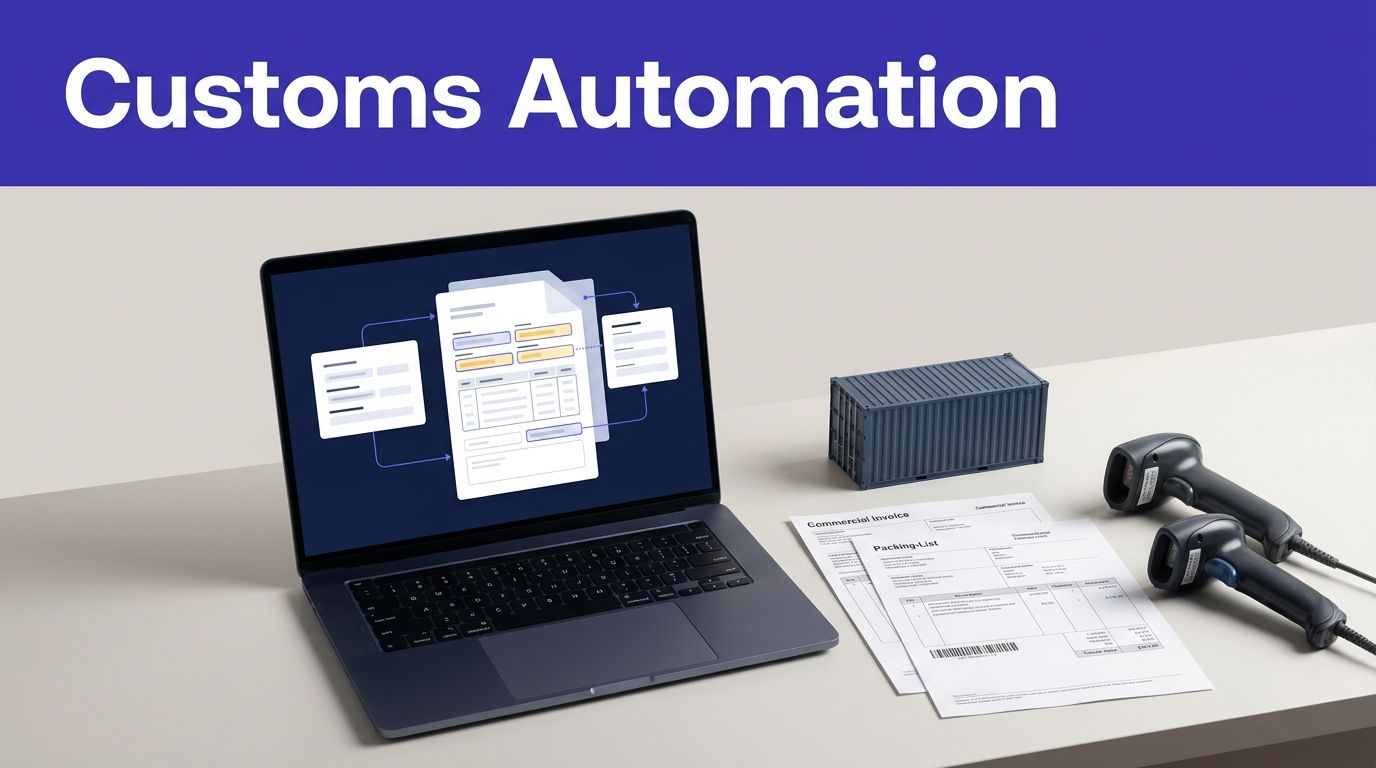
Customs paperwork rarely fails because teams lack effort. It fails when the same shipment data gets copied across inboxes, spreadsheets, enterprise systems, and broker portals. Customs documentation automation can cut that repetition, but only if missing values and exceptions stay visible.
Twin.so is a general AI workflow platform, not a publicly documented customs product. Its public materials describe app-connected agents that read source data, write structured documents, and run scheduled tasks. They don’t confirm native commercial invoice, packing list, or bill of lading templates. Use Twin.so to test a controlled preparation workflow, then keep a qualified broker or customs specialist responsible for the final decision.
How customs documentation automation should work
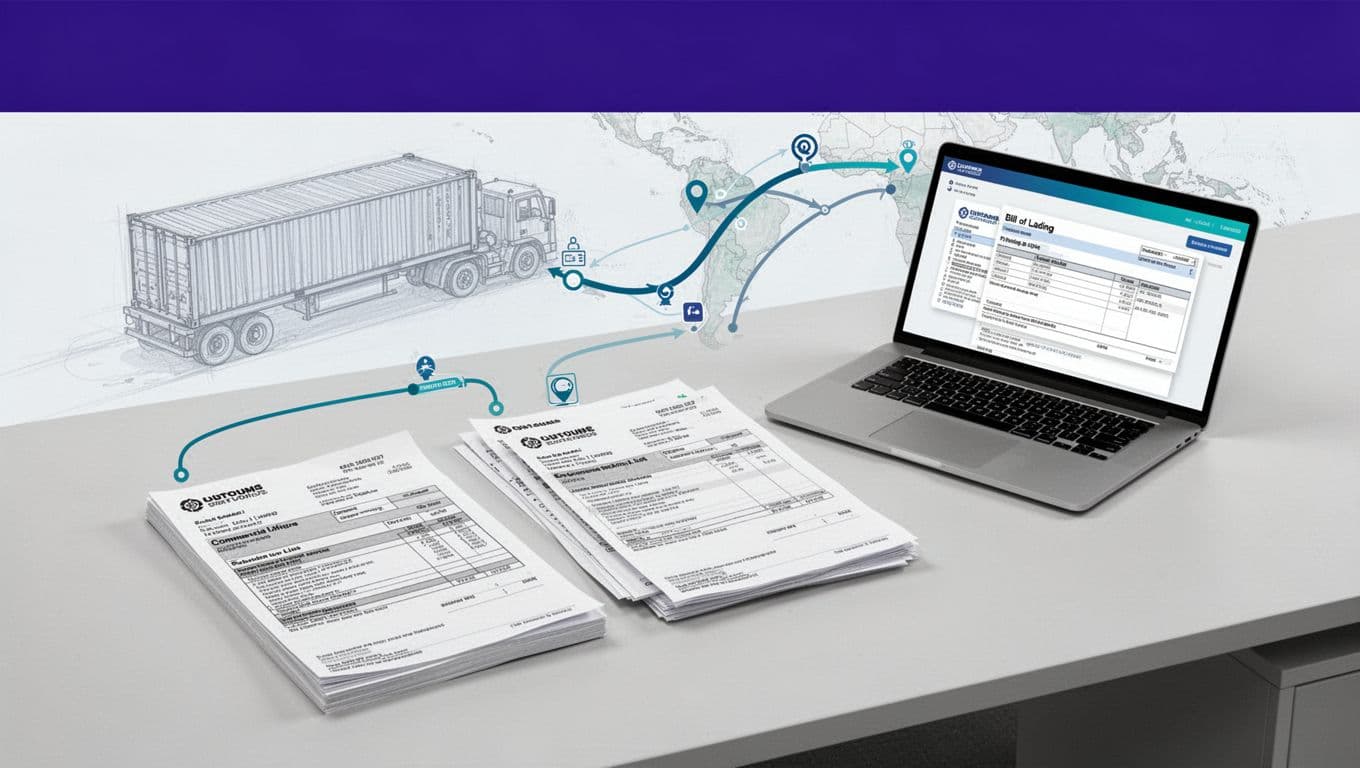
Customs documents are connected records, not separate forms. A commercial invoice supports import and export clearance and helps authorities assess duties and taxes. The U.S. Department of Commerce’s commercial invoice guidance explains why this document needs accurate shipment, seller, buyer, and merchandise details.
A workflow should create one reliable shipment record, then use that record to prepare consistent drafts. It should not copy values blindly between old files.
Build one shipment record
Start with the information your team already collects:
- Exporter, importer, buyer, and consignee names and addresses
- Product descriptions, quantities, unit values, and currencies
- Country of origin and tariff classification
- Net weight, gross weight, package count, and measurements
- Incoterms, transport references, purchase order numbers, and invoice numbers
- Carrier, booking, vessel, flight, or bill of lading details
The exact fields depend on the destination, commodity, transport mode, and filing process. Map the requirements for each lane before building the workflow. Don’t assume one template works for every country.
Reuse fields, not old documents
A previous shipment is a useful reference. It isn’t proof that the next shipment has the same value, origin, classification, or consignee details.
Store the current shipment values in a controlled record. Generate draft documents from that record. Keep the original source files unchanged so a reviewer can compare the extracted value with the submitted value.

What Twin.so can do, and what still needs confirmation
Vendor evaluation starts with a clear boundary between documented capability and planned use.
Twin’s public integrations page advertises connections with 41,706 apps and describes agents that can read source data, write structured documents, and automate actions across connected systems. That could support a workflow that gathers approved data from an ERP, TMS, shared inbox, spreadsheet, or browser-based portal.
This platform breadth doesn’t prove that your customs stack is supported. Test the actual systems, files, permissions, and document formats used by your team.
Capabilities documented publicly
Twin’s public materials support several useful workflow patterns:
- Read approved data from connected applications
- Extract information from documents or web pages
- Write structured outputs to selected systems
- Run recurring tasks on a schedule
- Store automation artifacts such as execution logs, screenshots, and downloaded files
These capabilities fit preparation work. For example, a workflow could collect shipment data, populate a draft document, and return a status for review.
Capabilities that require confirmation
Twin’s public sources don’t confirm a dedicated customs module or built-in templates for commercial invoices, packing lists, or bills of lading. They also don’t confirm direct customs broker, TMS, ERP, or government filing integrations for your specific environment.
Confirm these points before committing:
- Whether your document formats and file volumes are supported
- Whether the platform can preserve tables, units, currencies, and page structure
- Whether it can write to your target document or transport system
- Whether approval states and review queues are built in
- Whether HS classification, origin, valuation, or restricted-goods checks are supported
- How credits are consumed during extraction, retries, browser actions, and document generation
- What current pricing applies to your account and expected volume
Treat Twin.so as a workflow component until those answers are documented in your evaluation.
Build a controlled Twin.so workflow
A reliable process has defined inputs, defined outputs, and defined failure paths. Avoid a broad instruction such as “prepare all customs documents.” That leaves the model to decide what matters.
Collect and normalize the source package
Trigger the workflow only when a shipment reaches a known status, such as “documentation ready.” Collect the approved purchase order, commercial invoice source data, packing details, transport booking, and any required certificates.
Normalize values before document creation. Use one date format, one currency convention, approved country names, consistent weight units, and a fixed naming rule for shipment references. Preserve the raw value beside the normalized value.
Never let the workflow replace an empty field with a plausible guess. A missing country of origin should remain missing and move to review.
Create drafts with source references
The workflow can prepare a draft commercial invoice, packing list, or transport document when the target format has been tested and approved. It should also record where each important value came from.
Useful audit fields include the source file, page or row, extraction time, workflow run ID, previous value, proposed value, and reviewer decision. Keep generated drafts separate from approved final documents.
A simple status model works well:
- Draft created
- Validation required
- Human review
- Approved for release
- Rejected or returned for correction
If Twin.so doesn’t provide these states natively, store them in the system your operations team already uses.
Use validation rules before documents leave
Automation improves consistency only when it checks the output. A clean-looking document can still contain the wrong quantity, value, classification, or consignee.
CBP’s commercial invoice requirements include an adequate merchandise description and quantity among the information customs officials may require. Other jurisdictions and shipment types add their own rules.
Use deterministic checks
Run checks that don’t require interpretation:
- Required fields are present
- Invoice totals match quantities, unit prices, discounts, and charges
- Currency is consistent across the shipment package
- Packing list quantities match invoice quantities
- Gross weight is not lower than net weight
- Package counts match transport records
- Country and address formats meet the lane’s requirements
- Incoterms include the required named place
- Transport references match the booking or bill of lading
A commercial invoice preparation guide from DHL is useful for understanding common commercial shipment fields, but carrier guidance doesn’t replace destination-country rules or broker review.
Route uncertain records
Send conflicts to an exception queue instead of allowing the workflow to select a value silently. The exception should show the shipment ID, disputed field, source values, reason for the conflict, and assigned reviewer.
Don’t let AI invent an HS code, country of origin, customs value, or product description. Those fields can affect duties, admissibility, and compliance. Automation can identify missing or conflicting data. A qualified person should resolve the decision.
If the source data is missing, the safest automated output is a visible exception, not a plausible value.
Keep customs expertise in the approval loop
Customs documentation automation is not a substitute for licensed customs expertise, official filing rules, or internal trade controls. The workflow prepares information. Your broker or designated specialist approves the result.
Set review gates around the fields that carry the most risk. Require approval for new products, unusual values, restricted goods, origin changes, tariff classifications, valuation adjustments, and conflicts between commercial documents.
Use a small first-run sample. Have a broker compare the generated draft with the source package and record each correction. Update the rules based on recurring errors, not on assumptions about what the model should have understood.
Twin’s public materials don’t confirm a customs-specific approval queue. Keep the approval gate in your TMS, ERP, document management system, or review table if the platform doesn’t provide the control you need. Do not connect an unreviewed agent directly to a customs filing action.

Make security and audit records part of the design
Customs documents contain commercial, financial, and personal information. Review access, storage, credentials, logs, and retention before connecting production systems.
Restrict data and access
Twin’s public privacy policy states that customer content and automation artifacts are encrypted in transit with TLS 1.2 or higher and encrypted at rest with industry-standard encryption such as AES-256. It also describes isolated secrets management for OAuth tokens and saved credentials.
Give the workflow only the permissions it needs. Use a read-only connection when the process only collects data. Separate document preparation permissions from approval and release permissions.
Check what appears in screenshots, browser traces, execution logs, and downloaded files. Mask sensitive values when the workflow doesn’t need to expose them.
Keep an audit trail
Twin’s privacy policy says automation artifacts containing Google user data are normally deleted within 30 days after a run, with backup traces removed within an additional 30 days. That may not meet your company’s document retention or trade compliance requirements.
Export approved documents and review evidence to your controlled record system. Keep the source document, final document, reviewer, approval time, workflow version, and submission reference together.
Your audit record should answer five questions:
- What data entered the workflow?
- What values did it propose?
- Which rules passed or failed?
- Who approved the result?
- What document or filing used the approved data?
Pilot one customs lane before scaling
Start with one origin-destination lane, one document package, one source system, and one reviewer. Select shipments with stable formats and repeatable data. Avoid testing every carrier, product category, and destination at once.
Run the workflow in report-only mode first. Let it identify proposed values without writing to production records. Compare the output against manually prepared documents. Then enable updates for a small batch.
Track:
- Minutes spent preparing each shipment
- First-pass document acceptance
- Missing-field and correction rates
- Exception volume by field
- Reviewer time per shipment
- Duplicate or failed workflow runs
- Credits consumed per accepted document package
Twin’s current public pricing guidance uses credits, but the actual cost depends on the plan, actions, pages, retries, and connected systems involved. Measure usage on your own workflow before forecasting savings.
Calculate labor value with this formula:
monthly benefit = eligible shipments x minutes removed per shipment x loaded hourly cost / 60
Then include credits, integrations, monitoring, review time, and correction work. A faster workflow that creates more rework isn’t saving money.
If the process crosses your inbox, ERP, TMS, and broker portal, Book A Call to map permissions, validation rules, and exception paths before a wider rollout.
Build the document trail before you automate
Twin.so can support a practical customs documentation automation pilot when the work is limited to defined inputs, tested document formats, and controlled outputs. Public sources confirm broad workflow and structured-document capabilities, but native customs templates, filing connections, and customs-specific review controls still require confirmation.
Start with one lane. Preserve source values. Validate every critical field. Keep the broker in control of the final release. That process reduces manual entry without turning an AI workflow into an unapproved customs decision-maker.