Build Custom Workflows With Modern Grading Automation Tools
Grading stacks of student submissions eats hours of valuable instructional time every single week. When assignment volume surges during midterms, educators drown in repetitive feedback loops and manual rubric checks. You can eliminate this...

Grading stacks of student submissions eats hours of valuable instructional time every single week. When assignment volume surges during midterms, educators drown in repetitive feedback loops and manual rubric checks. You can eliminate this administrative bottleneck by deploying grading automation tools designed for modern educational institutions and instructional teams.
Manual grading doesn’t just drain energy; it also delays student feedback when learners need it most. By establishing a structured workflow, you take control of your assessment pipeline without sacrificing instructional quality.
Why Traditional Grading Breaks Down at Scale
Evaluating open-ended student work requires significant mental effort. When you repeat the same rubric checks across one hundred essays, cognitive fatigue sets in quickly. Consistency suffers during the final ten papers of a batch compared to the first ten. Instructors become fatigued, leading to variable scoring standards across identical submissions.
Traditional spreadsheets and manual entry create severe operational friction. Instructors spend more time moving data between learning management systems and grading sheets than providing meaningful feedback to students. This administrative drag burns out teaching staff and delays grades past reasonable return windows. Students wait weeks for insights, missing the chance to apply corrections to subsequent assignments.
Scaling your course enrollment exposes these structural weaknesses immediately. You need a system that handles repetitive scoring logic while keeping human oversight intact. Modern software architectures solve this by separating routine checks from subjective evaluation, allowing teaching teams to focus on high-value mentorship.
Building Custom Grading Automation Tools With Twin.so
Building a custom assessment pipeline starts with defining your specific scoring criteria. Instead of relying on rigid, pre-packaged software that forces your rubric into a restrictive box, you build exact logic rules tailored to your assignments. Twin.so provides the modular components needed to construct these workflows without heavy coding overhead.

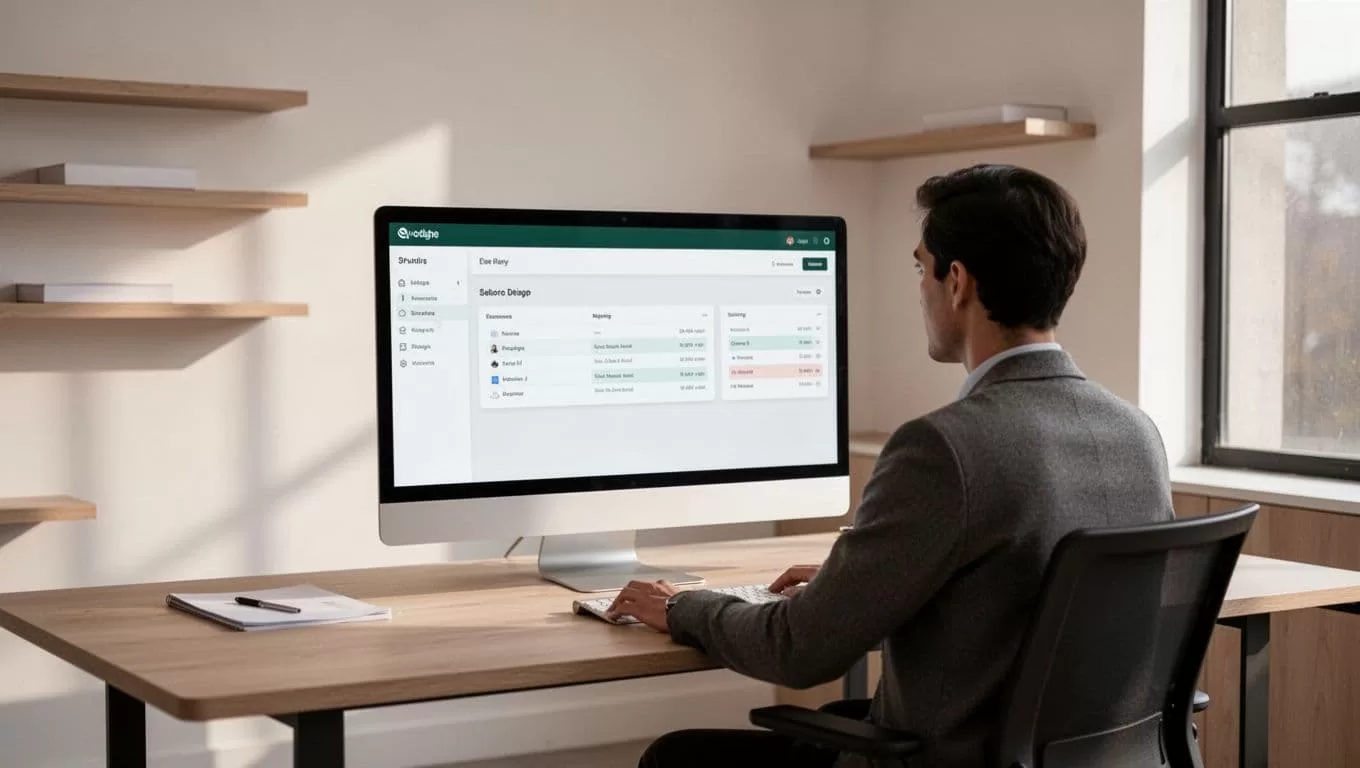
You connect your assignment input sources directly to the assessment engine. Whether you ingest PDFs, text files, or online form submissions, the platform parses student submissions into structured data fields. You configure your scoring parameters, threshold rules, and feedback templates within the workspace builder.
Configuring these workflows requires mapping your rubric items to specific conditional logic blocks. If a submission meets exact keyword criteria or structural requirements, the system assigns baseline points automatically. You route edge cases and complex submissions to a manual review queue so nothing falls through the cracks. This targeted approach ensures routine assignments clear quickly while you spend your hours where human judgment matters most.
Database integration plays a vital role in maintaining clean records. When the evaluation engine finishes processing a batch, it pushes final scores and annotated notes directly back into your course database. You eliminate manual data entry errors and maintain an immutable audit trail for every student grade.
Protecting Educator Judgment in High-Stakes Assessments
Automated systems excel at speed, but they cannot replace expert human insight on complex essays or final projects. High-stakes assessments require nuanced evaluation that algorithms miss entirely. You deploy grading automation tools to handle foundational checks, leaving final grade approval firmly in instructor hands.

Subjective assignments often involve creative arguments and unexpected thesis structures. A rigid script will penalize a student for departing from a standard template, even when the alternative approach is brilliant. You prevent false penalties by configuring review gates into your workflow.
Every automated score acts as a recommendation rather than a final decree. You review flagged submissions, override automated decisions when context demands it, and append personalized commentary where rubrics fall short. This human-in-the-loop architecture protects academic integrity while still cutting your administrative workload in half.
Measuring the Operational Impact on Education Teams
Deploying custom workflows changes how education teams allocate their weekly hours. When routine scoring runs in the background, instructors reclaim significant time for direct student mentorship and curriculum design. You measure success through faster turnaround times and reduced administrative burnout across your department.
Data consistency improves dramatically across multi-section courses. When multiple teaching assistants evaluate student work, scoring drift often occurs between different graders. Automated baselines enforce uniform rubric application across all submissions, ensuring fair evaluation regardless of who manages the section queue.
Implementing these tools requires a clear audit of your current assessment volume. You map out your highest-friction assignments, test your logic rules on a small pilot batch, and scale your deployment across larger cohorts once accuracy is verified. Structured testing prevents unexpected scoring errors and builds confidence among teaching staff.
Team collaboration also benefits from centralized pipeline management. Instructional designers, lead instructors, and teaching assistants share a single workspace where rubric updates reflect instantly across active assessment queues. You eliminate version control chaos and ensure everyone operates from identical evaluation standards.
Conclusion
Manual assessment bottlenecks slow down feedback loops and burn out hardworking teaching teams. By configuring custom workflows through modular platforms, you turn a tedious administrative chore into a reliable operational asset. Set up your first assignment pipeline today, calibrate your scoring rules, and let automated grading tools return valuable hours to your teaching schedule.

