Build Professional Phone Greetings Using a Hold Message Audio Maker from Speechify
You need a professional phone greeting for your business line, but studio recording sessions cost too much. Hiring voice actors takes days, and recording on a smartphone leaves you with background hum and clipped syllables. Fortunately, you...


You need a professional phone greeting for your business line, but studio recording sessions cost too much. Hiring voice actors takes days, and recording on a smartphone leaves you with background hum and clipped syllables. Fortunately, you can bypass traditional recording booths entirely. By using a hold message audio maker from Speechify, you turn plain text scripts into polished phone audio in minutes.
Key Takeaways:
- Transform raw customer service scripts into crisp audio files using dedicated voice generation software.
- Select natural-sounding AI voices that match your brand identity without hiring professional voice actors.
- Export your final voiceover into standard audio formats like MP3 or WAV for easy phone system integration.
- Organize your customer routing scripts into distinct digital folders to streamline your audio production workflow.
Preparing Your Script and Organizing Your Project
Before generating any audio, you need a clean script and an organized workspace. Write out your phone tree options, your after-hours notices, and your standard on-hold prompts in a plain text document. Keep your sentences short and direct. Callers on hold absorb information differently than readers scanning a webpage.
Create a dedicated project folder inside your workspace to store your phone prompts. Separate your files by department, such as billing, technical support, and general inquiries. This separation prevents context switching when you update your messages later. When you paste your script into the platform, check every word for awkward phrasing or clunky abbreviations. Spell out numbers and web addresses so the speech generator pronounces them correctly on the first pass.
Selecting Voices and Tuning Audio Settings
Your choice of voice model dictates how trustworthy your business sounds to waiting callers. Browse through the available voice library and test samples across different accents and tone profiles. Pick a natural-sounding voice model that projects calm authority and matches your brand personality.
Adjust your pacing and tone controls before you commit to a final render. Many modern platforms offer expression sliders or speed controls that let you fine-tune the delivery. Listen to a test segment at normal speed to verify pronunciation and cadence. If your phone queue requires a fast-paced directory prompt, increase the tempo slightly while maintaining clear articulation. For longer background hold tracks, keep the pacing steady so the words never feel rushed or frantic.
Exporting Your Audio for Phone Systems
Once your script sounds right, you need to export the file in a format your phone provider accepts. Standard VoIP and PBX systems typically require specific audio parameters, such as uncompressed WAV files or standard MP3 formats.
Open your export menu, choose your preferred file format, and download the finished track directly to your local drive. For a detailed breakdown of export workflows, see this guide on how to export your voice over or movie. Always verify your phone provider’s sample rate and channel requirements before uploading. Some older business phone hardware requires mono tracks encoded at specific sample rates to prevent distortion during playback.

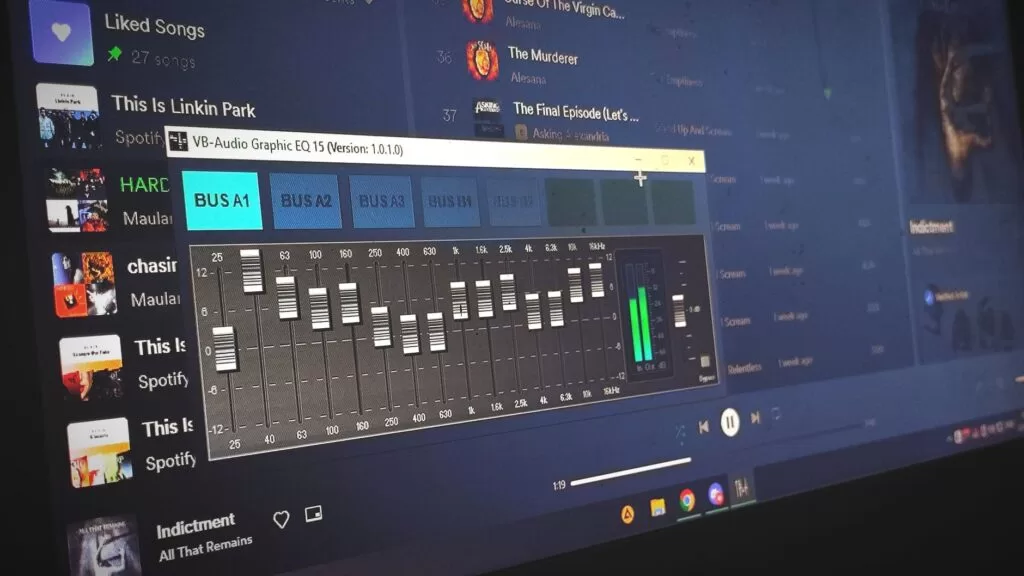
Photo by Kenji Ogami
Uploading and Testing on Your Phone Provider
With your audio file downloaded, log into your business phone system administrator portal. Navigate to your greeting manager, music-on-hold settings, or auto-attendant configuration menu. Upload the new audio file into the appropriate slot and assign it to your desired queue or time rule.
Call your main business number from an external phone to test the integration. Listen closely for volume drops, clipping, or abrupt audio cutoffs at the start of the recording. Make sure the background silence on your audio file matches the ambient baseline of your phone system. If the transition sounds jarring, adjust the padding at the beginning of your generated file and re-upload.
Conclusion
Deploying a professional phone greeting no longer requires expensive recording hardware or external contractors. By combining structured script preparation, careful voice selection, and clean audio exports, you build a polished telephone experience for every incoming caller. Set up your project workspace today, generate your custom hold tracks, and upgrade your customer communication pipeline.

