Scale Home Service Automation With Twin.so
Home service automation can reduce missed leads, slow follow-ups, and repetitive admin work. The gain comes from connecting each customer request to the next required action. A lead should not sit in an inbox because the office team is busy...

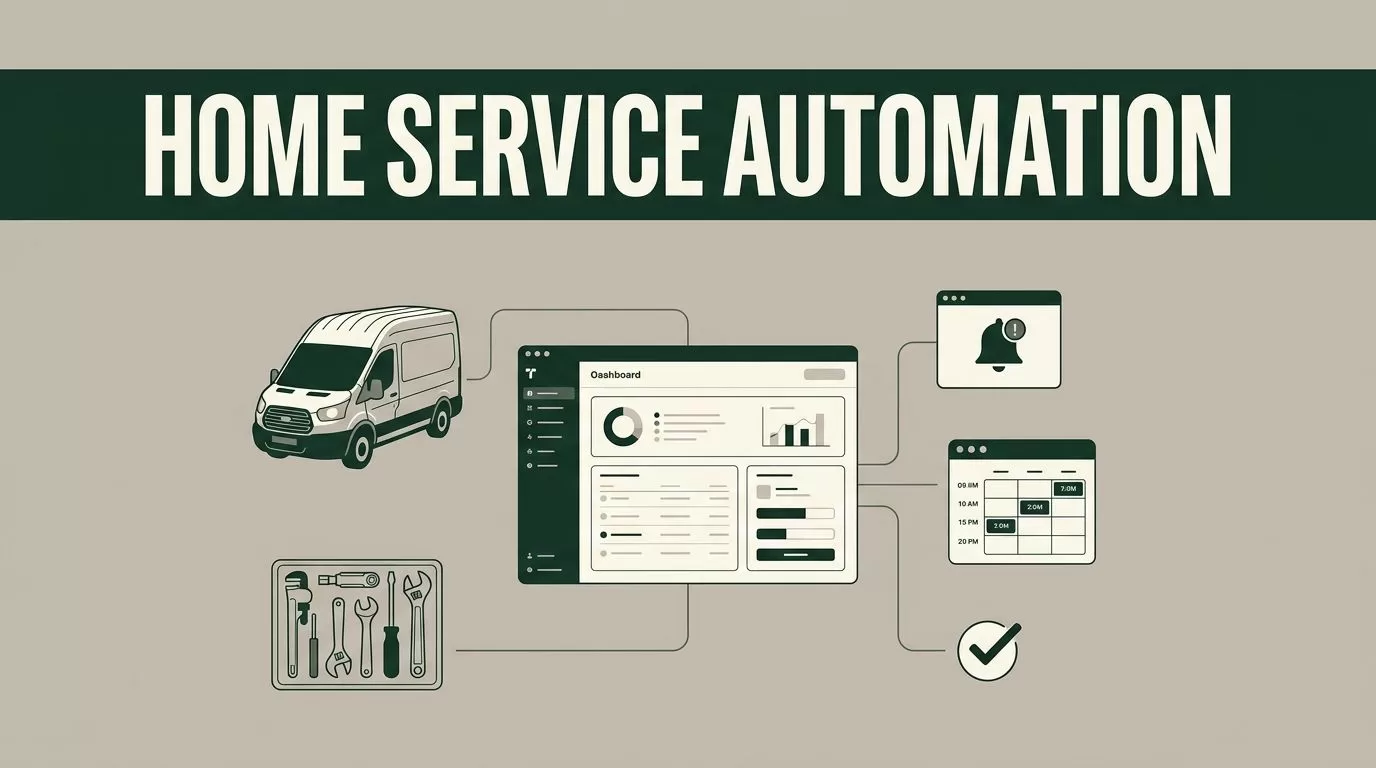
Home service automation can reduce missed leads, slow follow-ups, and repetitive admin work. The gain comes from connecting each customer request to the next required action.
A lead should not sit in an inbox because the office team is busy. A technician should not wait for a dispatcher to forward basic job details. Twin.so gives operators a place to build repeatable workflows around those handoffs, with human approval where judgment still matters.
Start with the workflow that creates the most delay or lost revenue.
What Home Service Automation Should Fix First
Growth exposes weak handoffs. An HVAC request arrives after hours, a plumbing customer calls while the office is busy, or a cleaning quote remains unanswered for two days. The issue isn’t always lead volume. The issue is that nobody owns the next step.
The first automation target should connect intake, qualification, booking, and follow-up. That creates a clear path for every request, even when the team is handling jobs in the field.
The goal of home service automation is not to automate every decision. It is to remove repeated work and keep important information moving.
The first workflow to automate is the one that loses money while nobody owns it.
Look for measurable improvements in these areas:
- Faster first-response times for new inquiries.
- Fewer missed calls and abandoned web requests.
- More complete job details before scheduling.
- Less copying between the CRM, calendar, and field-service system.
- Better customer updates before, during, and after the visit.
Twin.so fits this work as an automation layer. You define the trigger, the required information, the decision rules, and the next action. The result is a workflow your team can review and improve instead of relying on memory.
Map the Operating Workflow Before You Build It
Don’t start by adding random automations. Write down what happens after a customer contacts your company.
Use one recent job as the reference. Follow it through the office, dispatch team, technician, and billing process. Record every point where a person re-enters data, waits for an answer, checks a second system, or sends the same message again.
Build the workflow in this order:
- Capture the request through the intake channel already used by your company.
- Extract the customer name, phone number, address, service type, urgency, and preferred time.
- Check whether the address is inside your service area and whether the job fits your current rules.
- Route urgent or unusual requests to a human instead of forcing them through a standard path.
- Offer an available appointment window or create a task for the scheduling team.
- Send the customer a confirmation and store the conversation with the job record.
Twin.so should use the same core data as your operating systems. Don’t create a second version of the customer, job, or appointment unless you have a clear reason. A workflow becomes difficult to manage when staff must check different records for the current status.
Define the failure path before activating the workflow. Decide what happens when the address is incomplete, the service type is unclear, no appointment is available, or the customer stops responding. Those cases need an owner, a deadline, and a visible status.
Use Twin.so to Automate Lead Response and Booking
Lead response is a strong starting point because the work is repetitive and the outcome is easy to measure. A Twin.so workflow can take a new inquiry, organize the available details, and start the next approved action.
Begin with a small set of service categories. For an electrical company, that might include panel work, lighting, outlets, and emergency troubleshooting. For a cleaning company, it might include recurring residential cleaning, move-out cleaning, and commercial service.
Keep the first version narrow. Ask only for information the team needs to qualify or schedule the request. Long forms reduce completion rates and create more cleanup work.


Set clear rules inside Twin.so for each request:
- Identify the service category and urgency.
- Check whether the location matches the company service area.
- Flag missing information before the request reaches dispatch.
- Send a confirmation when the request is accepted.
- Create a task when a person needs to review the request.
- Stop follow-up messages after the customer books or opts out.
The first customer reply should confirm receipt and state the next action. It shouldn’t promise a technician, price, or arrival time that the system hasn’t verified.
A useful reply tells the customer that the request was received, repeats the service address or request type, and gives a realistic response window. If the business supports online scheduling, the workflow can present available options. If not, it can create a callback task with a deadline.
A practical AI guide for home services identifies traffic, job complexity, and technician skills as possible scheduling inputs. Use those inputs only when your systems contain current and reliable data. A rule based on outdated availability creates more calls for the office team.
This is the core of home service automation: a request enters once, then moves through defined actions without repeated manual copying.
Connect Scheduling, Dispatch, and Field Updates
Booking a job is not the end of the workflow. The customer still needs updates, and the field team needs accurate instructions.
After an appointment is created, Twin.so can coordinate the approved notifications and internal tasks around that appointment. Configure the process around your existing scheduling and dispatch records. Don’t ask employees to update a second calendar unless that calendar is the official source.
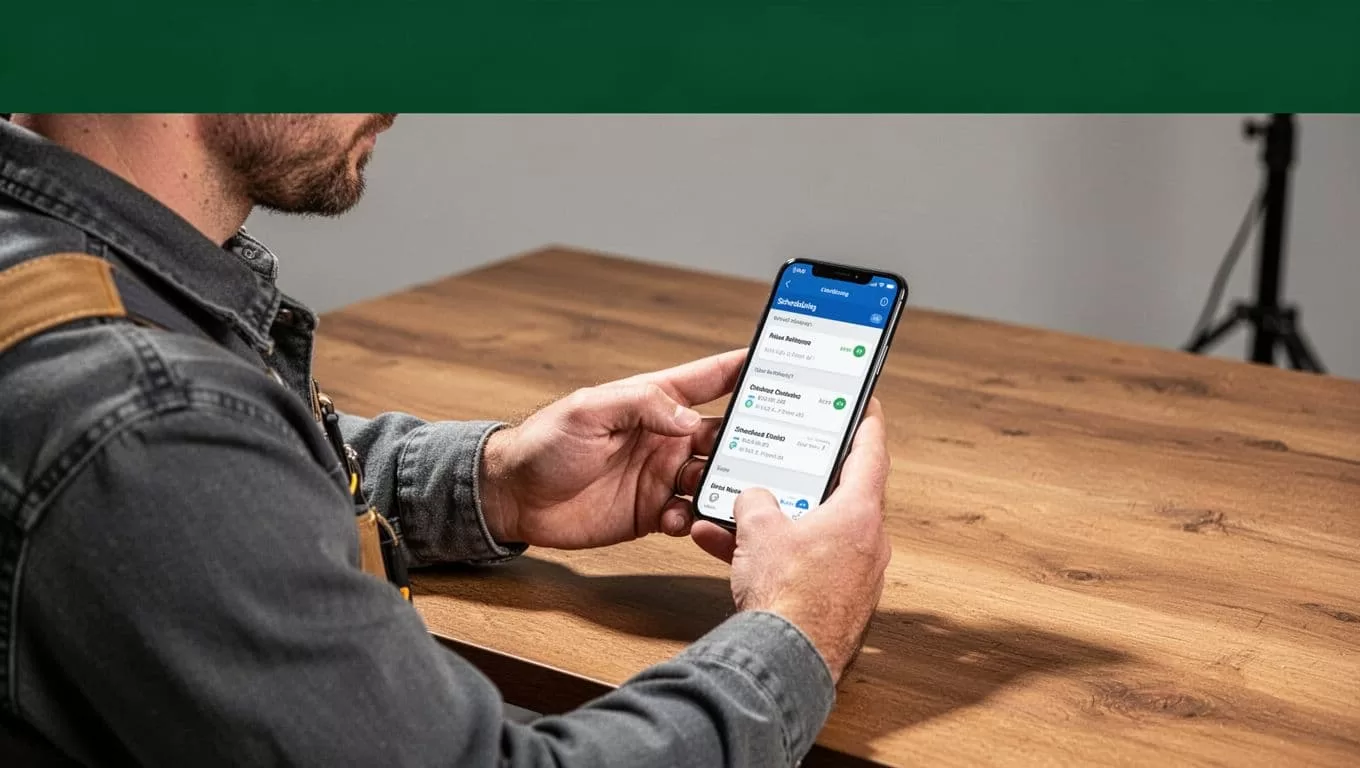
A basic dispatch workflow can send a customer confirmation after booking, a reminder before the visit, and an arrival update when the technician is dispatched. The internal side can alert the technician to missing notes, access instructions, photos, or equipment details.
When a technician changes the job status, use that event to start the next approved action. A completed job can trigger a completion message, payment task, maintenance reminder, or review request. A delayed job can create a customer update and notify the office.
Home services software guidance highlights the value of sharing current job information when conditions change during a visit. The same principle applies to automation. If a technician records a new issue, the office should see it before sending a quote or closing the job.
Keep dispatch judgment with the dispatcher. Weather delays, safety concerns, access problems, and jobs that need a second technician should move to human review.
Automate Follow-Up Without Spamming Customers
Many companies automate the first response and stop there. That leaves revenue in the follow-up queue.
Build follow-up around job status instead of elapsed time alone. A quote that has not been accepted needs a different message from a completed service call. A customer who asked for a callback needs a different path from someone who never answered the first reply.
Useful follow-up actions include:
- Send a booking confirmation after the appointment is recorded.
- Remind the customer about access instructions before the visit.
- Ask for missing information when a request cannot be scheduled.
- Follow up on an open quote after the approved waiting period.
- Send a maintenance reminder based on the service type and company policy.
- Stop all promotional messages when a customer opts out.
Use message limits and stop conditions. A workflow should not continue sending reminders after a customer books, cancels, replies with a concern, or asks to speak with someone.
Keep customer messages short. State the job status, the next action, and the contact method. Store the sent message and response with the customer record so staff can see the full history.
For recurring services, automation can reduce routine scheduling work. A landscaping company can remind customers about upcoming visits. A cleaning company can confirm recurring appointments. An HVAC company can send seasonal maintenance reminders. Each message still needs an accurate service history and a clear opt-out path.
Measure the System and Roll It Out in Stages
You can’t improve an automated workflow without a baseline. Record current performance for at least one week before changing the process.
Track the median time to first response, lead-to-booking rate, missed-call recovery rate, average admin minutes per job, schedule fill rate, cancellation rate, and the number of customer status calls. Choose three or four metrics for the first rollout. Too many measures create noise.
A practical rollout looks like this:
- Choose one service line and one intake channel.
- Build the workflow with a human approval step.
- Test common requests and failure cases using real, closed job records.
- Run the workflow beside the current process for a short review period.
- Compare response time, booking outcomes, exceptions, and staff corrections.
- Remove unnecessary steps before adding another service line.
Review exceptions every week. If staff repeatedly correct the same address format, service category, or urgency label, update the rule or intake question. Don’t patch the same error manually forever.
Before buying another tool, inventory the systems already in use. A home service automation tools list can help identify categories, but it shouldn’t decide your stack. Start with the process and the data source. Then check whether Twin.so can connect to the systems you need.
Protect customer and employee information during deployment. Limit access by role, avoid storing unnecessary personal data, and use approved templates for sensitive messages. Require human review for refunds, pricing exceptions, safety issues, and any action that could create a financial or legal commitment.
Where Twin.so Fits in the Service Stack
Twin.so is most useful when your company has multiple systems and too many manual handoffs. Your CRM may hold the lead. Your field-service platform may hold the job. Your calendar may hold the appointment. Your phone and messaging tools may hold the conversation.
The automation layer coordinates the movement between those systems. It can apply rules, start tasks, send approved updates, and surface exceptions for staff review.
That doesn’t make Twin.so a replacement for dispatch software, accounting, a CRM, or a technician’s judgment. Confirm the available connectors, permissions, data fields, and action limits before building a production workflow. If a connection isn’t supported, use a controlled manual step instead of inventing a fragile workaround.
The best deployment is narrow and measurable. Automate lead intake first. Add booking and dispatch updates after the first workflow is stable. Add quote follow-up and recurring communication only when job statuses are accurate.
Conclusion
Scaling a home service company requires more than adding leads. It requires a reliable path for each request, appointment, update, and follow-up.
Twin.so can help organize that path when you define the data, rules, exceptions, and approval points clearly. Start with one workflow, measure response time and booking results, then expand only after the process works under real operating conditions.
The strongest home service automation system is the one your staff can trust when the office gets busy.

