How to Deploy Nonprofit Automation Tools via Twin.so
Nonprofits waste countless hours on manual data entry and disjointed spreadsheet tracking. When your donor lists, grant applications, and volunteer schedules live in separate silos, administrative overhead suffocates your mission. Deploying...

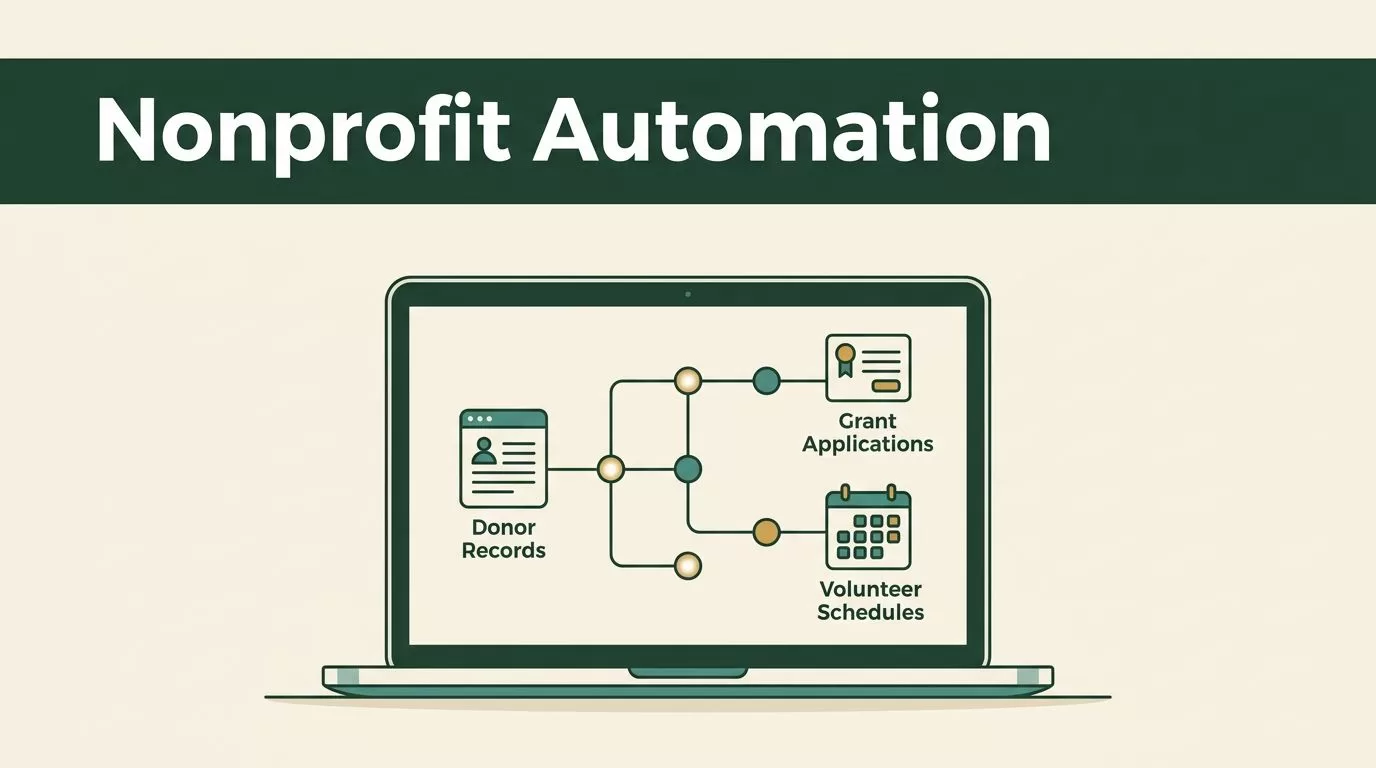
Nonprofits waste countless hours on manual data entry and disjointed spreadsheet tracking. When your donor lists, grant applications, and volunteer schedules live in separate silos, administrative overhead suffocates your mission. Deploying effective nonprofit automation tools changes this operational bottleneck by connecting your data sources into a unified engine. You don’t need a massive IT department or a custom software budget to eliminate manual friction. You simply need a structured approach to building autonomous workflows.
Twin.so offers a practical path forward by combining API connectors and browser automation into a single platform. Instead of writing complex scripts, you describe your desired outcome in plain language, and the system builds the agent for you. This guide walks you through assessing your operations, configuring secure agent workflows, and scaling automation across your fundraising and outreach teams.
Assessing Your Nonprofit Operations Before Automation
Before you touch any software, you need a precise map of your current operational bottlenecks. Organizations often try to automate messy, broken processes, which only creates faster chaos. Start by auditing your daily administrative tasks across every department. Look for repetitive actions that consume staff hours without adding strategic value.


List out where your team spends the most time. Common targets include logging incoming donations, updating CRM contact records, sending volunteer confirmation emails, and tracking grant submission deadlines. For a broader overview of foundational tasks, review Nonprofit Automation: The Beginner’s Guide to understand how peer organizations prioritize administrative efficiency. Once you identify your top three time sinks, document the exact steps your staff takes to complete them today. This documentation serves as the blueprint for your automated agents.
Understanding the Architecture of Twin.so
Twin.so functions as a no-code platform designed to build, run, and distribute autonomous AI agents. Traditional automation software relies entirely on rigid API connections. If a legacy database lacks an API, your workflow breaks down entirely. Twin solves this limitation by combining traditional API integrations with a cloud-sandboxed browser agent.
The browser agent interacts with web pages exactly like a human user. It can log into portals, click buttons, fill out forms, read tables, and download files from legacy systems. This dual capability allows you to connect modern cloud fundraising platforms with older, unyielding municipal portals or offline bank databases. When you build agents on this platform, you work with an orchestrator, a builder, and a runner. The builder uses advanced reasoning models to construct tools from scratch, while the runner executes routine tasks on schedule. Understanding this underlying mechanics helps you design robust workflows that won’t collapse when a web page layout shifts slightly.
Configuring Twin.so for Donor and Volunteer Data
Setting up your first agent requires defining clear triggers and data endpoints. Log into your workspace and connect your primary database, whether you use HubSpot, Salesforce, or a specialized donor management platform. Define the event that starts the workflow. Triggers can be time-based schedules, inbound emails, form submissions on your website, or incoming webhooks from payment gateways.
You write your instructions in natural language. For instance, you tell the agent to check your donation processing inbox every morning at eight o’clock, extract donor names and contribution amounts, and push that data into your CRM. If a legacy donation portal has no API, instruct the browser agent to navigate to the login page, enter credentials, and download the daily settlement report. For deeper strategic alignment on system architecture, read A Pragmatic Nonprofit Technology Strategy to End Systems Chaos to ensure your infrastructure scales cleanly. Test each step at normal speed before letting the agent run autonomously.
Building Workflows for Fundraising and Outreach
Fundraising relies on timely communication and rigorous follow-up. When a major donor gives online, waiting three days to send a thank-you note damages donor relations. You can build an end-to-end agent workflow to handle this instantly. Configure the agent to detect a successful transaction webhook, pull the donor profile from your database, draft a personalized acknowledgment letter, and queue it for review or direct dispatch.
You can also automate prospect research and grant discovery. Set up an agent to scan government grant portals, extract funding guidelines, and summarize key requirements into a shared document. To compare different approaches, review Best Workflow Automation Software for Nonprofits to see how various platforms handle recurring tasks. Keep your initial workflows simple. Focus on single-outcome agents before attempting multi-step operations that span five different software tools.
Managing Data Privacy and Permissions
Nonprofits handle sensitive constituent data, including credit card details, personal addresses, and confidential support histories. Automated agents touch this data constantly, making privacy governance mandatory. You must restrict agent access strictly to the tools and records required for each specific job. Do not give an outreach agent administrative access to your entire donor database if it only needs to read public grant directories.

Review platform permissions regularly. Ensure that API keys and login credentials used by your browser agents are stored securely within environment variables or platform vaults. Comply with standard data protection regulations by implementing data minimization rules. If an automated script extracts constituent lists for email campaigns, configure the system to purge temporary cache files immediately after the job finishes. Security oversight prevents data breaches and maintains donor trust.
Managing Change and Staff Training
Deploying new software often triggers resistance among team members who fear obsolescence or increased complexity. You must frame automation as an assistant that eliminates tedious data entry rather than a replacement for human staff. Involve your operations managers and fundraising teams early in the design phase. Ask them where they experience the most daily friction and build your first agents around those specific pain points.
Provide clear documentation for every automated workflow you deploy. Create a simple internal wiki detailing what each agent does, which systems it touches, and who to contact if a workflow encounters an error. Hold weekly check-ins during the first month of deployment to review exception logs and refine agent instructions. When staff members see that automation eliminates repetitive evening data entry, adoption rates climb naturally.
Deploying Nonprofit Automation Tools for Maximum Impact
Upgrading your operational infrastructure with nonprofit automation tools transforms how your organization manages administrative burdens. By combining automated API connectors with intelligent browser agents, you bridge the gap between legacy systems and modern cloud platforms. Start your deployment by auditing your most tedious manual workflow, building a single focused agent, and verifying its output for accuracy. Clean preparation and disciplined data governance turn chaotic administrative routines into a predictable engine that supports your core mission.

