Scale Manufacturing Process Automation With Twin.so
A plant can have sensors on every machine and still depend on spreadsheets, email, and manual approvals. The gap usually sits between the shop floor and the business systems that control orders, inventory, quality, and maintenance. When you...


A plant can have sensors on every machine and still depend on spreadsheets, email, and manual approvals. The gap usually sits between the shop floor and the business systems that control orders, inventory, quality, and maintenance.
When you scale manufacturing process automation, you need more than isolated scripts. You need a controlled workflow layer that can receive plant events, apply operating rules, call approved systems, and send exceptions to the right person. Twin.so can support that layer when you connect it to a clear process model and a safe rollout plan.
The practical starting point is not a full factory transformation. It is one repeatable workflow with measurable inputs, outputs, and failure conditions.
Why Twin.so belongs in manufacturing process automation
Manufacturing automation has several layers. PLCs control machine behavior. Robots execute programmed movements. SCADA systems collect operational data. MES platforms manage production records. ERP systems handle orders, purchasing, and financial data.
Twin.so should sit above these control systems unless your deployment has a verified reason to do otherwise. Its role is to coordinate work across systems, not bypass safety logic or replace validated machine controls.
A typical workflow might begin when an MES changes an order status. Twin.so can use that event to gather the order context, check material availability, request an approval, update a planning system, or notify a supervisor. The exact actions depend on the connectors and permissions available in your environment.
This approach is different from building a physical simulation of an entire plant. A manufacturing digital twin can combine 3D models, process logic, and live data. Visual Components’ manufacturing digital twin guide provides useful context on that model.
Twin.so is better evaluated as a software workflow enabler unless your specific configuration includes deeper asset or process modeling. The name matters less than the operating boundary.
Keep safety-critical decisions local to validated control systems. Use the workflow layer for coordination, approvals, records, and exceptions.
The strongest use case has a clear trigger and a predictable business outcome. Avoid starting with a vague goal such as “automate the plant.” Start with a process that consumes time every day and follows defined rules.


Map the factory before you automate
Automation exposes weak process design. If employees use different names for the same SKU, store maintenance notes in personal files, or approve work through informal messages, Twin.so can’t produce reliable results without a defined operating model.
Map the current workflow before you configure anything. Write down the event that starts the process, the systems involved, the decisions employees make, and the final record that proves completion.
Choose one repeatable flow
Select a process that meets four conditions:
- It happens often enough to produce useful data.
- The decision rules are known by the people who perform the work.
- The required information exists in accessible systems.
- A mistake can be detected before it creates serious damage.
Good first candidates include material shortage alerts, quality-hold notifications, maintenance work-order creation, production-order status updates, and shift handover reports.
Avoid automating a process that changes every week. You will spend the pilot rewriting rules instead of testing the system.
Document the current process in plain language. For example: “When a production order reaches completed status, check whether all quality results are posted. If results are missing, create a review task. If results are complete, update the order and notify planning.”
That sentence gives you a starting workflow. It also exposes the missing questions.
Define data and decisions
For each step, identify the source of truth. The order status may come from the MES. Inventory may come from the ERP or warehouse system. Inspection results may come from the QMS. Machine conditions may come from a historian or industrial gateway.
Do not let the same workflow read conflicting versions of the same record without a priority rule. Define which system wins when values differ.
Then document the decision boundaries. Include limits, approval requirements, timeouts, and exceptions. A process engineer may approve a low-risk parameter change, while a quality manager must approve a deviation that affects released product.
Your process map should answer five questions:
- What event starts the workflow?
- What data must be present?
- Which rules decide the next step?
- What action changes a system or assigns work?
- What happens when data is missing or a rule fails?
A clear map reduces configuration work later. It also gives operations leaders a practical way to judge whether Twin.so is helping.
Manufacturing process automation workflows to build first
The best early workflows remove coordination work without taking control away from trained employees. They collect information, apply known rules, and present the next action.
Start with processes that cross departments. These usually contain the most delay because each handoff adds waiting time.
Automate order release and material checks
When planning releases a production order, Twin.so can collect the order number, SKU, quantity, due date, and planned line. It can then check inventory, open purchase orders, quality status, and known equipment restrictions.
If the required material is available and approved, the workflow can update the next system or notify the assigned team. If a component is short, it can create an exception with the missing quantity, expected receipt date, and affected order.
The workflow should not silently substitute a material. That decision may affect product specifications, regulatory records, or customer approvals. Route substitutions to the right person.
This pattern reduces the need for planners to check several screens before releasing work. It also creates a record of why an order was held or released.
Route quality holds and inspection results
Quality workflows are strong automation candidates because they depend on defined statuses and documented responses.
When a test result fails or a lot enters a quality hold, Twin.so can gather the lot number, product, line, operator record, test result, and related order. It can create a task for quality, notify production, and block the next administrative step until an authorized decision is recorded.
The workflow can also separate routine cases from serious deviations. A missing inspection field may need correction. A result outside a specification may need investigation and formal disposition.
Keep the system of record in the QMS or ERP. Twin.so should coordinate the review and move information between approved systems. It should not become an unofficial replacement for controlled quality records.
Manufacturing digital twins also support planning, training, maintenance, and space analysis. The manufacturing digital twin use case overview can help your team separate asset-model projects from workflow-automation projects.
Automate maintenance response and changeover preparation
A maintenance workflow can begin with a machine alarm, a condition threshold, or a scheduled service event. Twin.so can collect the asset ID, alarm details, recent work history, current production order, and assigned technician.
It can then create or update a CMMS work order, attach relevant records, and notify production when the job affects the schedule. The workflow should escalate only when the response target is missed or the equipment risk crosses a defined threshold.
Changeover preparation is another useful candidate. The workflow can identify the next order, verify that required tooling and materials are available, collect the approved work instructions, and notify the line team about missing items.
Do not automate every decision in the first version. Automate preparation and routing first. Add controlled write actions after the team has verified the data.
Design the Twin.so automation architecture
A reliable workflow needs more than a trigger and an action. It needs a defined data path, permission model, error policy, and audit record.
Build each Twin.so workflow around a small contract:
- The trigger identifies the event and its source.
- The context includes the order, asset, lot, SKU, or employee record.
- The rules define what the workflow can decide.
- The actions identify the systems it can read or update.
- The exception path assigns work when the workflow can’t proceed.
- The audit record stores the input, result, time, and responsible identity.
Use stable identifiers wherever possible. An order number, asset ID, and lot number are safer than a free-text description. Require the workflow to confirm that records refer to the same plant, production line, and operating period before it performs a write action.
Your integration pattern may include REST APIs, webhooks, SQL access, OPC UA gateways, MQTT brokers, or middleware. The connection method matters less than the controls around it. Read-only access is often enough for the first pilot.
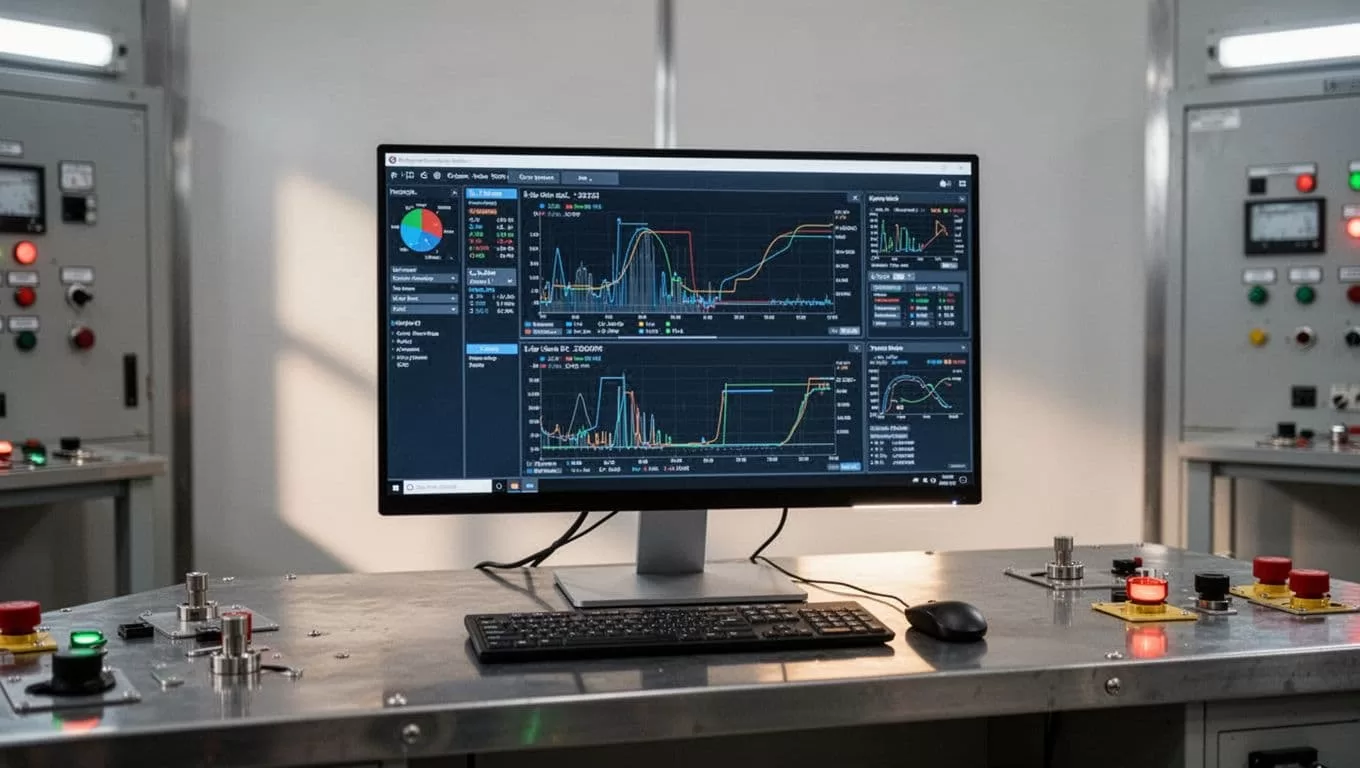
Separate operational technology from business technology. A plant network should not expose machine controls directly to an automation workflow without approved segmentation, authentication, and review. A workflow can receive a production event through an industrial gateway while the PLC remains isolated from direct external commands.
The smart manufacturing tools and industrial IT guide offers additional context on the systems that sit around connected production environments.
Before selecting a production connector, check the following:
- Does it support the system version your plant uses?
- Can you restrict access by operation and environment?
- Does it handle retries without duplicating records?
- Can employees approve high-risk actions?
- Are failed runs visible to operators?
- Can you export logs for audit and incident review?
- Can you test workflow changes without touching production data?
If Twin.so doesn’t support a required control natively, add a gateway, approval step, or middleware layer. Don’t remove the control to make the workflow easier to configure.
Use a phased rollout framework
A factory-wide deployment creates too many unknowns at once. Use a phased rollout that starts with one process, one site, and a narrow permission set.

Phase 0: Select and baseline
Choose the workflow and record its current performance before automation. Capture manual touches, average completion time, exception volume, error corrections, and delays between handoffs.
Interview the people who perform the work. They know which fields are unreliable, which approvals happen outside the official process, and which exceptions need judgment.
Set a narrow success condition. For example, the pilot may need to reduce manual status checks while keeping every quality decision under authorized human control.
Also document the failure boundary. State which actions Twin.so may perform automatically and which actions require approval.
Phase 1: Observe and recommend
Start with read-only access. Let the workflow collect events, compare records, and produce recommendations without changing production systems.
Use this phase to test data quality. Check whether order statuses arrive on time, whether asset IDs match across systems, and whether duplicate events appear.
Ask supervisors to review the output against actual plant conditions. Track false alerts and missed cases. A workflow that looks correct in a test environment may fail when operators use abbreviations or systems send delayed updates.
Keep the pilot small enough to review every run. This gives the team evidence before it grants write permissions.
Phase 2: Approve and execute
Add human approval for low-risk actions. A planner may approve a notification, task assignment, or draft order update. A quality manager may approve a hold review task after checking the underlying result.
Use clear approval records. Store who approved the action, when they approved it, and what information they reviewed.
Then automate low-risk writes. Examples include creating a maintenance task, adding a comment to an order, assigning a responsible team, or updating a workflow status.
Don’t combine several high-impact writes in the first production release. If one action fails, the team needs to know exactly what happened and what remains incomplete.
Phase 3: Expand by pattern
Once the first workflow is stable, reuse its data model and exception structure for related processes. Add another line only after plant-specific differences are documented.
Keep shared rules in one managed location. Store local parameters separately. This prevents every site from creating a slightly different copy of the same automation.
Promote changes through development, test, and production environments. Require a named owner for each workflow. Review permissions after every major process change.
Scale by repeatable patterns, not by the number of automations launched. A small set of controlled workflows is more useful than dozens of unattended jobs that employees don’t trust.
Set controls for safety, security, and auditability
Automation in a plant has a different risk profile from automation in an office. A wrong email creates confusion. A wrong production instruction can create scrap, downtime, or a safety event.
Keep Twin.so outside emergency stops, safety interlocks, guarding logic, and other functions that require deterministic local control. Use approved interfaces to exchange business and operational information.
Protect credentials and write access
Give each workflow only the permissions it needs. A material-check workflow may need to read inventory and order data. It probably doesn’t need permission to change a bill of materials.
Use separate credentials for testing and production. Rotate secrets through your approved identity or credential-management process. Disable unused connections.
Require approval for actions that can:
- Release or cancel a production order.
- Change a product specification.
- Substitute a material.
- Close a quality deviation.
- Modify a machine parameter.
- Delete or overwrite a controlled record.
Record the original data before a write action. This helps investigators understand what the workflow saw and why it acted.
Handle errors as operating events
A failed workflow is not only a software issue. It can delay a line or leave a quality decision incomplete.
Define retries, timeouts, and escalation rules. A temporary API failure may need a retry. A missing lot number should create a data exception. A conflicting order status should stop the workflow and request review.
Make errors visible in the tools employees already use. Don’t send every failure to an inbox that nobody monitors.
Industrial automation twins often depend on continuous data exchange between physical assets and software systems. This industrial automation digital twin guide provides useful background on that connection.
The right failure behavior is to stop at the uncertain step, preserve the evidence, and assign the next action.
Measure scale without hiding failure
A Twin.so deployment needs operational metrics, not only technical uptime. Measure whether the workflow improves the process that employees and customers care about.
Track the following for each production workflow:
- Average time from trigger to completed action.
- Number of manual touches per transaction.
- Percentage of runs completed without intervention.
- Exception rate by reason.
- Duplicate or rejected writes.
- Time required to resolve an exception.
- Quality, schedule, or downtime impact.
- Percentage of runs with a complete audit record.
Separate useful exceptions from system failures. A quality hold is a valid business outcome. A workflow that fails because it can’t find the lot record is an automation defect.
Calculate the cost of each process before and after deployment. Include employee time, rework, delay, scrap, and missed production windows. Don’t judge the project from license cost alone.
When you add a second site, compare process differences before copying the workflow. A plant may use different status codes, approval roles, units of measure, or maintenance systems. Put those differences in configuration where possible. Keep the core workflow logic consistent.
A useful digital twin manufacturing overview can help your team think about how plant data supports continuous monitoring and process improvement, but the same discipline applies to workflow automation: reliable data must come before broad coverage.
Conclusion
Scaling manufacturing process automation with Twin.so starts with a narrow workflow, not a factory-wide promise. Map the current process, identify the source systems, restrict permissions, and separate coordination work from machine safety logic.
Use Twin.so to connect events, decisions, approvals, and records across the plant. Roll out read-only observation before automated writes. Measure exception quality as carefully as completion speed.
The strongest automation is controlled, traceable, and easy for operators to correct. Build that pattern once, prove it on one process, then expand it across lines and sites.

