Execute No Code Personalization Using Mida.so
Most SaaS landing pages leak potential users before they ever touch your software. You drive traffic through paid ads, social media, and search engines, yet your visitor counts rarely translate into active accounts. Bumping up conversions i...

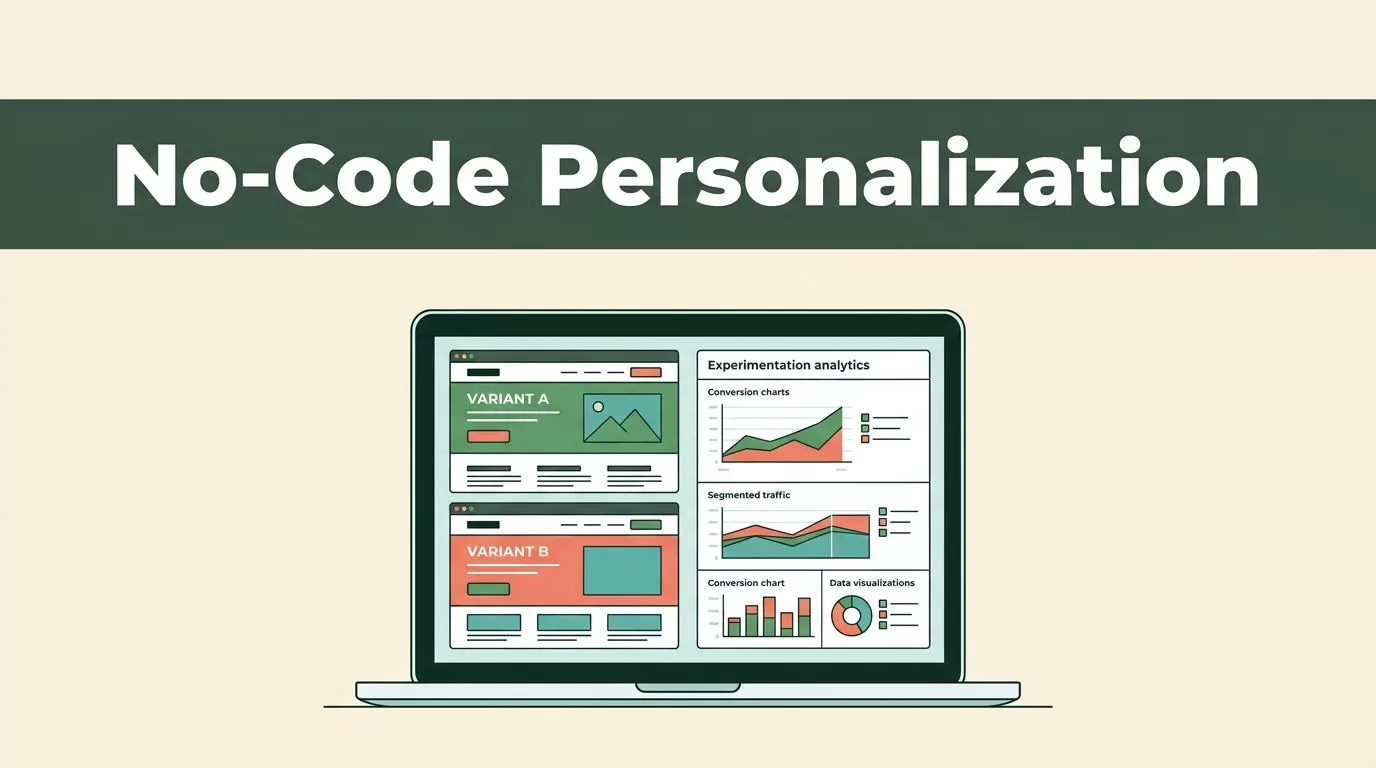
Most SaaS landing pages leak potential users before they ever touch your software. You drive traffic through paid ads, social media, and search engines, yet your visitor counts rarely translate into active accounts. Bumping up conversions isn’t about guessing what color button works best today. It requires a systematic approach to user behavior, rigorous testing, and structured experimentation. Mida.so gives you the testing infrastructure you need, but tools only work when you pair them with a disciplined process.
Key Takeaways
- Establish baseline conversion rates and traffic stability before launching any new experiment on your pages.
- Formulate clear hypotheses based on user friction points rather than random design tweaks.
- Monitor segment performance across mobile devices and paid traffic sources instead of relying solely on aggregate totals.
- Define strict decision rules and statistical confidence thresholds before checking live test results to prevent false positives.
- Document every completed test outcome to build a reliable internal knowledge base for future campaigns.
Understanding No Code Personalization
Website personalization often sounds like a heavy engineering project that requires custom database queries and weeks of developer time. Traditional setups demand custom code deployments for every new campaign or audience segment you want to target. That technical overhead kills momentum before your marketing team can launch a single test. Mida.so changes this dynamic by giving non-technical operators a visual editor to modify page content on the fly.
You don’t need to write custom JavaScript to swap out a headline or alter a call to action for specific traffic sources. The platform loads your live page inside a visual interface where you can click, edit, and configure rules instantly. This lets you tailor your messaging to match the exact intent of incoming visitors. Whether someone arrives from a specific Google Ads campaign or a LinkedIn promotion, you serve them an experience that addresses their specific context.
Unlike traditional software tools that inject bloated scripts and slow down your site, Mida uses a tiny 15KB compressed script that protects your speed and core web vitals. You get the flexibility of dynamic content delivery without sacrificing page load performance or search engine rankings. For more details on lightweight architecture and features, see the Mida platform overview.
Setting Up Your First Personalization Rule
Log into your Mida.so workspace and select the target URL you want to optimize. Create your control version first so you have a clean baseline that reflects your live production page. The control represents your starting point, and every personalized variant will be measured directly against it. Keep your edits focused on a single change rather than overhauling the entire page layout at once.

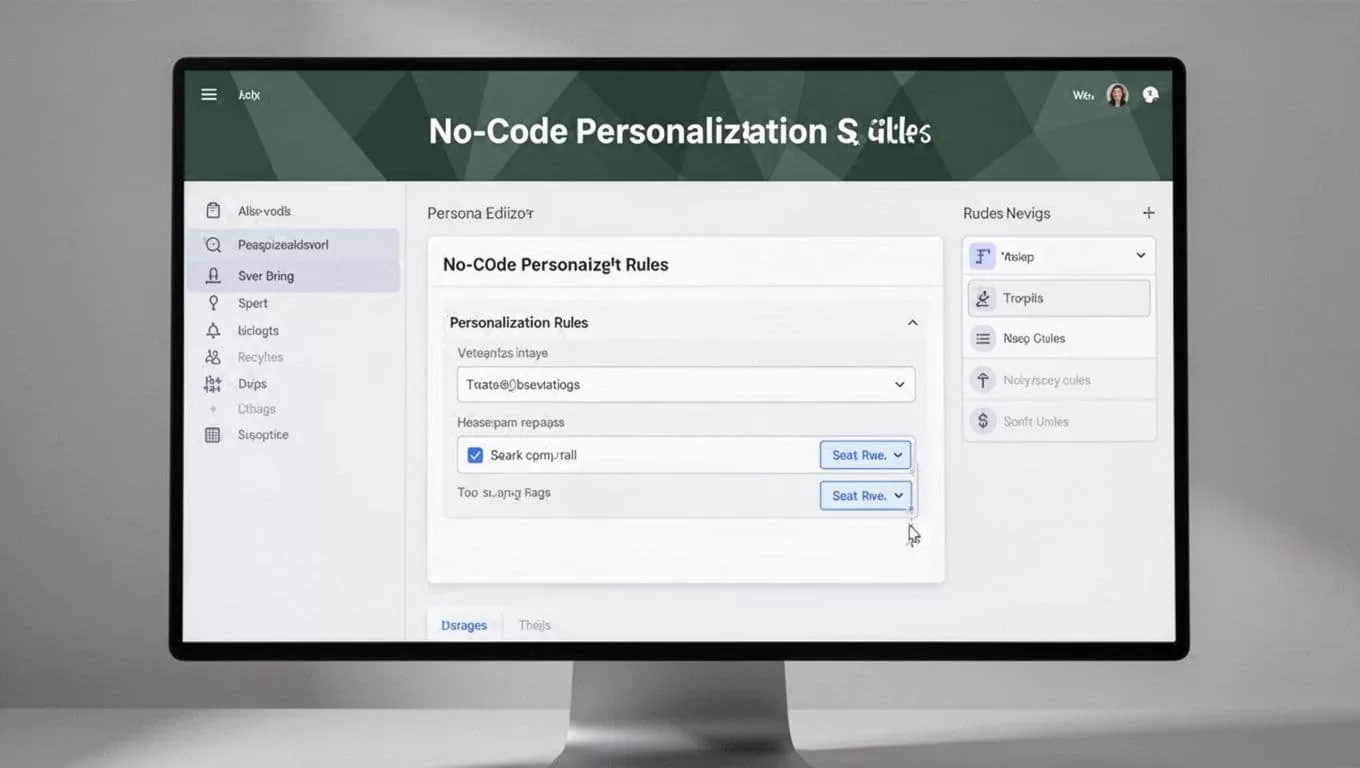
Define your target audience before you start writing variant copy. You can trigger personalized elements using UTM parameters, query strings, cookies, device types, or geographic locations. If you run paid acquisition campaigns, set your rules to detect specific UTM campaign tags so arriving visitors see a headline matching their ad text.
Select one primary conversion goal for the experience. It could be a completed lead form, a demo booking, a software trial start, or an add-to-cart event. Avoid targeting every single visitor by default because generic personalization rarely moves the conversion needle. Build your rules around specific traffic segments where relevance creates an immediate impact.
Targeting Traffic Sources and Visitor Intent
An overall conversion rate can hide important differences in how distinct audiences experience your site. Paid search traffic behaves differently than organic social clicks, and mobile users have very different expectations than desktop visitors. Mida.so lets you segment your reporting so you can see where your personalization efforts actually drive results.
Start by comparing your primary metric across desktop and mobile devices. A headline change that improves desktop conversions might cause layout issues on smaller screens. Next, inspect your paid acquisition channels to confirm that visitors coming from specific ad groups convert at a higher rate than your baseline traffic.
Guardrail metric check: If a personalized variant increases click-through rates while crashing your completed form submissions, reject the update regardless of initial engagement spikes.
Keep your traffic distribution steady and avoid changing audience rules while the test is active. Altering targeting parameters mid-stream creates a new test condition and corrupts your sample purity. To evaluate how leading platforms handle these attribution workflows, explore top marketing attribution software solutions.
Preventing Common Implementation Mistakes
The most expensive experimentation mistakes usually happen before you launch your campaigns. Running several overlapping personalization rules on the same page can contaminate your data and make it impossible to isolate winning variables. Schedule related tests sequentially or use a planned multivariate structure when your traffic volume supports it.
Another common trap is checking your live dashboards too often. Early results move easily when your sample size is small, and daily fluctuations can trick you into declaring a winner prematurely. Wait until you hit your required sample size and achieve statistical confidence before making permanent changes.
Protect your Core Web Vitals by auditing every script you inject for an experiment. Even though Mida is engineered for performance, your implementation strategy still matters. Treat Largest Contentful Paint and Cumulative Layout Shift as hard guardrails. If a personalized variant introduces an unexpected layout shift or delays your main hero image, reject the update.
Documenting and Scaling Your Campaigns
When your personalization campaign reaches statistical significance and yields clear business value, turn that variant into your permanent production experience. Export your winning changes or publish them directly through your content management system. Document the final outcome, the initial hypothesis, and the supporting data inside an internal testing log.
Maintaining an experiment ledger prevents your team from repeating the same test six months later because nobody recorded what the first result meant. Connect your insights back to your core conversion rate benchmarks and update your growth roadmap. For practical examples on structuring page-level tests, see the guidance on A/B testing software features.
Conclusion
Website personalization works when you treat conversion optimization as a disciplined operating process. Use Mida.so to connect visitor behavior and experiment results without writing custom code or slowing down your pages. Start with one high-intent page and one clear hypothesis based on real user friction points. Measure your baseline, test a focused change, review statistical evidence, and keep your personalization tied directly to revenue growth.

