Museum Management Automation With Twin.so
Most museums don’t have a people problem. They have a handoff problem. Done well, museum management automation moves routine intake, status checks, and notifications without moving curatorial or registrar decisions to a bot. Twin.so i...


Most museums don’t have a people problem. They have a handoff problem. Done well, museum management automation moves routine intake, status checks, and notifications without moving curatorial or registrar decisions to a bot.
Twin.so is a general-purpose AI agent platform, not a museum collections system. It can connect apps, respond to schedules, emails, forms, webhooks, and Slack messages, then complete repeatable work across websites and connected tools. The practical starting point is a narrow workflow with clear records, clear owners, and clear stop conditions.
WHAT MUSEUM TEAMS SHOULD AUTOMATE FIRST
Automation should remove repeated coordination. It shouldn’t replace professional judgment.
A registrar still decides whether an object record is complete. A curator still evaluates meaning and attribution. A facilities manager still approves work that affects people, objects, or building systems. Twin.so can prepare information and route the next task.

Remove repetitive coordination
Start with work that follows the same path each time.
A loan document arrives by email. Someone downloads it, checks the object number, updates a spreadsheet, sends a message to the registrar, and creates a follow-up reminder. That sequence can become a controlled workflow.
The agent can identify the message, extract approved fields, preserve the original attachment, and route the record for review. The registrar still confirms the details before the collections system changes.
The same model works for exhibition schedules, vendor documents, visitor-service forms, and recurring operational reports.
Protect professional judgment
Museum work contains uncertainty. A condition note may need interpretation. A donor name may need confirmation. A duplicate object record may look similar but refer to a different accession.
Do not configure an agent to guess. Tell it to mark missing, conflicting, or ambiguous fields for review. Keep sensitive decisions in a human queue.
A useful rule is simple: automate preparation and routing, not authority.
WHERE MUSEUM MANAGEMENT AUTOMATION WITH TWIN.SO FITS
Twin.so’s public materials describe natural-language agent building, browser automation, connected applications, and scheduled or event-driven execution. Its integration directory advertises 41,706 app integrations, but that number doesn’t confirm a native connection to your collections, ticketing, or exhibition platform.
Check the exact application before planning the workflow.
Registrar and collections intake
Use an inbound email, form submission, webhook, or scheduled check as the starting event.
The workflow can return one structured record per document or request. Useful fields may include accession number, object title, sender, received date, document type, missing fields, source link, and review status.
Keep the original file or message available. Store the extracted values separately. If the object number is missing or two documents disagree, send the record to an exception queue instead of writing it into the master database.
If the collections platform has an approved API or connector, use that route. If it doesn’t, browser automation may work through an authorized account, but the museum must test the portal and its access rules first.
Exhibition and facilities handoffs
Exhibition work creates many small status updates. A vendor confirms delivery. A mount maker submits a file. A gallery team reports that an installation task is incomplete.
Twin can watch approved channels, collect updates, summarize the current status, and route the next action. A scheduled agent can also check a project portal and report missing milestones.
Don’t let the workflow close a task simply because a page contains a completion label. Require evidence when the task affects object safety, installation quality, public access, or a contractual commitment.
Visitor services and recurring reports
Visitor-services leaders often combine form responses, ticketing data, email, and staff messages. A workflow can categorize routine requests, identify missing information, and send each item to the correct owner.
It can also prepare a daily report showing unresolved requests, unusual volume, or records missing required fields. A manager reviews the report before anyone changes staffing, refunds a ticket, or makes a public response.
That division keeps museum management automation useful without giving it control over policy decisions.
BUILD THE WORKFLOW BEFORE YOU SCALE IT
Twin’s quickstart documentation describes scheduled agents, event-driven triggers, OAuth connections, browser automation, and programmatic triggers. Use those capabilities in a defined sequence.
Define the record, schema, and owner
Start with one workflow and one output.
Write down the source, permitted account, date range, required fields, accepted values, destination, review owner, and escalation path. Add provenance fields such as source URL, capture time, original text, extraction method, and workflow run ID.
Tell the agent what to do when a field is blank. Tell it what to do when two systems disagree. Tell it what to skip.
A prompt such as “collect all exhibition information” is too broad. A better instruction identifies the approved project portal, the reporting period, the exact fields, and the conditions that stop the run.
Use APIs first, browser automation second
An API usually gives you a more stable response, clearer request history, and easier testing. Use it when it provides the fields and access your project needs.
Use browser automation for an authenticated portal, dynamic page, downloadable file area, or older system without a suitable API. Twin’s public materials describe agents that can navigate pages, fill forms, extract information, and take actions in web applications.
Browser workflows need maintenance. A login can expire. A page can change. Pagination can fail. A download can move. Add bounded retries, save progress by record or page when possible, and stop when the structure changes.
Add approval before sensitive writes
Run the first version in report-only mode. Let it propose changes without updating the source of truth.
A reviewer should see the proposed value, original value, source record, reason for the change, and confidence or exception flag. After approval, allow the workflow to update a limited batch.
Require approval for merges, deletions, uncertain matches, donor or lender records, financial fields, condition information, and anything that creates an external commitment.
PILOT, MEASURE, THEN SCALE
A pilot should test the operating process, not only whether an agent can complete a task.
Choose one source and a small sample. Review every output. Include missing fields, duplicate records, expired sessions, conflicting values, changed labels, and partial results in the test cases.
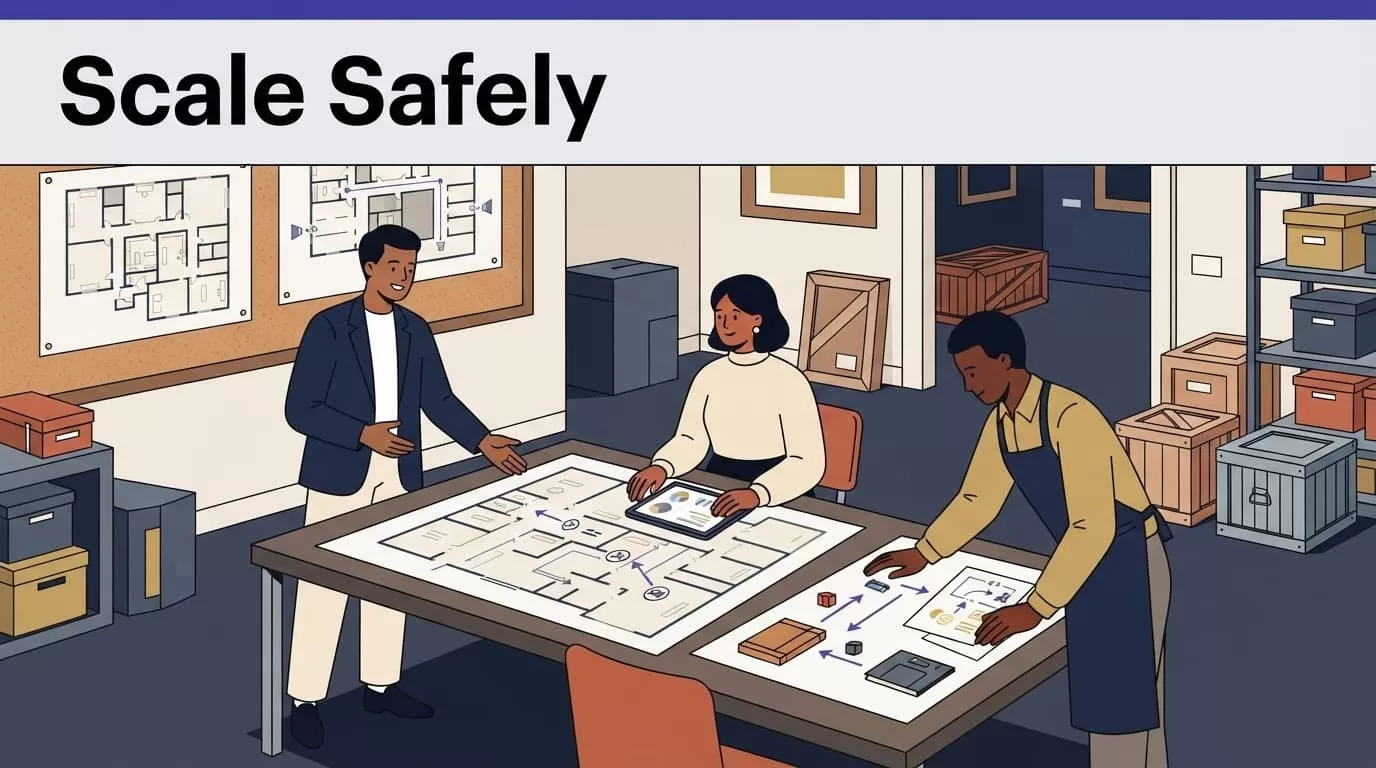
Start with report-only mode
Report-only mode shows what the agent would change. It also exposes bad assumptions before they reach a production database.
Compare the proposed results with the original documents and systems. Have the owner correct the schema and instructions. Then enable writes for a limited batch.
Keep the original record unchanged. Store the proposed interpretation and final reviewer decision separately. This gives the team a usable history when someone needs to understand a past change.
Measure accepted work, not completed runs
A completed run can still miss records or create correction work. Track the result your staff accepts.
| Measure | What it tells you |
|---|---|
| Accepted records | Whether the output is usable |
| Missing and duplicate records | Whether data quality is improving |
| Failed runs and retries | Whether the workflow is stable |
| Review and correction minutes | Whether staff capacity is actually improving |
| Credits per accepted record | Whether the workflow is affordable |
Twin’s published planning examples place a simple API, filter, and email workflow around 15 to 30 credits. A scrape covering about 100 items may use 20 to 70 credits. A browser session with roughly 20 steps may use 100 to 200 credits.
These are planning ranges, not fixed quotes. Source complexity, retries, document volume, browsing, and output size affect actual usage. Calculate cost per accepted record after human review.
Create a manual fallback
Write the manual procedure before production release.
Name the person who retrieves the data. Specify where they record it. Define how they identify the last trusted result. Stop the write step when the source is unavailable, the schema changes, two sources conflict, or the workflow returns incomplete data.
A fallback prevents a failed automation run from becoming an invisible operational gap.
If your team needs help mapping sources, permissions, review steps, and destinations, you can Book A Call before deployment.
LIMITATIONS AND BUYING QUESTIONS
Twin.so can support museum workflows, but it doesn’t remove the need for system ownership, access controls, or maintenance.
The Twin learning resources describe AI agents, browser automation, computer-use agents, and agentic workflows. They don’t establish that Twin.so is a museum-specific platform or that it includes native connectors for systems such as Altru, TMS, Tessitura, Blackbaud, or a particular digital-asset system.
Check access and data handling
Ask what data the workflow can read, where it is processed, how long it is retained, and how your team can delete or export it. Confirm whether the proposed plan supports the permissions, approvals, logging, and identity controls your museum requires.
Twin’s Slack materials describe bot permissions and channel-scoped access. The bot can read public channels it has joined and private channels where it has been invited. That is useful, but it shouldn’t be treated as proof of broader workspace controls.
Don’t place passwords, session tokens, payment information, or unnecessary personal data inside prompts, spreadsheets, or workflow logs. Use approved credentials and limit each agent to the systems and fields it needs.
Plan for browser maintenance
Browser automation can complete a task successfully while missing a page, selecting the wrong section, or returning an incomplete file. Count records. Check required fields. Compare results with a known sample.
Review the workflow when a portal changes its layout, authentication process, labels, pagination, or download behavior. Keep a change log for prompts, field mappings, connectors, schedules, and approval rules.
Verify pricing and enterprise claims
Twin uses credits for building, running, browsing, researching, and generating output. Public materials show different plan labels and prices across pages, including Starter, Growth, and Scale on the main site, plus Mini, Mini+, and Pro in pricing documentation.
Treat those figures as items to confirm with Twin before budgeting. Ask for the current credit allowance, overage rules, browser costs, support terms, data-processing terms, and any enterprise controls in your contract.
Don’t assume that an advertised integration provides the same depth as a tested API connection. Run your actual museum system through a proof of concept.
CONCLUSION
Museum management automation works best when it handles repetitive coordination around professional work. Twin.so can collect approved inputs, move information between tools, monitor routine sources, and route exceptions for review.
Start with one narrow process. Define the record, use an API when possible, keep browser access bounded, and require approval before sensitive writes. Measure accepted records, correction time, failure rates, and credits per accepted result.
The goal isn’t to automate museum judgment. It is to give museum professionals fewer routine handoffs and more time for the decisions only they can make.

