Pet Care Business Automation With Twin.so
Pet care businesses rarely lose time in one dramatic task. Time leaks through booking requests, reminder calls, intake forms, payment checks, staff updates, and follow-up messages. That makes pet care business automation a practical operati...

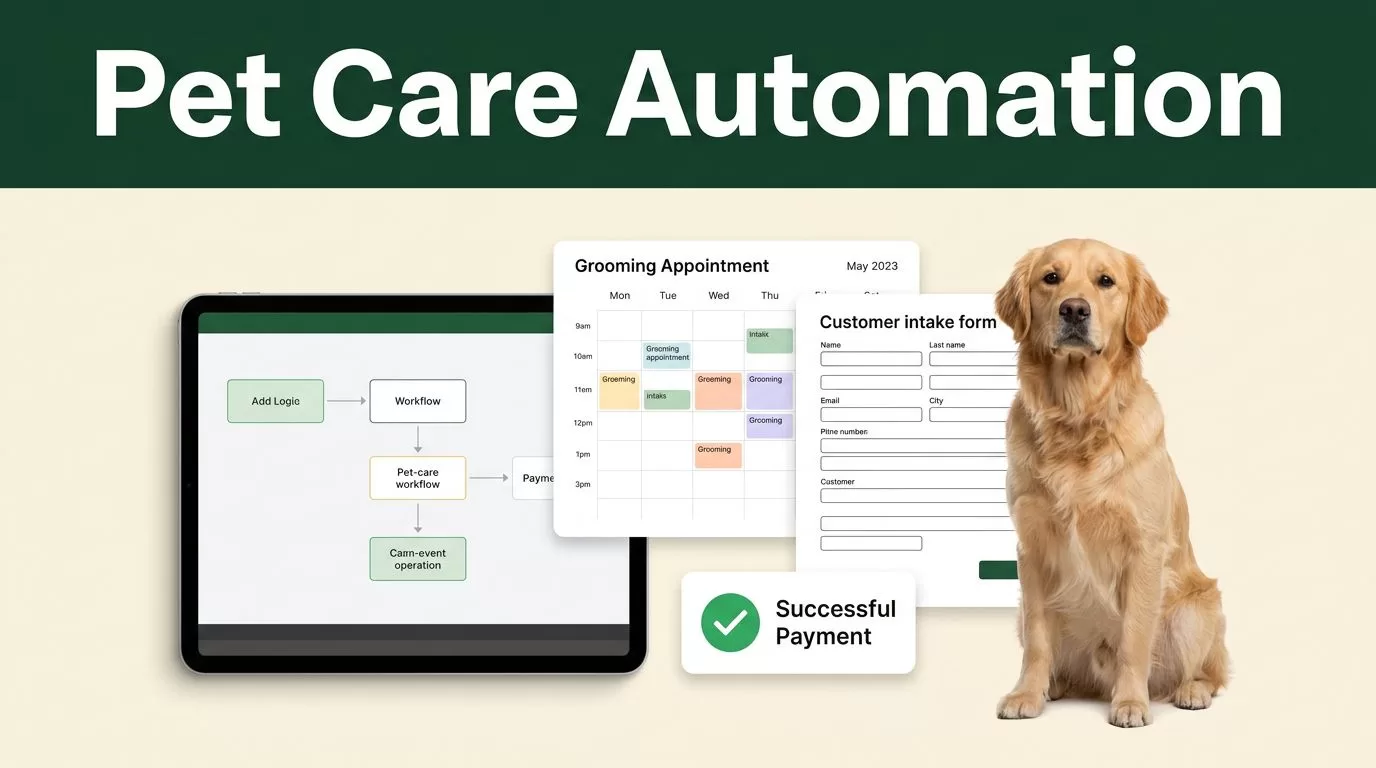
Pet care businesses rarely lose time in one dramatic task. Time leaks through booking requests, reminder calls, intake forms, payment checks, staff updates, and follow-up messages. That makes pet care business automation a practical operating requirement, not a side project.
Twin.so can help you turn repeated work into defined workflows. You map the trigger, set the required action, and keep staff involved where judgment matters. The result is less administrative work, fewer missed steps, and more consistent client service.
WHERE PET CARE OPERATIONS LOSE TIME
A grooming salon may receive appointment requests through a website, phone, email, and social media. A boarding facility may collect vaccination records in several formats. A dog-walking company may spend each morning checking routes and confirming access instructions.
Each task looks small. Together, they create a daily queue that pulls owners away from sales, staff management, and service quality.
The first step is to identify work that follows a predictable pattern. Good automation candidates usually have three traits:
- The task starts with a clear event, such as a new booking request or completed visit.
- The required action repeats with little variation.
- A mistake creates avoidable work, such as a missed reminder or incomplete intake record.
Start with one service line. Do not automate every process at once. A grooming salon might begin with booking intake. A pet sitter might start with visit confirmation and post-visit updates. A daycare operator might automate attendance records and owner notifications.
The best first workflow is not the most complicated one. It is the repeated process your team performs every day.
Review existing pet care software before building a new process. For example, pet sitting software workflows often connect scheduling and invoicing tasks. Twin.so can sit above those routine processes by coordinating actions that still require manual checking across systems.
BUILD PET CARE BUSINESS AUTOMATION WITH TWIN.SO
Twin.so works best when you give each workflow a narrow job. Define the starting event, the information required, the action that follows, and the point where a team member must review the result.

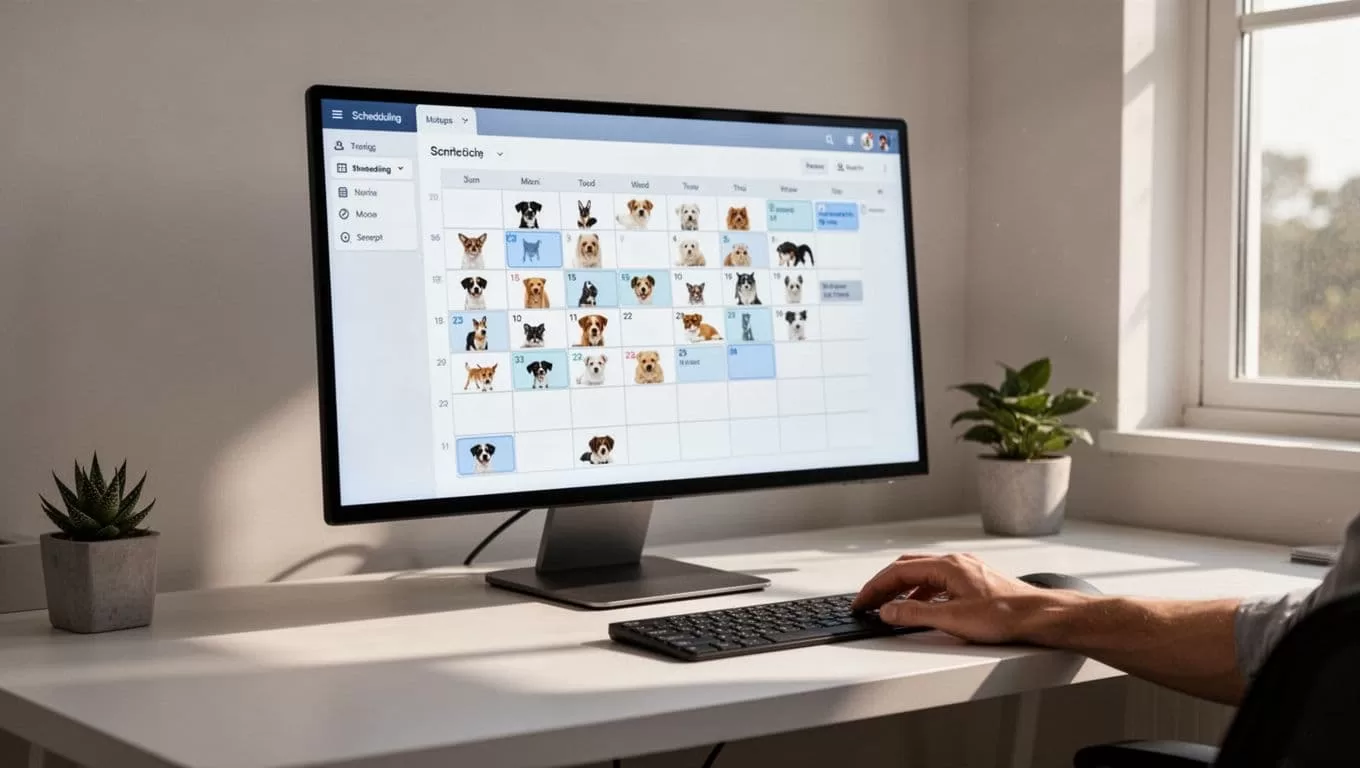
Automate booking intake
A new request should not sit in an inbox waiting for someone to copy details into a calendar. Configure Twin.so to capture the request, organize the relevant information, and route it to the correct workflow.
For a grooming appointment, the intake data may include:
- Pet name, breed, size, and service requested.
- Owner contact details and preferred appointment times.
- Behavioral notes, medical restrictions, and handling concerns.
- Previous appointment history, if it is available in your system.
The workflow can then check whether the request contains the required details. If information is missing, it can create a follow-up task or prepare a message asking the owner for the missing fields. Staff review the request before confirming an appointment.
This reduces data entry and gives employees a consistent intake process. It also prevents incomplete requests from reaching the calendar.
Route work to the right employee
A boarding business has different work types. New reservations, feeding instructions, medication notes, cleaning tasks, and incident reports should not land in one general queue.
Create separate Twin.so workflows for each category. A reservation request can route to the booking team. A medication note can route to an authorized supervisor for review. A maintenance issue can go to the facility manager.
Use clear routing rules based on service type, location, urgency, or staff responsibility. Keep the rules simple enough that a new employee can understand them.
The goal is not to remove employees from the process. The goal is to stop employees from sorting the same information by hand.
Connect service completion to administration
A completed dog walk or pet-sitting visit often starts another group of tasks. Staff may need to record the visit, send a client update, flag an issue, and prepare billing information.
Twin.so can coordinate this sequence when the connected systems provide the required event data. The completed visit becomes the trigger. The workflow checks for required notes, prepares the client communication, and routes exceptions for review.
This approach prevents billing or reporting tasks from depending on memory. It also gives owners a clearer record of what happened during the service. For a broader feature comparison, review pet care management software features before deciding which information should remain in your core platform.
AUTOMATE CLIENT COMMUNICATION WITHOUT LOSING CONTROL
Clients want fast answers, but speed alone does not create good service. Messages must contain the right pet details, appointment information, preparation instructions, and contact path for questions.

Use Twin.so to build communication workflows around clear events. A confirmed booking can trigger a confirmation message. An upcoming appointment can create a reminder task. A completed service can start a follow-up sequence.
For a grooming salon, the workflow might send preparation information before the appointment. It can remind the owner about arrival time, vaccination requirements, or what to bring. Staff can approve the message before delivery if the service has unusual instructions.
For daycare and boarding facilities, communication can follow the pet’s stay. The system can prepare a check-in message, organize feeding or care notes, and flag an issue for a manager before any client update goes out.
Dog walkers and sitters can use the same structure for visit updates. The workflow can prompt staff to confirm arrival, record the visit, and report concerns while the details are still fresh.
This is where automation reduces no-shows without making communication feel careless. Reminders go out consistently, while unusual cases stay with a person.
Use message rules instead of improvised replies
Create approved message patterns for common situations. Keep them short. Use the data already stored in the booking or client record. Do not let an automated workflow guess about medical conditions, behavior, refunds, or service guarantees.
A useful rule is simple:
- Automation prepares routine communication.
- Staff review messages with sensitive or incomplete information.
- The workflow records the completed action.
Pet sitters can find additional workflow examples in this guide to automation in a pet sitting business. The same principle applies across grooming, boarding, daycare, and walking services. Repeated communication should follow a defined process.
KEEP HUMAN REVIEW WHERE THE RISK IS HIGH
Automation should handle repetition. Staff should handle judgment.
Do not configure Twin.so to make final decisions about medication changes, injury reports, aggressive behavior, emergency care, or disputed charges. These cases require context and accountability. The workflow can collect the details, identify the responsible employee, and create a clear review task.
Build an exception path for every important process. A booking workflow should flag schedule conflicts. An intake workflow should stop when required health information is missing. A visit workflow should escalate when staff report a safety concern.
This design also improves training. New employees can see which cases they can complete and which cases require approval. Managers can review the exception queue instead of checking every routine transaction.
Store only the information the workflow needs. Restrict access based on staff responsibilities. Keep records of approvals, changes, and completed actions according to your business policies and the systems you already use.
Twin.so should make the process easier to follow, not hide decisions inside an opaque automation. Every workflow needs a readable name, a clear owner, and a documented failure path.
DEPLOY TWIN.SO IN A CONTROLLED 30-DAY PLAN
A short deployment plan keeps the project tied to business results. Choose one process and measure its current workload before changing it.
- Select one high-volume workflow. Count booking requests, reminder calls, follow-up messages, or manual updates for one normal week. Record how long the process takes and where errors occur.
- Map the current steps. Write down the trigger, required data, staff actions, customer message, and final record. Include exceptions instead of pretending every case is identical.
- Configure the smallest useful workflow in Twin.so. Start with one trigger and one outcome. For example, a new boarding inquiry can create an intake task and prepare a response. Avoid adding billing, scheduling, and marketing actions in the first version.
- Test real edge cases. Use an incomplete form, a duplicate request, a schedule conflict, and a sensitive care note. Confirm that the workflow pauses or routes the case correctly. Check every generated message before using it with clients.
- Measure the result and expand carefully. Compare staff time, response delays, missed reminders, and incomplete records with the original baseline. Add a second workflow only after the first one performs reliably.
Train employees on the workflow’s purpose and limits. They need to know what Twin.so handles, what they must approve, and where they report a failure. A short operating guide is enough if it includes screenshots, ownership, and escalation steps.
Review workflows every month. Services change, staff roles change, and intake requirements change. Remove steps that no longer matter. Update message templates when policies or appointment details change.
CONCLUSION
Pet care business automation works when it removes repeated coordination without removing human judgment. Twin.so gives owners and operators a practical place to map booking intake, reminders, service updates, staff routing, and exception handling.
Start with the workflow that consumes time every day. Measure the current process, configure a narrow automation, test unusual cases, and review the results. Then explore Twin.so for the next process that still depends on inbox searches, manual copying, or staff memory.

