Build a recipe scraping bot with Twin.so
A recipe scraping bot can turn a long list of recipe URLs into a clean dataset, but only if you define the fields and usage rules first. With Twin.so, you can describe the workflow in plain English, let the agent inspect pages, and send app...

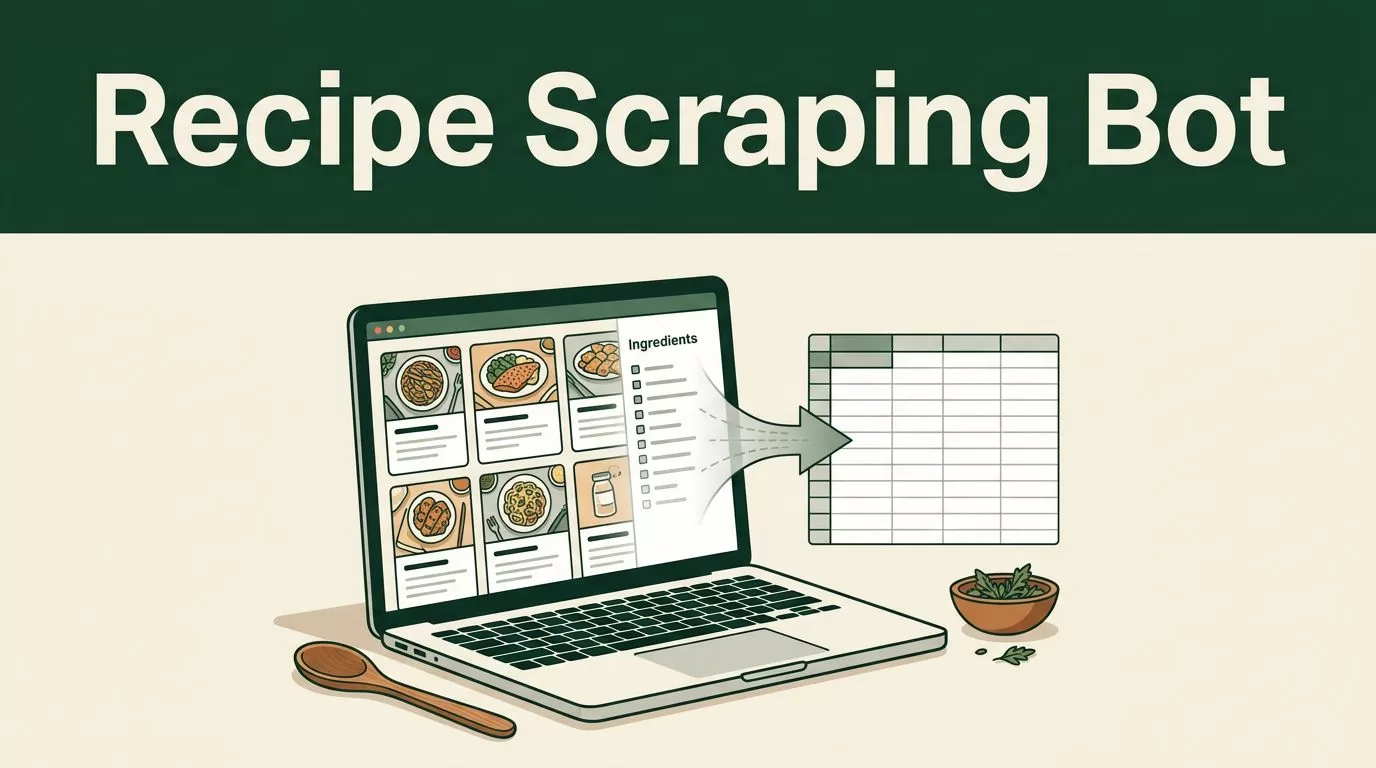
A recipe scraping bot can turn a long list of recipe URLs into a clean dataset, but only if you define the fields and usage rules first. With Twin.so, you can describe the workflow in plain English, let the agent inspect pages, and send approved results to a workspace such as Google Sheets.
The hard part isn’t making a browser open a page. The hard part is keeping ingredient order, handling missing fields, avoiding duplicate records, and respecting each site’s terms. Build the workflow in small passes, test it on allowed sources, and schedule it only after the output is reliable.
Decide what the recipe scraping bot should collect
Start with the final dataset. Don’t begin by asking Twin.so to scrape “everything” from a recipe website. That instruction creates inconsistent records and collects details you may not need.
A practical recipe record can include:
- Recipe name
- Source URL and website domain
- Servings or yield
- Preparation time
- Cooking time
- Total time
- Ingredients in their original order
- Instructions as ordered steps
- Cuisine, meal type, or dietary tags when clearly available
- Publication date, if shown
- Collection date and extraction status
Add a field for notes when the page contains something unusual. For example, the recipe may use a video instead of written instructions, or the ingredient list may appear inside an expandable section.
Keep the schema narrow. If your goal is meal planning, you may only need the recipe name, servings, ingredients, instructions, and source URL. If you’re building an internal content database, you may also need categories, cooking equipment, and estimated nutrition fields.
Don’t ask the bot to infer missing data. A blank value is better than a guessed value. The same rule applies to cooking times, dietary claims, nutrition information, and serving sizes.
Use an approved source list
Give Twin.so a fixed list of recipe URLs or approved domains. Tell the agent to process only those pages. It shouldn’t search the wider web, follow unrelated links, or collect personal information from comments and author profiles.
A source list also improves testing. You can compare the extracted record with the original page and identify whether the issue comes from the page layout, the instructions, or your task description.
If you need recipe images, start by storing the image URL and source information. Downloading, modifying, or republishing photos creates a separate rights question. Full instructions, descriptions, videos, and photos should be treated as protected content unless you have permission to use them.
Build a recipe scraping bot with Twin.so
Twin.so’s current workflow lets you describe an automation in plain English. It can use browser automation for tasks such as opening pages, navigating content, reading tables, and writing results into connected applications.
Use the smallest working workflow first.
- Create a new agent in Twin.so and describe the job in direct operational language.
- Provide the approved URLs or the source list the agent should process.
- Define every output field and the format for each field. Tell it to preserve ingredient order and return instructions as numbered steps.
- Connect a destination such as Google Sheets. Use one row per recipe and one column per field.
- Run the agent on demand with one or two pages before adding more URLs or a schedule.
Use a task description like this:
Open each approved recipe URL. Extract the recipe name, source URL, servings, preparation time, cooking time, total time, ingredients in order, and instructions in order. Do not follow unrelated links or collect personal information. Leave missing fields blank. Write one recipe per row to the connected Google Sheet. Add the collection date and extraction status. Stop if access is blocked or the page rules prohibit automated collection.
This instruction gives the agent a defined boundary. It also tells Twin.so what to do when the page doesn’t match the expected structure.


Twin’s Web Agent first analyzes the target page before launching the browser session. That preparation helps it identify page structure and expected fields before taking browser actions. It can be useful on JavaScript-heavy pages, where the visible recipe content may load after the initial HTML.
Don’t force browser automation when an official API or supported integration can provide the same data. Twin’s product guidance recommends naming the tools or APIs you expect it to use while allowing built-in tools to handle the workflow where possible.
Extract ingredients and instructions without losing structure
Ingredient extraction needs more control than simple text copying. Recipe pages often place ingredients in cards, expandable panels, tables, or separate sections. Instructions may appear as paragraphs, numbered steps, or text beside images.
Tell Twin.so how to preserve the structure. Your instructions should state that:
- Ingredients must remain in page order.
- Each ingredient should be a separate item.
- Amounts, units, and preparation notes should stay together.
- Instructions must remain in their original sequence.
- Empty fields should stay blank.
- Text from advertisements, comments, related recipes, and navigation should be excluded.
A recipe scraping bot can return technically valid text that is still unusable. For example, it might merge “2 tablespoons olive oil” with the next ingredient or place a sauce instruction before the main preparation step. Validation rules reduce these errors.
Ask Twin.so to mark uncertain records instead of silently correcting them. A useful status field can contain values such as complete, partial, blocked, or needs_review. If the destination doesn’t support controlled values, use a plain text status column and review it before publication.
Add cleanup and duplicate checks
Raw extraction is only the intake stage. Before the data reaches a production database, normalize the fields.
Use one consistent format for time values. For example, store preparation time as minutes instead of mixing “15 minutes,” “0:15,” and “15 min.” Keep the original text in a separate field if you need to preserve the source wording.
Deduplicate by source URL first. If the same recipe appears under multiple URLs, compare the normalized recipe name and source domain before creating a second record. Don’t merge records automatically when the ingredients or instructions differ.
For a reliable pipeline, separate the work into four stages:
- Discover or receive approved URLs.
- Extract the requested fields.
- Clean, validate, and deduplicate the results.
- Send accepted records to the final workspace.
This structure makes failures easier to identify. You can see whether a page was never opened, extracted incorrectly, or rejected during cleanup.
Send the results to Sheets, Docs, or a database
Google Sheets is a useful first destination because it makes review simple. Create columns before running the agent. Include the source URL, extraction status, and collection date so every row has traceable context.
Use Google Docs when the workflow needs to produce readable internal reports. Use a database such as Supabase when recipe records need filtering, application access, or scheduled updates. Keep the raw source URL in every destination.
Twin.so supports scheduled agents and API-based deployment in addition to on-demand runs. Start with on-demand execution. Move to a schedule only after you have reviewed enough records to confirm that the page layouts and output remain stable.
A scheduled workflow should also define what happens to existing rows. Tell the agent whether it should:
- Add only new source URLs
- Update existing records
- Flag changed recipes for review
- Replace the entire dataset
- Send an alert when extraction fails
Twin.so publicly documents Firecrawl as an integration for scheduled web extraction and structured outputs. If that integration is available in your workspace and fits the source, it can be useful for public pages. Browser automation is not automatically the right choice for every site.
Avoid writing directly into a public recipe library without a review stage. Send new or changed records to a staging sheet first. Approve them before moving them into your main database or publishing system.
Test accuracy and respect website rules
Run a controlled test before expanding the bot. Choose several approved pages with different layouts. Include a standard recipe page, a page with expandable ingredients, a page with missing times, and a page that uses a video or unusual formatting.
Compare each output with the source page. Check these fields manually:
- Recipe name and source URL
- Ingredient count and order
- Amounts and units
- Instruction order
- Servings and time values
- Missing-field handling
- Duplicate behavior
- Extraction status
Don’t ask Twin.so to bypass a login wall, CAPTCHA, paywall, rate limit, or technical block. Use only accounts and pages you are authorized to access. If a site requires permission or an approved API, obtain that permission before building the workflow.
You also need to comply with the website’s terms, robots.txt directives, copyright rules, and applicable data-use laws. Robots.txt isn’t a universal legal answer by itself, but it is an important operational signal. A recent study on the liabilities of robots.txt examines the legal issues connected with ignoring those directives.
Treat extracted data as internal research material unless you have clear rights to republish it. A recipe title and cooking time may be useful for indexing, but copying full instructions, descriptions, photographs, or videos can create copyright and contract problems. Store only the fields required for your approved use case.
Add a stop condition to the task. The agent should stop when the page is blocked, the content is unavailable, the layout is unrecognized, or the source rules prohibit automated access. A failed run that reaches human review is safer than a complete-looking dataset filled with uncertain or unauthorized records.
Conclusion
A recipe scraping bot works best as a controlled data pipeline, not an open-ended browser task. Define the schema, restrict the source list, preserve ingredient and instruction order, and send uncertain records to review.
Twin.so can handle the browser and workflow layer through plain-language instructions, on-demand runs, scheduled agents, and connected destinations. Start with a few authorized pages, validate the output, and expand only when the records are accurate and the collection process follows the source rules.

