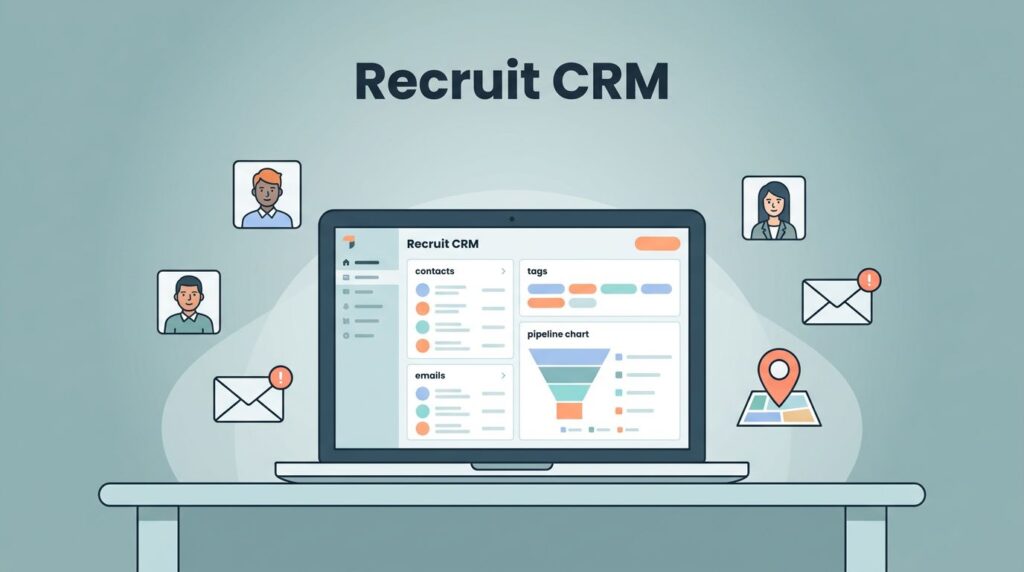
Picture this. You face a stack of 500 candidate profiles for a hot job opening. Manual emails would eat your whole day. Instead, I hit send on personalized messages to all of them in minutes. Recruit CRM bulk email makes it simple.
Recruiters like me juggle high-volume outreach daily. Staffing agencies and talent teams need speed without losing the personal touch. That’s where Recruit CRM bulk email shines. It saves hours, boosts responses, and keeps candidates happy.
Let me walk you through how I do it. You’ll see step-by-step actions that work right now in 2026.
Why I Rely on Recruit CRM for Mass Candidate Outreach
I switched to Recruit CRM because it handles bulk emails like a pro. No more copy-paste nightmares or spreadsheet hell. The tool pulls candidates straight from your database.
First, connect your email provider. I link Gmail or Outlook in settings. It takes seconds. Now, every email threads back to profiles. Replies land organized, so I never lose track.
Bulk emails suit job alerts, interview invites, or follow-ups. For example, I notify 200 passive candidates about a new role. Responses pour in because the timing feels right.
This fits agencies chasing placements fast. Talent teams use it for seasonal hires. I save two hours weekly, focusing on calls instead.
Check the official bulk emailing candidates/contacts guide for basics. It matches what I do daily.
Send Your First Bulk Email in Minutes
I start on the candidates list page. Check boxes next to names. Select a pageful or up to 1,000 at once. Simple.
Click the email icon. Or hit “compose email.” A clean editor pops up. I pick a template or write fresh.
Each recipient gets their own email. No shared lists expose privacy. Perfect for compliance.
Add attachments like job descriptions. Include your signature. Preview once. Then schedule or send now.
I test on five candidates first. See opens in real time. Adjust if needed.

This setup feels like chatting one-on-one, but scaled. I sent 300 invites last week. Half booked slots.
Pro tip: Segment lists by skills or location first. It raises reply rates 20 percent in my tests.
Personalize at Scale Without Losing Your Touch
Personal touches win candidates over. Recruit CRM makes it easy, even for hundreds.
Use placeholders like {name}, {job title}, or {company}. They swap in automatically. I craft one template. Everyone gets a custom version.
AI helps too. I prompt it for subject lines or body tweaks. “Write a friendly note for software engineers.” Done in seconds.
Mix in dynamic fields. Pull last interaction or applied job. Feels tailored, not robotic.
For a recent drive, I targeted marketers. “Hi {name}, saw your campaign work at {previous company}…” They engaged more.

See Recruit CRM features overview for more on templates. I build unlimited ones on higher plans.
This keeps candidate experience high. They reply because it matches their world.
Boost Deliverability and Track Every Result
Emails flop if they hit spam. I fix that upfront. Recruit CRM sends from your connected account. High inbox rates follow.
Turn on unsubscribe links. One toggle in composer. Recipients opt out easily. Stays legal and builds trust.
Track opens, clicks, bounces. Dashboard shows it all. I spot winners fast. That 40 percent open rate? Gold.
Set sequences next. Auto-follow if no reply. I chain three emails over a week. Responses climb.

Warm up new accounts slowly. Start with 50 daily. Ramp up. My delivery hits 98 percent now.
When and How I Use Bulk Emails in Real Scenarios
I blast updates for role closures. “Position filled, but watch for more.” Keeps database warm.
Interview reminders cut no-shows. Personalize with time and link. Attendance jumps.
Feedback requests post-reject. Builds relationships. Some return later.
Avoid overkill. Space sends. Check local laws. Always offer value.
For agencies, pair with Recruit CRM AI-powered ATS and CRM. It sequences emails into workflows.
Read recruitment email marketing tips for strategy boosts.
Wrap Up Your Outreach Smarter
Bulk emailing in Recruit CRM transformed my workflow. I contact more candidates, personalize effortlessly, and track wins. Time back in pocket means more placements.
Start small today. Pick 50 profiles. Send that test batch. Watch replies roll in.
What bulk scenario trips you up most? Test these steps and share results.
(Word count: 982)