I remember the days when sourcing candidates meant endless LinkedIn scrolls and spreadsheet chaos. Hours vanished into copy-paste drudgery. Now, I cut that time in half with Recruit CRM sourcing tools. These features pull profiles, enrich data, and feed pipelines without the hassle.
As an agency owner, I need tools that scale with high-volume roles. Recruit CRM fits because it handles AI searches and extensions right in my workflow. In this post, I share my exact steps for setup, use cases, and optimization in 2026.
Let’s start with why these tools transform daily recruiting.
Why Recruit CRM Sourcing Tools Boost My Agency’s Speed
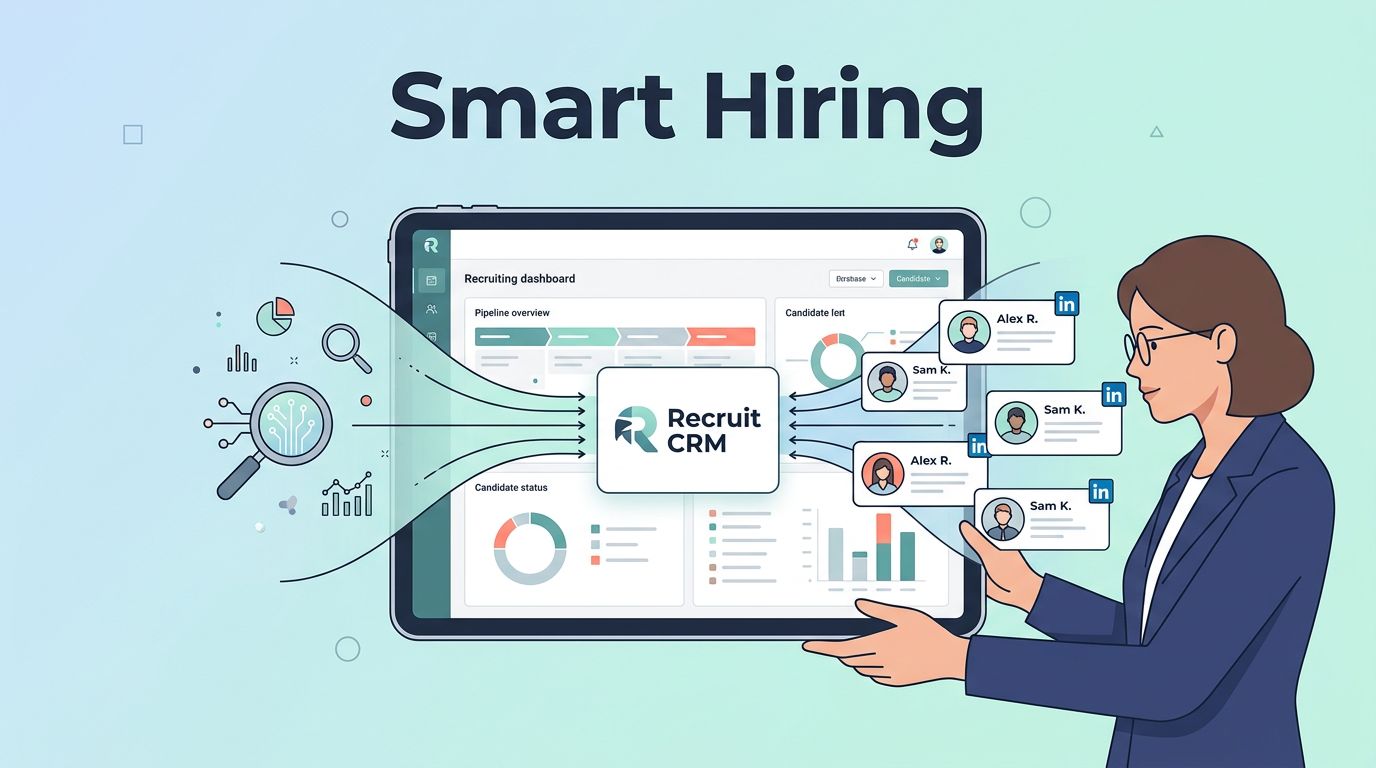
Recruit CRM sourcing tools stand out for agencies like mine. They grab candidates from LinkedIn or the web using simple prompts. No Boolean strings needed. I type “senior React developer in Berlin,” and AI delivers enriched profiles with emails and skills.
This saves me from manual hunts. In addition, the Chrome extension captures data from LinkedIn, GitHub, or Gmail with one click. Profiles sync instantly, check for duplicates, and add to jobs. For example, I source 50 devs weekly now, up from 20 before.
These tools integrate into my broader workflow. They enrich resume databases, trigger outreach, and rediscover old contacts. As a result, my pipeline fills faster. Agency teams love the free daily searches too, three per day without a card.
I checked Recruit CRM’s guide to their Chrome sourcing extension for tips. It matches my setup perfectly. Besides, with 2026 updates like quicker AI matches, sourcing feels effortless.
Setting Up Recruit CRM Sourcing Tools Step by Step
Setup takes under 30 minutes. First, log into your Recruit CRM account. Head to settings, then integrations. Enable the Chrome extension from the Chrome Web Store. Pin it for quick access.
Next, configure AI sourcing. Go to the sourcing tab. Enter API keys if needed for premium sources. Set preferences like location filters or skill matches. Test with a prompt. Profiles appear enriched and ready.

I always train my team here. Assign roles so juniors handle initial pulls, seniors review. For 2026 compliance, toggle GDPR options on. Link to your Recruit CRM AI-powered ATS for full features like this.
After setup, run a bulk import. Upload resumes for parsing. AI extracts skills and matches to jobs. Therefore, your database grows smart. Most importantly, connect email for outreach sequences.
Key Use Cases for Recruit CRM Sourcing Tools in Action
LinkedIn sourcing tops my list. I spot a profile, click the extension. Data flows to CRM: experience, education, contacts. No tabs switching.
Resume enrichment follows. Upload a batch. AI parses and scores fits. Old files turn into active leads. For instance, I rediscovered 200 dormant candidates last quarter.
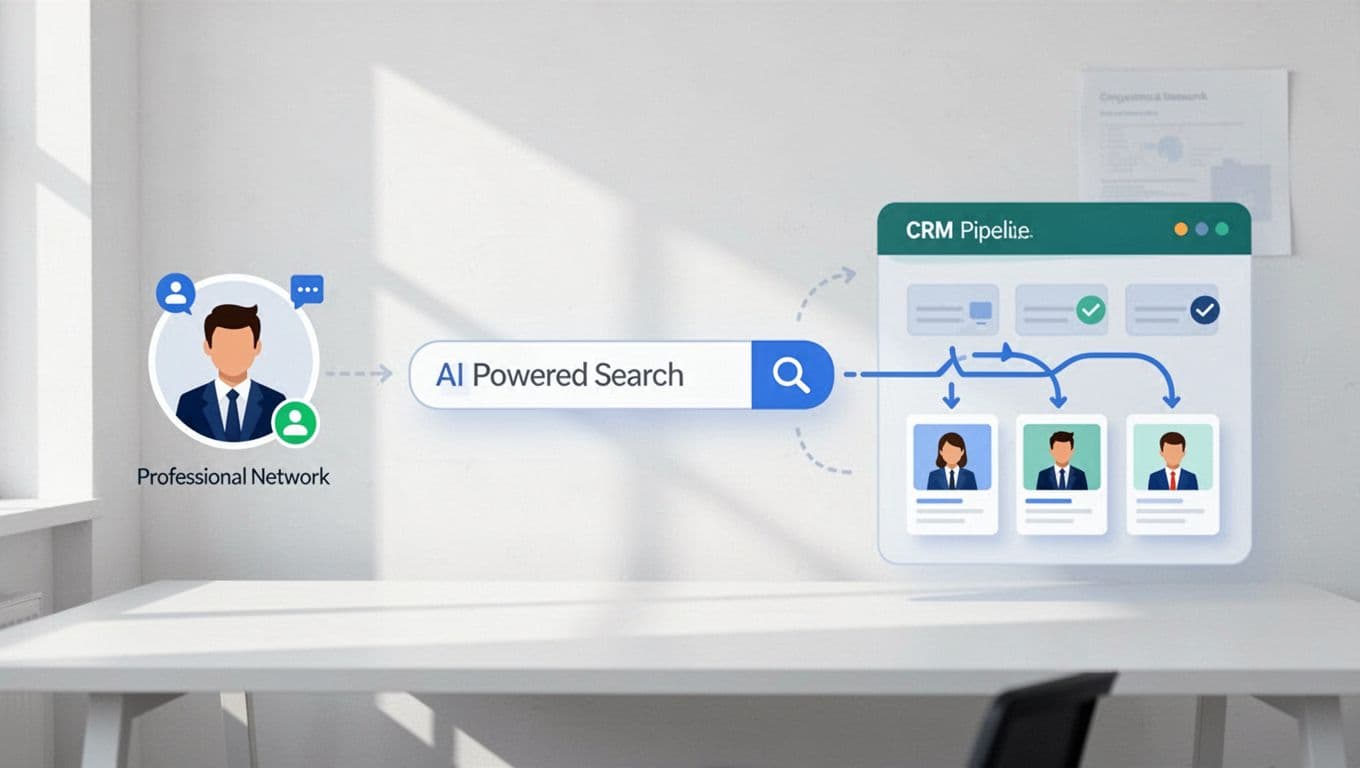
Email outreach automates next. Sequence messages via AI. Response rates climb 25% in my tests. See Recruit CRM’s candidate sourcing overview for free tool access.
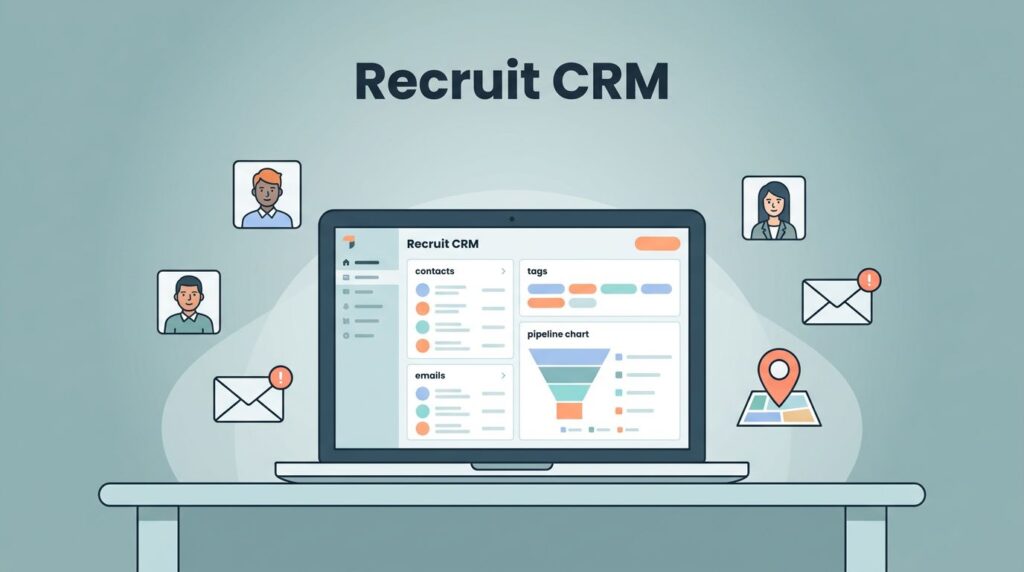
Pipeline management ties it together. Drag candidates across Kanban stages. Tasks auto-assign. High-volume hiring, like contract staffing, thrives here. One client filled 100 roles in weeks.
Optimizing Processes and Driving Team Adoption
Optimization starts with workflows. Build no-code automations. New sourced candidates trigger emails or Slack pings. This keeps momentum.
Train via demos. I run weekly sessions on prompts. Juniors gain confidence fast. However, watch credits on free tiers; upgrade for unlimited.
For adoption, track early wins. Share dashboards showing time saved. My team hit 35% more placements after two months. In 2026, pair with tools like email verifiers for clean outreach.
Pipeline reviews weekly help. Spot bottlenecks, tweak searches. As a result, quality rises. Still, balance volume with fits; AI suggests, but I vet.
Measuring Success with Reporting and Analytics
Reports live in the analytics tab. Track sourcing volume, response rates, pipeline fill. Filter by recruiter or job.

Custom dashboards show ROI. I measure placements per source. AI sourcing leads at 40%. Export for clients.
In short, data guides tweaks. Low responses? Refine prompts. High volume, low fits? Adjust filters. This loop scales agencies.
Recruit CRM sourcing tools changed my game. They cut drudgery, fill pipelines, and deliver data wins. Start with the free searches today. What sourcing pain will you fix first?