Upgrading Staffing Firm Software to Recruit CRM in 2026
I remember the day my team’s old staffing software crashed during a client call. Candidates waited. Emails vanished into silos. That mess cost us a key placement. If your system feels like a relic from 2010, you’re not alone. Ma...

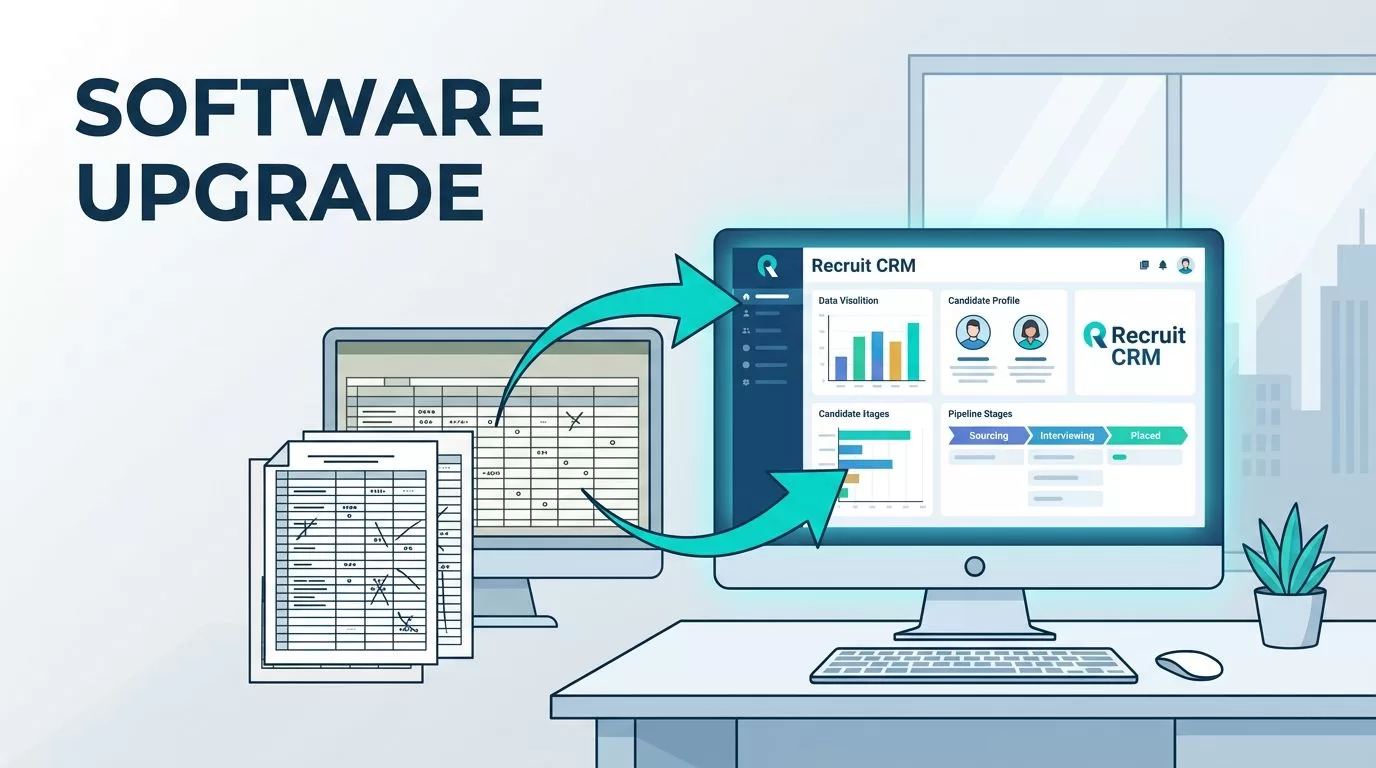
I remember the day my team’s old staffing software crashed during a client call. Candidates waited. Emails vanished into silos. That mess cost us a key placement. If your system feels like a relic from 2010, you’re not alone. Many staffing pros stick with clunky tools that slow placements and frustrate teams.
Recruit CRM changed that for me. It combines ATS and CRM in one spot. You gain automation and clear reporting without the headaches. This guide shares how I upgraded, the wins I saw, and steps to do it right.
Signs Your Staffing Software Needs an Upgrade
Outdated software drains time. Spreadsheets track candidates. Clients get manual updates. I wasted hours copying data between apps. Legacy systems lack AI sourcing or mobile access. Teams fight login issues daily.
Look for these red flags. Reports take days to pull because data hides in exports. Candidate follow-ups drop because emails scatter. Scalability stalls as your firm grows; one user hits limits fast.


My old setup used separate ATS and CRM. Candidates stayed in one database. Clients sat in another. Placements lagged. Recruit CRM fixes this with unified views. For details on resume parsing software in Recruit CRM, check my earlier post. It pulls skills from PDFs in seconds.
In 2026, staffing demands speed. Old tools can’t match AI candidate finding or auto-invoicing. If burnout hits from admin work, upgrade now. Teams place more when tools work.
Key Benefits of Recruit CRM for Staffing Firms
Recruit CRM boosts efficiency right away. I cut admin by half. Automation handles emails and texts. Candidates stay engaged without constant checks.
The platform mixes ATS and CRM smoothly. Track jobs, candidates, and clients in linked records. See pipeline stages at a glance. Reporting shows fill rates and revenue per recruiter. In 2026 updates, free AI tools generate job descriptions. They match candidates better too.

Integrations connect LinkedIn and email. No tab-switching. For small agencies, visual pipelines prevent drops. Drag candidates between stages. Triggers send updates automatically. Scalability fits growth; enterprise plans add advanced analytics.
Client management shines. Log calls, set tasks, and invoice contracts with the new Bill & Pay feature. Compliance stays simple for temps. I track relationships better, so repeat business grows. Ease of use means quick onboarding. No steep learning curve.
How Recruit CRM Combines ATS and CRM
Most tools pick one: ATS for candidates or CRM for clients. Recruit CRM does both. Job orders link to clients and candidates instantly. Data flows without duplicates.
I source via AI. It scans LinkedIn with natural search. Matches appear ranked. Workflow automation sequences nurture top fits. Reporting dashboards predict bottlenecks.
For Recruit CRM candidate engagement setup, sequences nurture passively. Devs get tailored texts. Response rates climbed 25% for me. Clients see placement forecasts. Teams collaborate on shared pipelines.
In 2026, smarter integrations add SMS and calendar syncs. Automation cuts repetitive tasks. Recruiters build ties instead. See Recruit CRM features for workflow details. This setup scales from five to fifty users without chaos.
Planning Your Migration to Recruit CRM
Migration scares many. Data cleanup first. I audited old records. Removed duplicates. Recruit CRM offers free migration help. They import candidates, jobs, and clients smoothly.
Start with a team huddle. Map current workflows. Assign roles: one handles data, another tests pipelines. Onboard in phases. Train via videos; it’s intuitive.

Address adoption. Run pilots with two recruiters. Share wins weekly. Common pitfalls: skipping cleanup leads to messy imports. Plan two weeks for go-live. My switch took ten days; placements rose soon after.
For setting up Recruit CRM for more placements, follow quick steps. Test integrations early. Monitor analytics post-launch. Adjust as needed.
Legacy systems lack these tools. Modern ones like Recruit CRM deliver advanced workflow automation. Teams adapt fast when benefits show.
Conclusion
Upgrading to Recruit CRM transformed my staffing firm. Unified ATS and CRM cut silos. Automation and reporting drive placements. Migration proved straightforward with planning.
You gain efficiency and scalability. Old software holds you back; this platform pushes forward. Start your audit today. Placements wait.

