Remitly Cameroon: A Secure Guide to Sending Funds
Sending money to Cameroon should not require guesswork, especially when the recipient needs funds for rent, food, or a medical bill. Remitly Cameroon gives you a structured way to select a delivery method, review the quote, and track the tr...

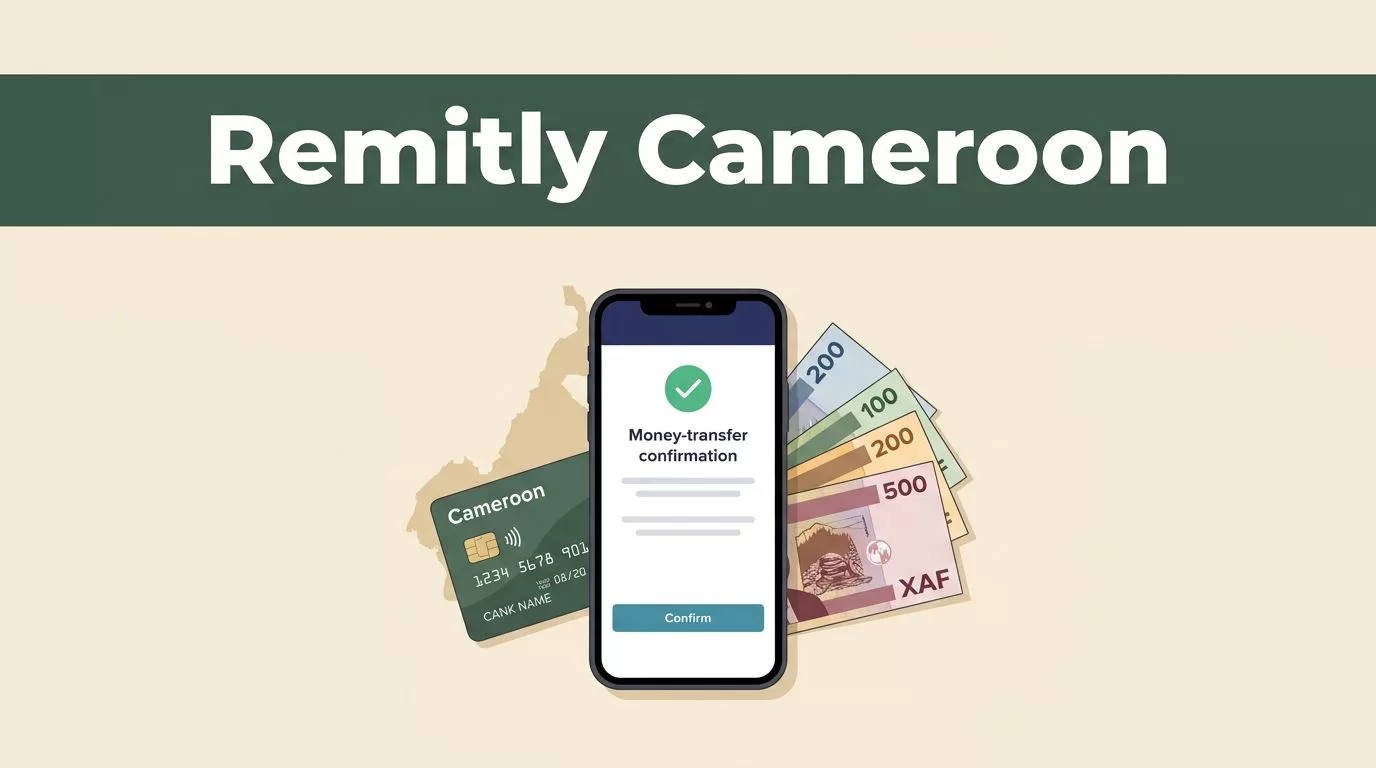
Sending money to Cameroon should not require guesswork, especially when the recipient needs funds for rent, food, or a medical bill. Remitly Cameroon gives you a structured way to select a delivery method, review the quote, and track the transfer before confirming it.
The safe process is simple. Use the official route, enter recipient details exactly, compare the final XAF amount, and stop when a request looks suspicious. This guide covers setup, fees, exchange rates, limits, verification, delivery options, and fraud prevention.
What Remitly Cameroon supports
Remitly’s Cameroon options depend on your sending country, payment method, transfer amount, and the recipient’s location. The available choices may include:
- Bank deposit into a supported Cameroon bank account.
- Cash pickup through a local payout partner.
- Mobile wallet delivery through services such as MTN Mobile Money or Orange Money Cameroon.
- Home delivery on certain routes and under specific conditions.
Remitly lists partners including Banque Atlantique, United Bank for Africa (UBA), Wafacash, Exchange House SARL, and Express Exchange. The exact partner list can change, so check the options shown inside your transfer before you pay.
Cash pickup works when the recipient doesn’t use a bank account or mobile wallet. Bank deposit is more practical for regular household support. A mobile wallet can reduce collection time when the recipient has an active account registered to the correct phone number.
The recipient will usually receive Central African CFA francs, shown as XAF. Focus on the final payout amount, not only the transfer fee. A fee-free transfer can still produce a different XAF amount when the exchange rate changes.
Sender location also affects the quote. Remitly maintains separate pages for different routes, including its Canada to Cameroon instructions and Israel to Cameroon instructions. Use the page that matches your country. Don’t use a U.S. quote to estimate what a Canadian or Israeli sender will pay.

How to send money with Remitly Cameroon
You can set up a transfer through the Remitly website or official mobile application. Keep the recipient’s information ready before you begin.
- Create or access your account. Use an email address you control. Choose a strong, unique password and protect your account recovery details.
- Select Cameroon as the destination. Enter the amount you want to send and confirm the sending currency. The quote should show the exchange rate, fee, delivery method, and expected recipient payout.
- Choose the delivery option. Select bank deposit, cash pickup, mobile wallet, or another option displayed for your route. Review the recipient’s access to that method before continuing.
- Enter the recipient’s details. Use the recipient’s legal name and contact information. For a bank deposit, enter the requested account information carefully. For a wallet transfer, check the registered mobile number and account name.
- Select your payment method. Remitly’s U.S. Cameroon page lists debit card, credit card, and bank account payments. Other sender countries may show different choices.
- Review and confirm. Check the amount debited, fee, exchange rate, XAF payout, recipient details, and delivery estimate. Confirm only when every field matches your records.
- Save the transfer reference. Use it to monitor the status and answer questions from support. Send the reference to the intended recipient through a private channel when needed.
The service may request identity verification before completing a transfer. Complete that process through your account or the official application. Don’t upload identification documents through a link sent by an unknown person.
When using Remitly Cameroon for the first time, send a small test amount if the transfer isn’t urgent. This confirms the recipient’s details and payout method before you send a larger sum.
Check fees, rates, and delivery speed before paying
The displayed quote is the decision point. Remitly says the cost can vary based on the amount sent, payment method, and delivery option. Check all three before comparing a transfer with another provider.
For senders in the United States, Remitly’s Cameroon pricing page currently states that transfers from USD to XAF have no fees. The same page shows a promotional rate for eligible new U.S. customers. At the time of writing, it displays 564.99 XAF for 1 USD on the first transfer, limited to the first $500 sent.
That promotion has conditions. It is for new customers, applies once per customer, is available for a limited time, and can change. For a transfer above $500, the page states that a non-promotional exchange rate applies when paying by bank account or Remitly Wallet. Review the live quote rather than relying on a rate from an older article.
Use this comparison before confirming:
| Cost or service detail | What to check | Why it matters |
|---|---|---|
| Transfer fee | The fee for your exact amount and route | The fee can change by payment or delivery method |
| Exchange rate | The rate applied to your currency pair | It determines the recipient’s XAF payout |
| Payment method | Bank account, debit card, or credit card | Different payment methods may produce different quotes |
| Delivery method | Bank, cash pickup, mobile wallet, or home delivery | It controls how the recipient accesses the funds |
| Delivery estimate | The time shown after selecting payment and payout | An estimate isn’t a guaranteed arrival time |
Remitly may describe delivery speeds as Economy and Express. Faster delivery can have different pricing or payment requirements. A bank-funded transfer may also follow a different schedule than a card-funded transfer.
Record these details after payment:
- The total amount charged.
- The fee shown at confirmation.
- The exchange rate.
- The amount the recipient should receive.
- The selected payout partner.
- The transfer reference and status.
This record helps you spot a mismatch quickly. It also gives support the information needed to investigate a delayed or incorrect transfer.
Verification, account limits, and recipient requirements
Remitly applies sending limits across several time periods. The service states that limits can apply over 24 hours, 30 days, and 180 days. The amount depends on your sender location and the recipient’s location.
There isn’t one universal Remitly Cameroon limit for every user. A new account, a higher-value transfer, or a change in account activity can trigger additional review. Don’t plan a time-sensitive payment around a limit found in a third-party table.
Identity checks can also affect the transfer. Remitly may ask for personal information or identification before completing a transaction or increasing your available limit. The exact documents depend on your country, account, and compliance review. Provide information that matches your official records.
Recipient requirements depend on the payout method:
- Cash pickup may require the recipient’s name to match their identification document.
- Bank deposit requires the account information requested for the selected bank.
- Mobile wallet delivery requires an eligible wallet and a correctly registered phone number.
- Home delivery, where available, may require a valid address and reachable contact details.
Check the spelling, order, and numbers before submitting. A missing middle name or incorrect mobile number can create a mismatch at payout.
Tell the recipient which method you selected and which information they may need. Don’t ask them to guess whether funds went to a bank, wallet, or cash pickup location.
Protect the transfer from fraud
A secure platform can’t protect a transfer if a scammer controls the request or your account. Treat the request itself as part of the security process.

Use these controls every time:
- Confirm the recipient independently. Call a known number or use an existing private conversation. Don’t rely on a new number supplied in an urgent message.
- Check the name and payout details. Ask the recipient to confirm their legal name, bank information, or wallet number before you submit the transfer.
- Use only official Remitly channels. Open the verified application or type the official website address yourself. Avoid login pages sent through unexpected email, text, or social media messages.
- Protect passwords and verification codes. Never share your password, one-time code, card number, or account recovery information with someone who contacts you unexpectedly.
- Reject suspicious pressure. Stop if someone demands money for an emergency, job, investment, romance request, prize, immigration matter, or release fee. Don’t send money to a stranger because they promise to return more later.
- Check for duplicate requests. If someone says the first transfer failed, verify the status inside your account before sending again. Two completed transfers can be difficult to reverse.
- Keep records private. Store your transfer reference securely. Share it only with the intended recipient or verified support.
If a message claims to be from Remitly and asks you to move funds to a new person, install remote-access software, or disclose a security code, stop. Open the official app and contact support through the account. These steps reduce risk, but no transfer process removes every fraud risk.
What to do when a transfer is delayed
Start with the status shown in your Remitly account. Check whether the transfer is pending, processing, completed, canceled, or waiting for information. Ask the recipient to check the selected bank, wallet, or pickup provider before assuming the money is lost.
Don’t create a second transfer while the first one is still processing. Compare the recipient’s details with the confirmation record. If you entered an incorrect name, account number, wallet number, or phone number, contact official support immediately. Don’t assume the information can be edited after payment.
A transfer may need extra review or verification. Respond through the official account interface and provide only the requested information. If the status shows completion but the recipient can’t access the funds, give support the transfer reference, payout method, recipient details, and confirmation time.
Keep your confirmation email or receipt until the recipient confirms the funds arrived. Reconcile the amount debited against the expected XAF payout. This simple record prevents confusion when you send money regularly.
Send with a controlled process
Remitly Cameroon can make international support easier when you control the details before payment. Select the payout method the recipient can actually use. Review the fee, XAF rate, limits, verification prompts, and delivery estimate for your specific route.
Never treat a promotional quote or delivery estimate as permanent. Confirm the live information inside the official Remitly flow, then protect your account and verify the recipient through a trusted channel.
When the request is legitimate and the details match, the transfer process is straightforward. Accuracy is your strongest security control, especially when money is moving across borders.

