Check the Remitly China Exchange Rate Before Sending
The Remitly China exchange rate determines how many Chinese yuan your recipient gets. A small rate difference can change the final payout, especially on larger transfers. Rates move throughout the day. Older blog posts, search snippets, and...

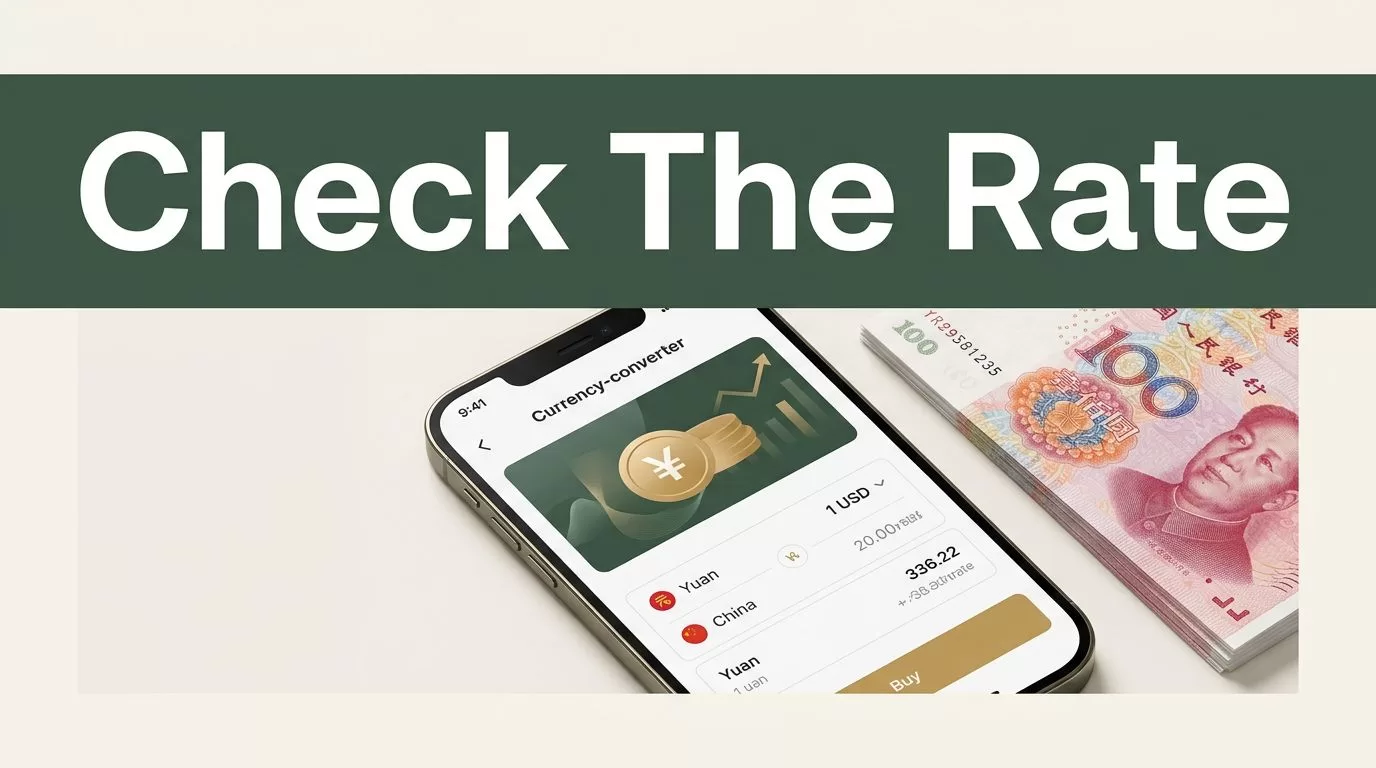
The Remitly China exchange rate determines how many Chinese yuan your recipient gets. A small rate difference can change the final payout, especially on larger transfers.
Rates move throughout the day. Older blog posts, search snippets, and third-party calculators can’t confirm today’s quote. Use Remitly’s live calculator, then verify the full amount inside the app before you pay.
How to Check the Remitly China Exchange Rate
Start with Remitly’s send money to China page or open the mobile app. Select the country you’re sending from and choose China as the destination.
Enter either the amount you want to send in your local currency or the amount your recipient should receive in CNY. Remitly will calculate the other figure. The result depends on the sending country, funding method, delivery speed, and payout option.
You can also check the USD to CNY Remitly converter. Treat the converter as an initial estimate. The final in-app quote is more relevant because it reflects your account, payment method, delivery choice, and eligibility for promotions.


Your workflow is straightforward:
- Open Remitly and sign in, or create an account.
- Select China and set Chinese yuan, CNY, as the receiving currency.
- Enter the send amount or the target amount in yuan.
- Choose the delivery speed and payment method.
- Review the exchange rate, transfer fee, total payment, and recipient amount.
- Confirm the quote before submitting the transfer.
A new account may require identity verification with government-issued identification. Remitly can also request additional details before processing a transfer. Complete those requirements early if you need the money delivered on a tight schedule.
Calculate How Much Your Recipient Gets in CNY
When you send a fixed USD amount, the basic calculation is:
Send amount in USD x Remitly exchange rate = estimated amount in CNY
For example, if the live quote shows 1 USD = 6.8114 CNY and you send $500, the calculation is:
$500 x 6.8114 = 3,405.70 CNY
That figure is an estimate based on the displayed rate. Your confirmation screen controls the actual recipient amount.
The fee needs separate treatment. If Remitly adds the fee to your payment, the recipient may still receive 3,405.70 CNY while you pay the $500 principal plus the displayed fee. If the fee comes out of your fixed $500 budget, the amount converted is lower:
($500 – transfer fee) x exchange rate = recipient amount
Don’t assume which method applies. Read the payment summary. Remitly normally shows the amount you pay and the amount the recipient receives before confirmation.
The reverse calculation works when your recipient needs a fixed amount. If the target is 5,000 CNY and the displayed rate is 6.8114, divide the target by the rate:
5,000 CNY / 6.8114 = about $733.78
The fee may be added to that amount. If the fee is deducted from the transfer budget, you need to send more. Use the app’s target-amount field when available because it accounts for the live quote and current fee structure.
The amount your recipient receives is the useful comparison figure. A low transfer fee doesn’t automatically mean a lower total cost.
Exchange Rate and Transfer Fee Are Different
The exchange rate tells you how Remitly converts your currency into CNY. The transfer fee is the separate charge for processing and delivering the transaction.
Remitly can show a $0 fee while still using a provider exchange rate that differs from the mid-market rate. That difference is often called an exchange-rate margin or markup. It is built into the conversion rather than listed as a separate line item.
This is why you should review four figures together:
- The rate applied to USD and CNY.
- The transfer fee.
- The total amount charged to your payment method.
- The final CNY amount scheduled for delivery.
Remitly’s China pages may offer a promotional welcome rate for eligible new customers. The offer can include conditions such as a first transfer, a limited number of transfers, a maximum amount, or a required funding method. Some pages have advertised special rates and no fee for qualifying first transfers, but those figures can change.
Express and Economy options can also produce different quotes. A debit-card-funded Express transfer may cost more than a bank-account-funded Economy transfer. The faster option isn’t automatically better. Select it when delivery speed justifies the added cost.
For an additional market reference, Wise provides a Remitly USD to CNY comparison. Comparison pages can help you spot a large difference, but they aren’t a substitute for your personal Remitly quote. Their figures may use another time, transfer size, speed, or funding method.
When Is the Remitly Rate Locked In?
A rate shown while you browse is an estimate until you complete the transfer flow. It can change if you wait, change the payment method, select another delivery speed, or become ineligible for a promotion.
Review the final confirmation screen for the rate, fee, delivery estimate, and recipient amount. Look for any expiration period or countdown shown with the quote. The rate generally applies when you submit the transfer and Remitly accepts it under the provider’s applicable terms. A quote isn’t permanently locked merely because you viewed it.
Compliance checks can also delay or stop processing. Remitly may ask for more information, and the transaction can remain under review. Currency and delivery terms can vary by sending country, recipient details, and payout channel.
Before you approve the payment, confirm the recipient’s legal name and payout information. For a bank deposit, check the bank name, account type, and account number. For cash pickup, match the recipient’s name to their identification. A correct exchange rate doesn’t fix incorrect recipient data.
Use the Final Quote as Your Decision Point
Check the Remitly China exchange rate immediately before sending. Enter the real transfer amount, select the intended payment and delivery methods, and compare the total paid with the CNY received.
Promotional rates can improve a first transfer, but they shouldn’t guide every future transaction. The standard quote, fee, rate margin, and delivery speed determine the ongoing cost.
The safest calculation is the one Remitly displays after all options are selected. Confirm that amount, save the transaction details, and send only after the recipient’s CNY payout matches your requirement.

