Remitly Panama Transfer: Send Money Safely and Fast
A Remitly Panama transfer can move funds to family, friends, or business recipients without a traditional wire setup. The process is simple, but speed depends on details many senders overlook, including the payment method, delivery option,...

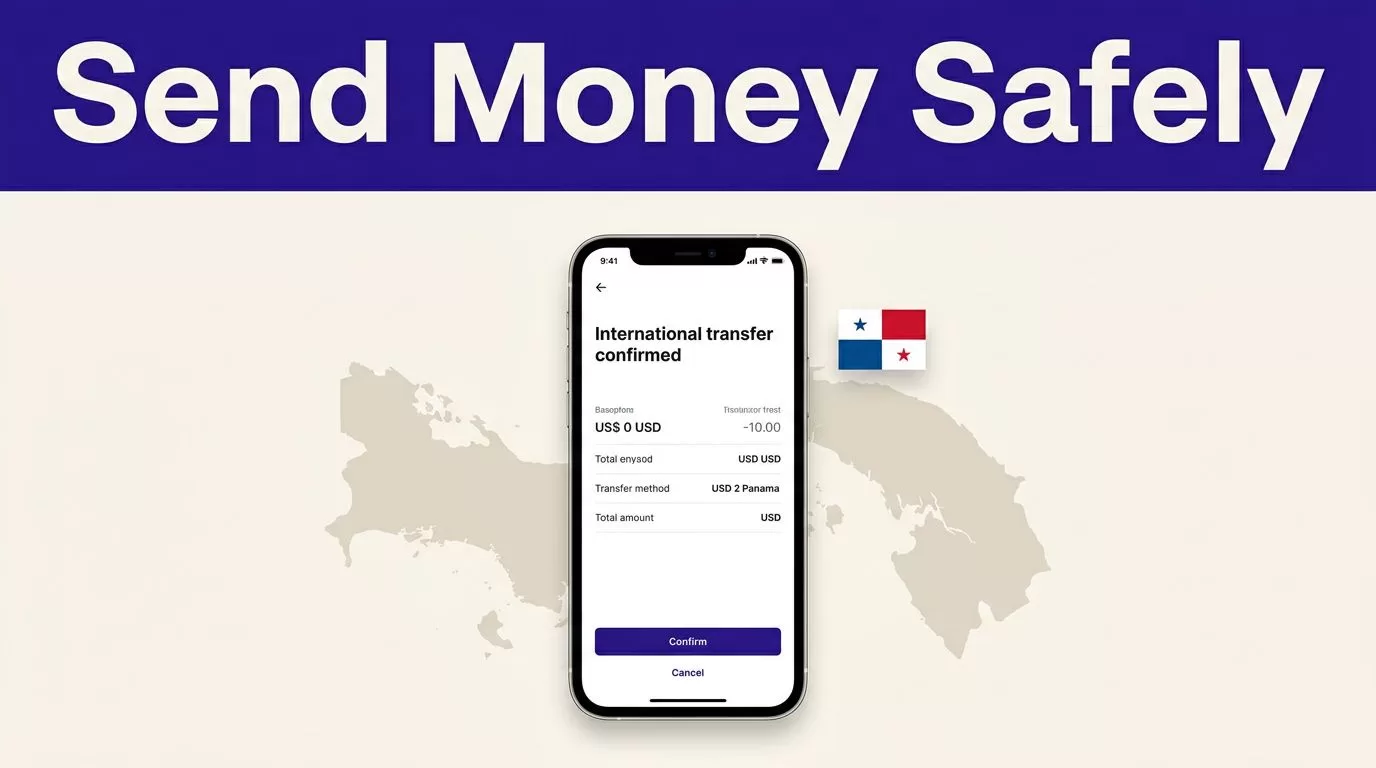
A Remitly Panama transfer can move funds to family, friends, or business recipients without a traditional wire setup. The process is simple, but speed depends on details many senders overlook, including the payment method, delivery option, identity review, holidays, and recipient availability.
If this is your first Remitly Panama transfer, focus on accuracy before speed. Match the recipient’s legal name to their ID or bank records, select the correct payout method, and review the live quote before paying. The steps below cover both the Remitly website and mobile app.
Confirm the Transfer Route Before You Send
Start with your sending country. Remitly fees, exchange rates, payment options, limits, and delivery methods can change based on where you send money and how the recipient collects it. The service’s international money transfer page provides the starting point, but your account quote is the final reference for the transaction.
A U.S.-to-Panama transfer may not show the same price as a transfer from Germany, Australia, Spain, or another country. Remitly’s Germany-to-Panama transfer page illustrates how country-specific routes can have different delivery options and promotions.
Before opening the transfer form, collect the information you need:
- The recipient’s full legal name, written exactly as it appears on their identification or bank account.
- The recipient’s phone number and address, if Remitly requests them.
- The bank name, account number, and other banking fields shown for the selected deposit method.
- The preferred payout method, such as bank deposit or cash pickup, if available for that recipient.
- Your payment method and any identification documents Remitly may request.
Don’t estimate the recipient’s bank details from memory. Ask the recipient to send the information through a trusted private channel. A small mistake can cause a delay, failed delivery, or a difficult correction after the transfer has been paid out.
How to Set Up a Remitly Panama Transfer on the Website
The website process follows a clear sequence. Use a private device and check that you’re on the official Remitly website before entering account or payment information.
1. Create or open your Remitly account
Select the option to send money and create an account if you haven’t used Remitly before. Enter your real contact information. Remitly may ask you to verify your email address, phone number, or identity before completing the transaction.
Existing customers should sign in rather than creating a second account. Multiple accounts can make recipient records, promotions, and transfer history harder to manage.
2. Set Panama as the destination
Choose Panama as the receiving country. Enter the amount you want to send or the amount the recipient should receive. Check which currency applies on each side of the transaction.
The quote should show the exchange rate, transfer fee, amount delivered, and an estimated delivery time. Review each value. A low fee doesn’t always mean the recipient receives the most money if the exchange rate is less favorable.
3. Select the delivery method
Choose the payout method displayed for the recipient’s location. Bank deposit may be convenient when the recipient has an eligible account. Cash pickup may work better when the recipient needs access to physical funds or doesn’t use a supported bank.
Available methods depend on the route and recipient location. Don’t select cash pickup for convenience if the recipient can’t reach the partner location or doesn’t have the required identification.
4. Add the recipient
Enter the recipient’s information carefully. Use the same spelling, order, and accents shown on their official documents where the form allows it.
For a bank deposit, review every account field before moving forward. For cash pickup, confirm that the recipient’s name matches the ID they will present. The recipient may not be able to collect the money if the transfer name and identification don’t match.
5. Choose how to pay
Select the payment method available in your country and account. The payment method can affect the cost, authorization time, and delivery speed.
A transfer can remain pending if the payment isn’t approved, if the bank rejects the debit, or if Remitly needs more information. Make sure the payment account has enough available funds and that your bank permits the transaction.
6. Review and submit
Read the final confirmation screen before sending. Check the recipient, destination, currency, fee, exchange rate, delivery method, and expected arrival estimate.
Submit the transfer only after these details match your instructions. Save the confirmation and transaction reference. You may need them when checking the status or contacting support.
Use the Remitly Mobile App for Faster Repeat Setup
The mobile app follows the same basic process as the website. Download it from the official Apple App Store or Google Play Store. Avoid installing an app from an advertisement, message, or unofficial download page.
Sign in, choose Panama, enter the amount, select the delivery method, add or choose the recipient, and select your payment method. The app can make repeat transfers faster because it may retain previous recipients and payment preferences.
That convenience creates a risk. A saved recipient may have changed banks, phone numbers, or account details. Open the recipient record and verify it before every new transfer. Don’t assume that a previous successful transfer proves the current details are correct.
Enable transaction notifications if you want status updates on your phone. Review alerts inside the app as well as through email. Don’t follow payment instructions from an unexpected message without checking the transfer directly in your Remitly account.
Compare Economy and Express Before Choosing Speed
Remitly commonly presents Economy and Express options for eligible routes. Economy usually costs less and takes longer. Express usually costs more and may deliver faster.
For the U.S.-to-Panama USD-to-USD route, Remitly’s current Panama pricing page lists these fee formulas:
| Delivery option | Listed U.S.-to-Panama fee | General use |
|---|---|---|
| Economy | 0.54% of the amount sent + $4.99 | Lower cost when timing is flexible |
| Express | 1.34% of the amount sent + $4.99 | Faster delivery when supported |
Using those listed formulas, a $1,000 transfer would have a fee of about $10.39 with Economy or $18.39 with Express. A $10,000 transfer would have a fee of about $58.99 with Economy or $138.99 with Express.
These figures apply to the stated U.S. corridor and can change. They don’t establish the price for every sender, currency, payment method, or promotion. A first-transfer offer may remove or reduce a fee for eligible customers, but don’t use that introductory price for future budgeting.
Express may deliver within minutes when the funding method, verification status, payout partner, and recipient method support it. Economy may take longer, often in business days. Neither option should be treated as an instant-transfer guarantee.
Delivery timing can change because of:
- Bank processing and payment authorization.
- Identity or compliance checks.
- Weekends and public holidays.
- Remitly operating hours and local payout-partner hours.
- Cash pickup availability and recipient readiness.
- Incorrect or incomplete recipient information.
Use the final estimate in your transaction quote. If the recipient needs money for a payment due today, choose a method that supports the required timing, then allow room for verification or a delay.
Verify Recipient Details and Protect the Transfer
The recipient’s name is the most important field to check. Compare it with the recipient’s government ID for cash pickup or with the bank’s account records for a deposit. Don’t shorten a name, change the order, or use a nickname unless the form and receiving institution clearly allow it.
Review the destination account a second time after entering it. Confirm the bank name, account number, branch information, and any required local fields. Ask the recipient to verify the details before you submit the payment.
Use these safety controls for every transfer:
- Access Remitly through the official website or mobile app.
- Create a unique password and enable available account security features.
- Never share your password, payment card security code, or one-time verification code.
- Don’t send money to a person who pressures you to bypass verification or change the recipient name.
- Keep the confirmation and transaction reference until the recipient confirms receipt.
- Consider a small test transfer when using a new recipient or payout method.
If a message claims that you must pay an unexpected fee through a personal account, stop. Open Remitly directly and check the transfer status. Don’t use contact details supplied in a suspicious message.
Track the Transfer and Respond to Delays
Remitly provides a status for the transfer after submission. Check the account or app before asking the recipient to collect the money. The transaction reference can help support locate the payment.
A pending status doesn’t mean you should send the transfer again. First check whether your payment method was charged, whether Remitly requested identity documents, and whether the recipient information is complete. Sending a duplicate can create two separate transactions.
For cash pickup, the recipient may need to wait until the transfer is marked ready. They should bring the required identification and any reference details shown by Remitly. Pickup partner hours can also affect collection time.
For bank deposits, ask the recipient to check the correct account and allow for the receiving bank’s processing schedule. If the account details are wrong, contact Remitly through the official support channel immediately. Don’t ask the recipient to guess whether the funds went to another account.
Conclusion
A Remitly Panama transfer is easiest when you treat it as a verification process, not a one-click payment. Confirm the route, compare the live Economy and Express quote, and match the recipient’s name and payout details before submitting.
Fast delivery depends on the payment method, verification, holidays, delivery partner, and recipient availability. Review the current fee, exchange rate, limits, and supported payout methods every time. A careful final check prevents the delay that speed-focused senders are trying to avoid.

