Create Rewardful Partner Links Without Tracking Gaps
A partner can start sharing today and still send traffic you can’t explain next month. That happens when the campaign URL, token, landing page, and test process sit in different places. Rewardful partner links need one clear setup pat...

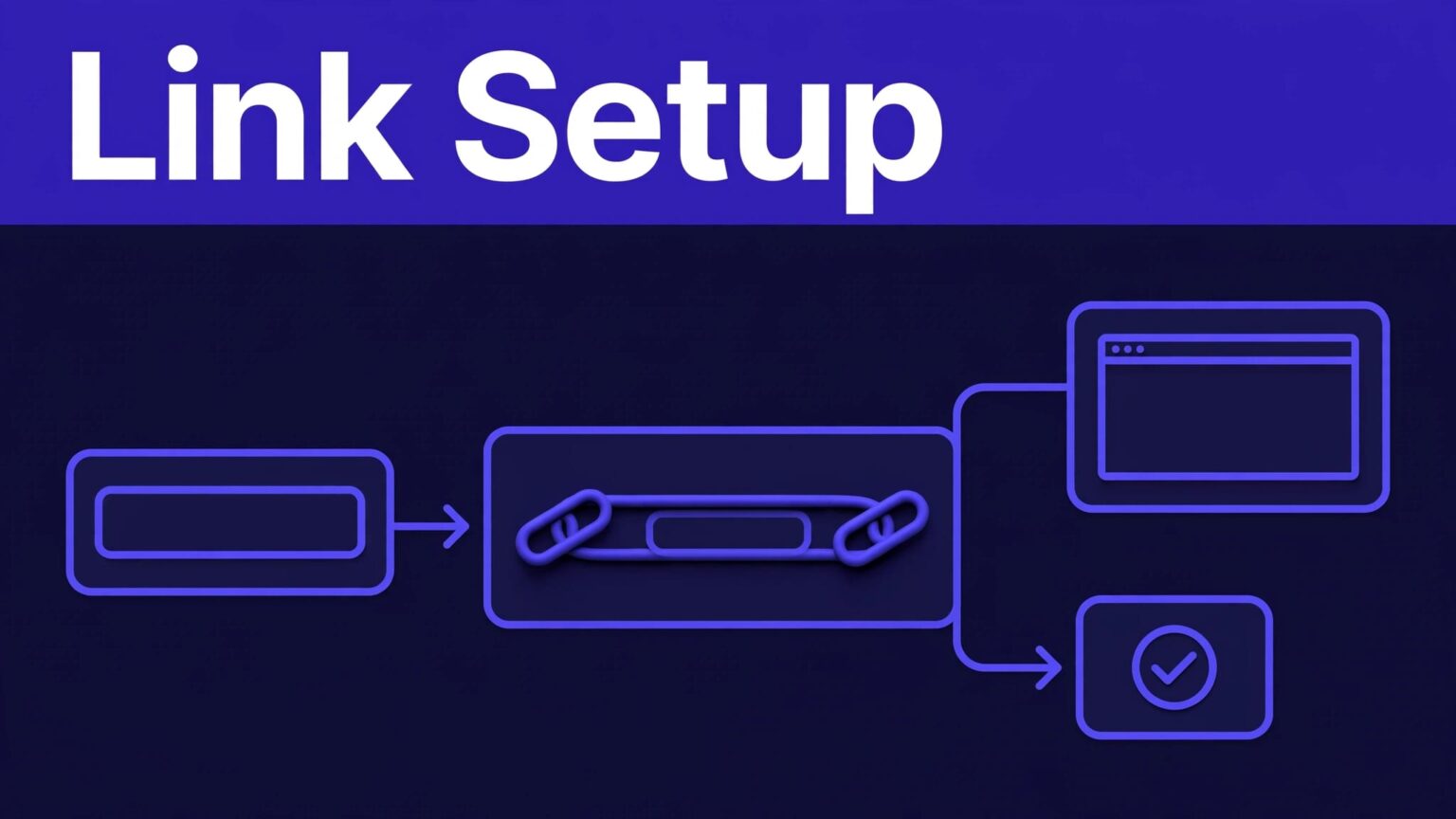
A partner can start sharing today and still send traffic you can’t explain next month. That happens when the campaign URL, token, landing page, and test process sit in different places.
Rewardful partner links need one clear setup path. Set the campaign first, give each partner a stable referral URL, then test and record it before launch.
Create Rewardful partner links from the right campaign
A campaign is the program container in Rewardful. It controls the commission rules, tracking behavior, cookie settings, coupon options, and the URL used to generate affiliate links.
Review Rewardful’s campaign settings overview before you add partners. A wrong campaign URL creates a link that may track correctly but send visitors to the wrong page.
A campaign is not a partner’s tracked link
The campaign provides the base destination. The partner’s affiliate or referral link adds their unique ?via= token to that destination.
Do not share the raw campaign URL with partners. It has no individual attribution token. Share the default affiliate link shown in the affiliate portal, or create an additional affiliate link for that person.
Rewardful uses “affiliate,” “partner,” and “referrer” in different parts of the product. Keep your internal language simple. Use “partner” for the person and “affiliate link” for the tracked URL.
Lock the destination before recruiting
Set the campaign URL to the page you want new visitors to see. This might be your pricing page, product page, free-trial page, or a partner-specific landing page.
Avoid sending every partner to the homepage. A vague destination makes partner reporting less useful and lowers conversion intent. If a podcast partner promotes one feature, give that partner a campaign that points to the matching feature page.
Give each partner a default link first
The fastest setup is the default link. Once a partner joins or you add them to the campaign, Rewardful gives them a personal URL based on the campaign destination and their default token.
Use this operating sequence:
- Confirm the campaign URL and reward terms.
- Add or approve the affiliate in the correct campaign.
- Ask the partner to open their affiliate portal.
- Have them copy the default referral link and test it in a private browser window.
- Record the link, token, campaign, and intended placement in your partner tracker.
A default link is enough for most new partners. Don’t create five variations before the partner has sent their first qualified visit.
Add approved destinations to the affiliate portal
Some partners need more than one destination. A review site may need a pricing-page link. A tutorial creator may need a template-page link. Put those approved URLs in the affiliate portal instead of sending loose links in email threads.
Rewardful’s process is direct: open the campaign, select Edit campaign, open advanced settings, then add the destination under Affiliate dashboard text. The URL needs the affiliate token, such as ?via={{affiliate.default_token}}. Follow Rewardful’s guide to add additional links to the affiliate portal.
Keep the portal copy short. State what each link is for, where it should be used, and whether the page has a time-limited offer.
One partner portal with approved destinations prevents old campaign links from reappearing in newsletters, videos, and social posts.
Name tokens for reporting, not decoration
A token identifies the affiliate behind a link. It is not a campaign label or a UTM replacement. Use a naming rule before your first group of partners joins.
Choose tokens that are short, readable, and stable. Use a partner name or approved brand code. Avoid private email addresses, long random text, and campaign dates that will look wrong next quarter.
Rewardful’s affiliate link API accepts an optional token that uses letters, numbers, and dashes. If you leave it blank, Rewardful generates a unique value. Additional affiliate links through the API are available on Growth and Enterprise plans.
Do not change a published token unless you have a clear migration plan. Old links can remain in videos, bios, PDFs, and scheduled emails for months.
Use UTMs for channel context
The via token tells Rewardful who referred the visitor. UTM parameters tell your analytics tools where the visit came from.
If a group of partners needs a shared source or campaign label, set the UTM parameters in that campaign’s URL. Rewardful recommends creating a separate campaign for affiliates who need a different UTM setup. Review its guidance on adding UTM parameters to affiliate links before changing live URLs.
Don’t use a UTM value as the only way to identify a partner. UTMs can be edited or removed. The affiliate token remains the attribution control.
Test links before partners publish them
Test every new destination and token in a private or incognito browser window. A normal browser may already hold another affiliate’s tracking cookie. That makes the test unreliable.
Open the partner’s full URL, let the page load, then check the expected Rewardful reporting view after you refresh it. Rewardful uses the same private-window method when it asks merchants to test tracking after installation.
Check the result you actually need
A click only proves that a visitor reached the site. It does not prove a lead, paid subscription, approved commission, or payout.
For a controlled test, verify these items:
- The URL opens the intended landing page without an error or redirect loop.
- The
?via=token remains in the URL or is captured by the tracking flow. - The visit appears against the correct affiliate and campaign.
- The partner’s portal displays the same destination you approved.
- Your test record states the browser, date, page URL, token, and expected result.
If reporting looks wrong, collect the campaign name, affiliate ID, full link, date range, screenshot, and the event you expected to see. That gives support a reproducible case.
Share links with placement rules
Give partners a short sharing brief. State the approved destinations, permitted traffic sources, coupon rules, and disclosure requirements. Include the exact link for each placement.
Keep a record for every live Rewardful partner link. Store the partner name, affiliate ID, token, campaign, destination URL, channel, placement, and test date. When a link underperforms, you can inspect the page and placement instead of guessing.
Keep links stable and reports useful
Rewardful partner links work when the campaign destination, partner token, and reporting record match. Start with the default referral link. Add portal destinations only when a partner has a real use case.
Treat clicks as a diagnostic metric, not revenue. Track visits, leads, conversions, approved commissions, and reversals as separate results.
A stable token and a tested destination give your team a clean answer when a partner asks, “Did my link work?”

