Send Money Chile: Bank Transfers With Remitly
If you’ve searched for send money Chile, you likely want one outcome: put funds into a family member’s Chilean bank account without guessing about bank details, fees, or delivery time. Remitly gives you a digital transfer workfl...

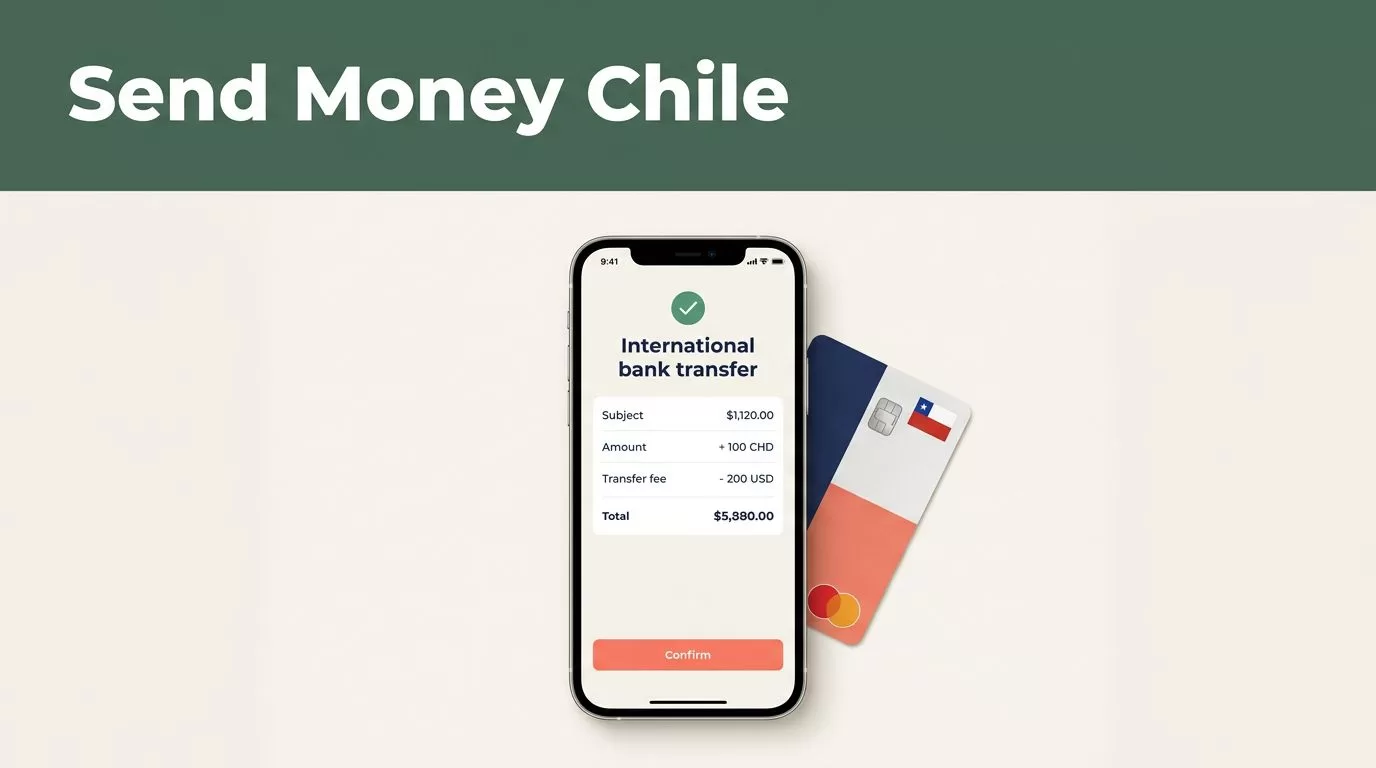
If you’ve searched for send money Chile, you likely want one outcome: put funds into a family member’s Chilean bank account without guessing about bank details, fees, or delivery time. Remitly gives you a digital transfer workflow with a bank-deposit option where available.
Speed, exchange rate, transfer fee, and supported banks depend on your sending country, payment method, transfer amount, recipient option, and account review. No provider can promise the same result for every transaction. Use the final quote in Remitly before you pay. This guide covers setup, required information, steps, timing, and common problems.
Send Money Chile Bank Transfers: How Remitly Works
Remitly connects your account with a payout method selected for the recipient. After you choose Chile, enter the transfer amount, and select bank deposit, the service shows the available delivery options for that corridor. You then provide the recipient’s information, choose a payment method, and review the transfer before submitting it. Remitly’s official Chile transfer page lists the factors that can affect cost and delivery.
Bank deposit is one available receiving method, but it isn’t the only one. Depending on the sender’s location and the recipient’s available providers, Remitly may also show wallet or cash pickup options. Its Chile provider pages include institutions such as BancoEstado and Credichile. The supported bank list can change, so check the current options inside your transfer flow.

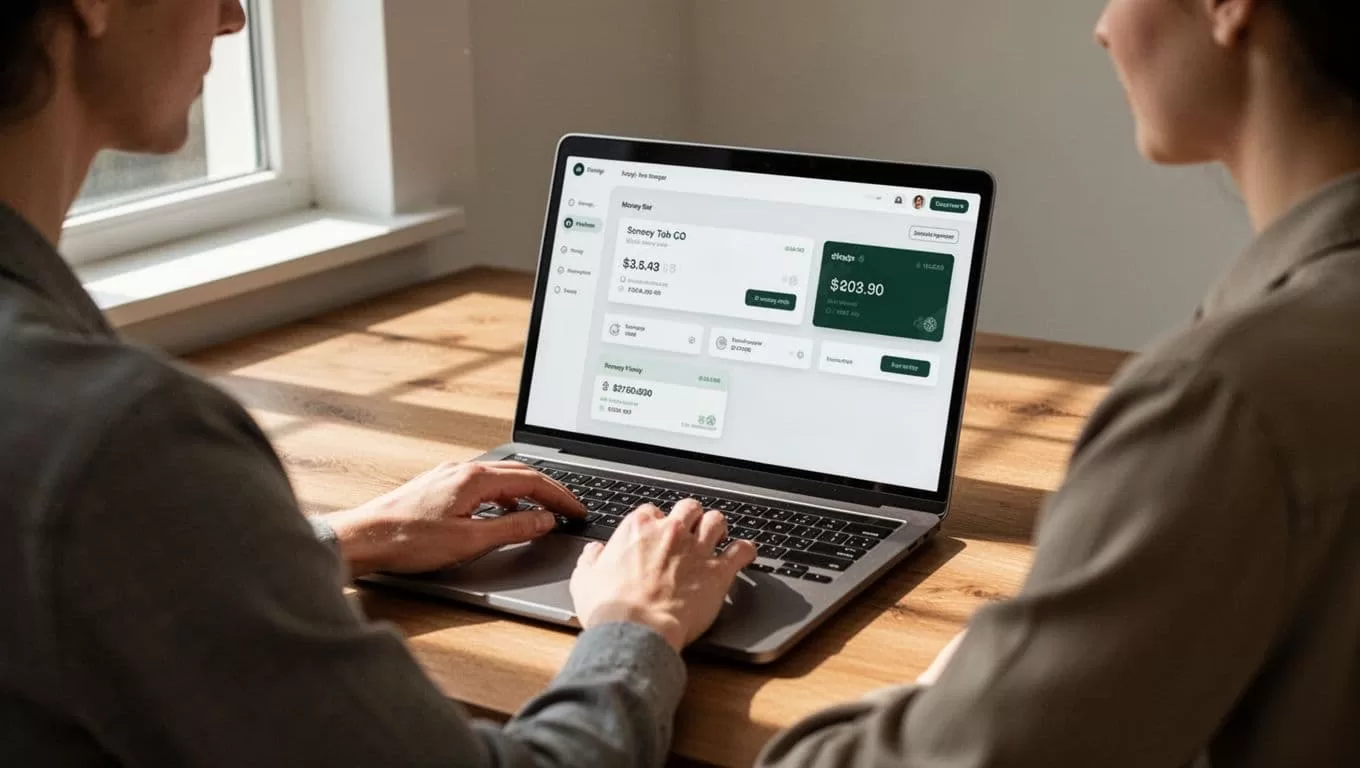
The quote should show the fee, exchange rate, funding amount, delivery method, and expected recipient amount before confirmation. Read every field. A low visible fee doesn’t tell you the full cost if the exchange rate changes the final amount received.
Some transfers display Express or Economy delivery choices. Express is generally the faster option when supported by the payment method. Economy may follow a different processing route. The available option and its timing depend on the live quote, not on a fixed promise.
What You Need Before Sending Money to Chile
Prepare the transfer information before opening the payment screen. This reduces errors and helps you complete the transaction without stopping to request missing details.
Collect the recipient’s bank information
You commonly need the recipient’s full legal name, bank name, account type, and account number. Remitly may request additional local identification or contact information based on the transfer route.
Ask the recipient to copy these details from a bank statement or banking app. Don’t rely on a nickname, a saved contact, or a number sent months ago. The name on the transfer should match the receiving account information.
The recipient should also confirm that the account can receive the selected deposit type. A savings account, checking account, or another local account category may require a different selection in the Remitly form.
Prepare your Remitly account
Create an account or sign in through the Remitly website or mobile app. The service may ask you to verify your identity with government-issued identification. This step supports financial compliance and can delay a first transfer if the information is incomplete or unclear.
Choose a payment method that you control. Debit or credit card funding may support Express delivery where available. Bank funding can follow a different processing schedule. Use your own authorized payment source and keep the confirmation details after payment.
A valid account number can still send money to the wrong recipient if the name or account type is incorrect. Check the complete recipient profile before you pay.
Step-by-Step: Send Money to a Chilean Bank Account
Use this process when you need to send money to Chile through a bank deposit. The screen labels can vary by country and app version, but the transaction logic stays similar.
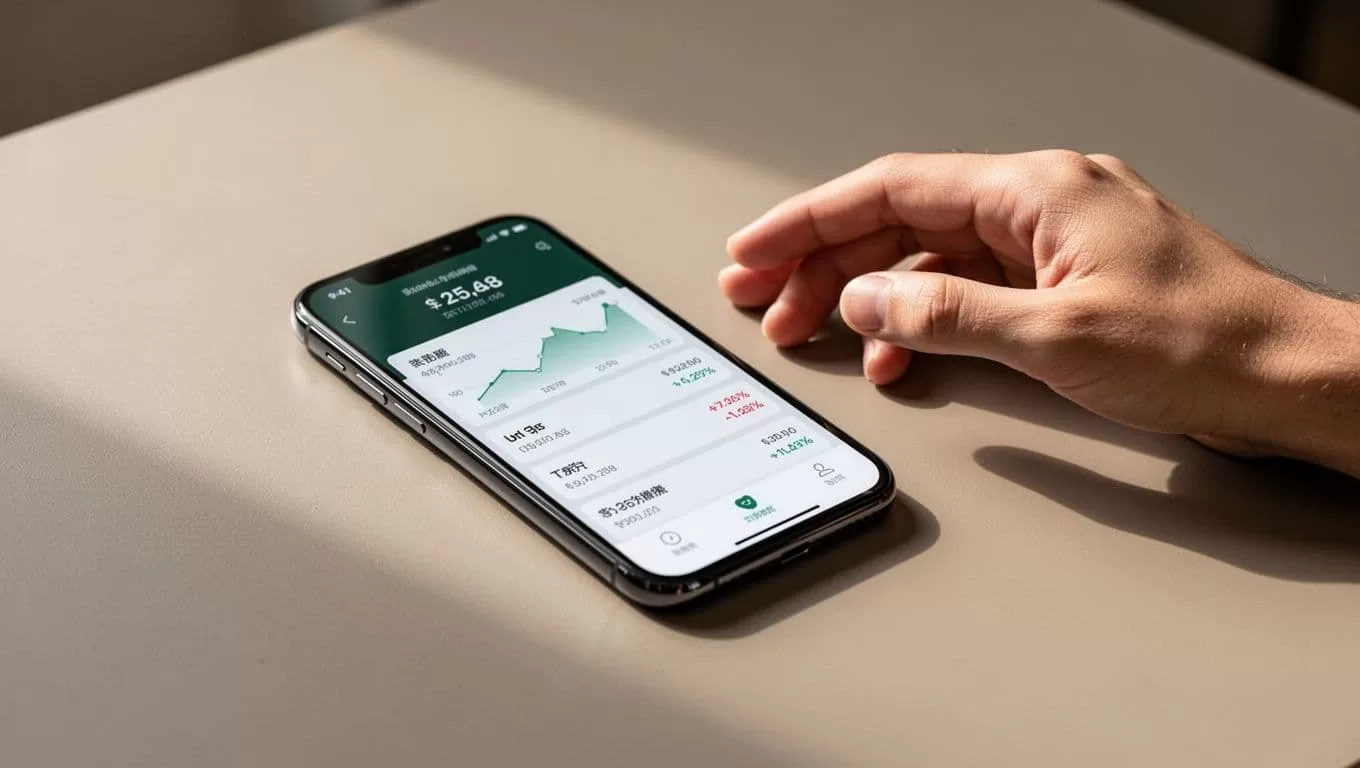
- Open Remitly and select Chile. Sign in through the official app or website. Confirm that Chile is the destination before entering recipient details.
- Enter the amount you want to send. Choose the currency you will use for payment. Remitly should display the estimated amount the recipient will receive in Chilean pesos when bank deposit is available.
- Select bank deposit as the delivery method. Review the listed banks and payout providers. If the recipient’s bank isn’t available, don’t select a different institution without confirming the replacement account with the recipient.
- Add the recipient’s information. Enter the legal name, bank, account type, account number, and any other requested fields. Compare the completed form with the details supplied by the recipient.
- Choose the payment and delivery option. Remitly may show Express or Economy choices, depending on the corridor and funding method. Compare the total amount charged, recipient amount, and displayed delivery estimate.
- Review the full transaction. Check the destination, recipient, bank, account number, fee, exchange rate, payment method, and delivery option. Fix errors before submitting. Don’t assume you can correct every field after the transfer starts.
- Authorize payment and save the reference number. Keep the receipt, confirmation email, and transaction reference. Share the status with the recipient without sharing your login password or verification codes.
For a recurring “send money Chile” workflow, keep the recipient’s confirmed bank information in a secure password manager or private record. Review it before each transfer because accounts, phone numbers, and bank availability can change.
Fees, Exchange Rates, and Delivery Times
Remitly’s cost isn’t a single universal amount. The fee can vary with the amount sent, payment method, delivery method, and sender location. The exchange rate also affects the amount that reaches the recipient. Review the transaction quote rather than using a fee from an earlier transfer.
| Transfer factor | What can change | What to compare |
|---|---|---|
| Amount sent | Fee tier and recipient amount | Total charged and CLP received |
| Payment method | Processing route and available speed | Card or bank funding requirements |
| Delivery method | Bank, wallet, or cash pickup availability | Recipient access and timing |
| Exchange rate | Local currency payout | Rate shown at confirmation |
Check the live USD to CLP conversion in Remitly’s currency converter before you submit a transfer. The rate can change during the day, so an earlier quote may not match a later transaction.
A third-party Remitly fee guide can help explain why the visible fee is only one part of transfer cost. Your practical comparison is the total amount debited against the final amount received.
Many Remitly transfers to Chile arrive within minutes, but that timing isn’t guaranteed. Payment method, payout method, identity review, bank processing, business hours, holidays, and partner system availability can all affect delivery. A bank-funded transaction or a transfer selected for Economy processing may take longer than an Express transaction funded by card.
Don’t promise a delivery time to the recipient until Remitly provides the estimate for that specific transaction. If the transfer is urgent, review the available option and the displayed delivery conditions before paying.
Protect the Transfer and Resolve Delays
Accuracy is the first security control. Verify the recipient’s name and bank details through a trusted channel. Don’t send money to an account supplied through an unexpected email, social media message, or urgent request that you haven’t independently confirmed.
Remitly may pause or review a transaction. A pending status doesn’t automatically mean the transfer failed. Check the status in the app, review any request for additional information, and avoid submitting a duplicate transfer while the first one remains active.
If the recipient hasn’t received the deposit after the displayed estimate, ask them to check the account’s transaction history and contact their bank with the transfer reference. You can also use Remitly’s support channel to review the transaction status. Bank holidays, cutoff times, and account restrictions may affect when an incoming deposit appears.
Keep the receipt until the recipient confirms the funds arrived. Never share your Remitly password, card security code, or one-time verification code with another person.
Conclusion
Remitly can provide a practical way to send money to Chilean bank accounts when bank deposit is available for your corridor and recipient. The process depends on accurate recipient details, identity verification, the selected payment method, and the live delivery options shown at checkout.
Review the full quote before authorizing payment. Compare the amount charged with the Chilean peso amount received, save the transaction reference, and treat delivery estimates as conditional. Those checks reduce avoidable errors when you send money Chile through Remitly.
FAQ
Can Remitly send money directly to a Chilean bank account?
Yes, Remitly offers bank deposit for supported Chilean providers and transfer routes. The available banks depend on the sender’s country, the recipient’s location, and the current Remitly payout network. Select Chile, choose bank deposit, and confirm that the recipient’s bank appears before continuing.
How long does a Remitly bank transfer to Chile take?
Many transfers arrive within minutes, especially when an Express option is available. Timing can change because of the payment method, delivery method, identity review, bank processing, business hours, holidays, and system availability. Use the estimate shown for your transaction instead of relying on a general delivery time.
What information does the recipient need to provide?
The recipient commonly needs to provide a legal name, bank name, account type, and account number. Remitly may request additional contact or identification details for the selected transfer route. Copy the information from a current bank record and confirm it before submission.
How much does it cost to send money to Chile with Remitly?
The cost depends on the transfer amount, payment method, delivery method, exchange rate, and sender country. Remitly displays the fee and recipient amount before confirmation. Review the total charged and the Chilean peso payout together, because the exchange rate affects the final value.
What should I do if the money hasn’t arrived?
First, check the Remitly transaction status and any messages requesting more information. Ask the recipient to review the account history and contact the bank with the transfer reference. If the displayed estimate has passed, contact Remitly support and don’t create a duplicate transfer until the first transaction is resolved.

