Cross-border transfers become expensive when you compare only the advertised fee. The number that matters is the amount your recipient gets in XOF after the exchange rate and transfer charges are applied.
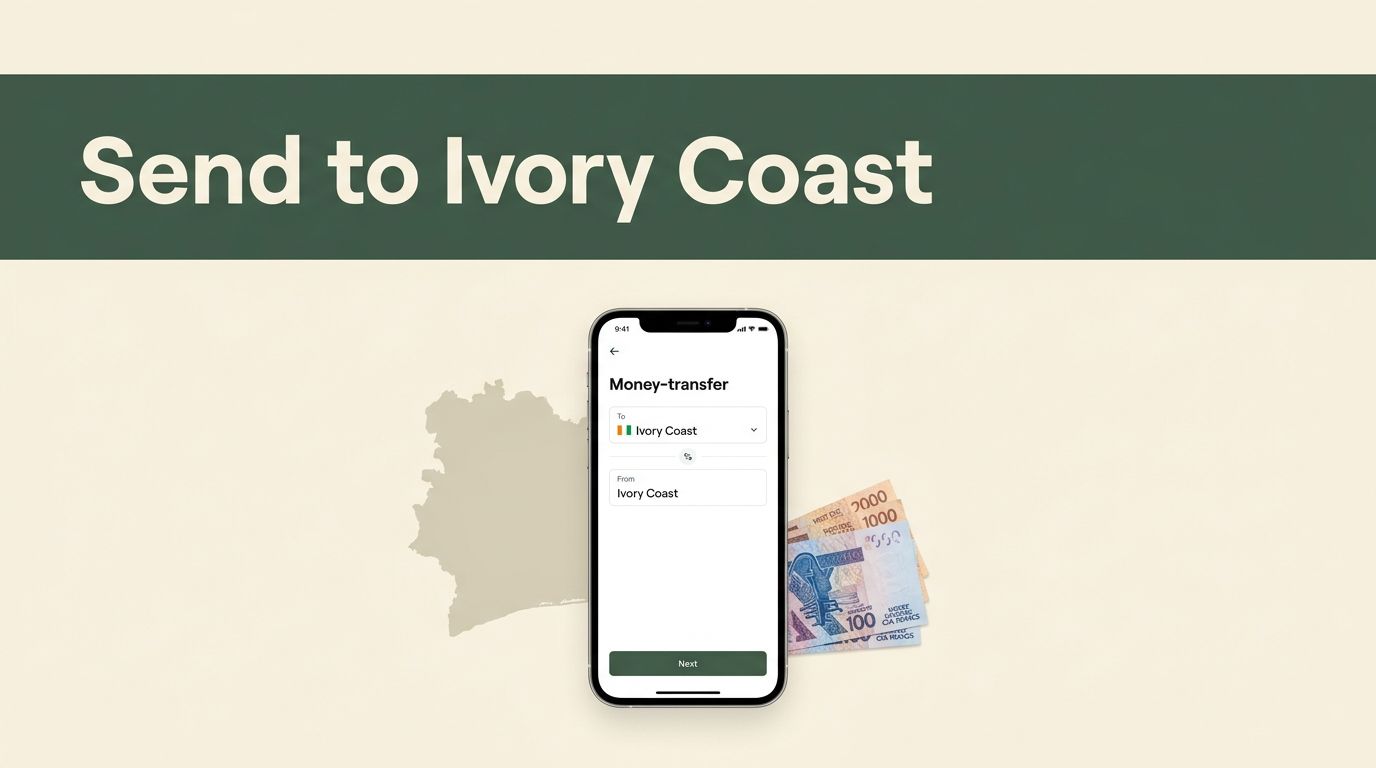
If you search for “send money Ivory Coast”, Remitly gives you a practical route to compare. You choose Cote d’Ivoire as the destination, select a payout method, enter the recipient’s details, and review a transaction quote before payment.
Availability, delivery estimates, exchange rates, and fees depend on your sending country and transaction details. Use the live quote, then confirm that the recipient can access the selected method.
What Remitly Can Deliver in Cote d’Ivoire
Remitly can offer several ways to deliver money to recipients in Cote d’Ivoire, also known as Ivory Coast. Common options include cash pickup, bank deposit, and mobile wallet delivery. Some routes may also show home delivery or debit card deposit, but the available choices depend on the sender’s country, recipient location, and local partner coverage.
Cash pickup requires the recipient to collect physical money at a designated partner location. A bank deposit sends funds to a supported account. Mobile wallet delivery sends funds to a compatible wallet, such as MTN Mobile Money where that route is available.
These options create different requirements. Cash pickup depends on a convenient location and valid identification. Bank deposits require accurate account information. Mobile wallet transfers require an active, supported wallet linked to the recipient’s details.
Remitly’s route pages are useful for checking the corridor you plan to use. The Remitly pricing page for US senders shows information for transfers from the United States. A quote for another country can differ. Don’t treat one country’s fee, exchange rate, or promotional offer as a universal price.
Ask the recipient which method works before you create the transfer. If they don’t have a supported bank account or wallet, confirm that a cash pickup location is practical.
How to “send money Ivory Coast” With Remitly
The Remitly workflow is simple, but every field affects the final payout. Use this process.

- Open Remitly through the official app or website. Use the app from your device’s official application store. If you use a browser, type the Remitly address yourself or open a trusted bookmark.
- Create an account or sign in. Enter your email address and account details. Remitly may request identity verification before you complete a transfer. Keep valid government-issued identification available if the service asks for it.
- Select Cote d’Ivoire as the destination. Enter the amount you want to send in your currency. If the app allows you to enter the amount the recipient should receive, use that field when your family member needs a specific XOF amount.
- Choose the delivery method. Select cash pickup, bank deposit, mobile wallet, or another option displayed for the recipient’s location. The quote may change when you switch delivery methods.
- Add the recipient’s information. Enter the recipient’s legal name exactly as it appears on their identification or account records. Add the requested phone number, bank details, or wallet information. Check every digit before continuing.
- Review the transaction quote. Confirm the amount you pay, the transfer fee, the exchange rate, the amount delivered in XOF, the estimated arrival information, and any account limit or verification message.
- Choose the payment method and submit. Available payment methods vary by sending country. A bank-funded transfer can show different pricing from a debit-card-funded transfer. Save the confirmation and reference number after payment.
The phrase “send money Ivory Coast” describes the destination, not one fixed transfer product. Your actual quote is controlled by the route, payment source, transfer amount, payout method, and any offer attached to your account.
Compare the Full Cost Before You Confirm
A low transfer fee doesn’t automatically make a transfer cheaper. The exchange rate can have a larger effect on the amount received.
Use the same sending amount, payment method, delivery method, and recipient payout type when comparing Remitly with another provider. Otherwise, you may compare a faster card-funded transfer with a lower-cost bank-funded option and reach the wrong conclusion.
Review these fields in the quote:
| Quote field | What to check | Why it matters |
|---|---|---|
| Amount you pay | Total debit from your payment method | Shows your real spending |
| Transfer fee | Charge for the selected route | Identifies the visible service cost |
| Exchange rate | Currency conversion into XOF | Affects the recipient’s payout |
| Recipient amount | Exact XOF amount shown | Provides the useful final comparison |
| Delivery estimate | Expected arrival information | Helps with planning |
| Limits and verification | Requests shown before payment | Reduces failed or delayed submissions |
Read the payment summary carefully. The fee may be added to your payment total or handled within the transfer amount, depending on the quote structure. Don’t calculate the recipient’s amount from a general currency converter alone.
For example, if you set a fixed budget, check whether the full budget is converted or whether the fee reduces the amount sent. If the recipient needs a fixed amount in XOF, use the target-amount field when available and review the resulting payment total.
Remitly may display a promotional rate for a first transfer. That rate can differ from the price of later transfers. The Canada-to-Cote d’Ivoire transfer page is one example of a country-specific route page. Check the page and your in-app quote for your own sending country.
The correct comparison is not “Which provider has the lowest fee?” It is “Which quote delivers the most XOF for the amount I pay under the same conditions?”
Choose the Payout Method Around the Recipient
The best delivery method depends on what the recipient can use today. Don’t select an option based only on speed or a displayed fee.

Cash pickup
Cash pickup works when the recipient needs physical cash or doesn’t use a supported bank account or wallet. The recipient generally needs a reference number and government-issued photo identification at the partner location.
Confirm the recipient’s legal name before sending. It should match the name used for collection. Ask which pickup location is convenient and check whether the location is suitable before you submit payment.
Bank deposit
Bank deposit removes the need for a recipient to travel to a pickup counter. It requires accurate bank information, including the bank name, account number, account type, and legal account-holder details when requested.
Ask the recipient to copy these details from their banking records. Don’t rely on a nickname or an old account number. A mismatch can require a correction or additional review.
Mobile wallet
Mobile wallet delivery can be practical when the recipient already uses a supported wallet. MTN Mobile Money is one provider listed for Cote d’Ivoire on some Remitly routes.
Confirm the wallet provider and phone number before starting. The recipient should know whether the wallet is active and able to receive the transfer. Provider availability can vary by location and sender corridor.
Some routes may display extra payout choices. Select only a method the recipient has confirmed they can access.
Prepare the Recipient Before Payment
A short confirmation message can prevent most avoidable transfer problems. Send the recipient the following information before you pay:
- The exact legal name they use for collection or account registration.
- The active phone number connected to their wallet or Remitly notifications.
- The bank name and account details if you are using a deposit.
- The preferred cash pickup location if you are sending physical cash.
- The delivery method and expected timing shown in your quote.
- The transfer reference number after the transaction is confirmed.
The recipient should keep their identification available for cash pickup. They should also check the transfer status through the appropriate notification or official Remitly channel instead of relying on screenshots or forwarded messages.
Don’t share your Remitly password, verification code, or payment-card details with the recipient. A recipient doesn’t need your account login to collect a valid transfer.
Send the reference number privately. Treat it like a transaction record, not a public status update.
If someone asks the recipient to pay an unrelated fee to release funds, stop and verify the request through Remitly’s official support channel. Don’t create a second transfer while the first one is pending.
What to Do When a Transfer Is Delayed
A displayed delivery estimate is not a guarantee. Verification checks, payment processing, weekends, partner hours, local availability, or incorrect recipient details can affect the actual timing.
Start by checking the transfer status in the app or website. Review any request for additional information. If Remitly asks you to verify your identity or payment method, respond through the official account workflow.
If the recipient hasn’t received a bank or wallet transfer, confirm the account or phone details first. For cash pickup, confirm that the recipient has the correct reference number and valid identification.
If you entered incorrect details, contact Remitly as soon as possible. Don’t assume that a submitted transfer can be edited or canceled. The available options depend on its status and payout method.
Remitly’s UAE-to-Cote d’Ivoire transfer page also highlights transfer tracking for that route. Your account status and transaction confirmation remain the records to check for your own transfer.
Conclusion
Remitly gives you a structured way to send money to family, friends, or other recipients in Cote d’Ivoire. Select the payout method first, enter accurate recipient details, and compare the complete quote instead of the transfer fee alone.
The strongest control is the final review screen. Check the amount you pay, exchange rate, XOF payout, delivery estimate, and any verification request before confirming. When those details match the recipient’s actual needs, the transfer process is easier to manage.