Send Money Malaysia With Remitly: Bank Transfer Guide
People searching for “send money Malaysia” usually want one practical answer: how to put funds into a Malaysian bank account without guessing the fee, exchange rate, or delivery date. Remitly lets people in supported countries s...

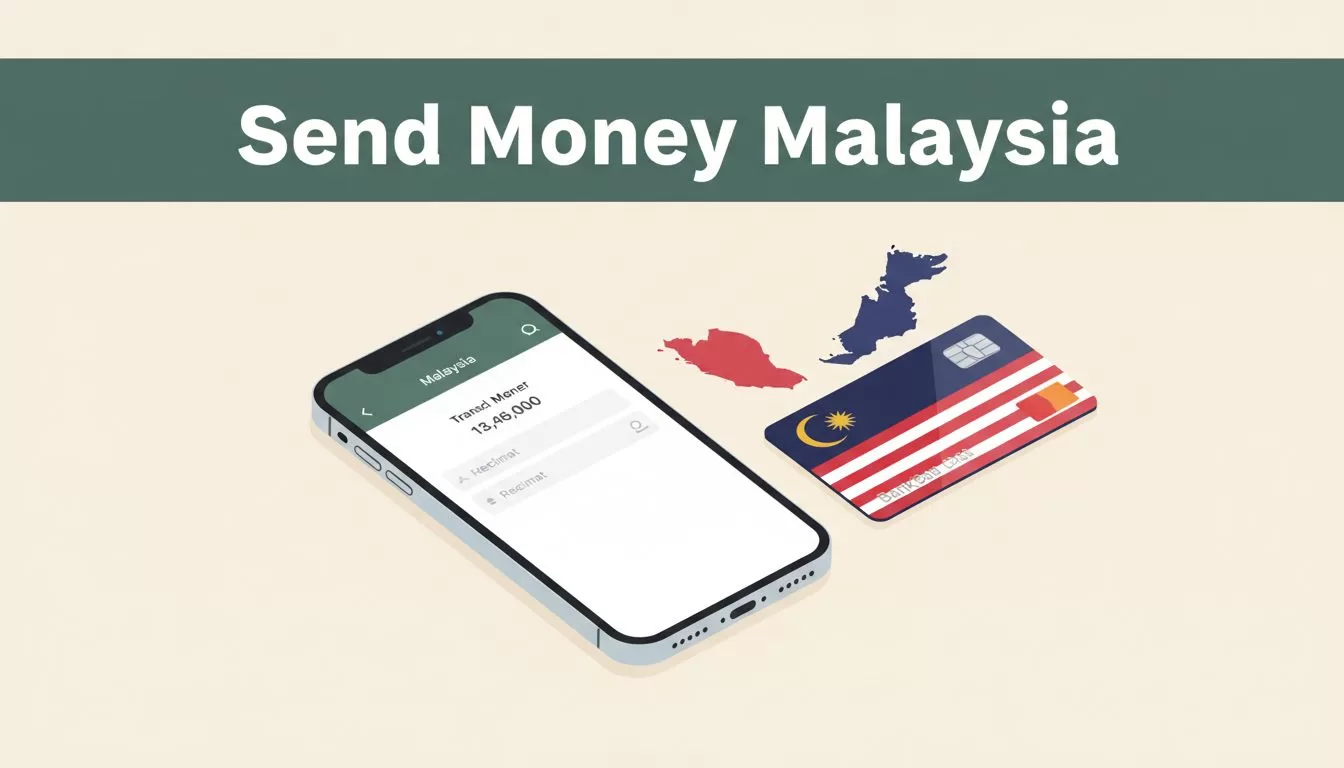
People searching for “send money Malaysia” usually want one practical answer: how to put funds into a Malaysian bank account without guessing the fee, exchange rate, or delivery date.
Remitly lets people in supported countries send money to Malaysia through available delivery options such as bank deposit, cash pickup, and mobile wallet. The exact quote depends on your sending country, payment method, transfer amount, and delivery option. This guide covers the full process, the information you need, and what to do when a transfer takes longer than expected.
What “send money Malaysia” Means When Using Remitly
A Remitly transfer has two sides. You fund the transaction in your country, and the recipient receives Malaysian ringgit through the selected delivery method.
For a bank deposit, the money goes to the recipient’s Malaysian bank account. The recipient doesn’t need to collect cash from a physical location. Remitly’s Malaysia transfer page shows the delivery methods and local providers available for the sending route.
The available providers and payout methods depend on your location. A person sending from the United States may see different payment options from someone sending from the United Kingdom, Canada, Singapore, or Australia. Start by selecting your sending country and Malaysia as the destination.
Remitly’s quote shows the information that matters before you submit:
- The amount you pay.
- The exchange rate applied to the transfer.
- The transfer fee, if one applies.
- The amount the recipient is scheduled to receive.
- The estimated delivery date or time.
- Any conditions attached to a promotional rate.
The recipient’s bank may have separate processing rules or charges. Remitly’s quote doesn’t control fees imposed by the receiving bank.

Prepare the Malaysian Bank Details Before You Start
Most transfer problems begin with incorrect recipient information. Ask the recipient to send their bank details directly instead of copying them from an old message or document.
For a Malaysian bank deposit, Remitly may request:
- The recipient’s full legal name.
- The name of the Malaysian bank.
- The bank account number.
- The account type, when requested.
- A local address or phone number.
- Other information required for identity or compliance checks.
The recipient’s name should match the name registered with the bank. Avoid nicknames, shortened names, and spelling changes. A mismatch can cause a review, rejection, or return.
Ask the recipient to confirm the account is active and able to receive deposits. Check every digit in the account number before paying. A wrong account number can send the transfer into a manual investigation, and correcting the issue may require help from both Remitly and the bank.
Don’t assume that every Malaysian bank uses the same fields. The app will show the required information for the selected provider. If a field is unclear, ask the recipient or their bank before submitting the transfer.
Keep your own documents ready as well. Remitly may request identity verification, such as a government-issued ID, before processing a new account or transfer. Verification requirements can change based on the sending country, amount, payment method, and transaction review.
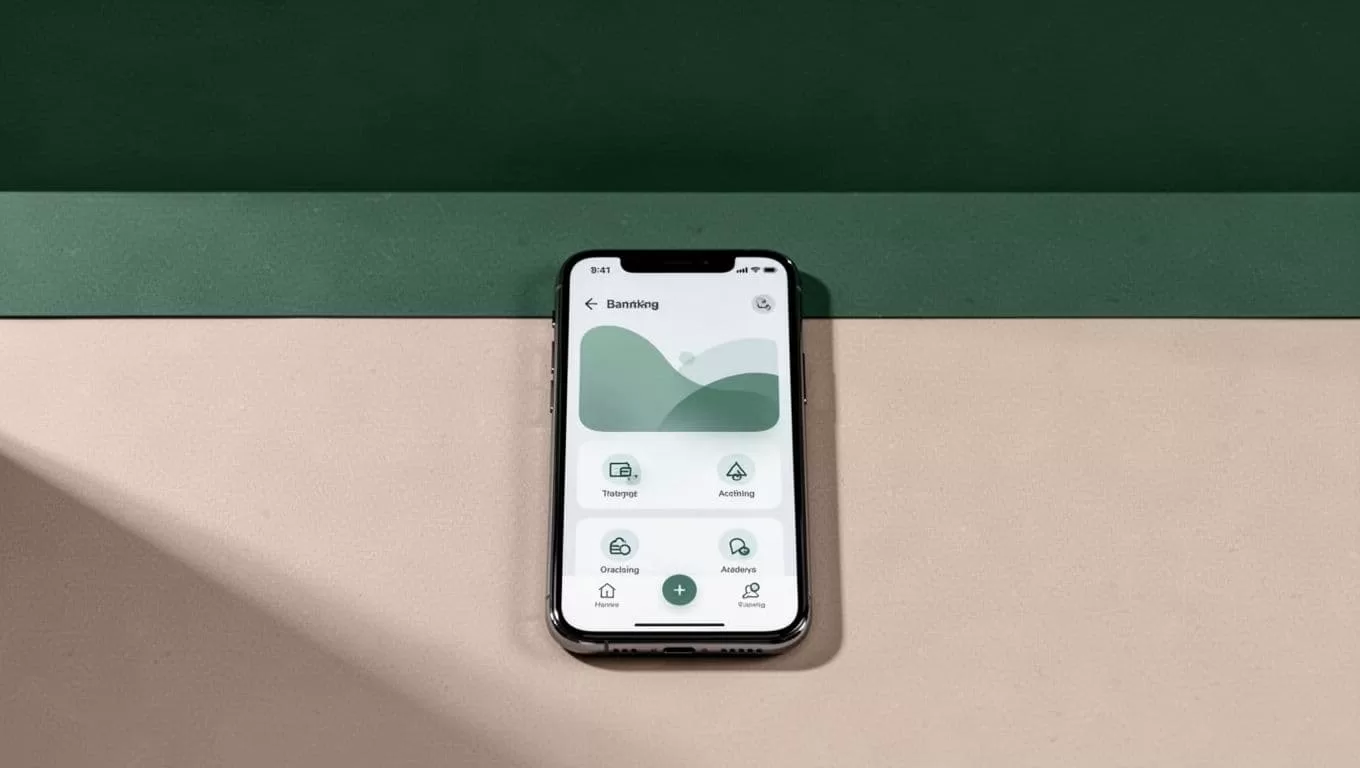
How to Send Money to a Malaysian Bank Account With Remitly
Use this process when you want to send money to a bank account in Malaysia.
- Create or open your Remitly account. Use the official Remitly transfer service through the website or mobile app. Enter your personal information and complete any identity checks requested.
- Select Malaysia as the destination. Confirm that the sending country shown in your account is correct. Your available payment and delivery methods depend on this selection.
- Choose bank deposit. Remitly may show bank deposit alongside cash pickup or mobile wallet options. Select the bank option if the recipient wants the funds deposited directly into their Malaysian account.
- Enter the transfer amount. You can usually enter the amount you want to send or the amount the recipient should receive. These choices produce different calculations. Review both the payment amount and the MYR payout.
- Compare the available quote options. A debit-card-funded transfer may have a different fee, exchange rate, or delivery estimate from a bank-funded transfer. Faster delivery can also cost more. Don’t select a speed option until you’ve checked the final amount received.
- Add the recipient’s details. Enter the legal name and bank information exactly as provided. Review the details on screen before continuing.
- Review and pay. Check the exchange rate, fee, delivery method, recipient amount, and payment source. Submit the transfer only after the details match your records.
- Track the transfer. Keep the confirmation number and monitor status updates in the app or account dashboard. Share the relevant confirmation details with the recipient without sending sensitive payment information.
The payment method affects more than convenience. A bank transfer may take time to clear before Remitly can release the transaction. A debit or credit card may support a faster option, but the quote can differ.
Treat the transfer as a controlled workflow. Prepare the recipient data, validate the quote, submit one transaction, and monitor the status. Creating duplicate transfers while the first one is pending can create extra work and possible cancellation issues.
Fees, Exchange Rates, and Delivery Times
There isn’t one fixed Remitly fee for every transfer to Malaysia. The total cost changes with the amount, sending country, payment method, delivery option, and current exchange rate.
For eligible U.S. customers, Remitly advertises a special rate and no fee on a qualifying first transfer. Its public offer has also referenced a promotional exchange rate for the first $750. Check the live offer and its conditions in your account. Promotional terms, eligibility, and amount limits can change.
Use this comparison before confirming:
| Quote item | What to check |
|---|---|
| Transfer fee | The amount Remitly adds for the selected setup |
| Exchange rate | The rate used to convert your currency into MYR |
| Recipient amount | The final Malaysian ringgit payout |
| Payment method | Bank account, card, wallet, or another supported method |
| Delivery option | The estimated timing and any speed-related cost |
The lowest visible fee isn’t always the lowest-cost transfer. Compare the final MYR amount the recipient receives.
Remitly’s general guidance says online international transfers can take one to five business days. Digital transfers to bank accounts are often among the faster options, sometimes arriving within hours or by the next business day. Those are general estimates, not guarantees.
On routes that offer Express and Economy choices, Express is usually the faster option, while Economy may take several business days. A debit-card-funded transfer can also move faster than a bank-funded transfer because the funding step may clear sooner.
The recipient’s bank still has its own processing time. Weekends, public holidays, internal checks, incorrect details, and account restrictions can delay posting after Remitly sends the funds. Separate bank charges may also apply.
For a wider explanation of first-time transfer planning, review Remitly’s international transfer guide. Use current in-app information instead of relying on an old rate shown in a search result or social media post.
How to Reduce Delays and Transfer Errors
A few checks before payment can prevent most avoidable issues.
First, confirm the recipient’s legal name and account number. Don’t edit the spelling to make it look shorter. Banks use registered account information, not the name you normally use for the person.
Next, confirm the bank name and account status. If the recipient recently changed banks, verify the new account before sending. An inactive or restricted account can delay a valid-looking transfer.
Review the payment source. A declined card, insufficient balance, bank security check, or missing verification can stop the transfer before delivery begins. Resolve payment problems through the account rather than submitting repeated attempts.
Check the status in this order:
- Confirm whether Remitly received your payment.
- Read any request for identity or transaction information.
- Check whether the transfer shows as sent or delivered.
- Ask the recipient to confirm whether their bank has posted the funds.
- Contact Remitly support with the confirmation number if the status has not changed.
If Remitly marks the transfer as delivered but the money isn’t visible, the recipient should contact their bank first. The bank can check incoming transactions and posting delays. Contact Remitly as well if the bank cannot locate the deposit.
Don’t promise the recipient an exact arrival time. Tell them the estimated window shown in your quote and explain that bank processing can add time.
Conclusion
Remitly gives people abroad a practical way to send money to Malaysian bank accounts, but the correct workflow matters. Confirm the recipient’s details, compare the amount received after conversion, and review the payment method and delivery estimate before submitting.
The phrase “send money Malaysia” covers a transaction with several moving parts. Your best control is the live quote and transfer status inside Remitly. Use those details instead of relying on fixed fee or timing claims.
FAQ About Sending Money to Malaysia With Remitly
What bank details does the recipient need?
The recipient may need to provide their full legal name, Malaysian bank name, account number, account type, and contact information. Remitly displays the exact fields required for the selected bank or delivery provider.
Can I send money to any Malaysian bank?
Availability depends on your sending country and Remitly’s current provider network. The app shows which Malaysian banks and delivery methods are available for your route. Don’t assume that a bank supported in one country is supported in another.
How can I check my transfer status?
Open your Remitly account or app and review the transfer history. Status updates may show whether the payment is being reviewed, processed, sent, or delivered. Keep the confirmation number available if you need support.
What should I do if my transfer is delayed?
Check for identity requests, payment failures, incorrect recipient details, weekends, and bank holidays. Ask the recipient to check with their bank if Remitly shows the transfer as delivered. If the status remains unchanged, contact Remitly support with the transfer reference.
Can I send money from Malaysia using the same process?
Not necessarily. Remitly’s send-to-Malaysia service is designed for supported sending countries. If you’re in Malaysia or using a Malaysian bank account as the funding source, check the country selector and available payment methods before starting.

