Send Money to Hungary With Remitly Securely
If you need to send money to Hungary, the safest process is controlled and simple. Use the official Remitly website or app, enter the recipient’s information exactly, review the live quote, and verify the transfer status after payment...

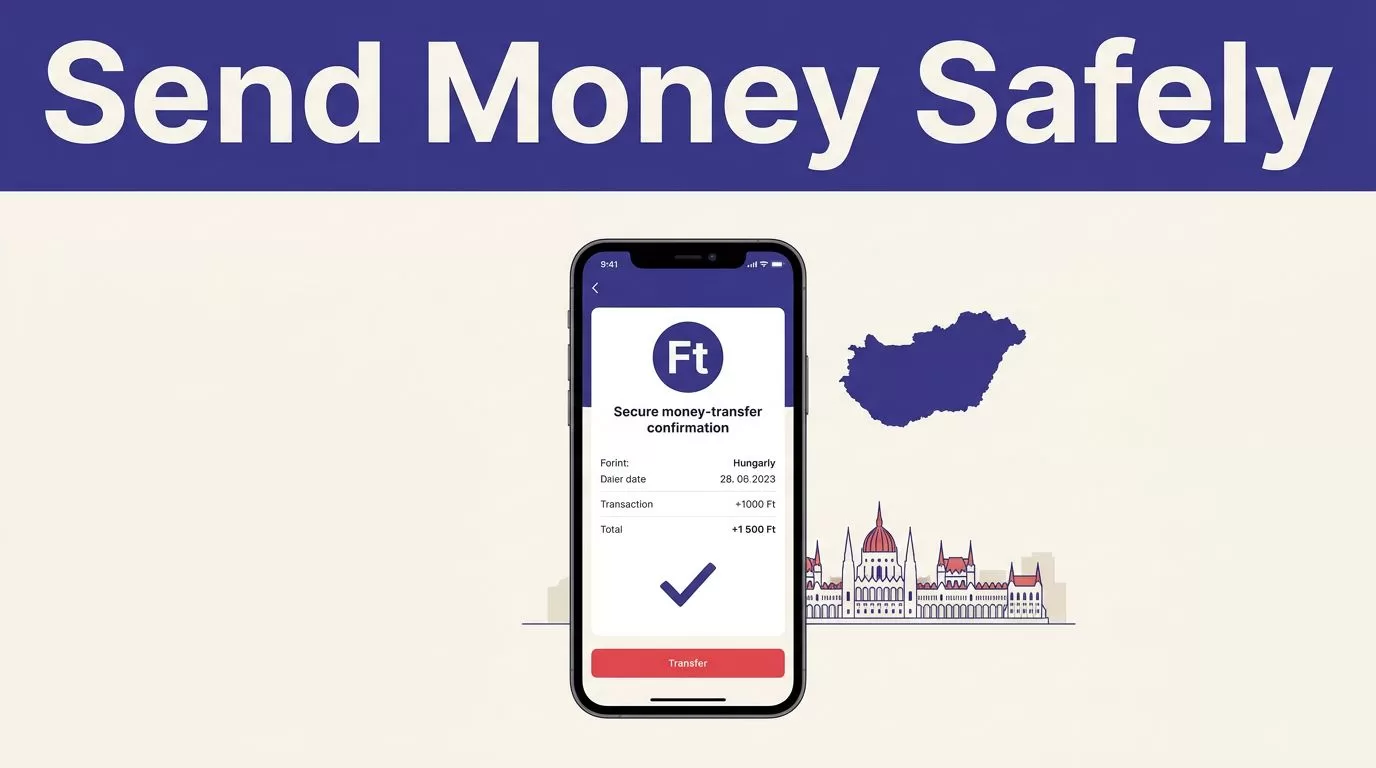
If you need to send money to Hungary, the safest process is controlled and simple. Use the official Remitly website or app, enter the recipient’s information exactly, review the live quote, and verify the transfer status after payment.
Remitly can support family support, personal bank deposits, rent payments, and transfers to your own Hungarian account. Fees, exchange rates, limits, delivery methods, and verification requirements vary by sender location and recipient location. Start with the official Remitly Hungary transfer page, then confirm every detail in your own transfer flow.
Confirm the transfer route before paying
The transfer route includes your sending country, sending currency, Hungary as the destination, the amount, the payment method, and the recipient’s location. These details control the quote Remitly shows you.
A transfer from the United States may have different pricing and options than a transfer from the United Kingdom, Canada, Australia, or another country. Your account status and the selected delivery method can also affect the result.
Remitly’s Hungary pages show bank deposit as an available delivery method. Other options may appear in some locations, but you shouldn’t assume that cash pickup, mobile money, home delivery, or debit card deposit is available for every Hungarian recipient.
Check the destination and currency
Select Hungary only after confirming that the recipient can receive funds there. Review the currency shown on the transfer screen. Depending on the route and payout provider, the recipient may receive Hungarian forint, euros, or another supported currency.
Don’t rely on a previous transfer. Open the current route each time you send money. A saved screenshot or old exchange-rate estimate isn’t a valid price for a new transaction.
Prepare the recipient record
Collect the recipient’s details before creating the transfer. Remitly’s send flow may request:
- The recipient’s full name exactly as it appears on government identification.
- The recipient’s address and phone number.
- The recipient’s bank account number and bank name for a bank deposit.
- Additional information requested by Remitly or the receiving institution.
Ask the recipient to send these details through a trusted channel. Copy them carefully. Don’t correct spelling, shorten a legal name, or guess a bank identifier.
A small name error can delay a payout. An incorrect bank account number can create a larger correction problem.
How to send money to Hungary with Remitly
The process is straightforward when the route and recipient data are ready. Use the following sequence.
Open the official Remitly channel
Access Remitly through the official Remitly website or its official mobile app listing. On a phone, use the Apple App Store or Google Play. Confirm that the publisher is Remitly before installing.
Don’t install an APK from a random website. Avoid login links sent through unexpected texts, emails, or social media messages. Type the website address yourself when possible.
Create an account with your legal information. Your profile, payment source, and identity documents may need to match. A mismatch can trigger a compliance review or delay the transfer.
Create the transfer and choose delivery
Set your sending country and select Hungary as the destination. Enter the amount you want to send, then review the available delivery methods.
Bank deposit may suit a recipient with an eligible Hungarian account. Cash pickup can be useful where it is supported and the recipient needs physical currency. The recipient may need government identification and the transfer details shown in the confirmation.
Choose based on the recipient’s actual needs, not only the fastest label. Confirm the receiving bank or payout provider, the destination location, and the currency before continuing.
Complete verification and payment
Remitly may request identity or compliance information based on your country, transfer amount, payment method, account status, and regulatory checks. Submit documents only inside the verified Remitly account flow.
Before authorizing payment, inspect the full review screen. Check the recipient’s name, account details, delivery method, fee, exchange rate, total charged, final recipient amount, and estimated delivery time.
Save the confirmation number after payment. Share the transfer reference only with the intended recipient.
Compare the full cost, not only the fee
The transfer fee is one part of the price. The exchange rate determines how much the recipient receives in Hungarian currency. A low visible fee can still produce a smaller payout if the rate is less favorable.
When you send money to Hungary, compare these four figures:
- The amount charged in your sending currency.
- The transfer fee shown for the selected payment and delivery method.
- The exchange rate used for the transaction.
- The exact amount the recipient is expected to receive.
Use the live quote in the app or checkout screen. Remitly states that pricing can change with the amount sent, payment method, delivery speed, recipient location, and current promotions. The Remitly guide for first-time international transfers also recommends reviewing cost, security, and delivery details before sending.
Treat promotions as conditional
A welcome offer or promotional exchange rate may apply only to new customers, a specific amount, a particular payment method, or a defined route. It may not apply to future transfers.
Read the terms shown in your account. Don’t calculate a recurring family payment using a first-transfer promotion.
Treat delivery estimates as estimates
The displayed arrival time is more useful than a general marketing claim, but it isn’t a guarantee. Payment clearing, bank processing, weekends, holidays, compliance reviews, and payout-provider availability can affect delivery.
If the recipient needs money for rent, tuition, medical care, or a scheduled bill, leave extra time. Don’t promise a fixed arrival time until the transfer is completed.


Photo by Gergely Meszárcsek
Prepare a Hungarian bank deposit correctly
Bank deposit is practical when the recipient has an eligible account. The receiving bank and account must match the details entered in Remitly.
Copy bank details from the recipient
Ask the recipient to copy their account information directly from online banking or a bank statement. Depending on the route, Remitly may request the account number, bank name, IBAN, or another identifier.
Don’t invent missing digits. Don’t change the format because it looks unfamiliar. If the app rejects the details, ask the recipient’s bank for the correct information.
The recipient’s legal name should also match the account record. A mismatch between the Remitly recipient profile and the bank’s records can cause a failed or delayed deposit.
Check local requirements
Hungarian banks and payment providers can apply their own identification and compliance rules. Requirements can change based on the transfer, recipient, currency, and receiving institution.
For background on payment-service requirements, review the Magyar Nemzeti Bank payment-services policy. For a live transfer, follow the instructions from Remitly and the recipient’s bank. The current checkout flow is the controlling source for the information you need to provide.
The recipient may not need a Remitly account for some bank deposit routes. They still need valid account details and may need to respond to a request from the receiving bank.
Use a short security checklist
Security problems often start outside the transfer itself. A fake support message, copied website, or urgent request can lead you to disclose login or payment information.
Use this checklist before and after you send:
- Download Remitly only from the official Apple App Store or Google Play, or access the website by typing the address manually.
- Check the domain before signing in. Genuine Remitly websites use
remitly.com. - Use a unique password and protect the email account connected to Remitly.
- Never share your password, one-time verification code, card security code, or full payment details.
- Confirm unexpected requests with the recipient through a separate, trusted contact method.
- Don’t send money to claim a prize, unlock a loan, receive a promised large payment, or satisfy an urgent request from someone you can’t verify.
- Don’t open attachments or follow links in suspicious messages that appear to come from Remitly.
- Store the receipt and transaction reference in a private location.
If you entered your Remitly credentials on a suspicious page, change your password through the official account settings. Contact Remitly through the support process inside the official website or app. Don’t use a phone number or email address supplied in the suspicious message.
Remitly can process a transfer securely, but it can’t confirm that an unknown person is honest. Verify the recipient and the reason for payment before you authorize anything.
Track the transfer before sending again
Open your Remitly account and check the transaction status after payment. A message from the recipient saying that the transfer failed isn’t enough evidence to start a second transfer.
Review the status, confirmation number, and payment record first. If the transfer is delayed, use Remitly’s official support process. Keep screenshots, receipts, and support messages for your records.
If you entered incorrect recipient information, contact support quickly. A correction or cancellation may not be possible after the funds reach the receiving bank or payout provider. Don’t promise the recipient that a correction will succeed.
For recurring transfers, record the date, amount sent, fee, exchange rate, amount received, delivery method, and actual delivery time. This gives you a useful comparison without assuming the next transaction will use the same price or timing.
Conclusion
To send money to Hungary securely with Remitly, verify the route, collect accurate recipient details, choose a supported delivery method, and review the complete quote before payment.
The recipient amount matters more than the advertised fee. Delivery estimates and limits can change. Use only official Remitly channels, protect your credentials, verify unexpected requests, and track the transfer until it reaches the intended recipient. Accuracy before payment prevents most avoidable transfer problems.

