How to Send Money to Serbia With Remitly Securely
Cross-border transfers become risky when you focus only on speed or the advertised fee. If you need to send money to Serbia, review the complete Remitly quote, confirm the recipient’s details, and use only official Remitly channels. Y...


Cross-border transfers become risky when you focus only on speed or the advertised fee. If you need to send money to Serbia, review the complete Remitly quote, confirm the recipient’s details, and use only official Remitly channels.
Your sending country, transfer amount, payment method, recipient location, payout provider, and delivery option can change the final result. The safest process is simple: set the route correctly, compare the total cost, verify every detail, then track the transfer until it reaches the recipient.
Before You Send Money to Serbia, Set the Route
Serbia is an active Remitly destination across several sending markets. Available payout methods include cash pickup, bank deposit, and debit card deposit. The options shown for your transfer depend on the sending country and the recipient’s selected provider.
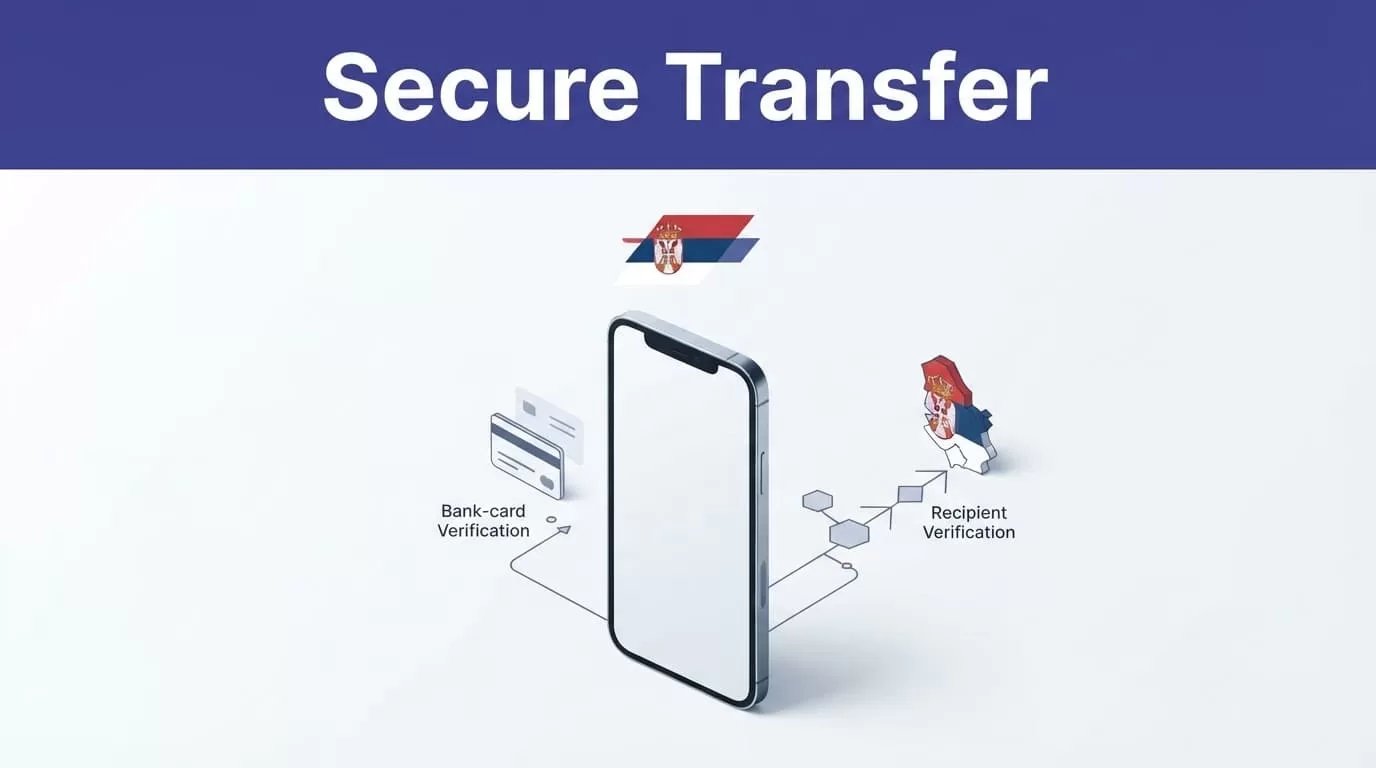
Use the official Remitly website or app
Open Remitly’s official website by typing the address into your browser. If you install the app, use the Apple App Store or Google Play. Check that the publisher is Remitly Inc or Remitly, Inc.
Don’t install an APK from a random website. Don’t follow an unexpected login link from a text message, email, social media post, or online advertisement. A fake app or imitation website can capture your password, payment information, identity documents, or verification codes.
Use a unique password for your Remitly account. Protect the email account connected to it. Never share your password, one-time code, card security code, or login details with the recipient or anyone claiming to provide support.
Select the payout method that fits the recipient
Cash pickup can suit someone who doesn’t use a Serbian bank account. The recipient may need a government-issued ID and the exact transfer information shown in the transaction.
Bank deposit is usually more practical when the recipient has an eligible account. Remitly provider pages show Serbian options such as Pošta Srbije for cash pickup and Raiffeisen Bank for bank deposits. The provider and receiving currency can vary by route.
Remitly’s Serbia receiving information says the recipient doesn’t pay a fee to receive money. That doesn’t remove the sender’s transfer fee or the exchange-rate cost. Review the sender’s total charge before approving payment.
How to Send Money to Serbia With Remitly
The workflow is short, but each field affects delivery. Prepare the recipient’s legal name, phone number, address, and bank details before you start.
Create the Serbia transfer route
Sign in through the official Remitly app or website. Select your real sending country, then choose Serbia as the destination. Enter either the amount you want to pay or the amount the recipient should receive.
Check the currency shown on both sides. A transfer from the United States may display USD and Serbian dinars, or RSD. A different sending country will produce a different quote.
For U.S. senders, Remitly’s Serbia transfer page is a useful starting point. The route page still isn’t the final price. Enter your actual amount and payment details before comparing the offer.
Add the recipient carefully
Enter the recipient’s full name exactly as it appears on their government ID or bank record. Don’t use a nickname or a shortened version for a cash pickup transfer.
Add the correct phone number and address. For a bank deposit, check the account number and any other bank information requested by Remitly. Ask the recipient to send the details in writing instead of relying on memory.
A small name mismatch can delay cash collection. An incorrect account number can create a failed deposit or a correction request. Fix errors before payment leaves your account.
Choose delivery and payment options
Review every available delivery method. Cash pickup, bank deposit, and debit card deposit can have different fees, exchange rates, and estimated arrival times.
Payment options may include a bank account, debit card, credit card, or another method supported in your sending country. The selected payment method can affect the fee and processing time.
Don’t choose Express only because the label sounds faster. Read the actual date or time estimate on the review screen. Payment processing, compliance checks, provider availability, weekends, holidays, and system issues can change delivery.
Compare the Full Remitly Cost
The transfer fee is only one part of the price. The exchange rate also affects how much Serbian dinar the recipient receives.
Review the rate, fee, total, and payout
Before confirming, check these figures together:
| Quote field | What to check |
|---|---|
| Exchange rate | The conversion applied to your currencies |
| Transfer fee | The separate charge for the selected route |
| Total charged | The amount removed from your payment method |
| Recipient amount | The exact RSD payout shown for the recipient |
| Delivery estimate | The expected arrival window |
| Promotion | Eligibility, amount limits, and conditions |
A low fee can still produce a smaller payout if the exchange rate is weaker. Compare the amount you pay with the final amount the recipient receives. The recipient payout is usually more useful than the headline rate.
Remitly’s USD-to-RSD converter can provide a quick reference for U.S. dollars. Use the final transfer screen as the controlling quote because the amount, payment method, delivery option, and promotion can change the calculation.
Treat promotions as temporary
Promotional pricing is not a universal Serbia rate. Remitly’s U.S. pages show offers for eligible new customers, with conditions and a promotional-rate limit that can apply to the first $1,000 sent.
Published corridor examples also differ by sending country. For example, Remitly’s Brazil-to-Serbia pricing page displays separate examples for bank deposit and cash pickup. Those figures don’t apply automatically to senders in the United States, Canada, the United Kingdom, or another country.
Check the current quote in your account every time. Don’t reuse an old screenshot or calculate the cost from a previous transfer.
Protect the Account and Recipient
Security depends on the account, the transfer details, and the person receiving the money. A secure provider can’t prevent every mistake made before payment.
Protect your login and verification codes
Use the official app or type the Remitly website address manually. Check the domain before signing in. Avoid links that create urgency or ask you to confirm payment through an unfamiliar page.
Remitly may request identity information or additional documents during processing. Submit information only through the authenticated Remitly workflow. Don’t send identity documents or payment details through social media messages.
Never share a verification code with a recipient, friend, or supposed support agent. Support staff shouldn’t need your password or card security code. If a message asks you to move the conversation to another platform, stop and verify it through official Remitly support.
Confirm the person and purpose
Only send money to someone you know or to a verified recipient connected to an approved payment. Don’t send funds to an unknown party because they promise a prize, job, investment return, loan, or emergency refund.
Review the recipient’s name, phone number, location, bank account, and payout provider before submitting. Send the transfer reference only to the intended recipient. Don’t post it publicly.
If someone asks you to send a second transfer because the first one supposedly failed, check the transaction status in your account first. A duplicate payment can be difficult to recover.
Never approve a transfer until the recipient name, payout method, total charge, and expected amount match your records.
Track the Transfer and Handle Problems
A confirmation screen doesn’t always mean the recipient has collected cash or received a bank deposit. Keep the transaction record until the recipient confirms completion.
Save the receipt and monitor status
Save the confirmation number, transfer date, amount sent, fee, exchange rate, recipient amount, delivery method, and estimated arrival time. Store the record in a private location.
Track the transfer inside the Remitly app or on the official website. Ask the recipient to confirm the actual amount received. For business-related payments, keep the receipt with the invoice or accounting record.
Delivery estimates aren’t guarantees. A transfer may take longer because of payment clearing, transaction review, provider hours, bank processing, local holidays, or system availability. If the status remains delayed, use the official support process and keep screenshots of relevant messages.
Compare another provider when the fit is poor
Remitly may not be the lowest-cost choice for every amount or route. Compare another provider if the exchange rate produces a higher RSD payout, the recipient’s preferred delivery method isn’t available, or your payment method carries an extra charge.
Use matching inputs for a fair comparison. Keep the sending amount, currencies, payment method, payout method, and delivery speed the same. Record the total charged and the recipient’s final amount.
Don’t select a long-term transfer process based on one welcome offer. For recurring family support, compare the actual quote each time and track the result over several transfers.
Conclusion
The safest way to send money to Serbia through Remitly is to verify the route twice. Use the official website or app, enter the recipient’s legal details, choose the right payout method, and review the live quote before payment.
Compare the exchange rate, transfer fee, total charged, recipient payout, and delivery estimate together. Save the receipt and track the transfer until the recipient confirms completion. A secure transfer is one you verify before sending and record after payment.

