Download The Best App To Send Money To Sri Lanka From Remitly
When family members live overseas, managing international transfers shouldn’t feel like a second job. You need a reliable method to send money to Sri Lanka without losing half your transfer to hidden currency margins or confusing bank...

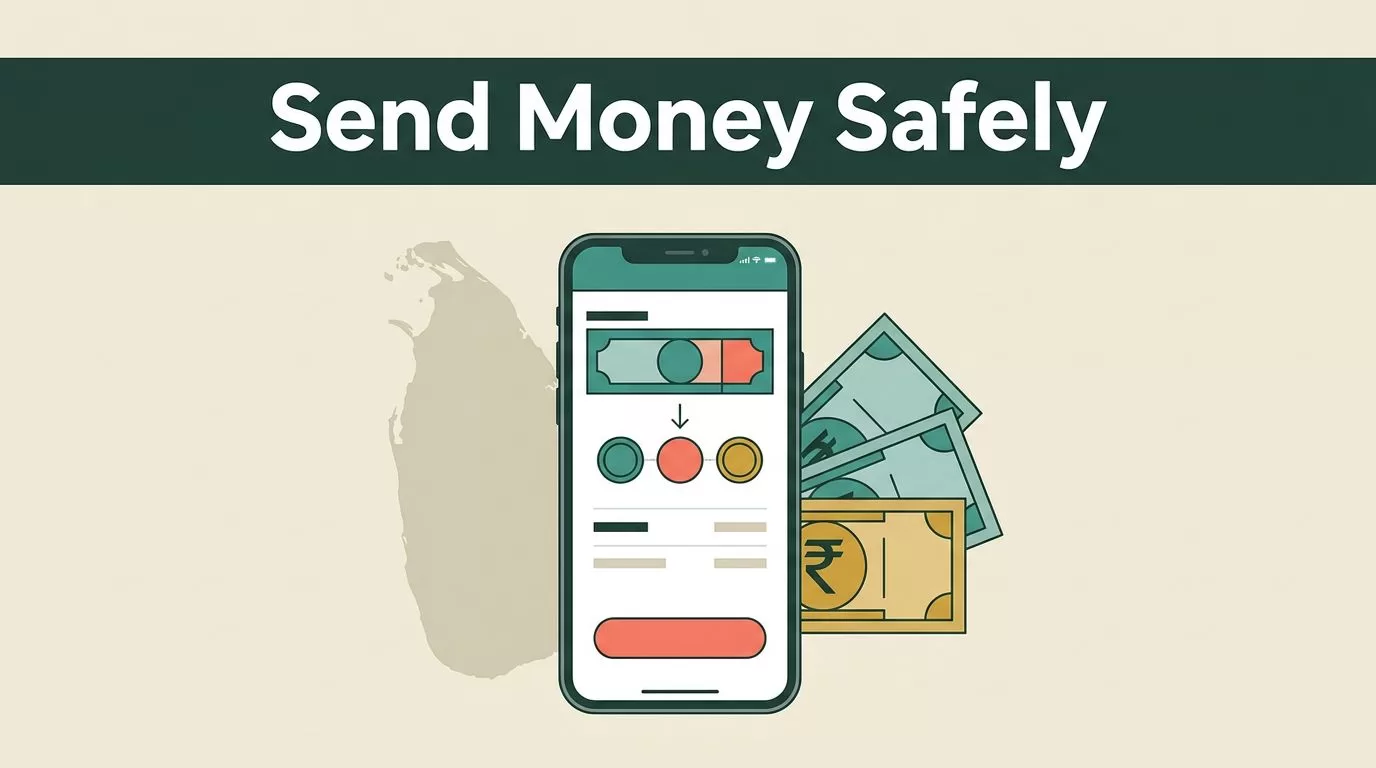
When family members live overseas, managing international transfers shouldn’t feel like a second job. You need a reliable method to send money to Sri Lanka without losing half your transfer to hidden currency margins or confusing bank fees. Remitly provides a mobile-first solution designed to handle these cross-border payments efficiently.
Choosing the right mobile tool requires looking past flashy marketing claims and examining actual exchange rates, transfer speeds, and delivery channels. You want an app that operates securely on both iOS and Android devices while offering transparent cost breakdowns before you confirm any transaction.
Key Takeaways
- Compare Economy and Express transfer speeds based on how quickly your recipient needs the funds.
- Review live exchange rates and flat fees directly inside the mobile app before confirming a transfer.
- Complete identity verification using government-issued identification to comply with anti-money laundering regulations.
- Choose between direct bank deposits and cash pickup locations depending on your recipient’s local banking access.
Setting Up Your Mobile Transfer Account
Getting started with a mobile transfer application takes a few minutes of setup on your phone or tablet. You download the software from your device app store, create an account using your email address, and verify your identity with government-issued identification. This verification step is mandatory for compliance and anti-money laundering regulations.
Once your profile is active, you enter your transfer amount, select Sri Lanka as the destination country, and choose your preferred delivery method. Remitly asks for specific recipient details depending on whether you choose a bank deposit or a cash pickup. For bank transfers, you need the recipient’s bank name, branch details, account type, and account number.
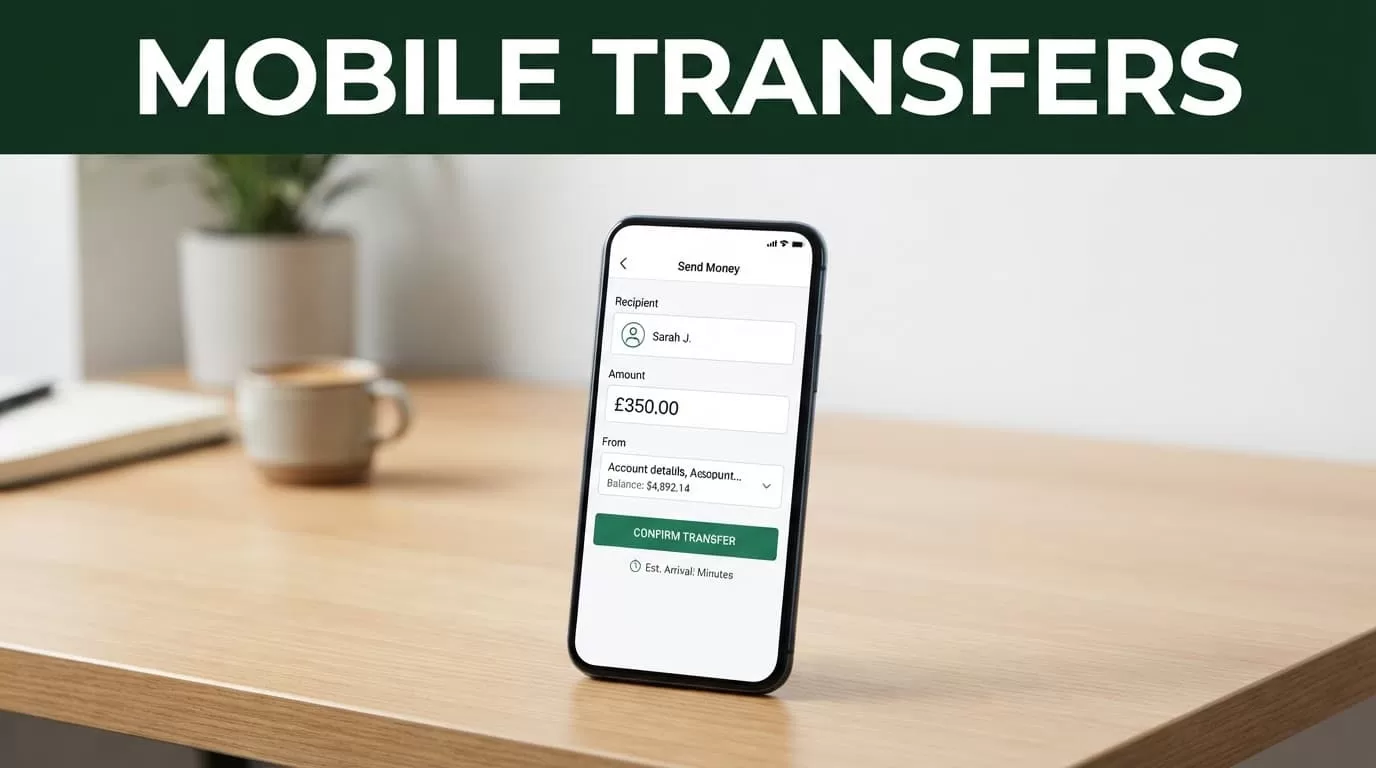
Photo by Monstera Production
For cash pickups, you enter the recipient’s legal name and contact details so they can collect funds at a local partner location. Take time to double-check these details before proceeding to payment. Typos in account numbers or recipient names will stall your transfer and require customer support intervention.
Evaluating Transfer Speed and Fees
Remitly structures its U.S. and international corridors around a two-tier speed model. The Economy tier uses bank account funding and typically suits non-urgent transfers where minimizing cost is your primary objective. The Express tier uses debit card or credit card funding for faster delivery when funds need to arrive quickly.


Fees vary based on your funding source and destination corridor, though flat fees often apply to standard transactions. For example, U.S. transfers feature transparent baseline pricing alongside promotional exchange rates for new customers. You can review full details regarding promotional terms and regional fee structures directly on Remitly’s U.S. to Sri Lanka transfer guide. Always review the final fee summary and delivery estimate on your screen before submitting your payment.
Checking Live Exchange Rates Before Sending
Exchange rates fluctuate constantly based on global currency markets. Because rates change throughout the day, you should never rely on static quotes found in older blog posts or third-party summaries. Open the mobile application or navigate to the official currency pages to view live figures.
Once you input your sending amount and select Sri Lankan rupees as the receiving currency, the platform displays the active conversion rate alongside any applicable transfer fees. This quote shows you the exact total cost and the net amount your recipient will collect. Remitly often provides promotional welcome rates for your first transfer, but subsequent transactions use standard market rates.
Always inspect the exchange rate margin and total delivery cost on your payment screen, because promotional rates usually apply only to an initial transfer threshold.
Selecting Delivery Methods for Your Recipient
Getting money into the hands of your family or friends requires matching your app settings to their local financial infrastructure. Bank deposits deliver funds directly into accounts at major institutions like Commercial Bank of Ceylon or Hatton National Bank. This method works well for recipients who manage their daily expenses digitally.
Cash pickups provide an alternative when your recipient needs immediate physical currency or lacks a local bank account. Remitly partners with local payout networks across the country to facilitate secure cash collection. Ensure your recipient brings a valid government-issued photo ID that matches the exact name you entered during setup.
Managing Your Account and Security Settings
Security matters when moving money across international borders. Enable multi-factor authentication inside your app settings to protect your login credentials from unauthorized access. You should also monitor transaction history notifications to track your transfer status from initial funding to final payout.
If you encounter any friction during identity verification or fund delivery, reach out to customer support through the in-app chat interface. Keeping your app updated to the latest software version ensures you have access to security patches and new feature releases.
Conclusion
Using a dedicated mobile app simplifies the process when you need to send money to Sri Lanka for family support or personal expenses. By setting up your profile correctly, verifying recipient details, and checking live rates before confirming, you eliminate common transfer errors. Review your funding options today, download the app from your device store, and manage your international remittances securely from your phone.

