How to Send Money to UAE With Remitly Securely
One wrong character in a recipient’s name can delay a transfer or stop a cash pickup. If you need to send money to UAE, Remitly gives you a clear process for entering recipient details, choosing delivery, reviewing the quote, and trac...

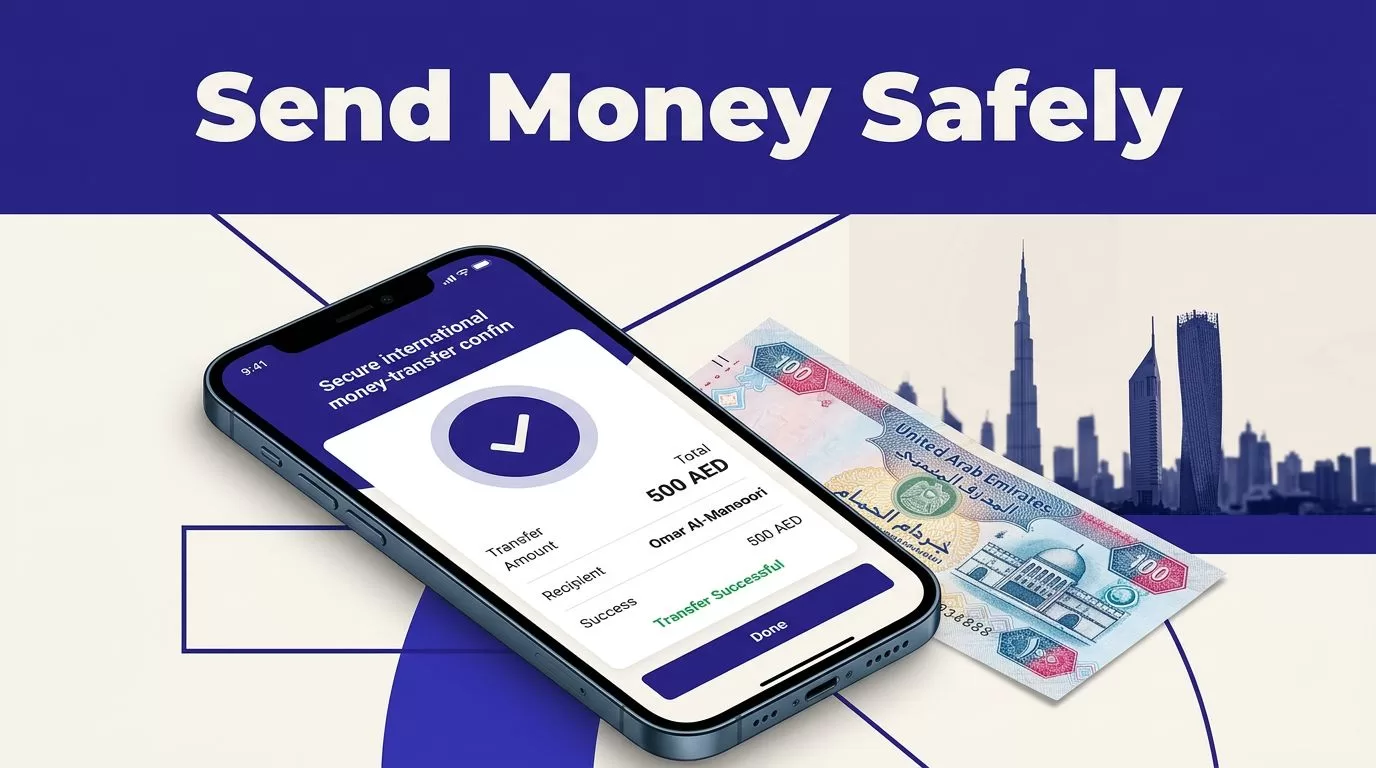
One wrong character in a recipient’s name can delay a transfer or stop a cash pickup.
If you need to send money to UAE, Remitly gives you a clear process for entering recipient details, choosing delivery, reviewing the quote, and tracking the payment. The final cost depends on your sending country, transfer amount, payment method, recipient location, and delivery option.
Use the official Remitly website or app. Check the complete quote before payment. Then save the receipt and monitor the transfer until the recipient confirms delivery.
Start With the Correct Remitly Route
Remitly pricing and availability are route-specific. Your account may show different currencies, payment methods, fees, limits, and delivery options than another sender’s account.
Select your actual sending country
Open Remitly from the country where you live and pay. Don’t select a different country because it displays a lower fee or a more attractive exchange rate.
For U.S. senders, Remitly has an official send money to United Arab Emirates route. Senders in other countries should use the Remitly website for their actual location and check whether UAE transfers are supported.
Your sending country can affect:
- The currency you use to pay.
- Available debit card, credit card, bank, or wallet options.
- Identity verification requirements.
- Transfer limits and promotional offers.
- Delivery methods available in the UAE.
Your account and live quote control the transaction. Don’t rely on a fee shown in a search result or an old transfer receipt.
Check the recipient’s location and payout method
The UAE includes many cities and financial institutions. The available delivery option may depend on the recipient’s location, receiving provider, transfer amount, payment method, and compliance review.
The app may show bank deposit, cash pickup, or other options. Don’t promise the recipient that a method is available until it appears in your transfer flow.
Before you begin, ask the recipient where they want the money delivered. A bank deposit may suit someone with an eligible UAE account. Cash pickup may work better when the recipient doesn’t want a bank deposit or needs access through a supported payout location.
Prepare the Details Before You Send Money to UAE
A few minutes of preparation can prevent a failed deposit, delayed review, or name correction.
Collect the recipient’s exact information
Use the recipient’s legal name. Match it to the name on their bank record or government-issued identification. Don’t use a nickname, shortened name, or informal spelling.
Have these details ready:
- The recipient’s full legal name.
- Their phone number and address if Remitly requests them.
- The receiving bank name and account details for a bank deposit.
- The pickup provider and location if cash pickup is available.
- The amount you want to send or the amount the recipient needs to receive.
Ask the recipient to send bank details through a trusted channel. Read the information back before entering it. One incorrect digit can send the payment into a correction process.
Keep your own government-issued identification available. Remitly may request identity or compliance information based on your country, transaction amount, payment method, or account review.
Download Remitly through an official channel
Use the official Remitly website or access the app through the Apple App Store or Google Play. Don’t install an APK from a random download page.
Avoid login links sent through unexpected texts, emails, social media messages, or online advertisements. A fake app or website can copy the Remitly login screen and capture your password, identity documents, or payment details.
Use a unique password for Remitly. Protect the email account connected to your profile. Turn on account security features offered by your email provider and device.


Photo by Audy of Course
How to send money to UAE with Remitly
The first transfer follows a simple sequence. Review every screen before moving to the next step.
1. Create an account or sign in
Open the official Remitly app or website. Create an account with your legal information, or sign in if you already use Remitly.
Set your real sending country. Select the United Arab Emirates as the destination. Check the country name before entering payment information.
Remitly may ask you to verify your email address, identity, payment method, or other account details. Complete the request inside the official app or website. Don’t send identity documents to a person who contacts you through an unofficial account.
2. Enter the amount and choose delivery
Enter the amount you want to pay. You may also be able to enter the amount the recipient should receive. Check which currency appears on each side of the quote.
For a UAE transfer, the recipient amount may appear in UAE dirhams, shown as AED. Confirm the currency before continuing. Don’t calculate the payout with a separate exchange-rate website and assume Remitly will use the same result.
Choose the delivery method shown for your recipient. Select a supported bank account for a deposit, or choose the available pickup provider and location for cash collection.
The payment options shown can vary. Remitly may display bank account, debit card, credit card, or wallet choices depending on your route and account. The selected payment method can change the fee, rate, delivery estimate, or eligibility.
3. Review, authorize, and save
Read the final screen line by line. Check the recipient’s name, phone number, bank details, provider, location, amount, currency, and delivery method.
Then review the exchange rate, transfer fee, total charged, recipient amount, and estimated delivery time. Complete payment only when every field is correct.
Save the confirmation number, receipt, and transfer reference. Give the relevant reference details to the recipient when needed. The reference is useful for tracking and pickup, but don’t post it publicly.
Choose Between UAE Bank Deposit and Cash Pickup
Remitly’s official UAE information describes bank deposit and cash pickup among the delivery methods that may be available. The Remitly UAE service page also directs users to Remitly’s online transfer services, but the receiving options shown during checkout are the ones that apply to your payment.
Bank deposit suits recipients with eligible accounts
Bank deposit is practical when the recipient has an eligible UAE account. It removes the need to travel to a pickup location.
Enter the bank details exactly as Remitly requests them. The form may ask for the bank name, account number, IBAN, or other receiving information. Use the recipient’s current details, not information copied from an old transfer.
Check the recipient’s account before confirming. A completed submission doesn’t correct an incorrect account number automatically. If the bank information is wrong, contact Remitly support immediately.
Cash pickup requires matching information
Cash pickup can help when the recipient doesn’t use a bank account or needs to collect funds in person. Availability depends on the route, provider, recipient location, and live transfer setup.
Confirm the pickup provider and location with the recipient. Check the opening hours and identification requirements. The recipient may need valid government identification and the transfer reference before the provider releases the funds.
The recipient’s legal name must match the transfer record. A mismatch can delay collection. Don’t choose cash pickup based on a general advertisement if the option isn’t available in your account.
Compare the Full Remitly Quote
The fee is only one part of the transfer cost. A lower fee can still produce a smaller AED payout if the exchange rate is less favorable.
Use the live quote for the exact amount and method you selected. U.S. senders can also check Remitly’s USD to AED rate information, but the checkout screen remains the controlling price for the transaction.
| Quote factor | Why it can change | What to check |
|---|---|---|
| Sending country | Local pricing and rules differ | Select your real country |
| Transfer amount | Fees and limits may use amount tiers | Enter the actual amount |
| Payment method | Cards and bank payments can have different terms | Choose the method you will use |
| Delivery option | Speed and payout providers can affect pricing | Compare available methods |
| Promotion | Offers can have limits or eligibility rules | Read the conditions shown |
Compare the recipient amount
Before you send money to UAE, record these figures:
- The exchange rate applied to your currencies.
- The transfer fee.
- The total amount charged to your payment method.
- The exact amount the recipient should receive.
The recipient amount is the useful comparison figure. The headline fee alone doesn’t tell you what the family member or recipient will receive.
Compare Express and Economy options when both appear. A faster option may cost more. If the transfer isn’t urgent, review whether another delivery choice produces a better total result.
Treat delivery estimates as estimates
Remitly’s displayed arrival time depends on the route and selected option. Bank processing, weekends, recipient location, compliance checks, payment method, and payout partner processing can affect the result.
Don’t promise a fixed arrival time for rent, tuition, medical costs, or another scheduled payment. Leave room for delays. The estimate shown for your actual transaction is more useful than a general claim about delivery speed.
Fees, rates, promotions, limits, and delivery options can change between transfers. Review the quote every time, even when the recipient and amount stay the same.
Protect Your Account and Avoid Transfer Scams
A secure transfer depends on more than Remitly’s payment system. You also need to protect the account, verify the recipient, and control the information you share.
Keep login and payment information private
Never share your Remitly password, email verification code, one-time passcode, card security code, or full payment details. Don’t give account access to the recipient or to someone claiming to be a Remitly representative.
Type the Remitly website address yourself or use a trusted bookmark. Install the mobile app through the official store route. Check the publisher name before downloading.
If you receive a message about a transfer, open the app separately and check the status there. Don’t use the message’s login link. For account questions, use the official Remitly Help page.
Verify the request before sending
Confirm the recipient’s identity through a phone number or contact method you already trust. Be careful when someone you met online asks for an urgent transfer, requests payment to release money, or asks for a verification code.
Don’t send additional funds because a message claims your transfer is blocked. Stop and verify the request through Remitly’s official support process.
Review the recipient details with the person receiving the funds before payment. This control is more useful than trying to correct an error after the money leaves your account.
Handle Delays, Errors, and Cancellations Correctly
A status message can be easy to misread. Check the transaction record before taking another action.
Check the status before sending again
If your first attempt shows “failed,” don’t immediately create a second transfer. Open your Remitly account and check whether the transaction is failed, pending, refunded, or under review.
A failed message doesn’t always mean the money has already returned to your bank or card. Confirm the status first. Keep screenshots, receipts, payment records, and the transaction reference.
Use Remitly’s transfer tracking instructions to check the reference number and status details. If the record is unclear, contact support before trying again.
Correct wrong details or request cancellation quickly
Contact Remitly as soon as you notice an incorrect name, bank account, provider, or pickup location. Don’t open another account to bypass a review. Use the official support process and provide the transaction information requested.
Subject to Remitly’s conditions, cancellation may be possible before funds are deposited into the recipient’s bank account or wallet, delivered to the recipient, or collected through cash pickup. Remitly’s cancellation information says eligible refunds can include the funds paid and service fees. It also says Remitly aims to issue the refund within three business days, but bank processing can delay when the money reaches you.
After a deposit or collection is complete, cancellation options may be limited. The earlier you report a mistake, the more options support can review.
Conclusion
The safest way to send money to UAE through Remitly is to use the official app or website, select your real sending country, and enter the recipient’s details exactly.
Choose the delivery method that matches the recipient. Before payment, check the fee, exchange rate, total charged, AED payout, and delivery estimate. Save the receipt and track the transfer until completion.
Fees, exchange rates, limits, promotions, and payout options can change. This article provides general informational content, not financial advice. Verify the current quote, eligibility rules, and support requirements with Remitly before every transfer.

