How To Run Speechify PDF Reader On Web, Desktop, And Mobile
I stare at a 40-page market report on my screen. My eyes burn after hours of reading. Then I fire up Speechify. It reads the whole thing aloud in a natural voice. I walk the dog instead. You face stacks of PDFs too. Reports, contracts, rese...

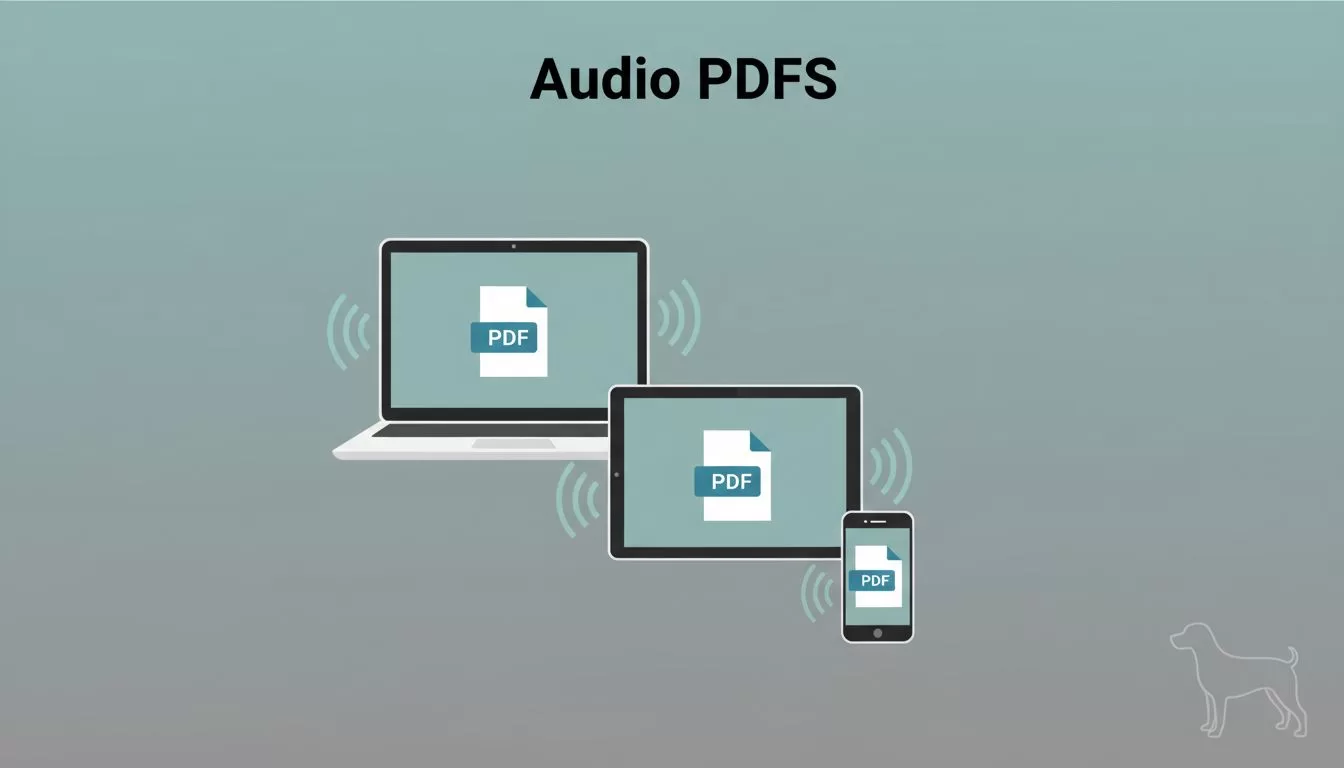
I stare at a 40-page market report on my screen. My eyes burn after hours of reading. Then I fire up Speechify. It reads the whole thing aloud in a natural voice. I walk the dog instead. You face stacks of PDFs too. Reports, contracts, research papers. Speechify turns them into audio. This guide walks you through my exact steps. You’ll listen on any device by the end.
Set Up Your Speechify Account First
I start every session the same way. Head to speechify.com. Click the sign-up button. Use your email or Google account. It takes 30 seconds.
Free plans let you test basic reads. Premium unlocks more voices and speed. Features shift by plan in 2026. Check your dashboard for limits. I upgrade for unlimited PDFs. After login, you see the upload area front and center.
Pro tip: Enable two-factor auth right away. It keeps your docs safe. Now you access the Speechify PDF reader across devices. Sync picks up where you left off.
Upload and Play PDFs on the Web Version
I grab my laptop for quick web access. Open Chrome. Go to speechify.com and log in. The dashboard shows a big “Upload PDF” button. Drag your file or click to browse.
Watch the progress bar fill. Speechify processes it fast. Hit play. A smooth voice starts reading. Words highlight as it goes. You follow along easy.


Controls sit below the waveform. Pause, rewind 10 seconds, or skip ahead. Adjust volume with the slider. I bump speed to 2.5x for reports. It stays clear. Save spots as bookmarks. Next time, resume instant.
Upload limits apply on free tiers. Premium handles bigger files. For official tips on web playback, see Speechify’s PDF audio reader guide.
Fire Up the Speechify Desktop App
Download hits different for focused work. I grab the app from speechify.com/download. Install on Mac or Windows. It runs smooth, no browser lag.
Launch it. Sign in. Same dashboard appears. Upload PDFs direct from folders. Drag and drop works perfect. Playback fills my screen. Waveform shows progress clear.
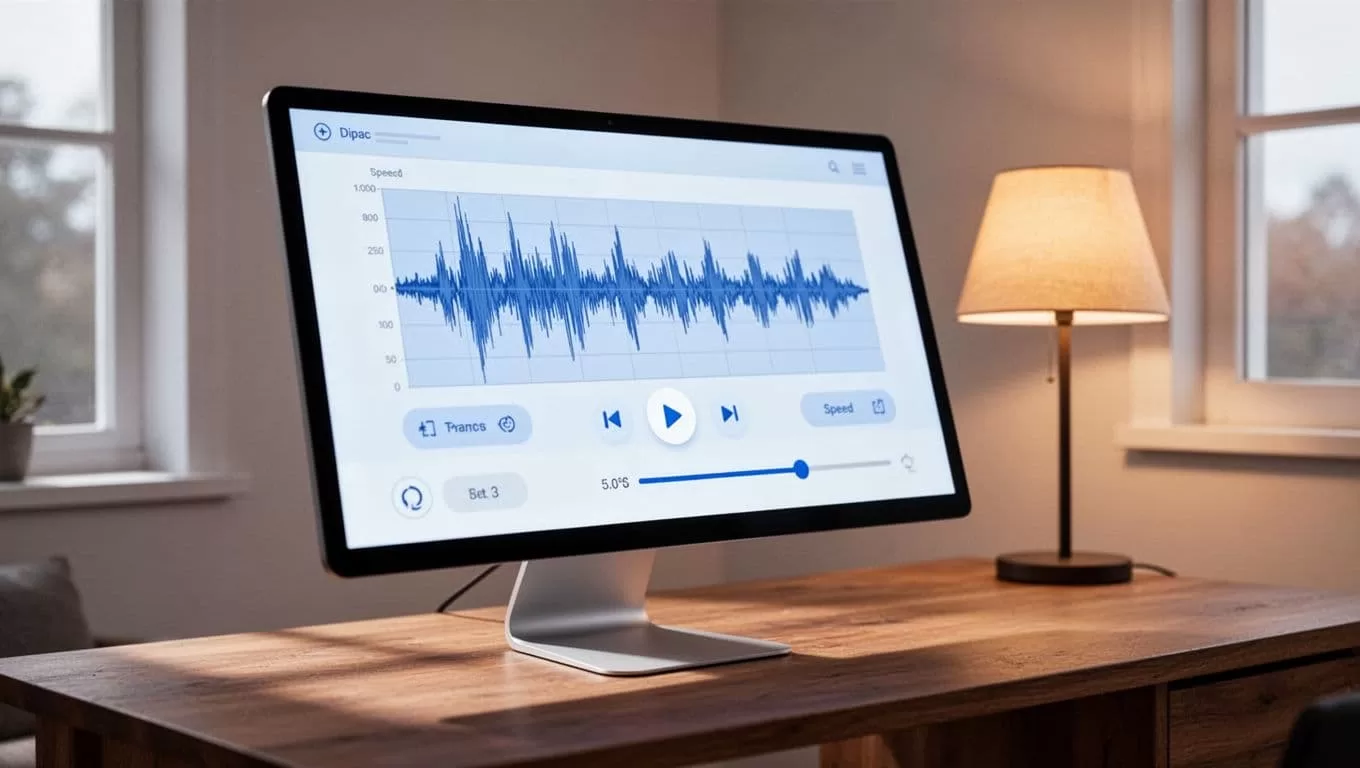
Desktop shines for long sessions. Keyboard shortcuts speed things. Spacebar pauses. Arrow keys scrub. I pin it to my dock. Background play lets me multitask. Features match web mostly. Plans affect voice count here too.
Offline mode caches docs on premium. I prep reports for flights. Switch from web seamless. Your library syncs across.
Listen to PDFs on Your Phone with Mobile Apps
Mobility changes everything. I download Speechify from App Store or Google Play. Log in. It pulls my library instant.
Open a PDF. Tap play. Earbuds in, and go. Walks, commutes, gym time. All hands-free.

Phone controls mimic desktop. Swipe for speed. Pinch to zoom text. Highlighting follows your eyes. Camera scan reads printed pages. Point at a textbook. OCR grabs text.
Battery drains less in 2026 updates. Background audio persists. Interfaces vary by OS. iOS feels snappier for me. Android adds widget play. Test your device.
Tackle Scanned and Image-Based PDFs
Scans trip up basic readers. Not Speechify. Its OCR pulls text from images. I feed it old contracts. Voices read crisp.
Upload as usual. It detects scans auto. Processing takes longer, 10-20 seconds extra. Accuracy hits 95% on clear pages. Fuzzy ones need cleanup.
If text garbles, re-upload higher res. Premium boosts OCR power. For tricky cases, convert to text first with free tools. Then import.
Pick Voices and Tweak Playback Speed
Voices make it fun. Speechify offers hundreds. Pick accents, genders, tones. I choose neutral male for business docs. Gwyneth voices celeb reads.
Slider goes 0.5x to 4.5x. Start slow for dense stuff. Crank up for reviews. Clarity holds at high speeds.
Highlight colors change per voice. Notes pop up mid-read. Jot insights without stopping. Save summaries AI generates.
Fix Common Playback and Upload Glitches
Login fails? Clear cache. Update browser or app. Check internet; Speechify needs it for first load.
Upload stalls on big files. Compress PDFs under 100MB. Free plans cap size. Upgrade if stuck.
Playback skips? Restart app. Check device audio output. Formatting errors from tables? Voices read cells row by row.
Scans fail often on low light. Brighten images first. Contact support via app chat. They fix most in minutes.
Plans lock features. Free skips some speeds. Test basic, then decide.
Wrap It Up and Get Listening
Speechify PDF reader fits my workflow perfect. Web for quick hits. Desktop for deep dives. Mobile for anywhere. OCR handles scans. Tweaks keep it personal.
You save hours now. Pick a PDF. Upload today. Listen while life happens. How will you use your first freed hour?

