How to Build a Daily Timber Price Scraper on Twin.so
Timber buyers can face a problem before the workday starts: the spreadsheet still shows yesterday’s number. A timber price scraper gives procurement teams a repeatable way to collect published quotes, but the result is only useful whe...

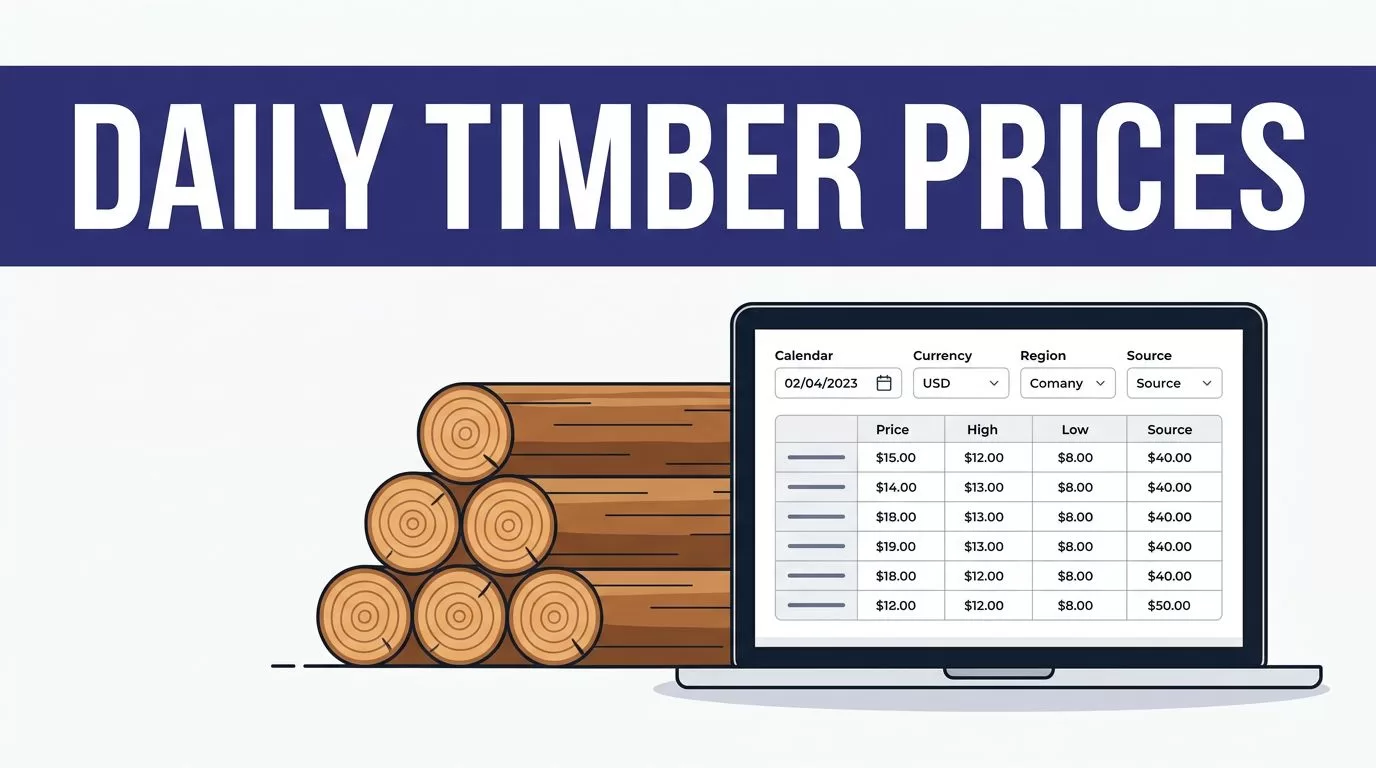
Timber buyers can face a problem before the workday starts: the spreadsheet still shows yesterday’s number. A timber price scraper gives procurement teams a repeatable way to collect published quotes, but the result is only useful when each record keeps its date, unit, currency, region, and source.
Twin.so fits a browser-based workflow when a timber source has no usable API. Its browser automation guidance describes agents that can navigate websites and extract structured information. Start with one approved source, define the record, test the output, then schedule the daily run.
Don’t ask Twin.so to guess a missing value or combine different markets into one number. Build a controlled collection process instead.
Choose the source before you automate
The source determines what your workflow can collect. It also determines how often the information changes, which fields are available, and whether the price is an offer, index, estimate, or completed transaction.
Define one market route
Start with one public pricing page, supplier portal, market bulletin, or approved industry database. Record the exact page path and filters needed to reach the timber prices.
Set the scope before writing the workflow. Specify the species, grades, regions, units, and currency you want. For example, a team may monitor Douglas fir, No. 2 grade, Pacific Northwest, priced in USD per MBF. That example defines the structure, not a market price.
Don’t mix prices from different regions or product grades in the same comparison. A lower number may reflect a different unit, delivery point, quality level, or transaction type.
Confirm access and page behavior
Check the page manually. Note whether prices appear in a table, a downloadable file, a PDF, or a dashboard. Record whether pagination, filters, login steps, or expandable sections are involved.
Twin.so markets no-API browser automation, including workflows that operate websites through browser actions. That doesn’t remove access requirements. Use only accounts and sources your organization is authorized to access, and review the site’s terms before collecting data.
Define the record your timber price scraper returns
A reliable workflow starts with a fixed schema. The schema tells Twin.so what to find and gives your database a consistent shape across daily runs.
Use a fixed field schema
Use separate fields for the date when the price applies and the time when your workflow collected it.
| Field | Example | Rule |
|---|---|---|
| Effective date | 2026-08-14 | Use the source’s quote or publication date. |
| Collected at | ISO timestamp | Record when Twin retrieved the value. |
| Species | Douglas fir | Preserve the source’s spelling. |
| Grade | No. 2 | Don’t infer a missing grade. |
| Unit | USD per MBF | Keep the price and unit together. |
| Region | Pacific Northwest | Use the source-defined geography. |
| Currency | USD | Never assume currency from location. |
| Price | Source value | Store the numeric value and displayed text. |
MBF means thousand board feet. Other sources may use board feet, cubic meters, tonnes, or another measure. Keep the original unit when conversion rules are not documented.
Keep evidence with the number
Add source_url, source_name, quote_type, and availability when the source provides them. A price without context is difficult to audit and easy to misuse.
Keep the original displayed price as text alongside the normalized numeric value. If the page shows a range, don’t turn it into one average unless your team has approved that rule. If the source shows “call for quote,” store that status instead of writing zero.
A timber price is not complete until its unit, date, region, and source are attached.
Build a timber price scraper on Twin.so
Give the workflow a narrow job. Tell it where to go, what to inspect, what to return, and what to skip. Twin’s material on gated web platform scraping shows why clear browser instructions matter when a process includes navigation and structured extraction.


Write field-level instructions
Use direct instructions such as:
- Open the approved timber pricing page.
- Apply the saved region, species, and grade filters.
- Read each qualifying row.
- Return the effective date, species, grade, unit, region, currency, price, availability, and source URL.
- Preserve the displayed value when a field is missing or ambiguous.
- Exclude advertisements, navigation text, unrelated products, and duplicate rows.
Tell the workflow how to handle pagination. If the source has several pages, require it to continue until the last relevant page or a defined result limit.
Avoid broad instructions such as “find today’s timber prices.” That wording leaves the market, product, unit, and date open to interpretation.
Set the output and skip rules
Send one structured record per price line to the destination your team uses, such as a spreadsheet, database, or approved research repository. Keep the source URL beside every record.
Define a skip rule for incomplete rows. A record missing the price, currency, or unit should enter an exception queue instead of the main price table. The workflow should report skipped records and the reason for each skip.
Test a small run before setting daily collection
A first run should prove that the workflow reads the source correctly. It should not attempt to monitor every timber market at once.
Review 20 to 50 records
Run a limited sample and compare every returned record with the original page. Check the species, grade, region, currency, unit, and price manually.
Look for common extraction errors:
- A header is captured as a timber record.
- A price range is reduced to one value.
- A currency symbol is dropped.
- A product description is mistaken for a grade.
- A second page is missed.
- A stale value is collected from a cached section.
Fix the instructions before increasing the source count. A small review is cheaper than correcting months of bad procurement data.
Set acceptance checks
Track field-level accuracy, missing-field rate, duplicate rate, failed-run rate, and time between a source update and your internal record. Compare the output with known records during the test period.
Run the workflow in report-only mode first if your setup allows it. Let it identify new and changed records without overwriting trusted data. Approve the rules after the output matches the source consistently.
Schedule the run and prevent duplicate records
Daily collection works only when the timing matches the source. A run at midnight may collect yesterday’s quote if the supplier updates at 8:00 a.m.
Run after the source updates
Set a daily schedule after the expected publication time. Use the source’s time zone, not the time zone of the person who built the workflow. Twin.so supports recurring schedules, including daily and custom intervals, according to its current trigger material.
Keep the schedule visible to the team. Record the last successful run, the number of records returned, and the next planned run. If the source publishes only on business days, define how weekends and holidays should be handled.
Use an idempotent record key
Your workflow needs a stable identity for each price record. A practical key can combine:
source + effective_date + species + grade + unit + region + currency
Use a source product ID when one exists. Don’t use the price as part of the key. When the price changes, the workflow should update the existing logical record or create a linked price history row.
Normalize spaces, capitalization, and common punctuation before matching. Keep uncertain matches in an exception table. Fuzzy matching shouldn’t merge two timber products without enough evidence.
Detect changes and send useful alerts
A daily scraper becomes an operating tool when it separates new records, unchanged records, and real changes.
Compare like with like
Normalize the price only after confirming that the currency and unit match the previous record. Remove formatting such as commas and currency symbols, but don’t convert units without a documented conversion rule.
Compare the current value with the last accepted value for the same record key. Store the previous price, current price, effective date, collection timestamp, and source URL. Calculate an absolute difference and percentage change when the values are numeric.
If the source changes from USD per MBF to CAD per cubic meter, treat that as a schema or market change. Don’t alert procurement that the price moved until the unit and currency are resolved.
Alert on evidence, not noise
Create alerts for a meaningful price change, a new product or grade, a missing required field, a failed run, an authentication problem, or a source layout change.
Set thresholds with the procurement team. A small daily movement may not matter for one category but may require attention for another. Include the old value, new value, unit, currency, region, effective date, and source link in every alert.
Send one alert per changed record version. A hash of the normalized record or a stored change ID can prevent repeated alerts during retries. Twin.so supports webhook-based workflows, and notification delivery depends on the connections available in your account.
Handle failures, permissions, and operating cost
A production workflow needs controls for the cases where the source does not behave as expected.
Keep bad runs out of your price table
Use limited retries for temporary timeouts. Stop the run when the page structure changes or a required field disappears. Don’t keep retrying a failed login or write partial results as if the run succeeded.
Record the run status, error message, source URL, and affected fields. Notify an owner when authentication fails, the record count drops sharply, or the workflow returns no prices. A zero-record run may mean no prices were published, or it may mean the scraper broke. The team needs enough evidence to tell the difference.
Keep raw output when possible. It gives reviewers a reference when the normalized value looks wrong.
Protect access and plan usage
Use credentials approved for automation. Limit the workflow to the pages and actions it needs. Don’t collect restricted records, bypass access controls, or export data beyond the source’s permitted use.
Price data may have licensing conditions even when a page is publicly visible. Review the source terms, storage rules, redistribution limits, and any requirements for attribution before sending records to another system.
Twin.so usage is measured in credits, and consumption depends on browser steps and record volume. Planning examples place a 100-item scrape around 20 to 70 credits, while a browser session with about 20 steps may use 100 to 200 credits. Treat those figures as estimates. Benchmark a small run, record credits per successful record, and forecast monthly usage from actual results.
Conclusion
A daily timber price scraper on Twin.so should collect more than a number. It should preserve the effective date, species, grade, unit, region, currency, source, and collection time for every record.
Start with one approved source. Test a small batch. Add stable deduplication, change detection, failure alerts, and human review before expanding to more markets. If you need to map multiple sources and exception paths, you can Book A Call to plan the workflow.

