Transfer Money to Hungary With Remitly: Safe Steps
If you searched for transfer money Hungary, you probably want one clear result: money delivered to a Hungarian bank account without guessing the final cost. Remitly supports bank deposits to Hungary, but the available route, fee, exchange r...

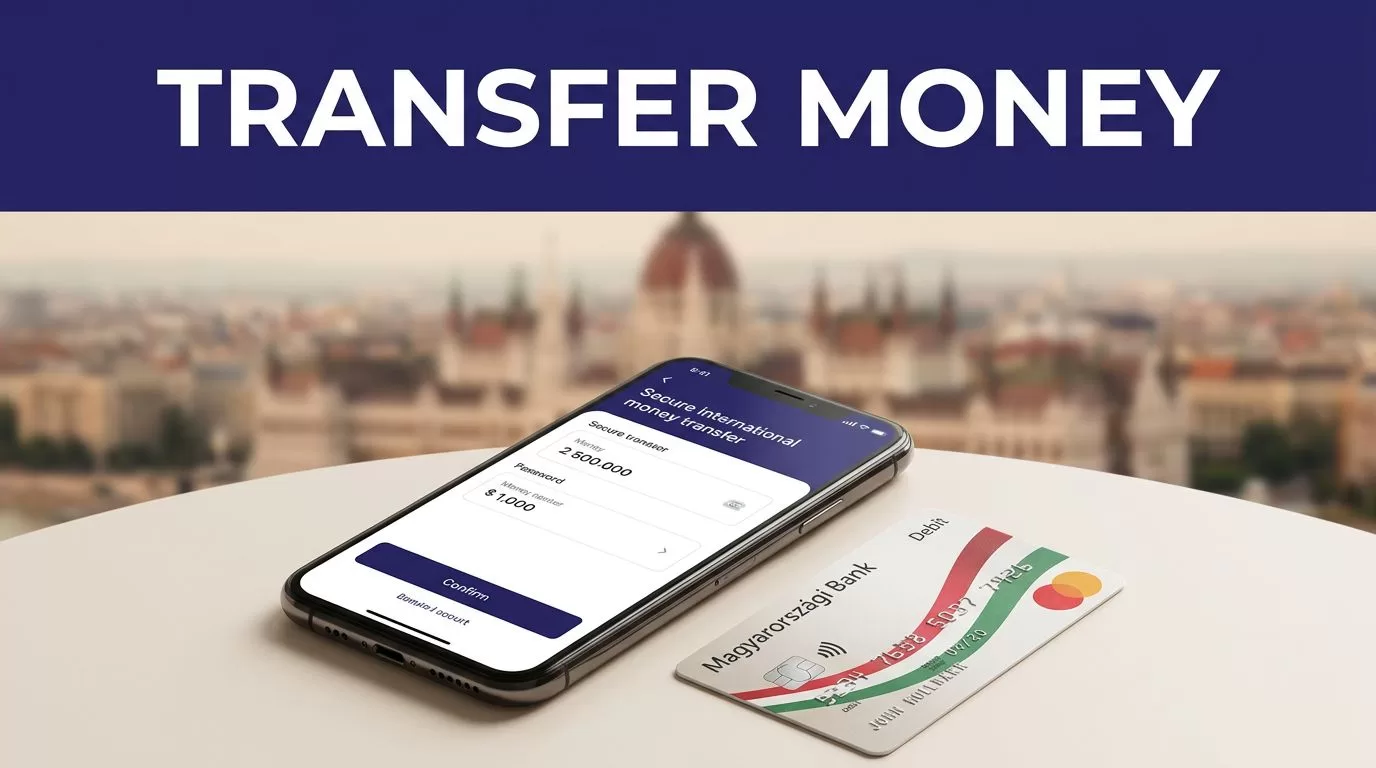
If you searched for transfer money Hungary, you probably want one clear result: money delivered to a Hungarian bank account without guessing the final cost. Remitly supports bank deposits to Hungary, but the available route, fee, exchange rate, and delivery estimate depend on your sending country and transfer details.
The process is simple when you prepare the recipient information first. Check the supported bank, compare the complete quote, and review every field before payment. Start with the route that matches your location.
transfer money Hungary: Check the Route Before You Pay
Remitly uses country-specific transfer routes. A sender in the United States may see different payment methods, pricing, delivery speeds, or promotions than a sender in the United Kingdom, Canada, Germany, France, or another supported market.
Open the Remitly’s Hungary transfer page for your actual sending country. Don’t rely on a search result for a different corridor. The page may show the available delivery methods, supported currencies, and current transfer conditions for your location.
Confirm the recipient’s bank
Bank deposit is the main Remitly option for sending money to a Hungarian account. Current provider pages show routes involving banks such as OTP Bank, Erste Bank, Raiffeisen Bank, Commerzbank, Polgári Bank, Budapest Bank, and Magyar Nemzeti Bank.
The available bank list can depend on the sender’s country and the recipient’s location. Select the recipient’s exact bank inside the Remitly app or website. If the bank doesn’t appear, don’t select a similar name and hope the payment arrives.
Remitly’s OTP Bank provider page is one example of a bank-specific route. These pages can help you confirm whether the intended institution is available before you build the transfer.
Check the receiving currency
Hungarian bank-deposit routes may support HUF or EUR, depending on the selected bank and corridor. HUF is the local currency of Hungary. The recipient’s account and bank must be able to accept the currency shown during checkout.
Don’t assume that sending U.S. dollars, British pounds, or euros means the recipient receives that same currency. Remitly will show the payout currency and the final amount before you confirm the transfer.


Photo by Monstera Production
How to send money to a Hungarian bank account
The transfer flow follows a predictable sequence. Have the recipient’s bank details available before you start. This reduces errors and prevents you from using an unverified account number under time pressure.
Follow the Remitly transfer steps
- Create or sign in to your Remitly account through the official website or mobile app.
- Set Hungary as the destination and enter the amount you want to send.
- Select the available delivery speed, such as Express or Economy.
- Choose bank deposit as the delivery method.
- Select the recipient’s bank from the available provider list.
- Enter the recipient’s name, contact information, and bank account details.
- Choose a payment method available in your sending country.
- Review the exchange rate, transfer fee, amount paid, payout amount, and delivery estimate.
- Confirm the transfer and save the receipt or reference number.
The exact screens can change by market. The basic sequence remains the same: destination, amount, delivery option, recipient, payment method, review, and confirmation.
Use the Remitly official website if you need to start again or verify that you’re using the correct service. Download the mobile app only through the Apple App Store or Google Play. Avoid APK files and unexpected download links sent through messages or social media.
Prepare the recipient record
The recipient’s name should match their government identification exactly where Remitly requires that match. Avoid shortened names, nicknames, missing middle names, or spelling differences.
Ask the recipient to send their bank details directly. Use the information supplied by the bank or account holder. Enter the account number, IBAN, bank name, and other fields exactly as Remitly requests.
A small spelling error can create a manual correction. An incorrect account number can delay delivery or require a support request. Check the details against the original message before submitting the transfer.
Review the total cost, not only the fee
The transfer fee is only one part of the price. The exchange rate affects how much HUF or EUR reaches the recipient. A transfer with a lower visible fee can still deliver less if the exchange rate is less favorable.
Remitly’s USD to HUF converter can help you view the current corridor information. Treat it as a reference, not a guaranteed quote for your transfer. The checkout screen is the usable price because it reflects your amount, payment method, delivery option, and account conditions.
Compare these values before confirming
Check all of the following on the final review screen:
- The amount charged in your sending currency.
- The transfer fee shown for the selected method.
- The exchange rate applied to your transfer.
- The exact amount the recipient receives.
- The payout currency, HUF or EUR.
- The selected delivery speed.
- The estimated arrival date or time.
- Any promotion and its eligibility conditions.
Fees and exchange rates can change in real time. Payment method, transfer amount, delivery speed, recipient location, promotion, and recipient bank can all affect the quote. There isn’t one universal Remitly price for every transfer to Hungary.
Don’t copy a fee from an old transfer. Enter the amount again and review the new quote each time you send.
Choose the delivery speed based on the need
Remitly’s Hungary pages show Express and Economy delivery options in supported corridors. The faster option may cost more, while the lower-cost option may provide a longer delivery estimate.
| Option | Use it when | Check before payment |
|---|---|---|
| Express | The recipient needs the funds sooner | The quoted fee and arrival estimate |
| Economy | Timing is flexible | The lower total cost and payout amount |
The estimate shown at checkout is more useful than a general promise on a marketing page. Bank processing hours, weekends, public holidays, payment clearing, compliance reviews, and the receiving bank can affect delivery.
Match the method to the recipient
A bank deposit usually fits recipients who already use an eligible Hungarian account. It avoids a trip to a payout location and gives the recipient a transaction record through their bank.
Don’t choose Express only because it sounds faster. Compare the final recipient amount and the delivery estimate. If the recipient can wait, Economy may provide a better cost. If the payment supports rent, an invoice, or a deadline, the delivery estimate deserves more weight.
Protect the transfer and recipient details
Money transfers require the same access discipline as online banking. Use a private device and a secure connection. Keep your Remitly password and verification codes private.
Verify the payment record
Before you approve the transfer, compare the recipient’s details with the information they provided. Check the name, bank, account number, currency, and amount. If anything changed at the last minute, verify the change through a trusted contact method.
Don’t send a payment based only on an email change or a message claiming that the recipient’s bank details have been updated. Attackers often target money transfers because a completed payment can be difficult to reverse.
After payment, save the confirmation and reference number in a secure location. Don’t post the reference number in a public chat, open spreadsheet, or social media message. Record the date, amount, recipient, bank, and transfer status if you need to reconcile payments later.
Expect account verification when required
Remitly may ask for identity or transaction information before allowing a transfer. Requirements vary by sending country, account history, amount, payment method, and compliance rules.
Use your legal information during registration. Make sure your payment method belongs to you and can be used for the transfer. Don’t try to bypass a verification request with a different name or another person’s card.
Track the transfer after payment
Remitly provides transfer status information through the account or app. Check the status there before contacting the recipient or starting a second transfer.
A delay doesn’t automatically mean the money is lost. Payment clearing, a bank review, incorrect recipient details, a weekend, or a local holiday can change the estimate. A completed payment message also doesn’t prove that the recipient’s bank has posted the funds. Ask the recipient to check the account activity and available balance.
Handle mistakes quickly
If you notice an incorrect name or account detail, contact Remitly support as soon as possible. Don’t wait until the expected delivery time has passed. A correction may require additional verification and may not be possible after the transfer reaches the recipient bank.
If a transfer fails, review the status and support instructions in your account. Don’t submit repeated transfers while the first one is unresolved. That can create duplicate payments and make reconciliation harder.
Keep the receipt, reference number, screenshots where permitted, and support messages. These records give you a clear trail if the transfer needs investigation.
Conclusion
Remitly can be a practical way to transfer money to Hungary when the recipient has an eligible bank account. The reliable process is direct: choose the correct sending corridor, confirm the bank, enter the recipient’s details exactly, compare the full quote, and track the payment after confirmation.
The phrase transfer money Hungary describes a route, not a fixed price. Fees, exchange rates, limits, delivery times, supported banks, and payment methods can change. Review the live Remitly quote every time, then send only after the recipient amount and account details match your plan.

