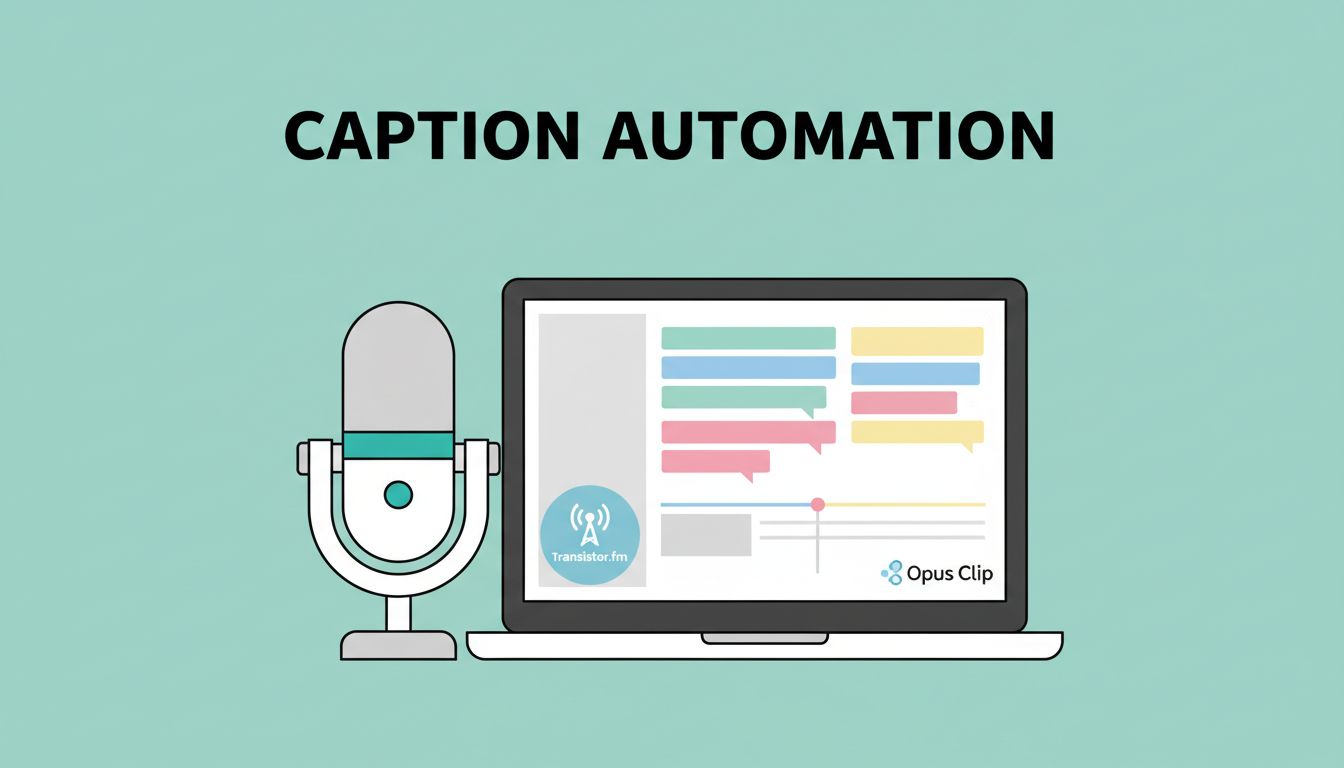
You publish a new podcast episode on Transistor.fm. Listeners love it. But you want short clips with automated video captions for social media. Manual editing takes hours. I faced that problem too. Now, I use Opus Clip to handle it automatically.
This setup saves me time each week. It turns full episodes into captioned shorts ready for TikTok or YouTube. Podcasters and creators get more reach without extra work. Let’s walk through how I do it step by step.
Why Transistor.fm Powers My Podcast Workflow
Transistor.fm hosts my podcasts. I upload audio or video files there. The platform distributes to Spotify, Apple Podcasts, and YouTube. It even converts audio to video automatically for platforms like YouTube.
I love its simple dashboard. You see analytics, listener stats, and episode management in one spot. No steep learning curve. For video podcasts, Transistor handles RSS feeds and embeds smoothly.
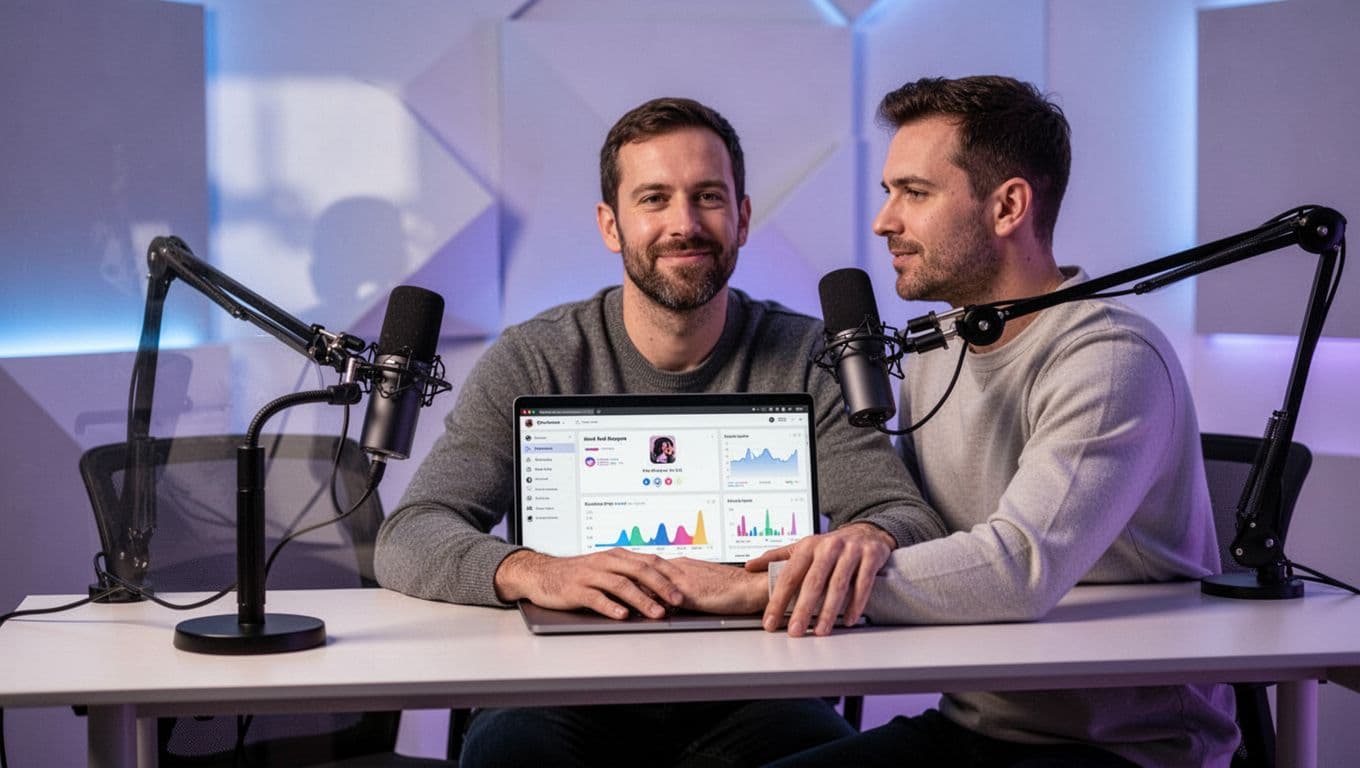
Picture me at my desk, microphone ready, checking the latest upload. Transistor makes publishing quick. You set it once, then automate the rest. That’s where Opus Clip fits in.
Opus Clip Handles the Caption Magic
Opus Clip takes my long episodes and slices them into shorts. It adds automated video captions that sync with speech. The AI spots key moments, like laughs or big ideas. Captions pop with colors and emojis.
I started with their free trial. Upload a file, and it processes in minutes. Speaker detection labels hosts and guests. It reframes for vertical video too. Check Opus Clip’s guide on auto-caption accuracy for more on their tech.
Besides captions, it adds B-roll and music. Results look pro. No editing skills needed. For podcasters, this means clips that hook silent viewers fast.
Building Your Automation Workflow
No direct link exists between Transistor.fm and Opus Clip yet. I bridge them with Zapier. It triggers on new episodes and sends them to Opus. Make.com works the same way.
First, log into Zapier. Create a new zap. Set Transistor’s “new episode” as the trigger. Connect your Transistor account. Test it with a recent episode.
Next, add Opus Clip as the action. Choose “create clips from video.” Paste the episode link or upload the file. Zapier handles the transfer.
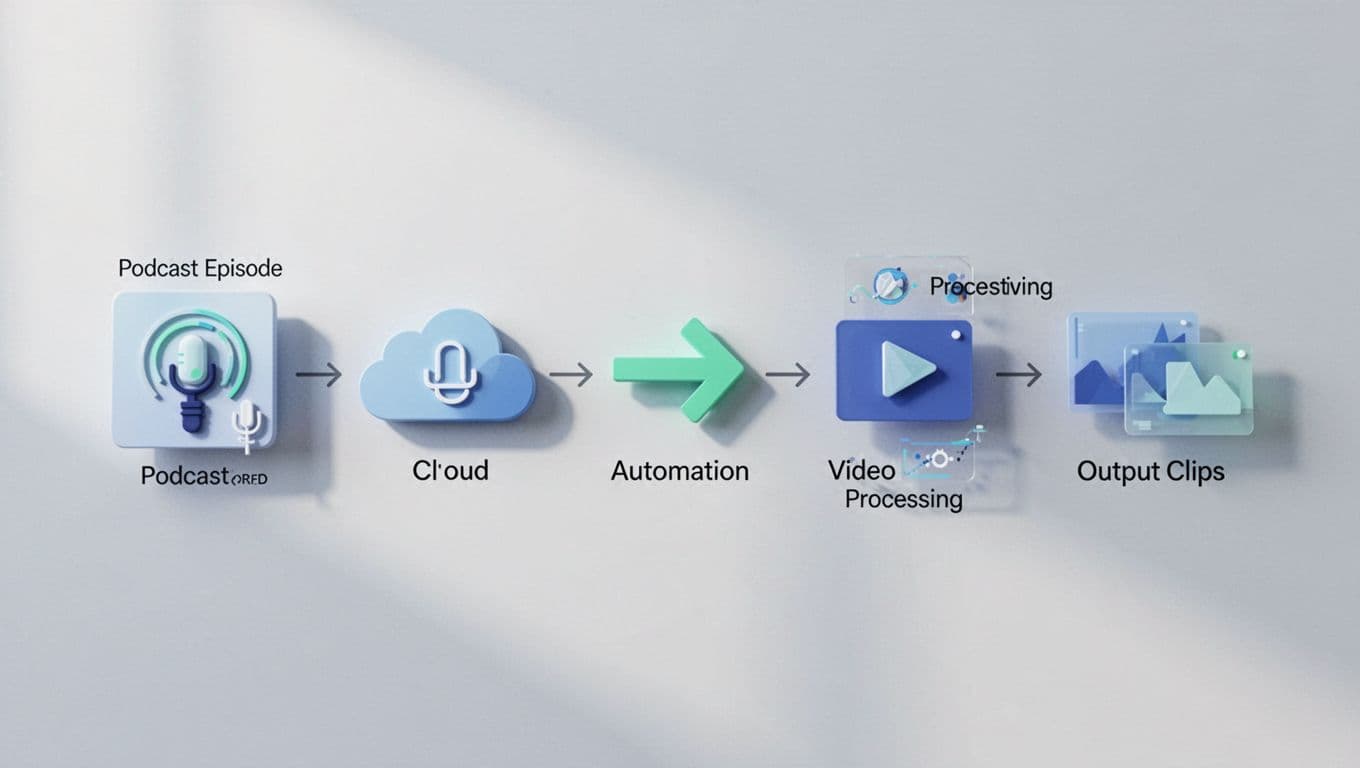
This flow runs hands-free. I publish once. Clips arrive captioned hours later. Start small. Test a 20-minute episode first.
Prep Your Episode Inputs Right
Quality starts with good inputs. I export episodes as MP4 from Transistor. Clear audio matters most. Use a quiet room and decent mics.
For video podcasts, keep visuals simple. Multiple cameras confuse the AI. Single shots work best. Transistor converts audio to static video if needed. That feeds Opus perfectly.
File size counts too. Opus handles up to 90 minutes free. Compress large files first. I use Handbrake for that. Always check RSS links in Transistor. They must be public for Zapier.
Boost Caption Quality Every Time
Automated video captions shine when you tweak settings. In Opus, pick “high accuracy” mode. It matches words to lips better. Add custom emojis for your brand.
Test on mobile. Captions must read easy at small sizes. I review the first batch. Edit timestamps if accents trip the AI.
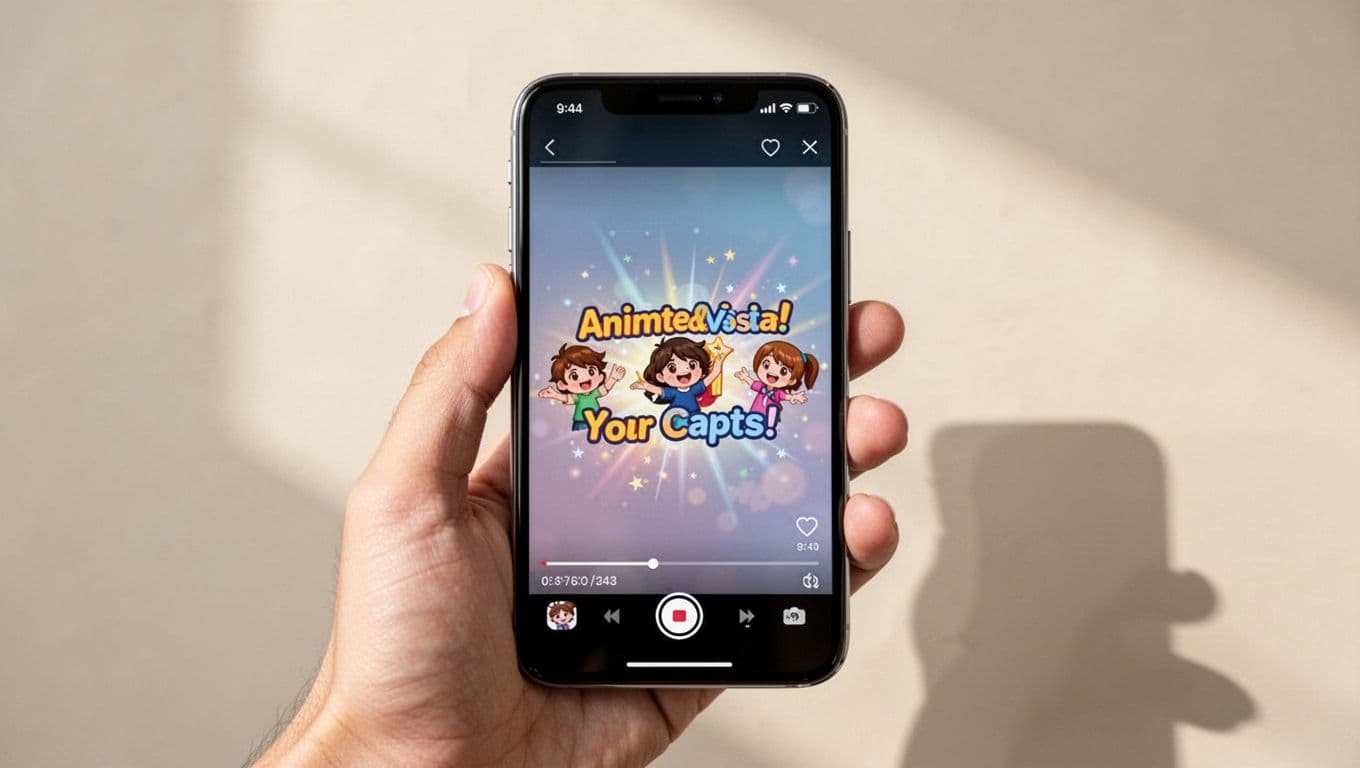
See how those overlays grab attention? Dynamic styles keep eyes locked. For noisy episodes, boost subtitle size. Opus adds sentiment highlights too. Excited parts glow brighter.
Publish and Repurpose Clips Easily
Download ready clips from Opus. Post to TikTok, Instagram Reels, or YouTube Shorts. I schedule via Buffer. Captions boost views by 12 times on silent plays.
Repurpose further. Pull transcripts for blog posts. See Opus Clip’s transcript tools. Share one clip per platform. Track engagement in Transistor analytics.
Batch process old episodes. Turn archives into fresh content. Viewers discover you anew.
Fix Common Automation Hiccups
Zaps fail sometimes. Check Transistor permissions first. Reconnect if needed. Opus quotas hit during peaks. Upgrade for more clips.
Audio sync issues? Re-upload clearer files. Zapier logs show errors. I email support for stuck jobs. Test weekly to catch drifts.
Slow processing? Shorten episodes. Opus speeds up with practice files.
This workflow transformed my content game. Automated video captions now flow without effort. Try it on your next Transistor episode. What clips will you make first? Share in the comments. Your audience waits.