How to Generate a Website Variation Preview in Mida.so
Most conversion optimization projects fail long before anyone looks at test results. They fail in the editor where buttons overlap, forms break on mobile screens, and tracking snippets fire twice. When you build an experiment, you need to s...

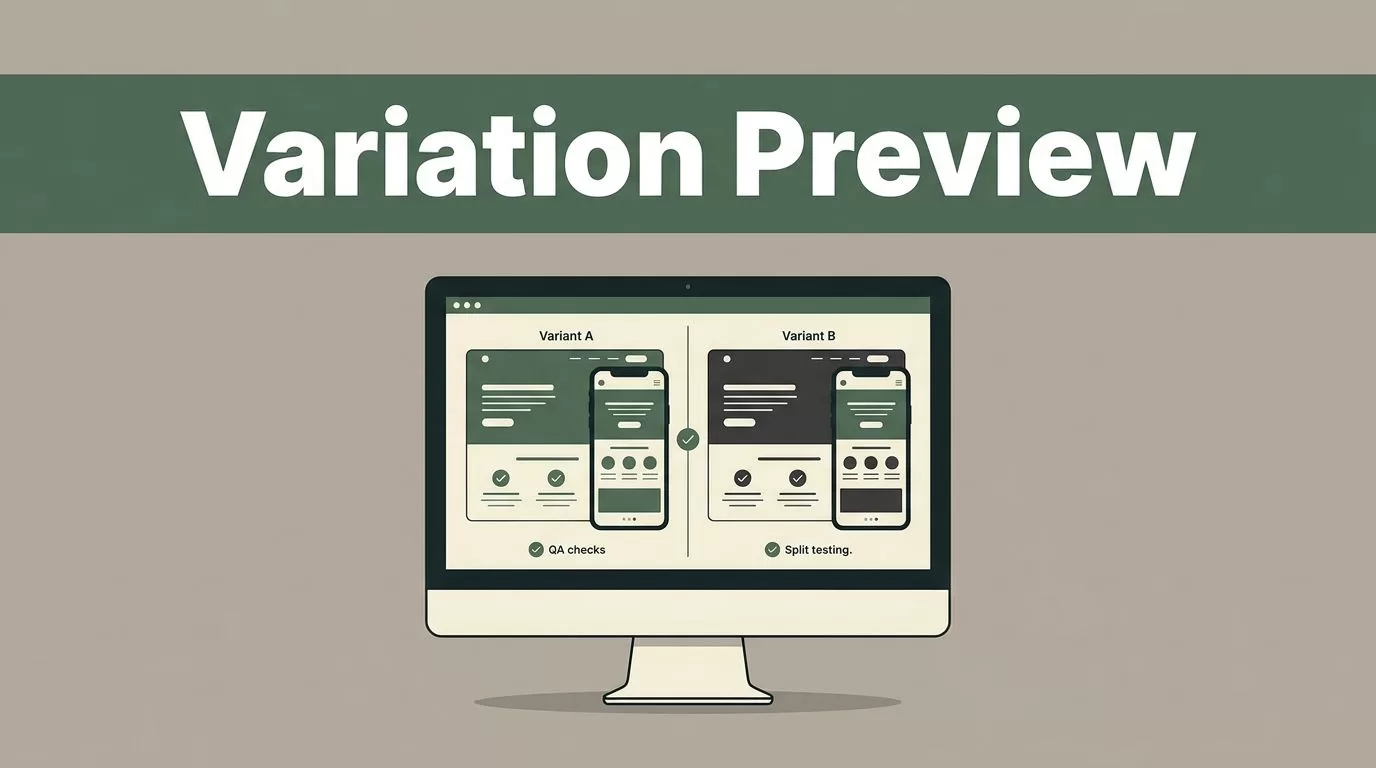
Most conversion optimization projects fail long before anyone looks at test results. They fail in the editor where buttons overlap, forms break on mobile screens, and tracking snippets fire twice. When you build an experiment, you need to see how the code renders before real users land on the page. Generating a website variation preview inside Mida.so lets your team catch visual defects, check responsive behavior, and verify tracking before you push traffic live.
Key Takeaways
- Test every variant across multiple device sizes to catch broken responsive layouts before launching experiments.
- Use preview links to verify that tracking scripts and form submissions fire correctly without polluting production data.
- Check your target audience rules and traffic allocations before sending live visitors to your previewed changes.
- Review absolute conversion numbers and segment consistency alongside percentage lifts to protect revenue quality.
Why Previewing Variations Matters for Experiment Quality
Guesswork destroys experiment validity faster than low traffic volume. If you push an untested variant live, you risk breaking core user paths like checkout forms, mobile navigation menus, or pricing calculators. Visual QA protects your brand reputation and ensures that measured conversion differences reflect actual user preference rather than broken markup.
A strong preview process checks four critical dimensions before any split test starts. Performance metrics measure whether your injected script or CSS adds weight or slows down asset loading. Tracking errors reveal whether conversion events fire twice or fail to transmit parameters to analytics tools. Audience issues highlight whether device targeting or geo-restrictions route visitors to the wrong experience. Experience defects uncover flicker effects, misaligned text, or inaccessible buttons that ruin the user journey.


Setting Up Your Experiment and Variations in Mida
Before you generate any preview links, your experiment structure needs a clear baseline. You must record your current conversion rate, bounce rate, and core traffic distribution across mobile and desktop devices. If your baseline data is noisy, your experiment analysis will yield unreliable conclusions.
Open your Mida.so dashboard and select the project where you want to run the test. Create your control experience and your designated variants inside the visual editor or through custom code injections. Define your primary conversion goal, such as a demo request, newsletter signup, or pricing page view. Keep your traffic allocation steady, typically using a balanced fifty-fifty split to give both experiences equal exposure. For a lightweight approach to setting up these campaigns, review Mida.so features and capabilities to understand how script weights and visual editors operate.
Generating and Sharing Preview Links
Once your variant markup is ready, you need a reliable way to inspect the page without exposing the experiment to live traffic. Mida.so allows you to generate secure preview URLs that force your browser into the specified variation state.
Click the preview option inside your experiment configuration panel to generate unique testing URLs for each variant. Share these links with copywriters, designers, and stakeholders so everyone reviews the exact same code state. When reviewers open the preview URL, the platform injects the variation cookie or parameter, bypassing normal traffic allocation rules.
Always test these links in an incognito browser window or clear your local storage beforehand. If your browser retains old session cookies, the preview script might fail to render the correct CSS modifications or text updates.
Performing Visual and Technical QA on Your Preview
Walking through a static preview isn’t enough to guarantee a clean experiment launch. You need to interact with every element on the page exactly as a real customer would.
Start by checking your responsive breakpoints across desktop, tablet, and mobile viewports. A headline that looks polished on a twenty-seven-inch monitor might overlap navigation buttons on an iPhone screen. Inspect your page load speed and check for unexpected layout shifts that could harm user experience. For deeper technical standards on tracking layout stability during tests, consult Google’s Core Web Vitals documentation.
Verify that your analytics integration captures events correctly during the preview session. Open your browser developer tools network tab to confirm that conversion triggers fire once and only once per action. If a form submission triggers duplicate events in your tracking platform, pause the experiment and adjust your trigger rules immediately.
Controlling Access and Preventing Data Pollution
Allowing unmanaged preview access can corrupt your incoming analytics data if internal team members trigger conversions while testing. You should configure your targeting rules to exclude internal IP addresses, company VPN ranges, and employee user agents from the active experiment pool.
Mida.so lets you define precise audience parameters so that test scripts only execute for qualified external visitors. If your variation targets specific traffic sources or paid campaigns, verify those parameters before flipping the experiment status from paused to live. Keeping internal traffic out of your sample ensures that your final conversion lift reflects genuine buyer behavior. For a practical walkthrough on connecting these data streams, read this guide on how to integrate A/B testing with Google Analytics 4 using Mida.so.
Conclusion
Generating website variation previews bridges the gap between writing experiment code and gathering reliable conversion data. Systematic visual QA, rigorous tracking checks, and strict audience exclusions protect your analytics from noise and false positives. Take time to test every responsive breakpoint and verify your event triggers before sending live traffic to your variants. Proper preparation turns an ordinary split test into a dependable engine for sustainable business growth.

