Cold outreach often fails because you knock on the wrong doors. You spend hours guessing emails that bounce or land with people who can’t help. I fix that with Hunter.io’s contact finder. It pulls professional emails from public sources, verifies them fast, and feeds right into campaigns.
As an SDR and founder, I’ve built lists that actually reply. This guide shares my exact steps for outbound marketing. You’ll get cleaner data, better deliverability, and compliant habits that last. Let’s jump into why it works for teams like yours.
Why Hunter.io Excels in Outbound Contact Finding
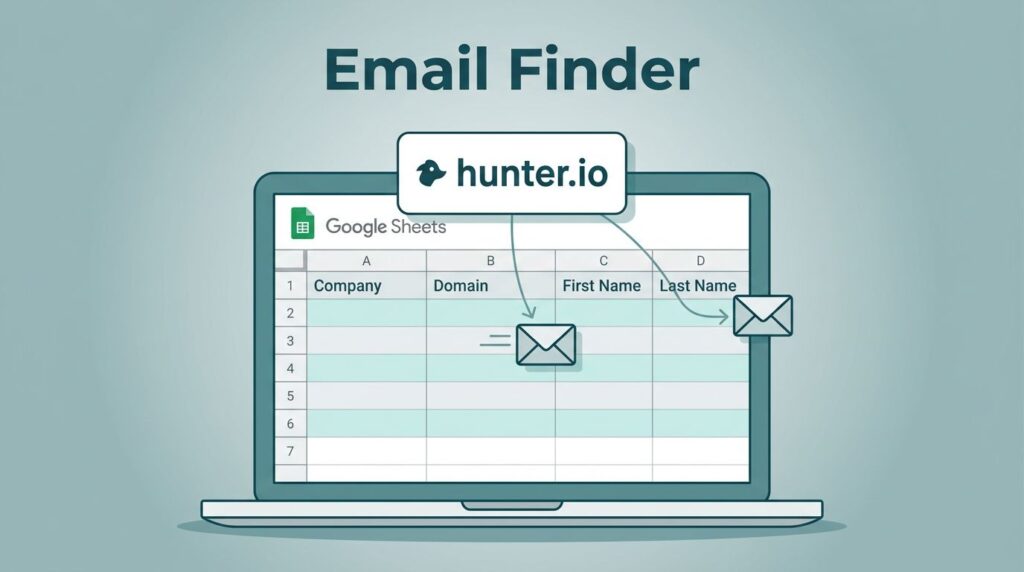
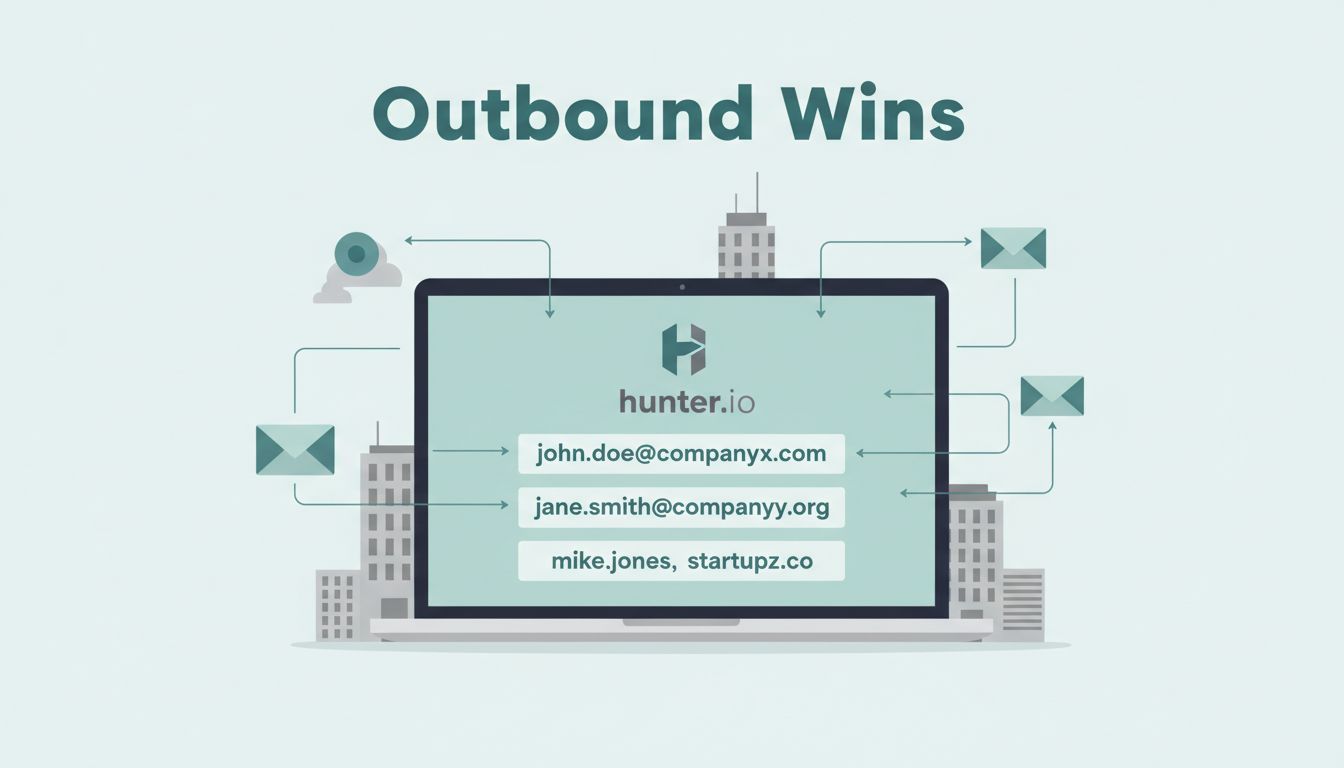
Hunter.io shines when you need precise business emails without the mess. I start with a company domain, and it reveals patterns like first.last@company.com. No more spreadsheets full of maybes.
The tool pulls from public web data, so results stay ethical and fresh. In April 2026, features like multi-domain searches and AI-assisted filters make it quicker. I target roles such as RevOps leads or marketing directors, then enrich with job titles and company details.
It beats broad databases because verification happens inline. You see confidence scores before wasting credits. For outbound, that means lists ready for sequences, not cleanup marathons. If you prospect known accounts, Hunter fits perfectly over massive platforms like Apollo.
Pick a Plan That Matches Your Outbound Volume
Credits power Hunter.io, so choose based on your sends. Free gives 50 monthly, enough for tests. Paid plans scale up.
Here’s the lineup as of April 2026:
| Plan | Monthly Price | Credits/Month | Best For |
|---|---|---|---|
| Free | $0 | 50 | Solo tests, small lists |
| Starter | $34 | 2,000 | Individual SDRs |
| Growth | $99 | 10,000 | Small teams |
| Scale | $199 | 25,000 | High-volume prospecting |
| Enterprise | Custom | Custom | Large ops with API |
I stick to Starter for weekly batches of 100 leads. Credits cover finds, verifies, and enrichments. Annual billing cuts costs by 25 percent. Watch usage, though. Bulk uploads eat credits quick, so prioritize verified hits.
Step-by-Step Email Finding with Hunter.io
Finding contacts feels like spotting tracks in snow. I follow a tight path to avoid dead ends.
First, grab the domain from the company site. Paste it into Domain Search. Hunter lists emails, patterns, and roles. Filter for department or seniority, like “marketing” or “VP.”
Next, use Email Finder for specifics. Enter name, domain, and role. It guesses the address with a score. Save high-confidence ones to Leads.
For lists, upload a CSV of domains or names. Bulk mode handles 10,000 at once on paid plans. I add notes like “recent hire” for personalization.


This process builds my Hunter.io lead generation workflow. Results enrich automatically, pulling firmographics. Export to CSV or CRM like HubSpot. One batch takes 20 minutes, yields 80 percent verified.
Verifying Emails for Reliable Outreach
Verification turns guesses into gold. I never send without it. Bounces kill your sender score.
In Hunter, hit verify on any find. It checks SMTP, syntax, and catch-alls. Green means go; yellow needs caution. Credits cost one per check, but saves domain pain.
New in 2026, progressive sending ramps volume slow. Pair it with verification for inbox trust. I re-verify weekly lists, especially new domains.

Track health in the Email Accounts Center. SPF, DKIM, and DMARC setup first, always. My bounce rate stays under 2 percent this way. See Hunter’s guide to sales email outreach for more on clean lists.
Launch Campaigns That Get Replies
With verified contacts, build sequences in Campaigns. Free limits 500 recipients; Scale hits 15,000.
I craft three-email flows. Day 1: Hook with a trigger like “saw your hiring post.” Day 3: Add proof. Day 7: Soft close.
Personalize light: company news or role fit. AI assistant drafts, but I tweak for voice. A/B test subjects. Track opens, replies.
Integrate with Chrome extension for LinkedIn finds. For bigger ops, API pulls into CRMs. Check Hunter’s outreach engine build for loops that compound.
Ethical Habits and When to Switch Tools
Compliance keeps you safe. Use public data only. Add opt-outs every email. Honor replies fast.
Hunter suits targeted outbound. For massive databases or multi-channel, try Apollo. I switch when volume tops 500 weekly.
Build suppression lists from bounces. Target ICP tight: industry, size, signals like funding.
Follow my cold outreach email finder steps for full flows.
Hunter.io contact finder streamlines my outbound. Verified emails mean real conversations, not spam folders. Start small: pick 20 domains, find and verify today. Track replies, refine next week. Your pipeline fills steady. What’s your first domain?