How to Send Money to Chile With Remitly
The wrong transfer option can create delays, extra costs, or a difficult pickup for your recipient. If you need to send money to Chile, Remitly gives you a structured process for choosing the delivery method, entering recipient details, and...
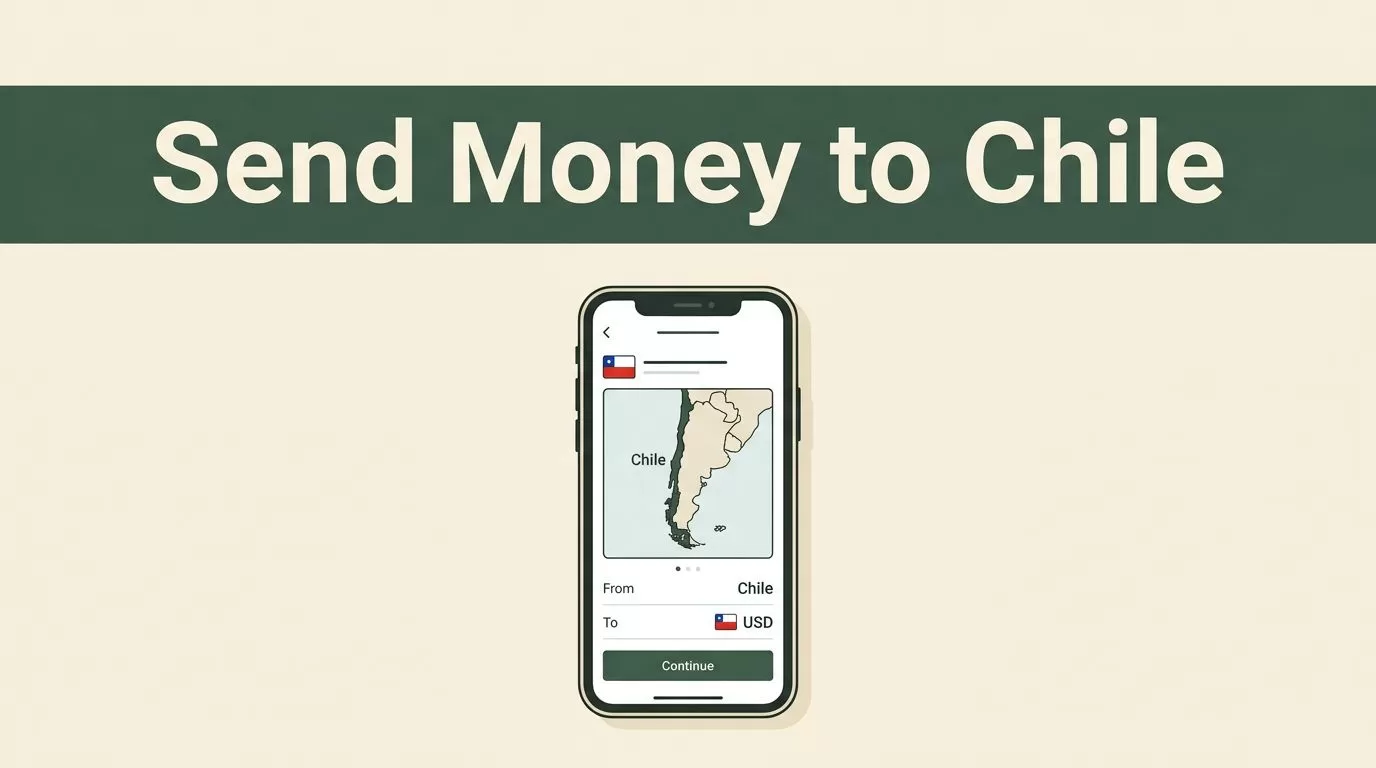
The wrong transfer option can create delays, extra costs, or a difficult pickup for your recipient. If you need to send money to Chile, Remitly gives you a structured process for choosing the delivery method, entering recipient details, and reviewing the final quote before payment.
The best choice depends on how your recipient wants to receive the funds. Bank deposit works well for people with an eligible Chilean account. Cash pickup helps recipients who need physical cash. Mobile wallet delivery may fit recipients who already use a supported wallet. Check the live rate, fee, delivery estimate, and recipient payout before you confirm.
Why Remitly Is Practical for Sending Money to Chile
Remitly is designed for international transfers through a mobile app or website. You create an account, verify your identity, select Chile as the destination, fund the transfer, and choose how the recipient receives the money.
For senders in the United States, Remitly’s official Chile transfer page lists cash pickup, bank deposit, and mobile wallet delivery. The available options can vary based on your sending country, payment method, transfer amount, and the recipient’s location.
You should not select a delivery method based only on the advertised fee. The recipient needs a payout method they can access. A slightly cheaper option is not useful if the recipient cannot reach the pickup location or does not have the required bank account.
Remitly also displays the exchange rate and expected recipient amount before you submit the transfer. That quote is the control point for your decision. Review it every time because rates, fees, promotions, and delivery estimates can change.
The Best Way to Send Money to Chile Depends on the Recipient
Start with the receiving method, not the sending app. Ask your family member or friend how they want to access the funds before you begin.
| Delivery method | Best fit | Recipient requirement |
|---|---|---|
| Bank deposit | Regular household support or larger planned payments | Eligible bank account details |
| Cash pickup | Recipients who need physical cash | Government-issued ID and transaction reference |
| Mobile wallet | Recipients who already use a supported wallet | Eligible wallet account and accurate contact details |
Bank deposit
Bank deposit is usually the most convenient option for recipients who already have an eligible account in Chile. You enter the recipient’s legal name, bank name, account type, and account number. The details must match the bank’s records.
Remitly’s Banco de Chile provider page shows that bank deposit availability depends on the transfer route and recipient location. Do not assume every Chilean bank or account type is available. Check the provider list inside your transfer before entering payment information.
A bank deposit reduces the need for the recipient to travel. It can also make recurring support easier because you can reuse verified recipient information. Review every field before sending, especially the account number.
Cash pickup
Cash pickup fits recipients who do not use bank accounts or need funds in person. Remitly directs the recipient to a designated partner location. The recipient generally needs government-issued photo identification and the transaction reference number or PIN.
Confirm that the pickup location is practical before you select this option. Check operating hours, travel distance, and the name the recipient must provide. The legal name on the transfer should match the recipient’s identification.
Cash pickup may also be useful when a recipient needs to control the timing of collection. It creates an additional step, so send the reference details privately and keep the transfer receipt until the funds are collected.
Mobile wallet
Mobile wallet delivery can work when the recipient already has a supported wallet registered in their own name. The wallet option may not appear for every recipient, location, or sending route.
Check the recipient’s wallet details before you enter them. A phone number with one incorrect digit can send the transfer into a correction process. The recipient should also confirm that the wallet can receive the currency and amount shown in the quote.
When you send money to Chile, the recipient will generally review the payout in Chilean pesos, or CLP. Use the live Remitly quote rather than estimating the final amount from a search result.
How to Send Money to Chile With Remitly Step by Step
The setup takes only a few minutes when you have the required details ready. Use the official Remitly app from your device’s app store or open the Remitly website.
- Create your Remitly account. Enter your email address and personal information. Use your own details so the account can pass verification and payment checks.
- Complete identity verification. Remitly may request a government-issued identification document and additional information. This step supports identity checks and anti-money laundering requirements. Upload clear documents through the official app or website only.
- Select Chile as the destination. Enter the amount you want to send and check the currency displayed on the transfer screen. The recipient payout will depend on the current quote and selected route.
- Choose the delivery method. Select bank deposit, cash pickup, or mobile wallet when the option is available. The method controls which recipient details Remitly requests.
- Enter recipient information. For a bank deposit, provide the recipient’s legal name, bank name, account type, and account number. For cash pickup, enter the legal name and contact details required for collection. For a wallet, use the registered name and phone information.
- Select the payment and delivery speed. Your available payment methods and delivery choices can affect the final cost and estimated arrival time. Do not treat an estimate as a guarantee. The app will show the applicable details for your transfer.
- Review and confirm. Check the sending amount, fee, exchange rate, recipient amount, delivery method, recipient information, and estimated delivery details. Submit the transfer only after every field matches your records.
After confirmation, save the receipt and reference information. Use the Remitly tracking view to monitor status updates. If a transfer requires more information, respond through the account instead of creating a duplicate transaction.
Review the Full Cost Before You Confirm
The visible transfer fee is only one part of the cost. You also need to review the exchange rate and the final amount the recipient receives.
Remitly’s USD to CLP currency converter helps you view the current route before you start. Use it as a reference, then rely on the live quote inside your specific transfer. The rate can differ based on your country, amount, payment method, and delivery option.
A low transfer fee does not automatically produce the best result. Compare the total CLP amount received, not the fee alone.
Promotional pricing can also change the calculation. A first-transfer offer may have eligibility conditions, limits, or an expiration date. Read the terms shown in your account instead of assuming a promotion applies to every transfer.
For an additional explanation of how transfer fees and exchange rates affect the total price, review this Remitly fee breakdown. Use third-party comparisons for context, but treat the Remitly quote shown at checkout as the amount that controls your transaction.
Before sending money regularly, record three figures for each transfer:
- The amount you pay in your sending currency.
- The total fee charged for that transaction.
- The CLP amount your recipient receives.
This record helps you compare future transfers without relying on memory. It also shows whether a promotional rate changed the outcome.
Help Your Recipient Receive the Funds
The transfer process does not end when you press the confirmation button. The recipient still needs to access the money through the selected payout method.
For a bank deposit, confirm the recipient’s bank name, account type, account number, and legal name before you send. Ask the recipient to check the account after Remitly marks the transfer as delivered. If the details are incorrect, contact Remitly support promptly rather than sending a second transfer.
For cash pickup, provide the transaction reference or PIN through a private channel. The recipient should bring the required government-issued photo ID and use the same legal name entered on the transfer. They should also verify the partner location and opening hours before traveling.
For a mobile wallet, confirm that the recipient owns an eligible wallet and that the phone number matches the account. The recipient may need to complete a wallet-side verification before using the funds.
Keep your receipt until the recipient confirms access. Never share account passwords or payment card information with the recipient or with anyone claiming to arrange the pickup.
When Remitly May Not Be the Right Fit
Remitly can be practical when the recipient has a supported payout option and you want to manage the transfer through an app. It may be less suitable when your recipient needs a service that supports a specific bank, account type, or local payout location not shown in your transfer.
Check the route before creating expectations about timing. Delivery speed can depend on the payment method, compliance review, weekends, holidays, provider availability, and recipient details. A transfer marked for a faster option can still require review.
You should also compare the complete quote with another regulated provider if the amount is large or the transfer is recurring. Compare the amount paid, CLP received, fee, delivery method, and estimated timing under similar conditions. Avoid comparing one provider’s promotional quote with another provider’s standard quote.
Review Remitly’s current terms and pricing immediately before completing the transfer. The information shown in your account is more reliable than an old rate, fee example, or promotional page.
Conclusion
The best way to send money to Chile with Remitly depends on the recipient’s access, not on one universal delivery method. Use bank deposit for an eligible account, cash pickup for in-person collection, or mobile wallet delivery when the recipient already has a supported wallet.
Set up the account, complete verification, enter accurate recipient information, and review the live fee, exchange rate, CLP payout, and delivery estimate before confirming. When you send money to Chile, a careful final review prevents most avoidable transfer problems.
